A Fast, Universal Image Viewer to Replace Built-in Utilities
Windows' built-in photo viewer keeps gaining unnecessary tabs with each update, takes forever to launch, and occasionally hangs on heavy formats like RAW or SVG. In macOS, the standard Preview is decent, but it falters on uncommon extensions. When someone sent me an archive containing a set of .jxl, .webp, and several vector files, the system's built-in tools turned a quick preview into an ordeal. That's how I returned to ImageGlass, a project I've been following since the classic WinForms days.
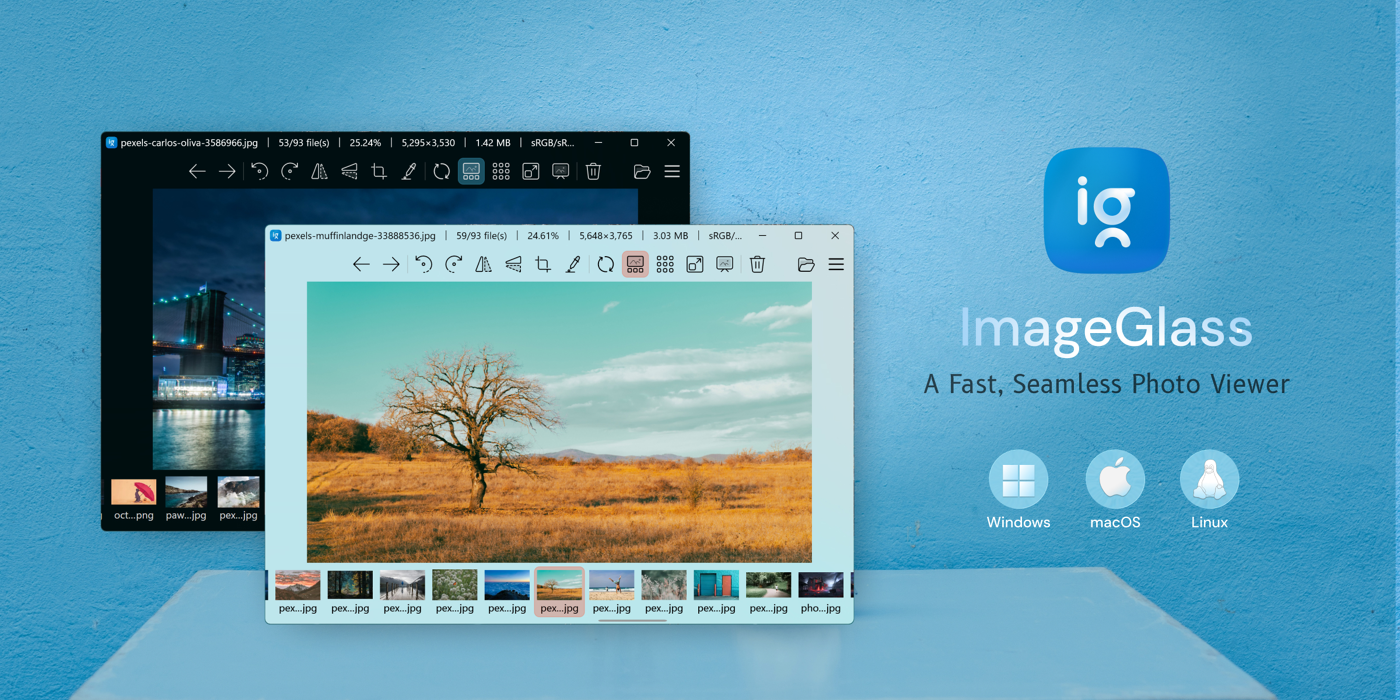
What This Tool Is
ImageGlass started as a lightweight Windows utility designed to simply open images without delays. The project has existed since 2012, gathered over 14,000 stars on GitHub, and is currently undergoing a major architecture overhaul.
Version 10 has moved to a cross-platform stack, so the program now runs on Windows, macOS (Apple Silicon), and Linux distributions via Flatpak. It's aimed at developers, designers, and photographers who need to quickly browse galleries without importing them into heavy cataloging software.
What's Under the Hood and How It Works
The main feature of this utility is its versatility. It understands more than 90 file formats. These include modern web formats like WebP, AVIF, JPEG XL, vector SVG, as well as camera shots in HDR and RAW.
Here are a few things that make ImageGlass convenient in everyday work:
- Support for rare and new formats without third-party codecs. You simply click on a
.jxlor.heicfile, and it opens instantly. - Fast zoom and navigation with scale preserved when switching between frames.
- Viewing color profiles and EXIF metadata with a single click.
- File sorting in exactly the same order as in Windows Explorer.

Under the Hood and the Technology Shift
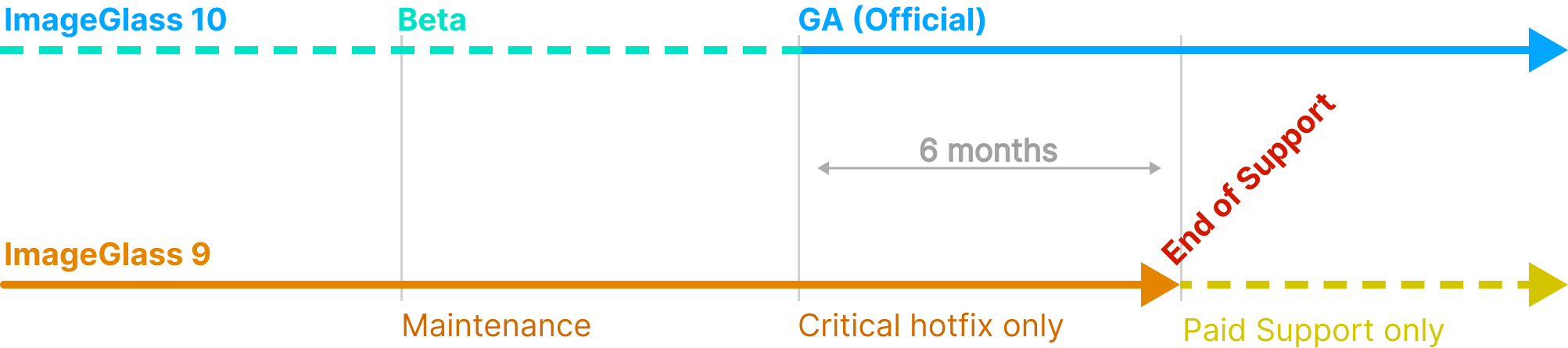
Early versions of the program were based on pure .NET and WinForms. The author then experimented with WebView2 for the interface in the ninth branch, but for version 10 chose a full cross-platform UI built with C# and Avalonia.
The source code is split into two main development branches:
- The
v9branch, which uses Visual Studio on Windows and WebView2 for WebUI rendering. - The
developbranch of version 10 in thesourcedirectory, designed to build in Visual Studio and VS Code on Linux and macOS.
The repository contains an important security warning. Due to the utility's popularity, attackers frequently clone the project, creating fake forks and gists with malicious code disguised as "portable builds." You should only download binaries from the official repository d2phap/ImageGlass or the project website.
Distribution Model
The classic ImageGlass build is completely free for personal and commercial use. The developer distributes it through the official website and repository.
For those who want automatic background updates and wish to financially support the author, there's a paid version in the Microsoft Store. Both editions contain an identical feature set and support fine-tuning through configuration files.
Who Will Find It Useful
If you're tired of the sluggishness of the system Photos app in Windows or need a lightweight utility for quickly viewing assets on Linux and macOS, ImageGlass definitely fills that need. The program launches in fractions of a second and takes care of all the problems with opening exotic graphic formats.
Related projects