How to Build a Hardware KVM Switch for 11 Euros Using Two Raspberry Pi Pico Boards
Ever had two computers on your desk but room for only one keyboard and mouse set? There are usually two ways to handle this. The first is software-based (like Barrier or Input Leap). But then the headaches start: network drops, corporate VPN blocks local traffic, or your work machine won't let you install third-party software. The second option is a cheap USB switch from AliExpress. You press a button on the little box, wait a couple of seconds for the OS to reinitialize the devices, and repeat this dozens of times a day.
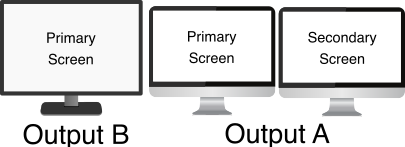
Developer hrvach ran into this exact frustration and decided to build their own hardware. The project is called DeskHop. It's an open device that switches your keyboard and mouse between two computers instantly. You can switch via hotkey or simply by dragging the mouse cursor past the edge of the screen, just like having one monitor connected to two PCs.
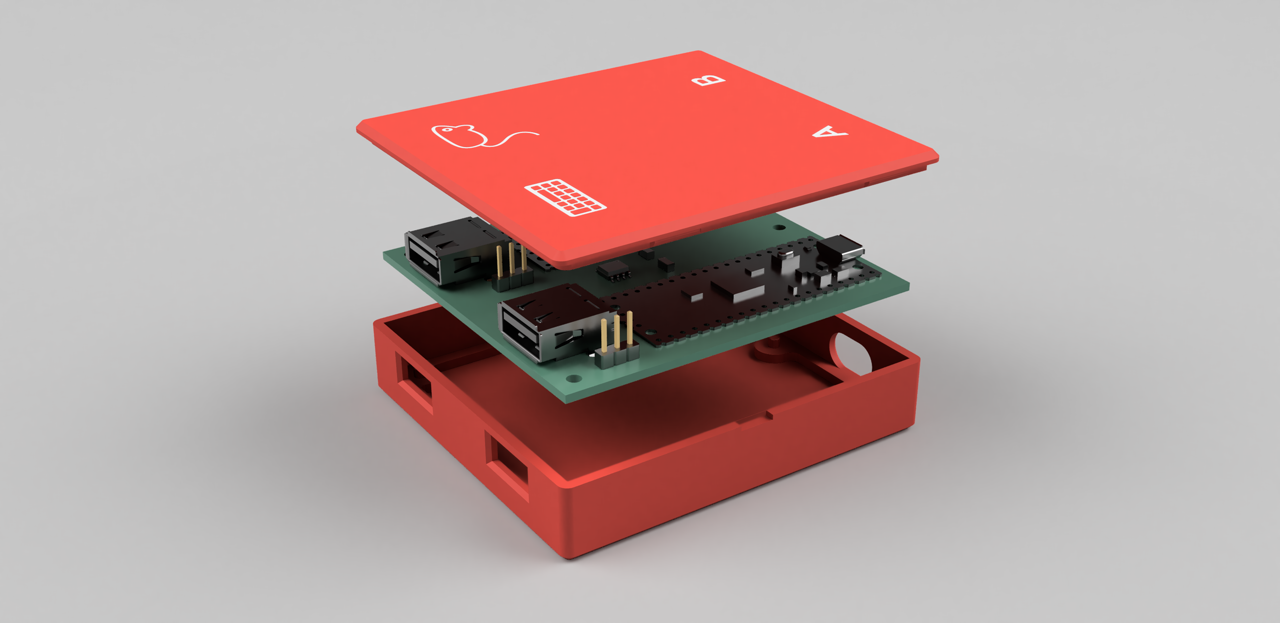
How it works inside
The circuit is built around two standard Raspberry Pi Pico boards based on the RP2040 chip. Each board connects to its own computer via USB. The microcontrollers communicate with each other over UART through a galvanic isolation chip (TI ISO7721DR or ADuM1).

The power isolation here is genuine: the ground and power lines of the two PCs are completely isolated from each other. If one computer burns out or produces a power surge, the other one stays safe.
The USB magic on the host side comes from the Pico-PIO-USB library. The programmable I/O (PIO) in the RP2040 chip turns ordinary GPIO pins into full USB ports. One Pico board acts as the USB host where you plug in your keyboard and mouse, while both boards emulate standard HID devices for the connected computers.
Seamless screen switching
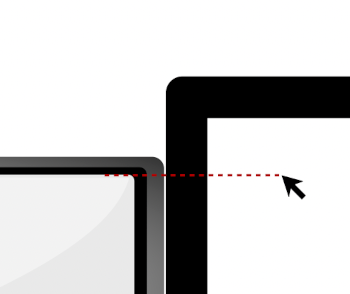
DeskHop's best feature is seamless desktop emulation. When you move the mouse cursor to the right edge of the first computer's monitor, DeskHop instantly switches signal routing to the second computer, and the cursor appears at the left edge of its screen at the same height.
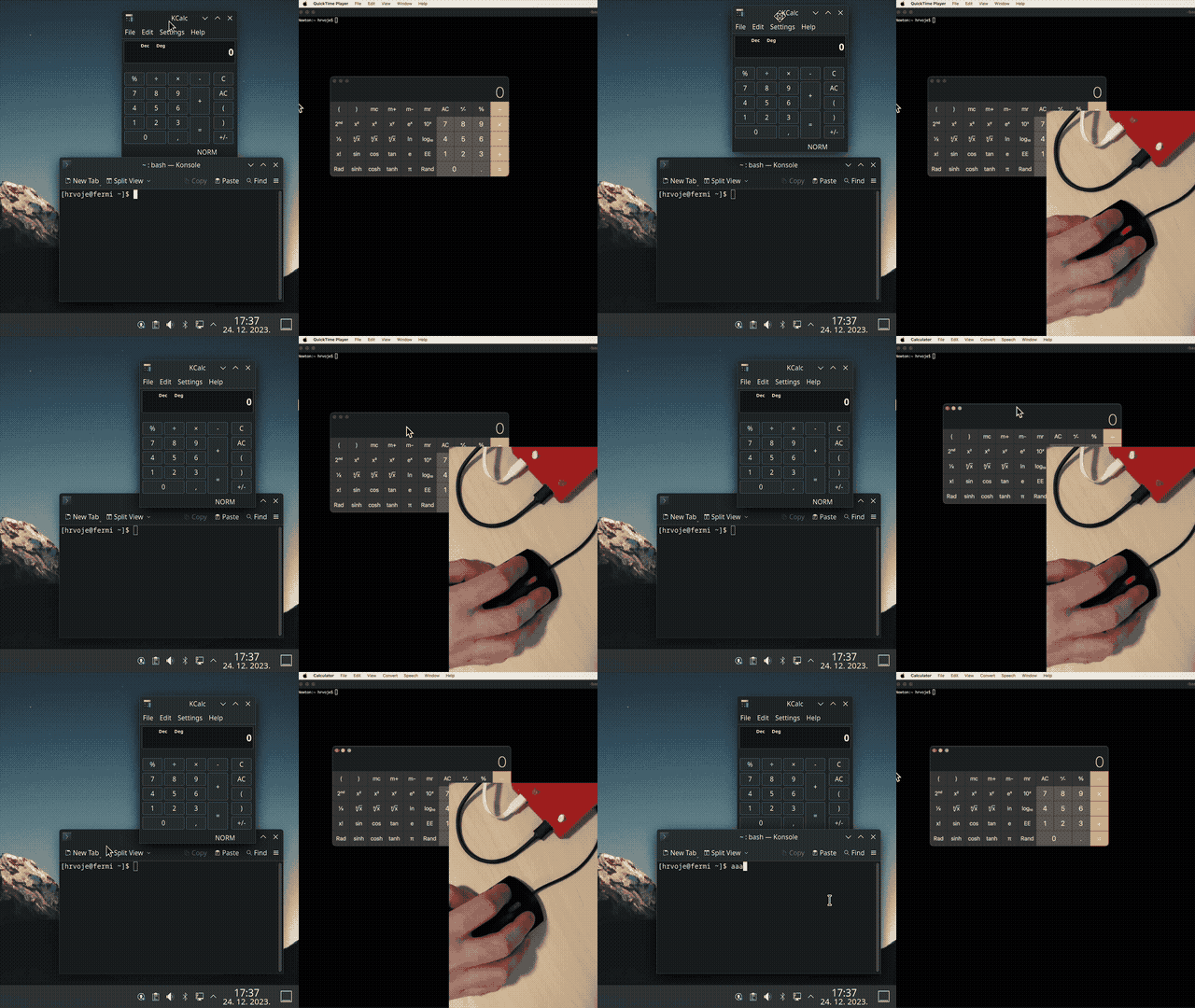
The keyboard automatically follows the mouse. You're typing code on Linux, move the mouse right to the Mac screen, and your next keypress goes to macOS.
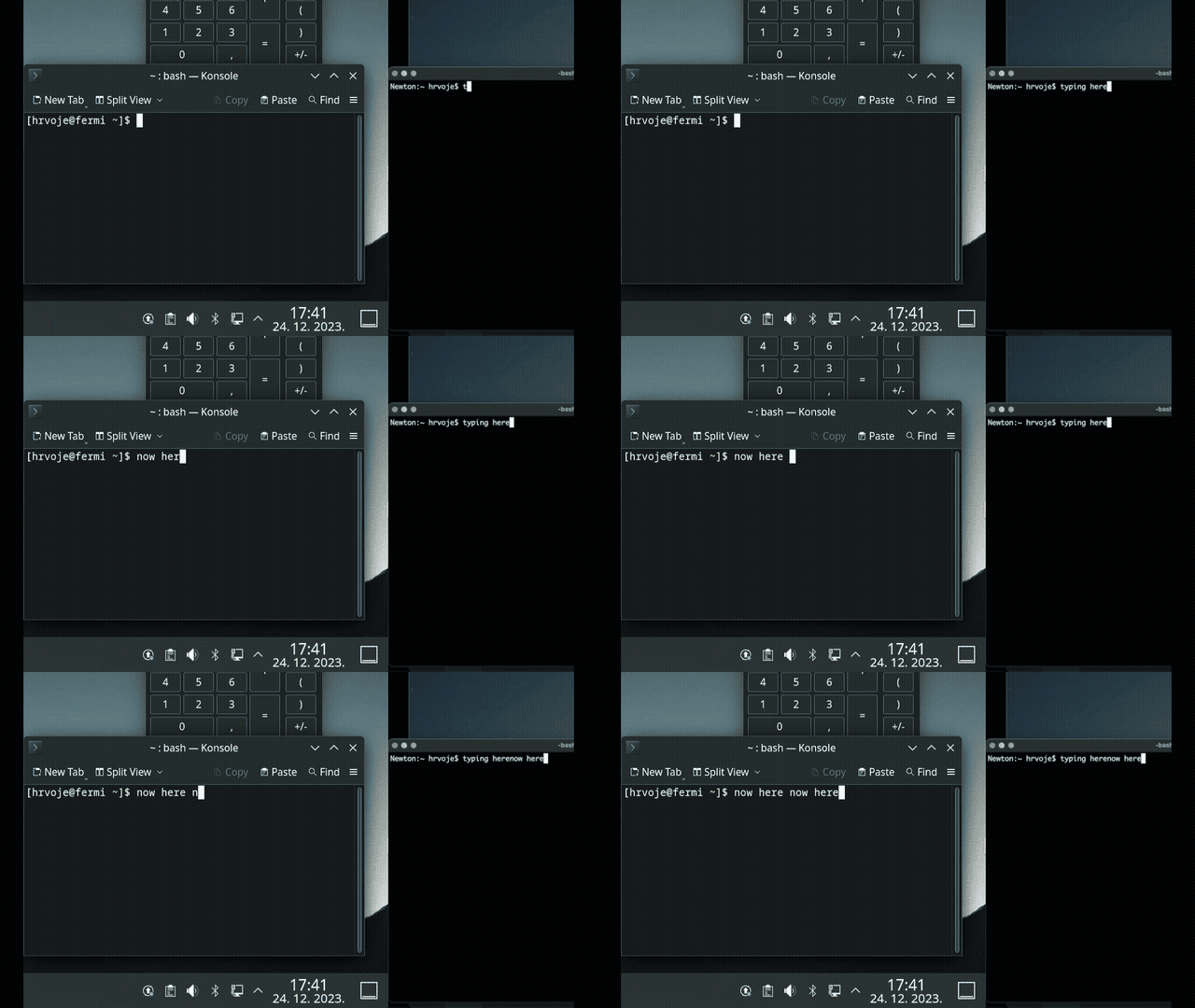
To track cursor position, DeskHop switches the HID mouse descriptor to absolute coordinates. The device internally sums relative movements to calculate the exact position on screen.
If switching with the mouse isn't convenient, the Left Ctrl + Caps Lock hotkey always works.
Useful extras and operating modes
The author added several specialized modes to the firmware to address common pain points when working with two systems:
- Mouse slowdown mode (
Right Ctrl + Right Alt). When you press the combo, mouse sensitivity drops sharply. Useful when you need to grab a single pixel in a graphics editor or precisely move a slider in a video. - Gaming mode (
Left Ctrl + Right Shift + G). Absolute mouse coordinates break controls in many 3D games and virtual machines. In gaming mode, DeskHop disables automatic screen switching and returns to standard relative positioning. - Switching lock (
Right Ctrl + K). Locks control to the current computer so an accidental hand movement doesn't send the cursor flying to the second monitor during a call. - Screensaver mode (
Left Ctrl + Right Shift + S). The cursor starts jumping randomly around the screen like a Pong ball, preventing the computer from going to sleep.
Hardware and DIY assembly
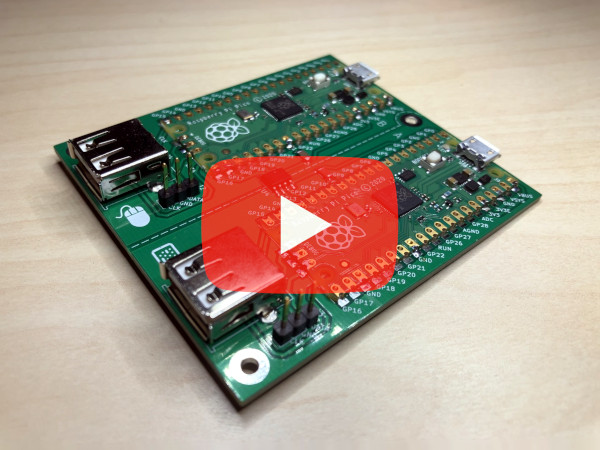
The project was designed from the start so anyone could build it on a kitchen table. The two-layer PCB uses a minimal number of components.
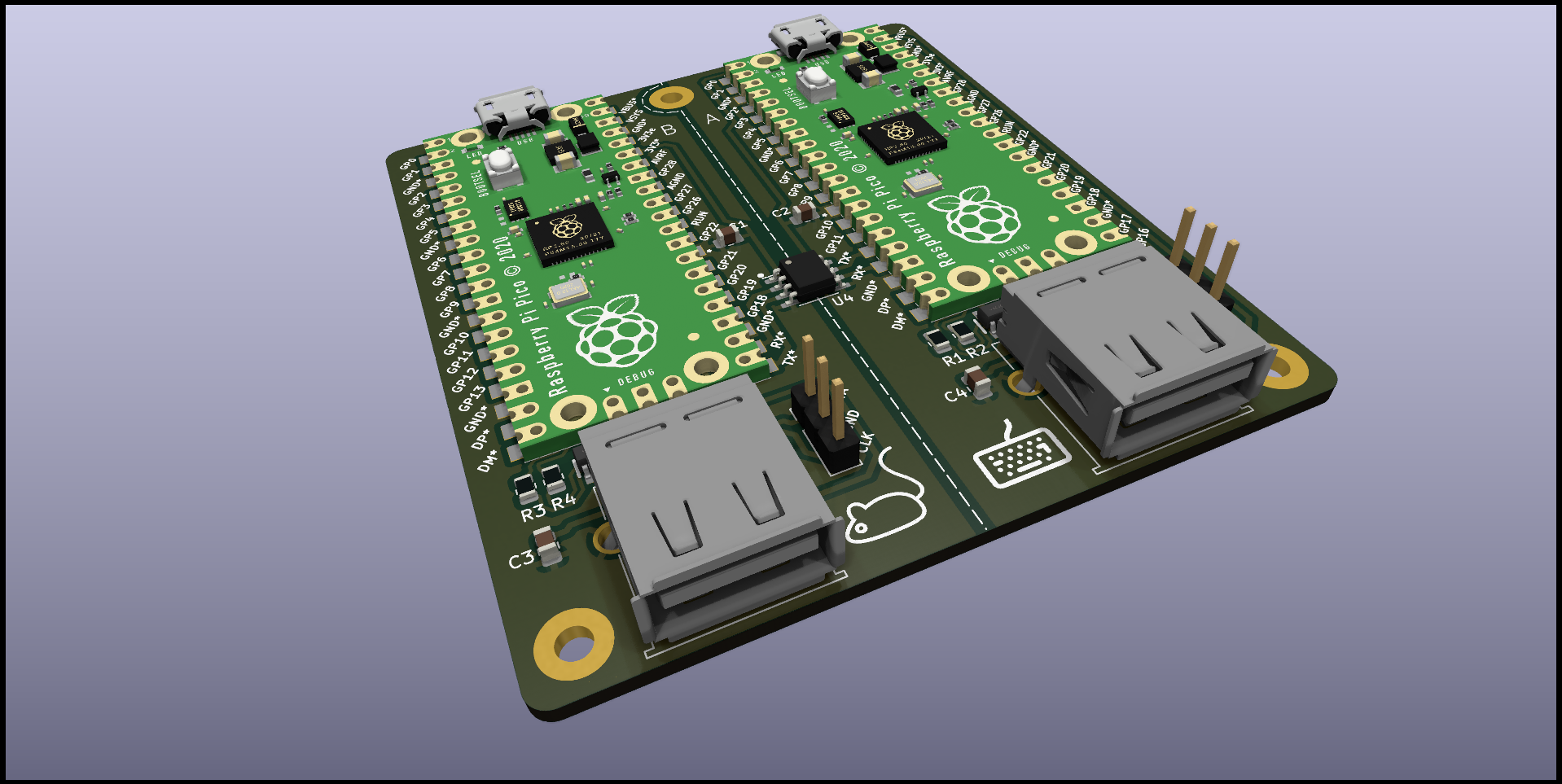
Components for assembly (PCB v1.1):
| Component | Quantity | Approximate price | | --- | --- | --- | | Raspberry Pi Pico | 2 pcs | ~8.20 € | | USB-A connector for board | 2 pcs | ~0.40 € | | TI ISO7721DR isolator | 1 pc | ~1.40 € | | Capacitors and resistors (0805) | 8 pcs | ~0.44 € | | TPD4E1U06DBVR ESD protection chips | 2 pcs | ~0.62 € |
Total component cost comes to around 11-12 euros. The enclosure prints on a 3D printer in a couple of hours, and the board snaps in place without a single screw.
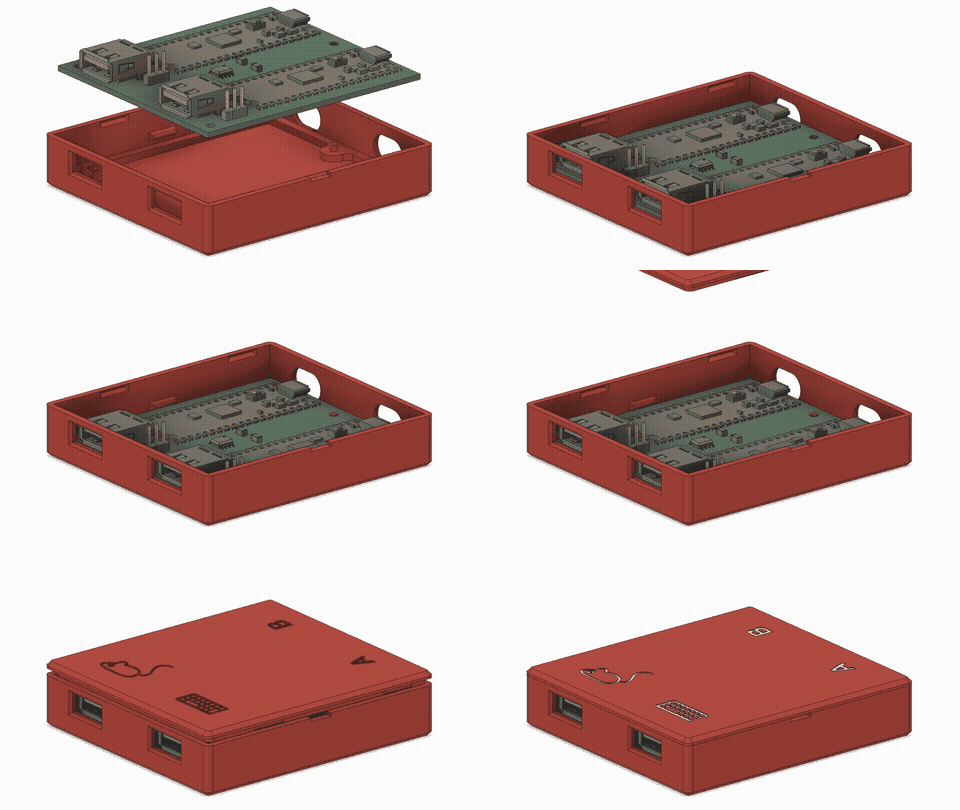
For those who don't want to solder themselves, gerber files are available in the repository. You can order an assembled board or a kit from Elecrow.
Firmware and configuration
You can build the project from source using CMake or Docker:
docker-compose -f misc/docker.yml run --rm build_container
If building from source feels like too much work, there's a ready-made firmware.uf2 file in the releases section. To flash the device, just hold down Left Ctrl + Right Shift + C + O. DeskHop will reboot and pretend to be a virtual drive called "DESKHOP" where you just drop the .uf2 file.
A hotkey combo Right Shift + F12 + Y is provided for calibrating the transition height between monitors of different sizes.
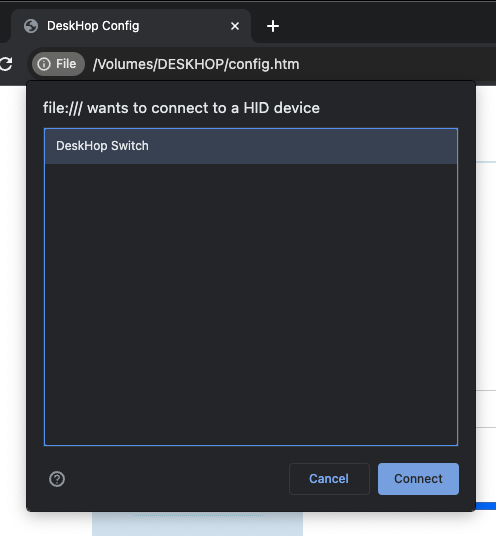
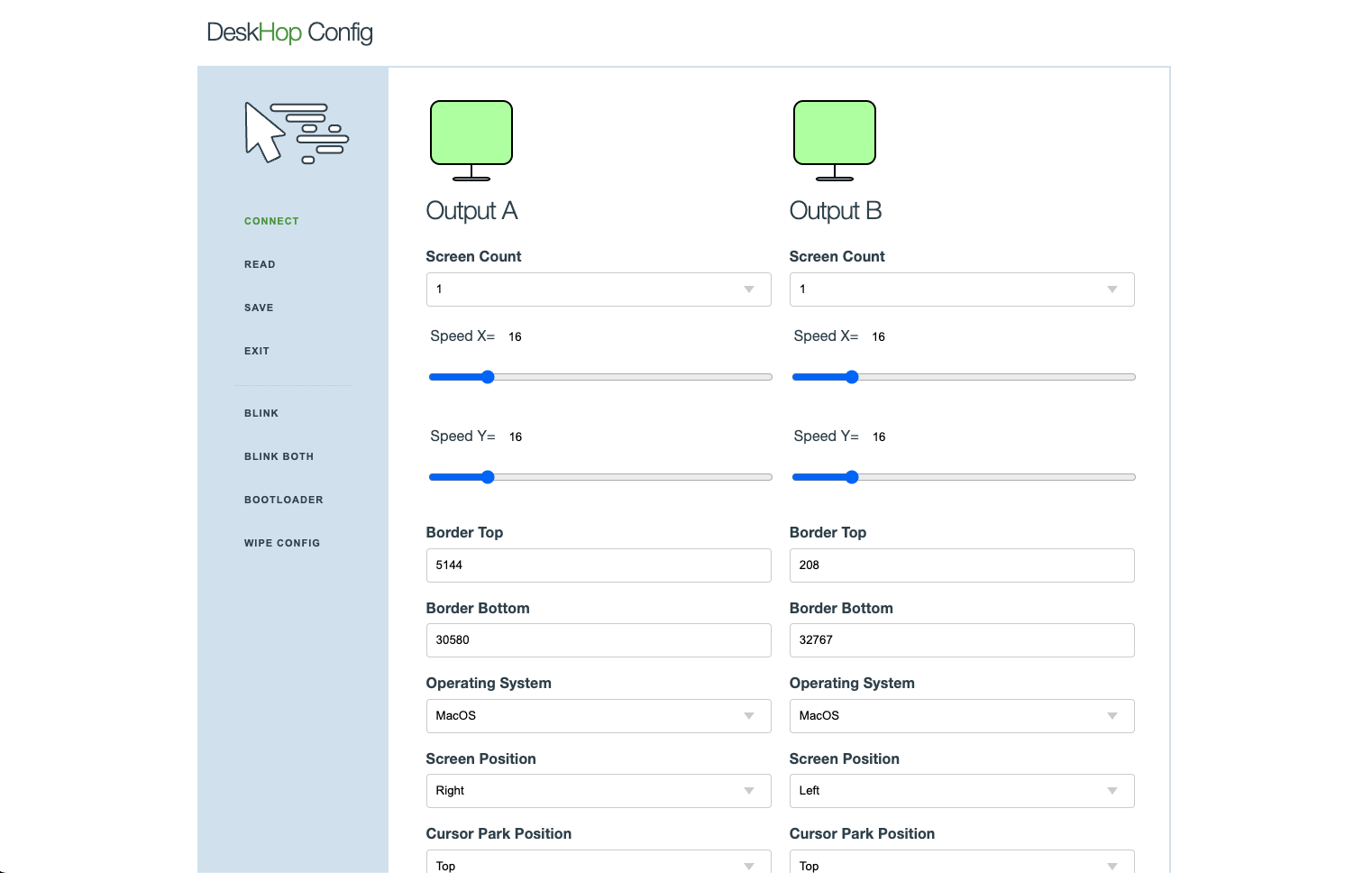
Configuration is designed with security in mind. No web servers or cloud services. When you enter setup mode, a config.htm file appears on the virtual drive. You open it locally in Chrome or Yandex Browser and edit parameters through WebHID right in the browser.
The author dedicated a separate section to security concerns:
- No shared clipboard or file transfer between systems.
- No network interfaces, Wi-Fi, or Bluetooth.
- Computers cannot force-update the device's firmware without pressing physical buttons on the keyboard.
Limitations and gotchas
The project turned out great, but nothing is perfect. Here are a few things to know before you start building:
- Multi-monitor setups. Starting with Windows 10 update KB5003637, absolute HID coordinate behavior broke for multiple monitors. The cursor may stick to the first screen. There are experimental workarounds in the firmware, but the issue is still being resolved.
- Complex peripherals. Keyboards with screens, macro pads, and mice with 20 extra buttons may not work correctly. Simple office and mechanical keyboards without exotic encoders work fine.
- Power. Both computers must supply power to their USB ports. If one PC is completely unpowered, the device won't boot without an external hub.
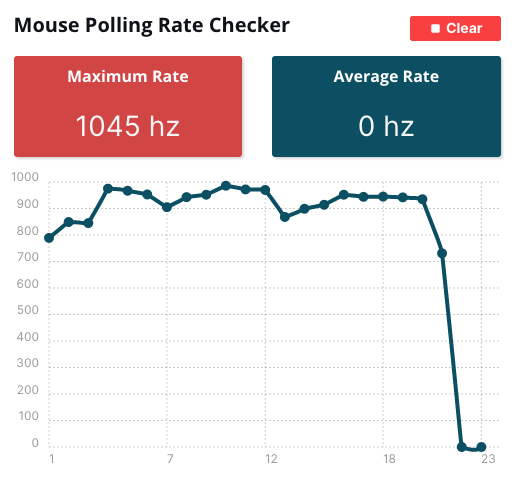
Mouse polling rate reaches 1,000 Hz, so you won't feel any lag during movement.
Is it worth making?
DeskHop is an excellent weekend DIY project. If you work at two workstations simultaneously and are tired of software KVM delays or clicking buttons on cheap Chinese switches, this little box pays for itself on day one. The C source code and PCB schematics are fully open under the GPL-3.0 license.
Related projects