Your Pocket Linux: How Andronix Turns Android into a Universal Workstation
Imagine this: you urgently need to check your code, but all you have is your smartphone. Or process a photo in GIMP while traveling. This used to seem like science fiction, but now it's reality thanks to Andronix.
What Exactly Is Andronix?
Andronix is a toolkit that lets you run full-fledged Linux distributions on Android devices without root privileges. The project has gathered nearly 2,000 stars on GitHub and has been actively developed since 2019.
Who Is This For?
- Mobile developers for debugging code on the go
- IT students for practicing Linux
- System administrators for emergency server access
- Open-source software enthusiasts who like to experiment
How Does It Work?
At the core of Andronix lies PRoot technology — a user-space implementation of chroot that emulates a full Linux environment. Simply put, it's like a virtual machine, but without the heavyweight virtualization.
Technical details:
- Uses Termux as the base environment
- Supports ARM, ARM64, x86, and x86_64 architectures
- No root required (though root unlocks more possibilities)
What Can You Install?
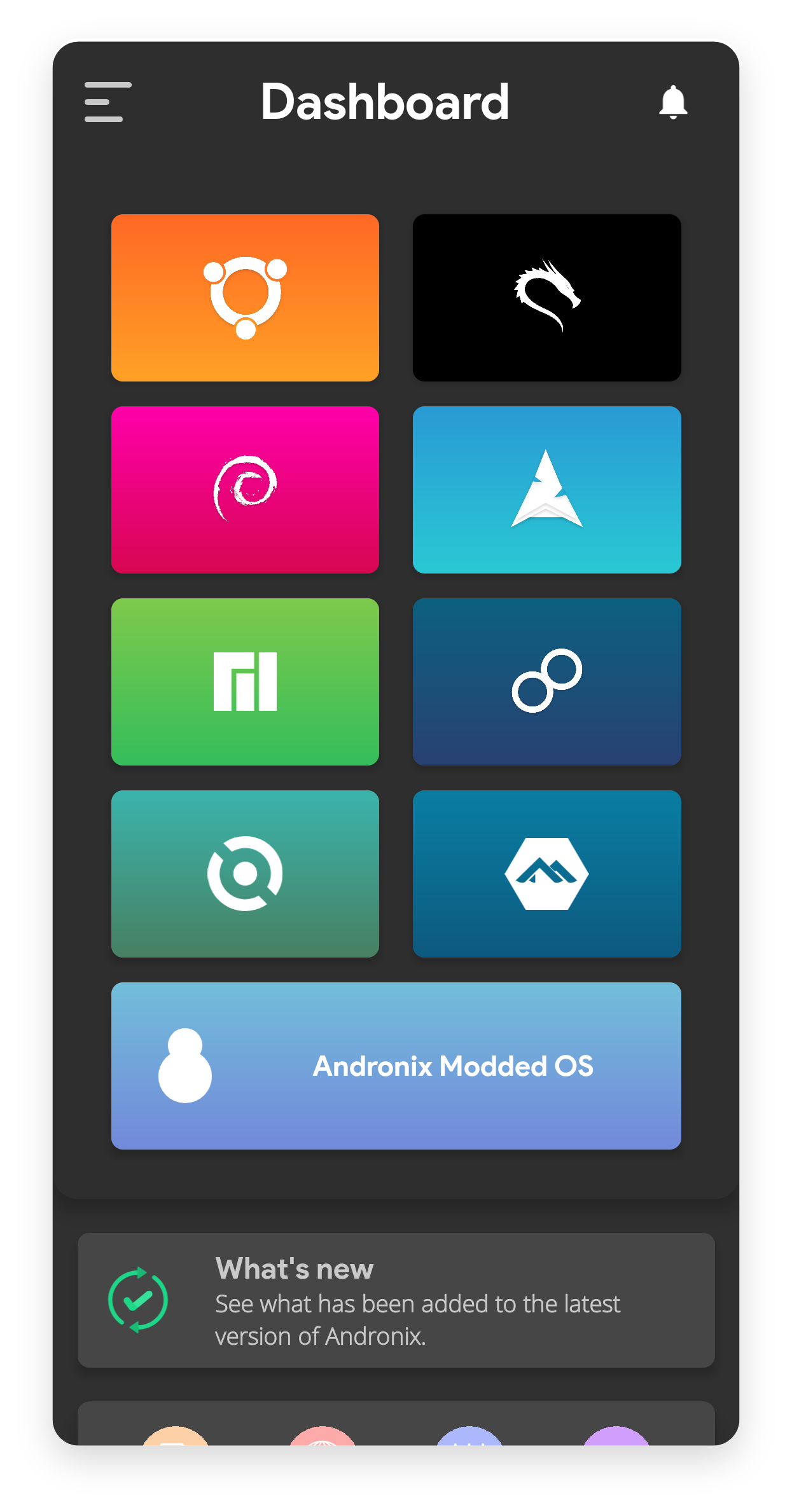
Andronix supports 8 distributions and several desktop environments:
Free Distributions:
- Ubuntu, Debian, Manjaro
- Fedora, Kali, Void
- Alpine, Arch
Desktop Environments:
- XFCE, LXDE, LXQT
Five Reasons to Try Andronix Right Now
- Full Linux in Your Pocket — run your favorite apps like VS Code, IntelliJ Idea, or GIMP
- Security — everything runs in an isolated environment without affecting the main system
- Multi-Boot — install up to 12 distributions simultaneously (if you have enough storage)
- Free — basic distributions don't require payment
- Portability — your work environment is always with you
Real-World Use Cases
- Python Developer installs Ubuntu with VS Code to edit code on the subway
- Sysadmin connects to servers via terminal right from a tablet
- Student practices Bash and system administration without a second computer
- Designer edits vector graphics in Inkscape during a business trip
Limitations to Be Aware Of
- No GPU acceleration support — heavy 3D applications may lag
- Android hardware limitations (especially on budget devices)
- Some low-level operations are unavailable without root privileges
How to Get Started?
- Install Termux from Google Play
- Download Andronix from the official website
- Choose a distribution and follow the instructions
Developers have prepared detailed documentation for your first steps.
Verdict: Is It Worth Trying?
Andronix is an excellent solution for anyone who needs Linux at hand without extra hardware. While it won't replace a full computer for complex tasks, it will become a lifesaver in mobile scenarios.
Ideal for:
- Emergency access to Linux tools
- Learning and experimentation
- Light development and administration
Give it a try — your next commit might just be made right from your phone!
Ähnliche Projekte