How to Turn a Dusty Tablet into a Full-Fledged Android Auto Display
Got an old Android 5 or 7 tablet lying around that can't handle modern Google Play apps anymore? You can't bring yourself to throw it away, but there's nowhere to use it. It seems logical to mount it on the car dashboard as a navigator. But running standalone apps on the tablet screen isn't always convenient: phone messages don't come through, calls don't stream, and you have to re-enter route waypoints while driving.
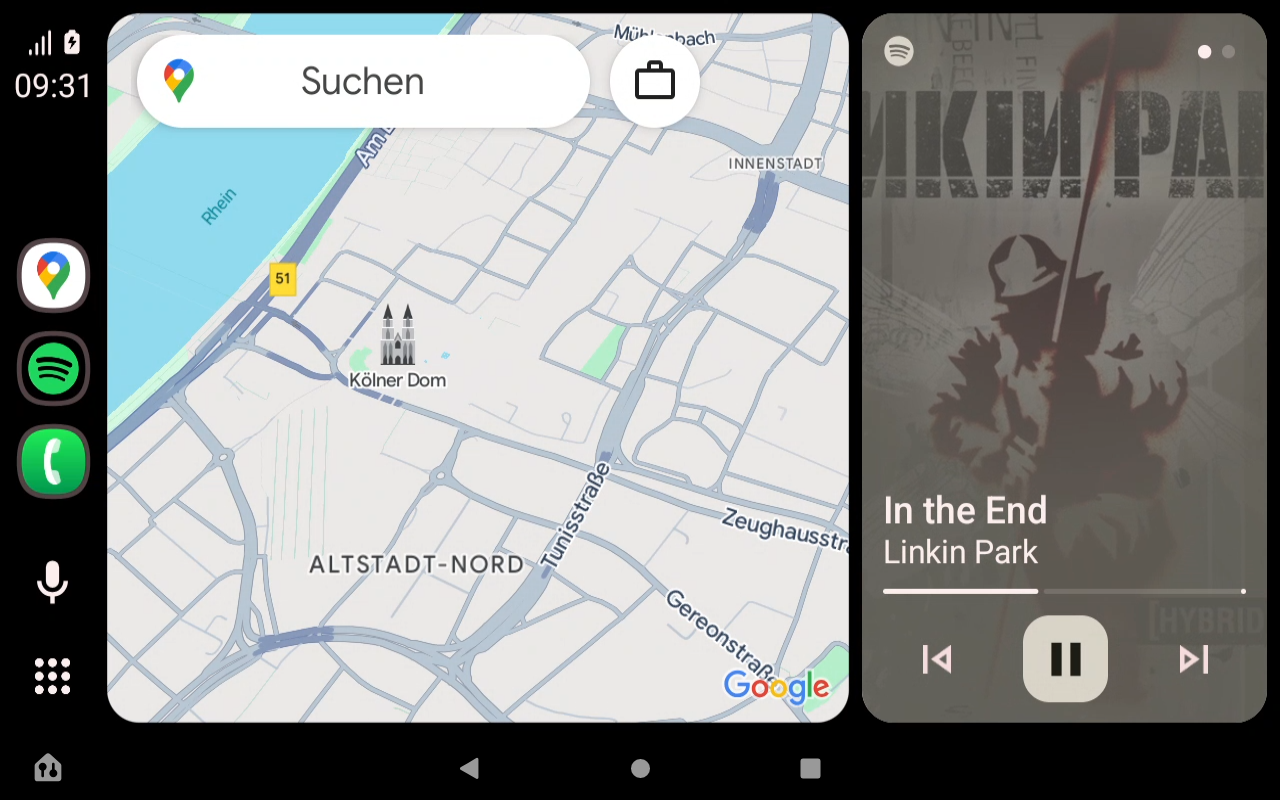
You can buy a Chinese head unit for $300–500. However, the hardware is often questionable, and the firmware freezes every three days. The Open Headunit repository offers a different solution. It's an open-source Android Auto receiver emulator that turns virtually any Android device into a car display.
Why revive an old project
The original Headunit project was once written by developer Michael Reed. Over time, the author stopped updating the codebase, while Google constantly changed the communication protocols in Android Auto. Andre Knirim picked up the project, rewrote a significant portion of the logic in Kotlin, and created Open Headunit.
The main task of the app is to listen to the data stream from the smartphone, decode video, and send back touchscreen and steering wheel button signals. Importantly, you can run the emulator even on devices with Android 4.1.
Connection methods and protocol pitfalls
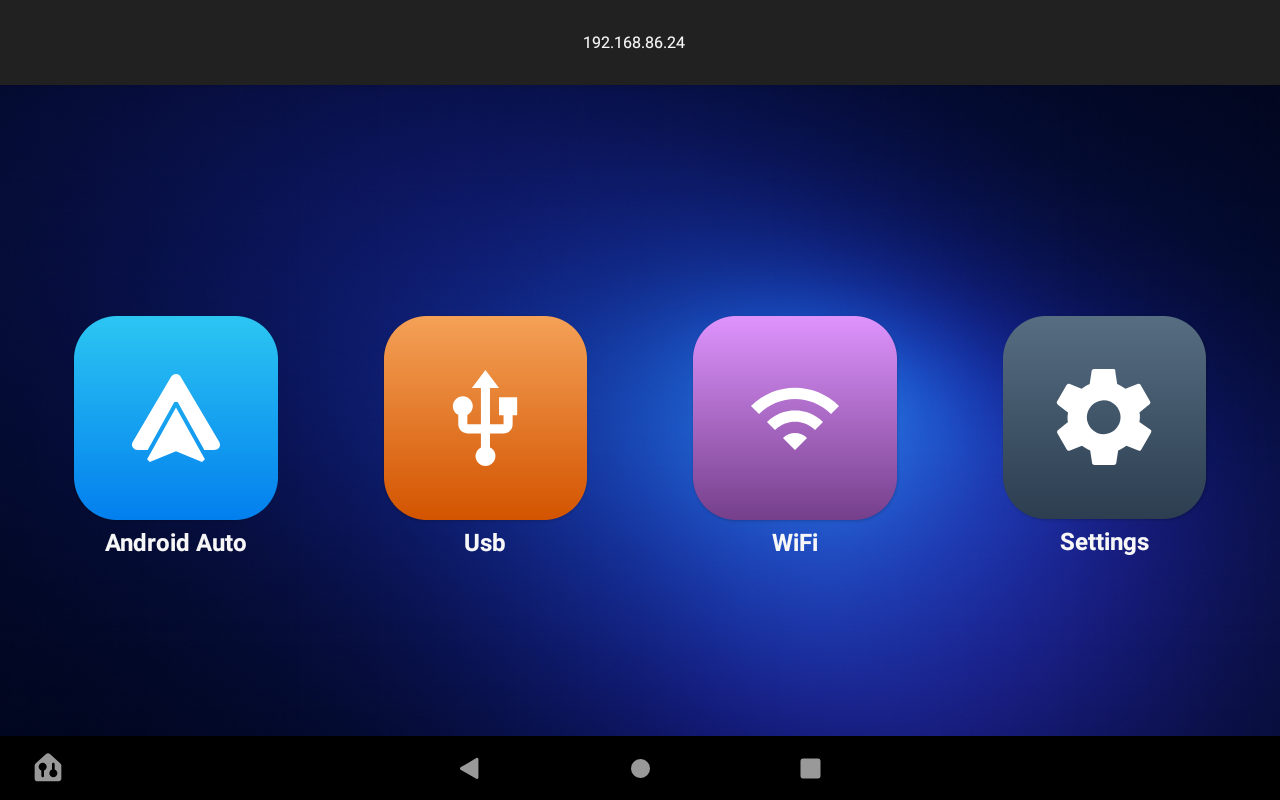
You can connect your phone to the emulator via cable or over the air. But that's where the nuances begin, which is why the project regularly receives fresh commits.
Wired USB connection
The most reliable option. The cable streams video without delays and simultaneously charges the smartphone.
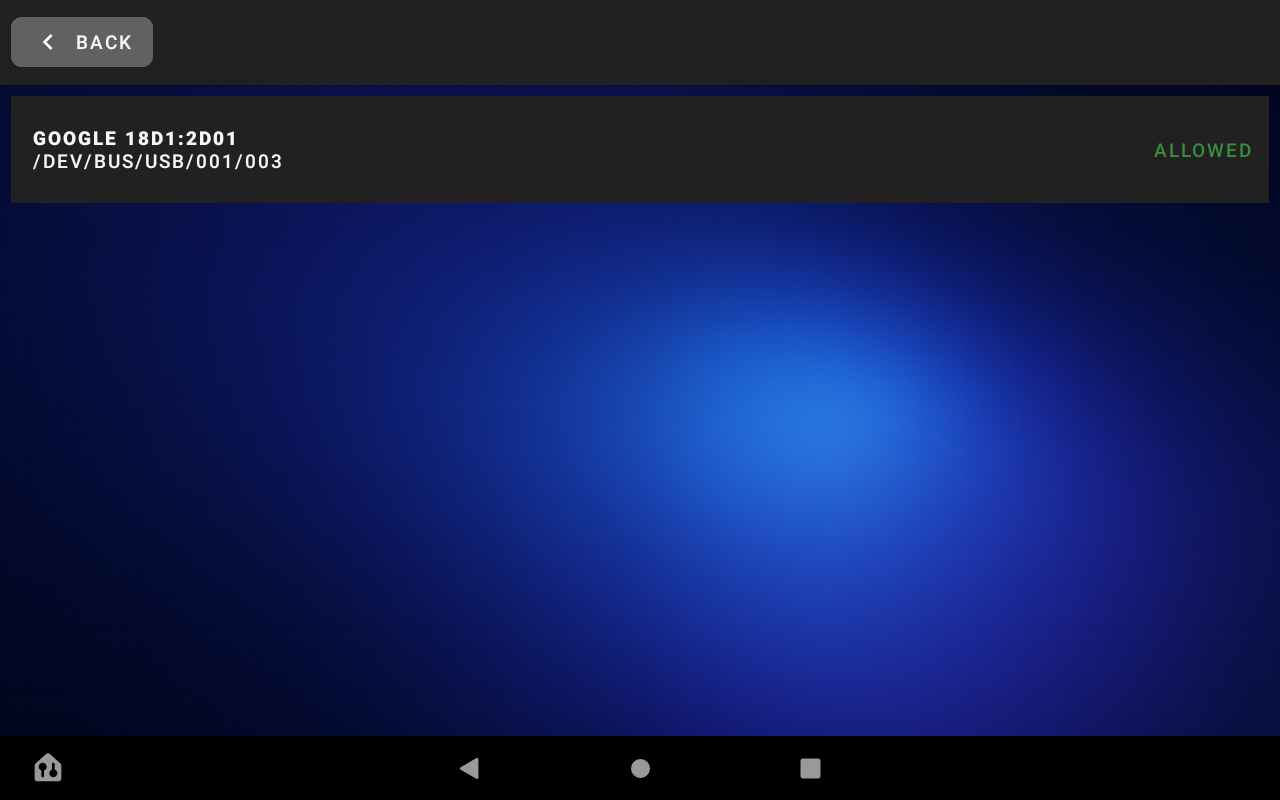
For it to work, you'll need USB Host (OTG) support on the tablet. In Open Headunit settings, you can choose the standard Android USB stack or the libusb library. The second option comes in handy on specific Chinese Allwinner and MediaTek chipsets, where the standard Android USB subsystem disables USB devices at the slightest glitch.
Wireless mode and Google's tricks
Google consistently updates Android Auto every six months and breaks unofficial methods of transmitting video over Wi-Fi. For example, in the Android Auto 17.4 release, developers once again overhauled the connection scheme, breaking third-party wireless helpers.
Currently, the project implements several wireless connection options:
- Wireless Helper: a separate companion app for the smartphone. It handles automatic hotspot launching, searching for the headunit server on the local network, and starts streaming without extra clicks.
- Wi-Fi Direct (P2P): direct connection between two devices without an external Wi-Fi network or mobile hotspot.
- Native mode: emulating the standard connection via Bluetooth handshake. Doesn't work everywhere, as few tablets can properly handle the required Bluetooth profiles simultaneously.
You can start a wireless connection directly from automation scripts. If you use Tasker or MacroDroid, you can send a command to connect to a specific IP address using a single intent:
adb shell am start -a android.intent.action.VIEW -d "headunit://connect?ip=192.168.1.25"
Under the hood
The project is written in Kotlin, but there's a lot of low-level hardware work hidden inside.
First, video decoding. By default, the system tries to use hardware MediaCodec for H.264 or H.265. If the tablet's chipset incorrectly handles H.265 NAL packets (which is common on older Amazon Fire tablets and Rockchip devices), the picture freezes on the "Android is starting" message. To work around this issue, developers built in the FFmpeg software decoder. The solution reduces FPS on weak single-core processors, but provides stable picture without black screens.
Second, audio focus handling. Until version 3.2.0, music playing on the tablet would interrupt the navigator sounds from the smartphone. The authors rewrote AudioTrackWrapper and added dynamic audio focus capture. Now system route guidance prompts are mixed with background sound without interrupting playback.
Third, controls. Open Headunit can intercept signals from factory steering wheel buttons (MTC, FYT) and rotary joystick controls. The settings include a visual key sniffer where you can assign a physical button to actions in the Android Auto interface.
Annoying bugs and how to fix them
Due to differences in hardware and Android versions, you'll likely need to check the settings section.
- Google Maps doesn't respond to taps in portrait mode. This is a known bug in the interaction between Google services and third-party emulators. It's fixed by lowering the DPI (Pixel density) parameter in the app settings to values below 200 (for example, 190).
- Picture stutters or lags. You should run the built-in Auto-Optimization Wizard. It automatically cycles through resolution combinations (up to 1440p) and codecs, selecting the right combination for your video decoder.
- Constant Wi-Fi drops. In the Android settings on your phone, you need to disable the "Wi-Fi Assistant" function (automatic switching to mobile network when signal is weak without internet).
Summary
Open Headunit is a great example of how the open community solves the problem of planned hardware obsolescence. If you have a dusty tablet, a car mount, and an hour of free time for setup, you'll get convenient navigation and media system in the car without spending money on a new head unit.
The project is active, PRs from external contributors are regularly accepted, and the repository Wiki has detailed debugging steps for specific Chinese platforms.
Projets similaires