Colota Turns Android into a Private GPS Tracker for Your Own Server
When Google announced the shutdown of the web version of Timeline and forced migration of all location history exclusively into the mobile app, many started looking for alternatives. Storing years of travel history in a proprietary database on your phone without proper browser access is a dubious pleasure.
Setting up Traccar, OwnTracks, or Dawarich on a home server is straightforward—containers deploy in minutes. The real challenge emerges when selecting a mobile client. Most existing Android solutions either look abandoned since the Android 4.4 era or drain battery with excessive GPS polling.
I recently discovered Colota, which tackles this exact problem with surprising polish.
What the App Can Do
Colota is an open-source Android geolocation tracking client (AGPL-3.0). Unlike typical trackers, it isn't locked to a single service—it can send coordinates to OwnTracks, Dawarich, GeoPulse, Home Assistant, PhoneTrack, Traccar, or any custom backend via standard HTTP REST API.
 |
 |
 |
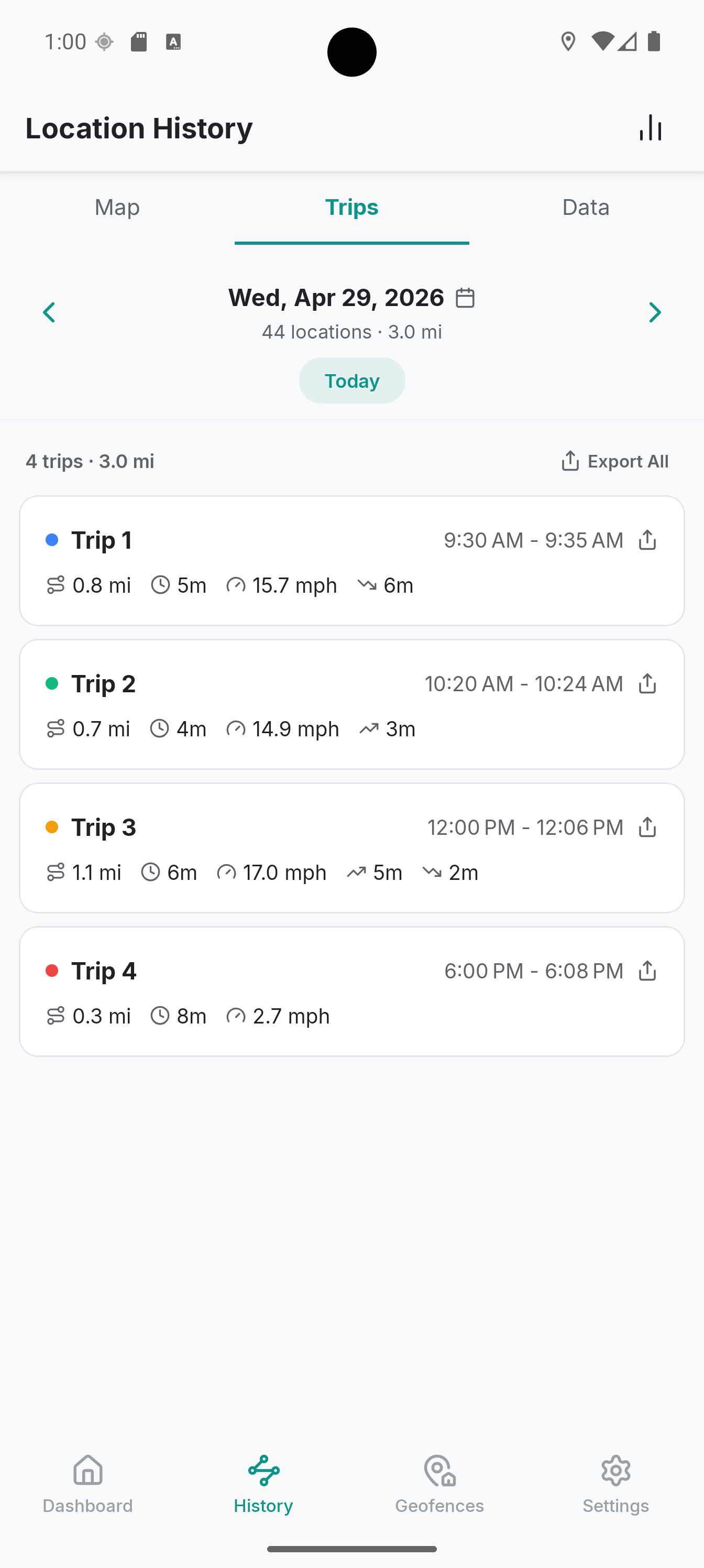 |
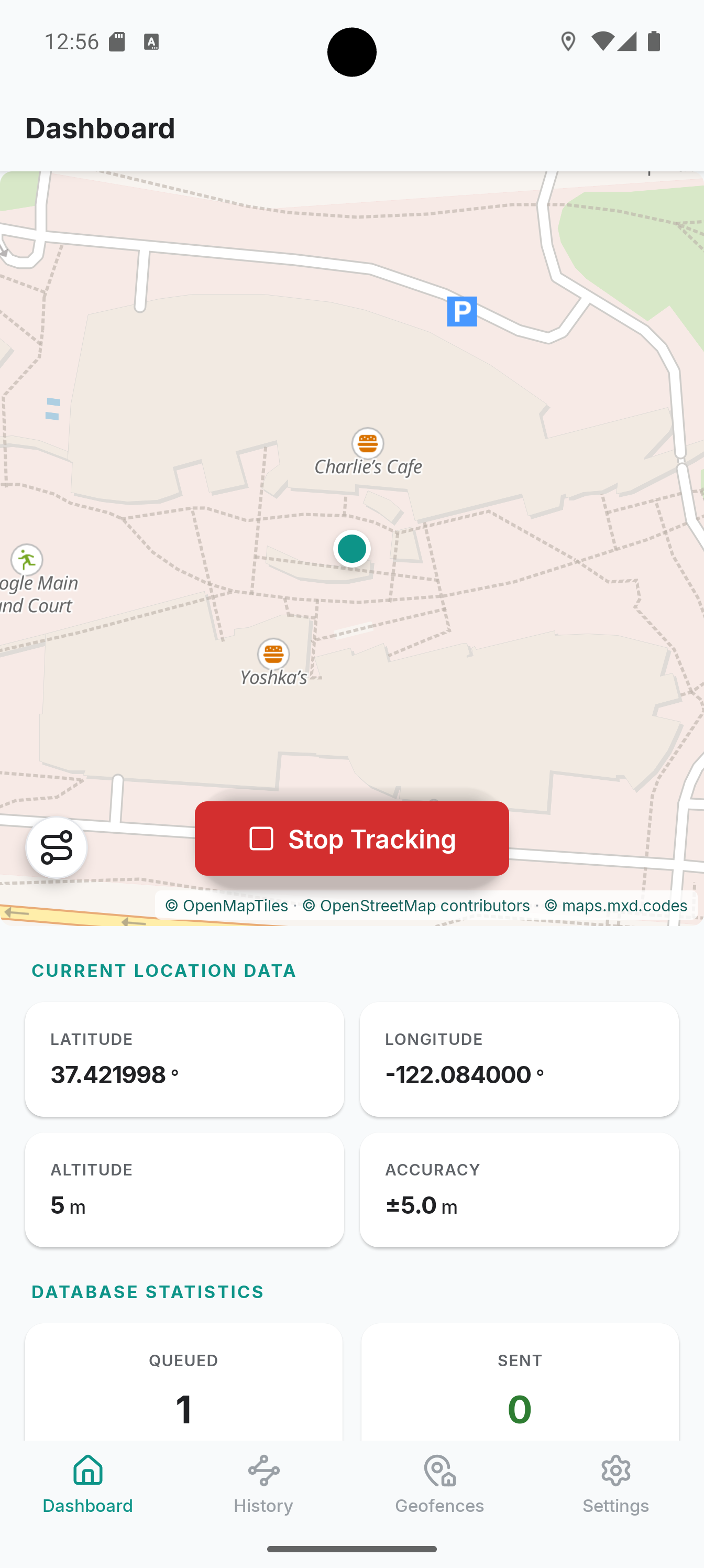
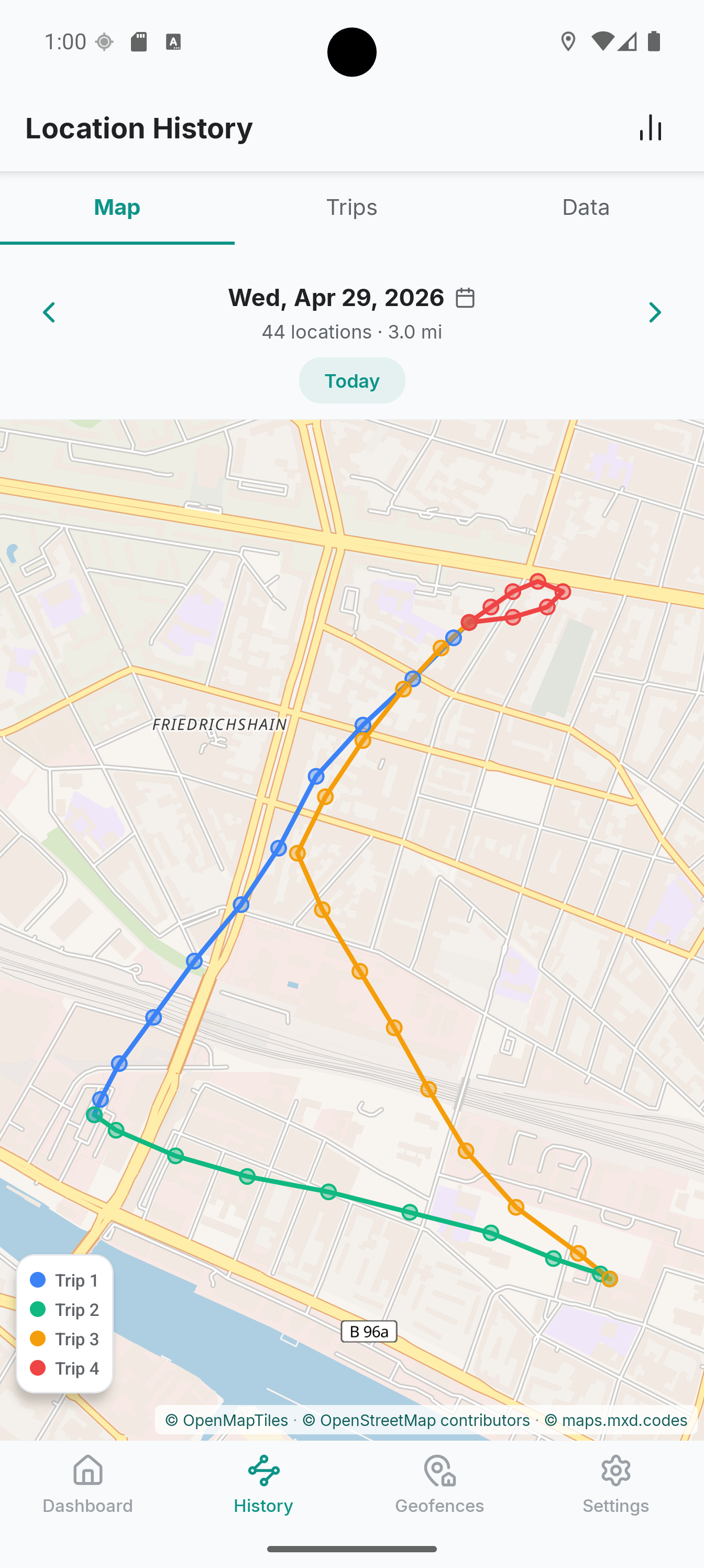
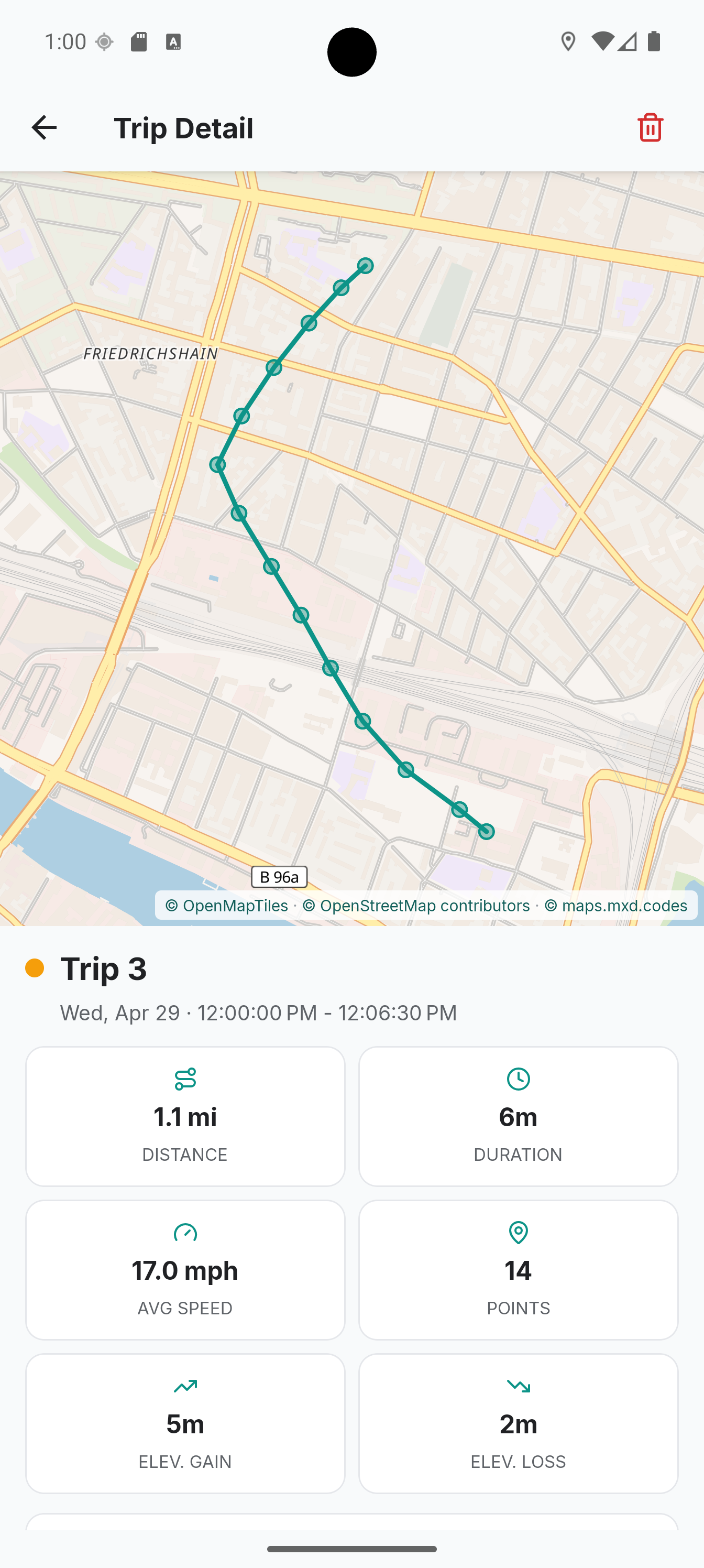
| Dashboard | History on Map | Trip Details | Trips List |
Inside the app, there's no advertising SDKs, analytics systems, or hidden telemetry. Two build variants are available: the standard one with Google Play Services and a fully open FOSS build for F-Droid with Google services completely removed.
Automatic Tracking Profiles
The core challenge with any background tracker is battery drain. Polling GPS every second will deplete your phone by midday, while polling once every ten minutes produces jagged, angular tracks on the map.
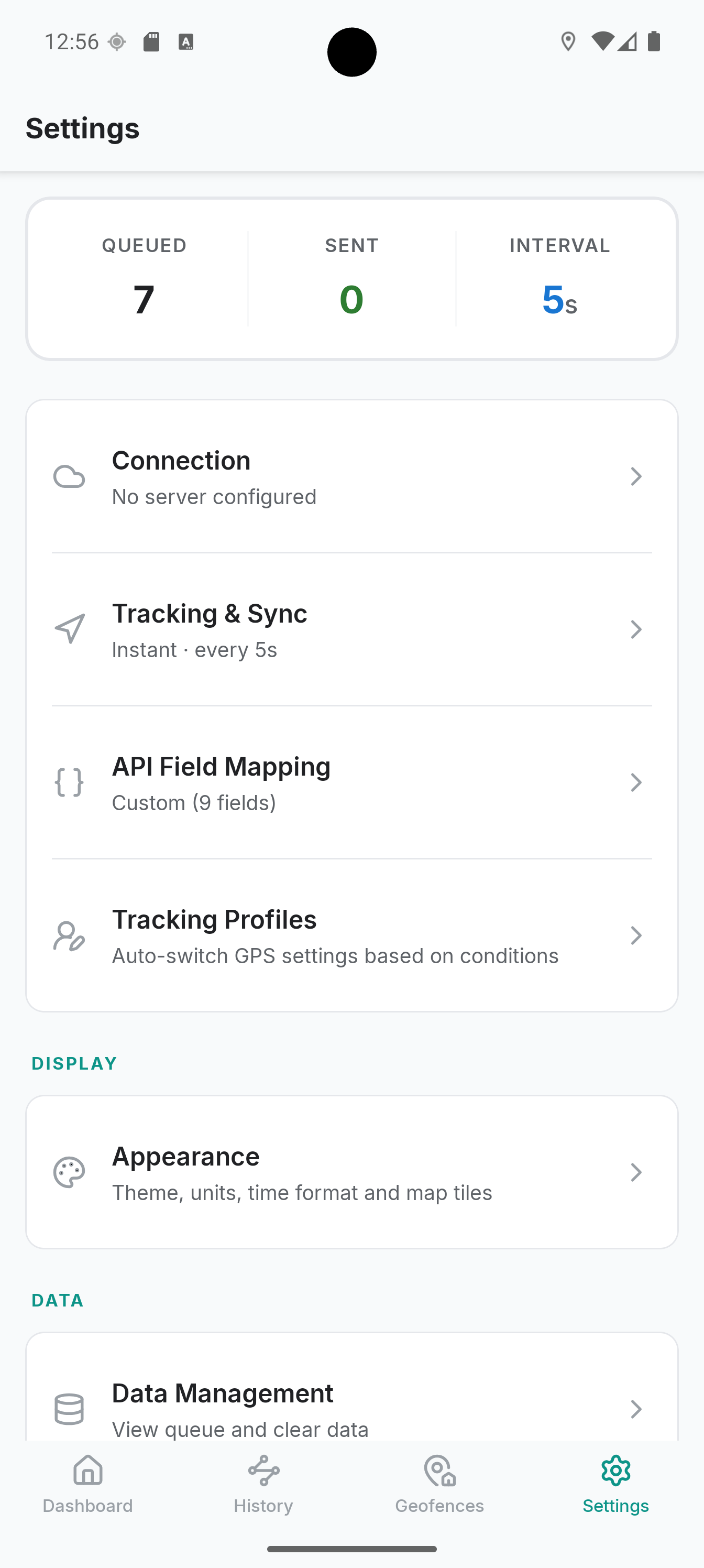
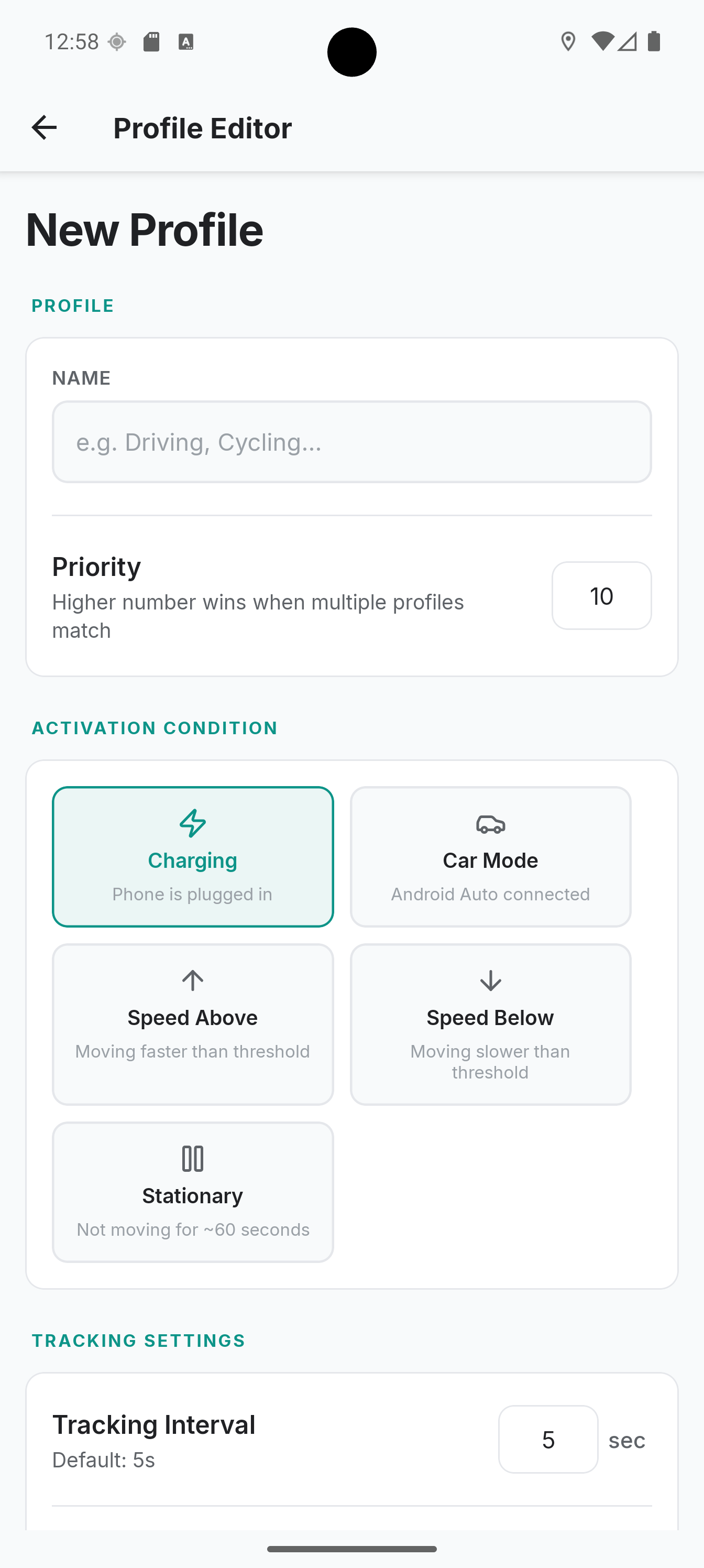
Colota addresses this through profiles. You define rules that adjust satellite polling frequency and distance filtering based on context:
- Connecting to a car stereo or charger switches to high-accuracy recording;
- When stationary, recording sleeps to conserve battery;
- Exceeding a speed threshold automatically increases point transmission frequency.
Privacy Zones and Geofences
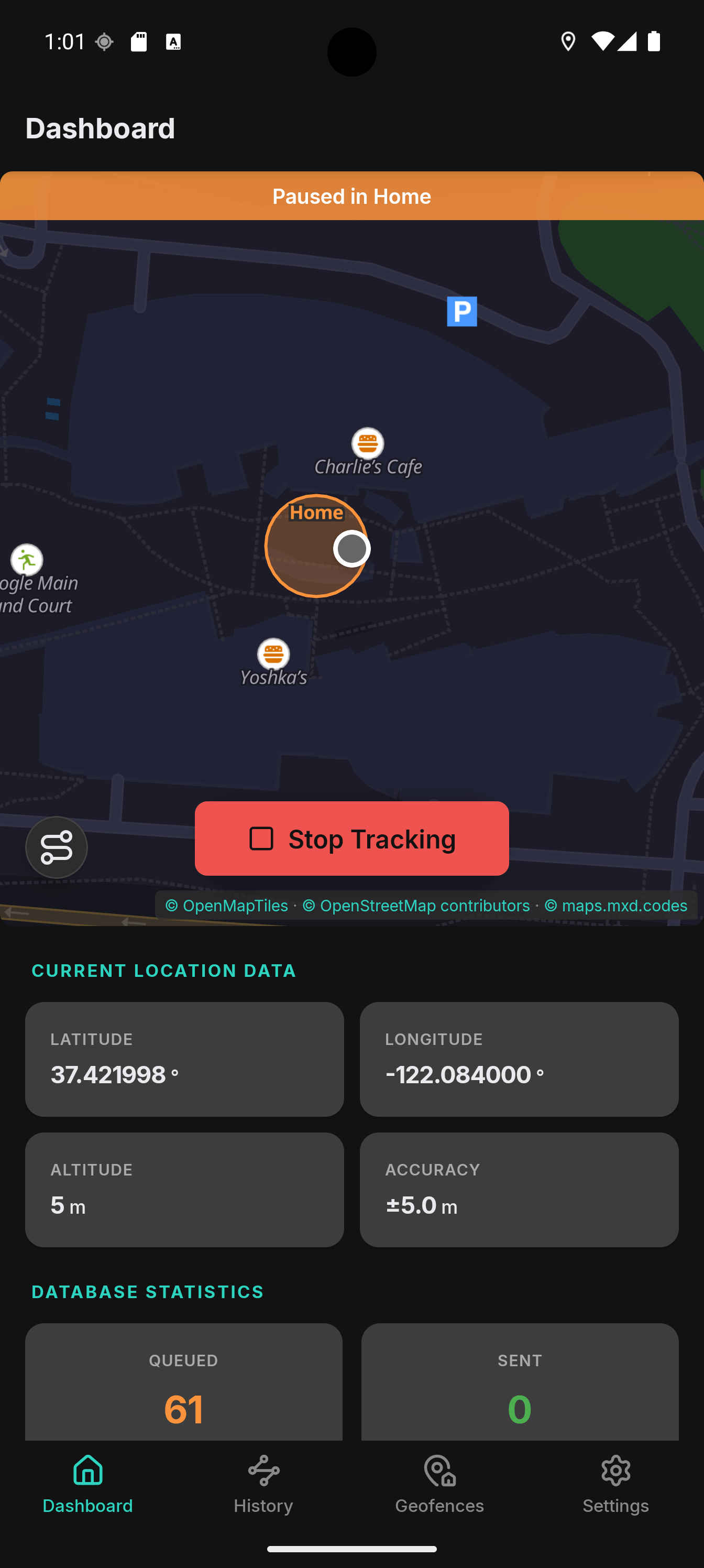
If you don't need to track movements within your home or office, you can configure pause zones. Once you enter a defined geofence radius, coordinate recording automatically stops. This saves both database space and battery.
 |
 |
 |
 |
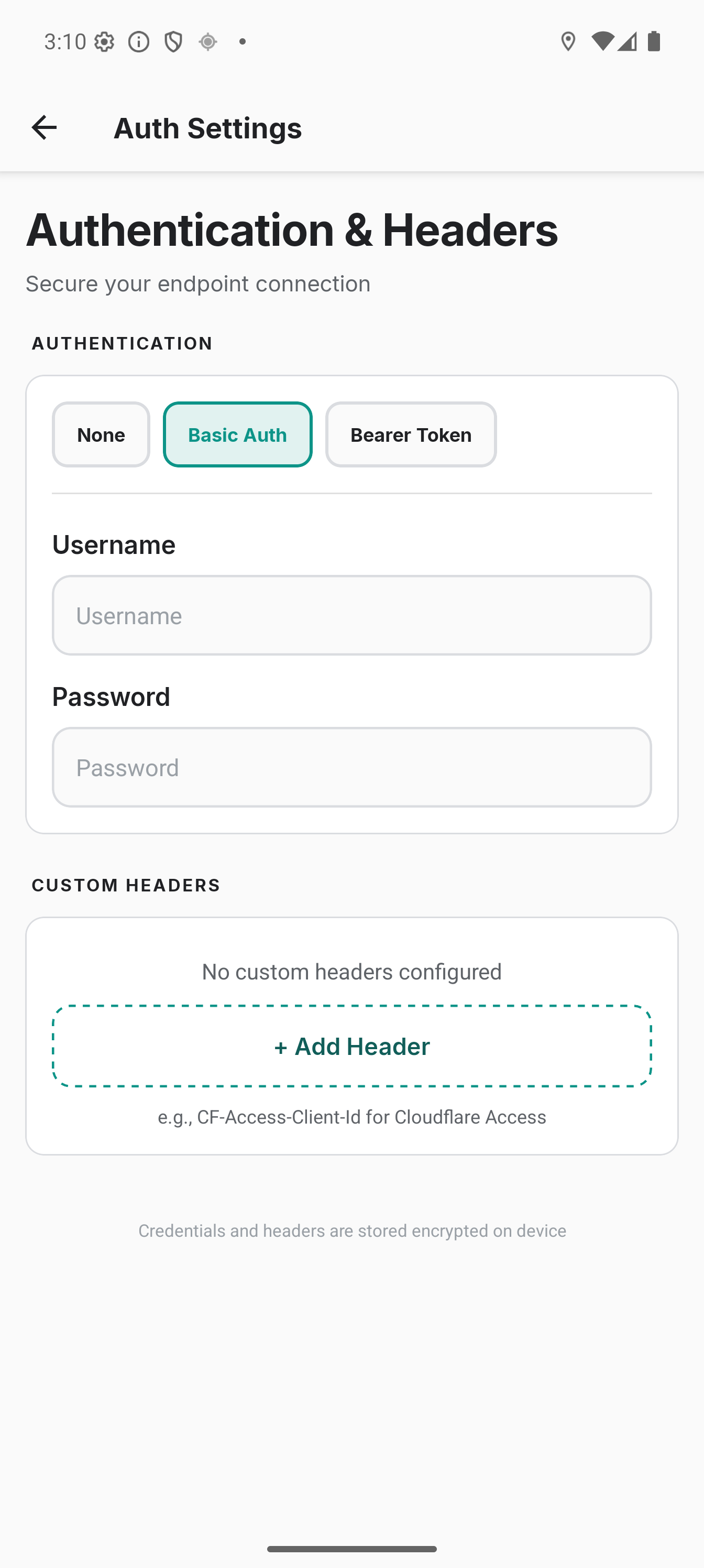
| Settings | Tracking Profiles | Authentication | Dark Theme |
Standalone Mode and Local Maps
A server isn't required. Colota can operate as a standalone local logger:
- Downloads offline maps directly to the device;
- Segments trips by day with manual track merging and splitting;
- Exports data to GPX, KML, GeoJSON, and CSV on a schedule;
- Creates encrypted backups of the entire database locally or on a schedule to a chosen folder.
When internet is unavailable during roaming or in remote areas, points accumulate in a queue and sync to the server in batches once connectivity returns or you connect to home Wi-Fi.
How the Project is Structured
The repository is structured as a TypeScript monorepo with React Native under the hood.
Building from source requires Node.js 24, Android SDK, and JDK 17:
git clone https://github.com/dietrichmax/colota.git
cd colota
npm ci
npm run build -w @colota/shared
cd apps/mobile/android

# Сборка под Google Play
./gradlew assembleGmsRelease

# Чистая FOSS-сборка без сервисов Google
./gradlew assembleFossRelease
On the security front, mutual TLS (mTLS) support is a welcome addition. The PKCS12 certificate is stored directly in Android Keystore, allowing server endpoints to be secured at the TLS handshake level.
Practical Use Cases
The most straightforward use case is pairing with Home Assistant. The app sends zone entry and exit events, updates device coordinates device_tracker, and eliminates the need for the heavyweight official smart home client running constantly in the background.
Another option is replacing Google Timeline with Dawarich or Traccar, giving you a visual map of all trips over the years, heatmaps of visited cities, and complete ownership of your personal data.
Phone setup takes just a few minutes: install the APK, grant permanent location access, and disable battery optimization for the app. For multiple devices, configuration transfers via QR code or scheme colota://setup.
Who It's For
Colota appeals to privacy-conscious users running their own homelab and frustrated by commercial service limitations. While relatively new, the core tracking functionality is already solid.
One caveat: there's no iOS version yet, as the project focuses exclusively on Android. Beyond that, it's a strong example of what a modern self-hosted tool should be.
関連プロジェクト