How to Upload a File to a Hundred File Hosts with One Click Without Middlemen
You've probably had to share a heavy archive, software build, or video across multiple file hosts. Doing it manually through browser tabs is pure torture. First you wait for the upload to one service, then copy the link, open the second one, get a captcha, and so on in circles.
Usually in such situations people turn to web multi-uploaders like Mirrored.to or MultiUp. But they have their own problems: strict file size limits for free users, mandatory registration for half the features, intrusive ads, and most importantly — your files first fly to someone else's intermediate server.
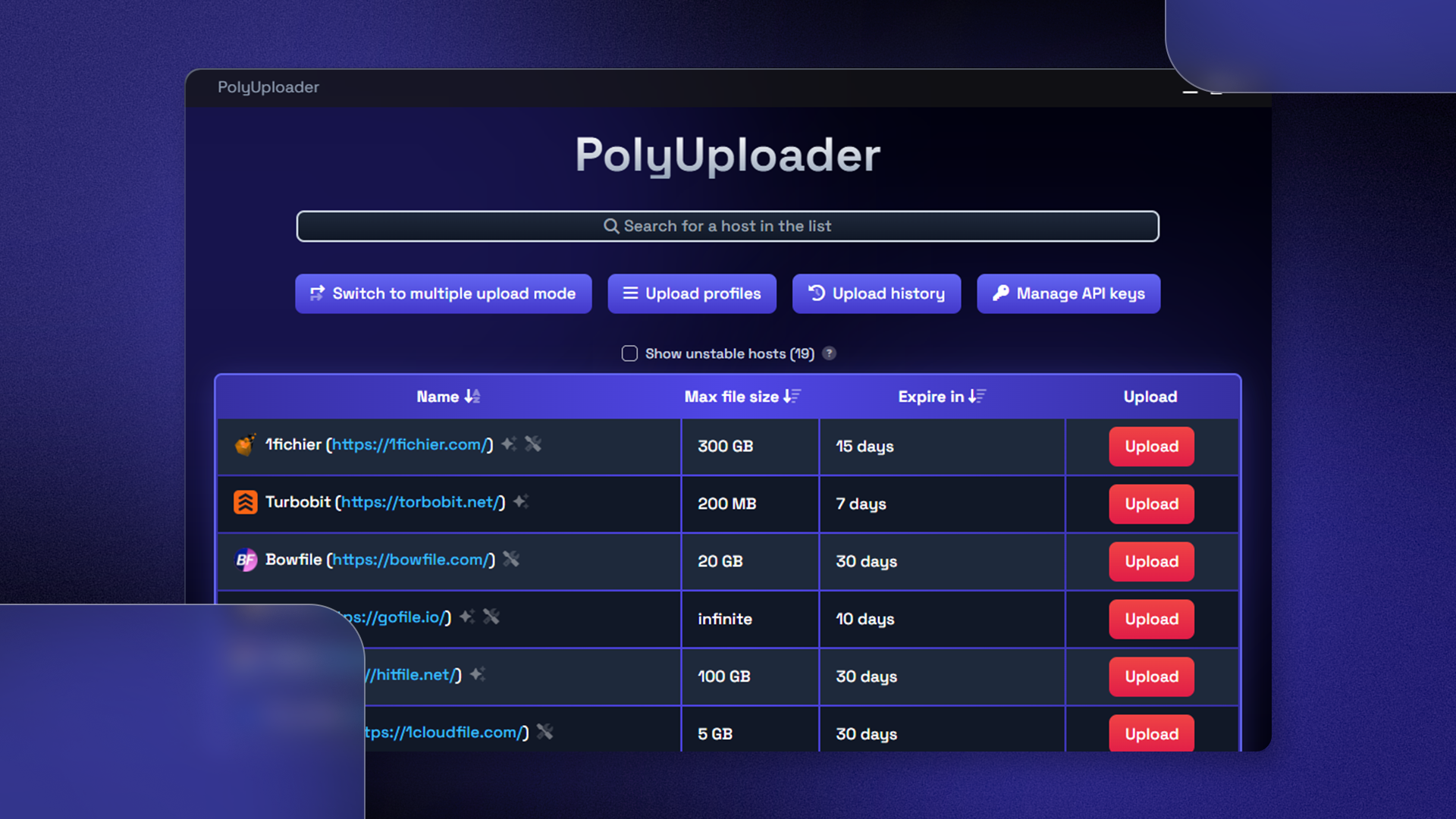
Recently stumbled upon an interesting project called PolyUploader. It's an open desktop application that takes a file from your disk (or downloads it via direct link) and simultaneously pushes it to selected hosts directly from your computer.
What PolyUploader Can Do
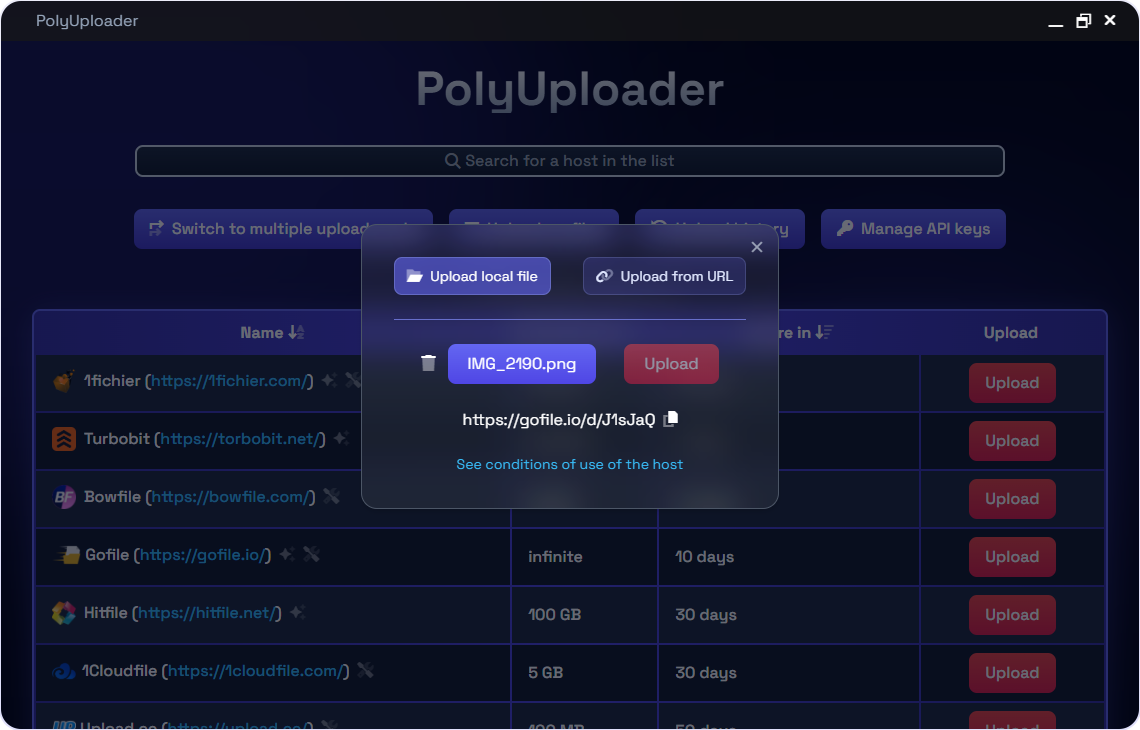
The main feature of the program is simple: you select a file, check off the desired services, and start the process. The list of supported hosts is impressive — there are 133 of them in the repository table. Among them are popular services like Gofile, 1fichier, Turbobit, Catbox, and Pixeldrain, as well as specialized video hosts like DoodStream, StreamWish, or Voe.

Here are several practical things the author built into the architecture:
- Upload without accounts. Out of 133 hosts, 96 work in fully anonymous mode. No registrations or logins, pressed the button — got the link.
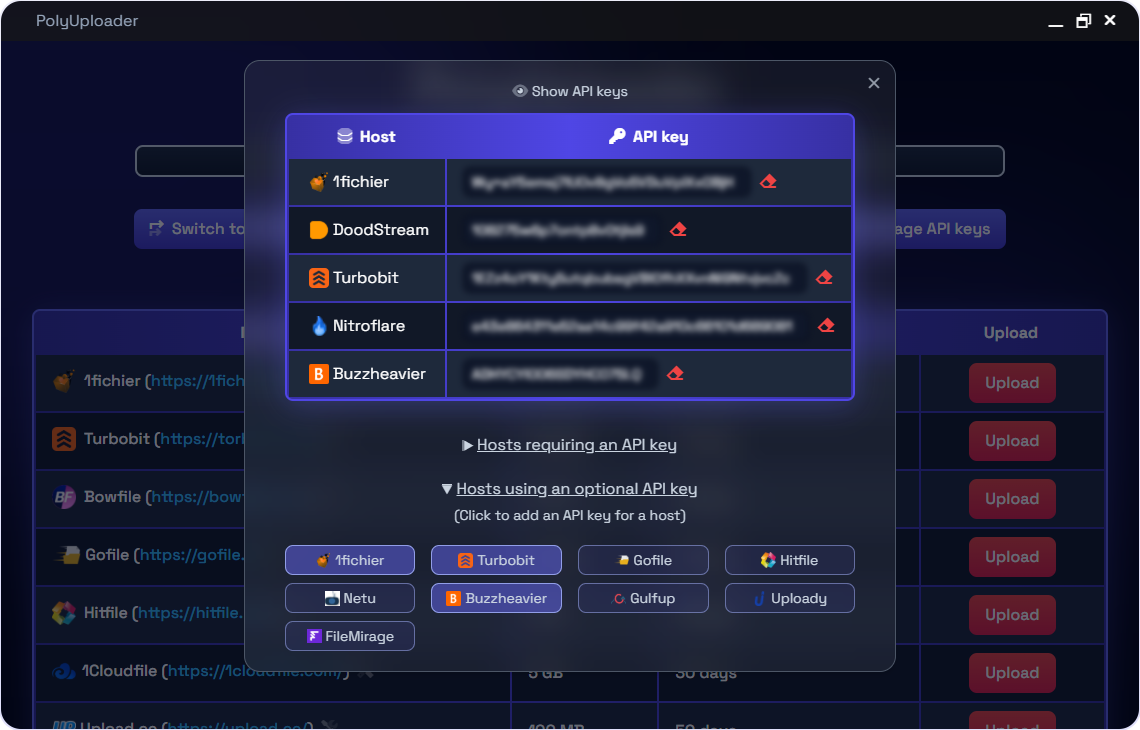
- Connect your own API keys. If you have a premium or personal account on 1fichier, KrakenFiles, or Nitroflare, you can enter the keys in the settings. Then the upload goes to your personal profile with your own limits.
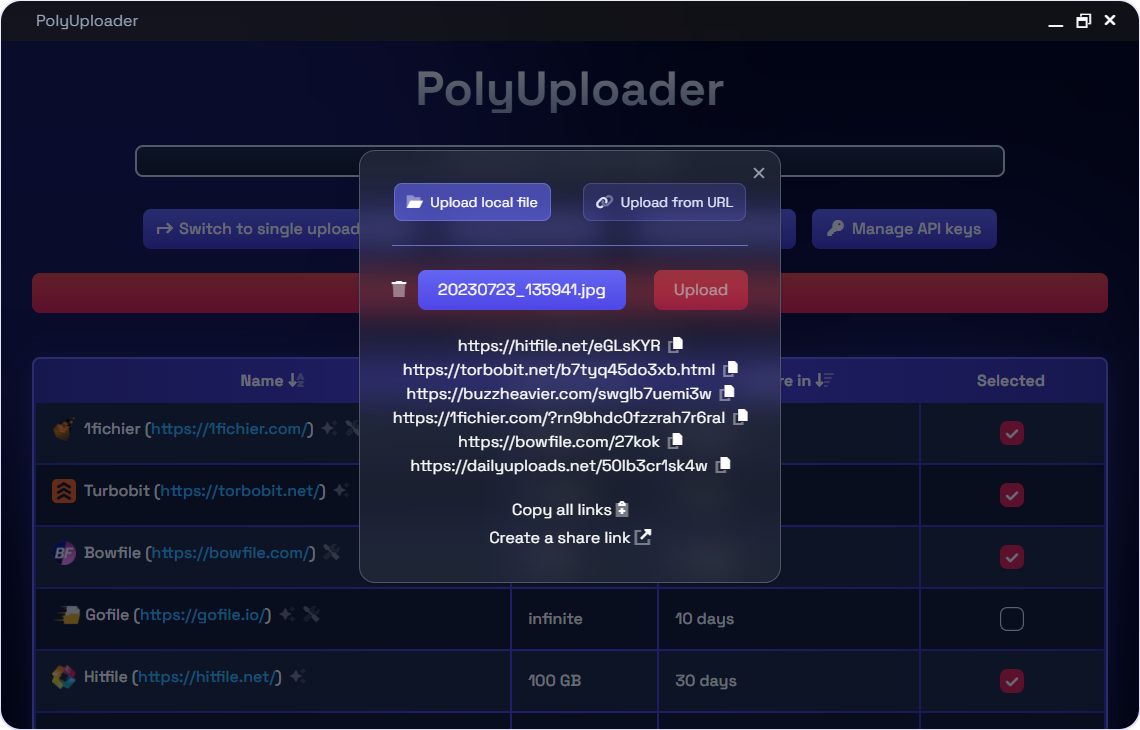
- Link protection and bundles. After uploading, the application collects the received links into a single list. You can package it into one clean link or encrypt it through PrivateBin, Cryptgeon, SafeLinking, or Filecrypt.
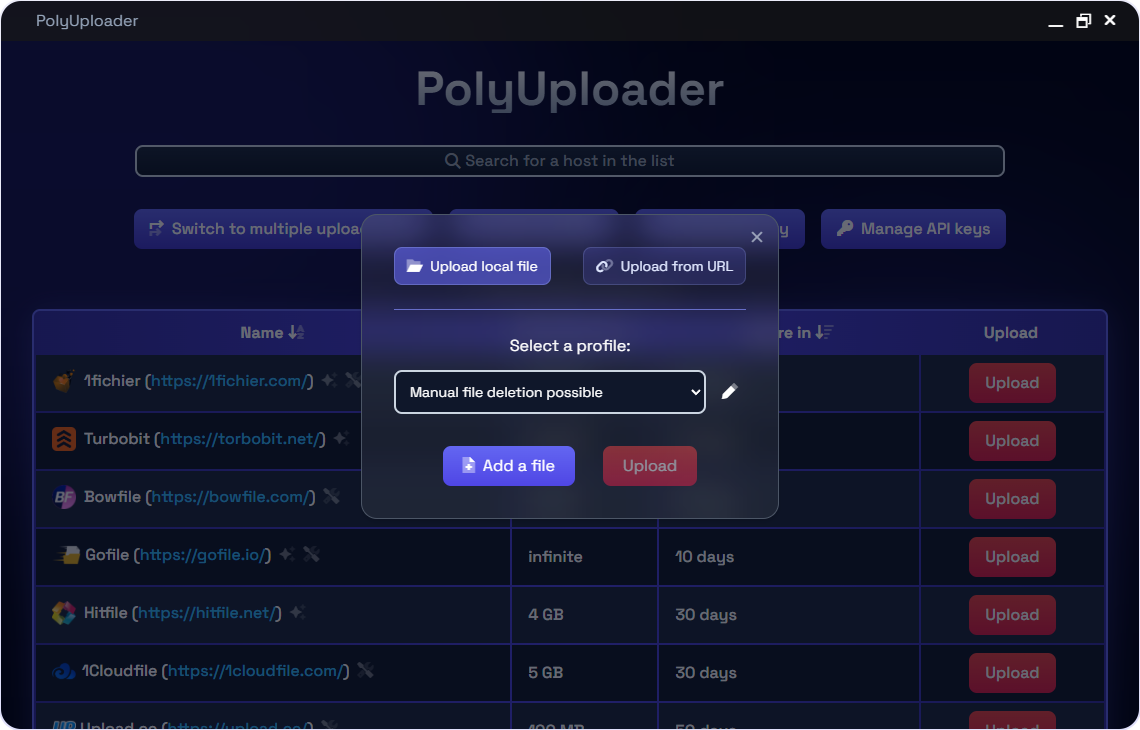
- Upload profiles. To avoid clicking through dozens of checkboxes every time, sets of hosts are saved as separate presets for different tasks.
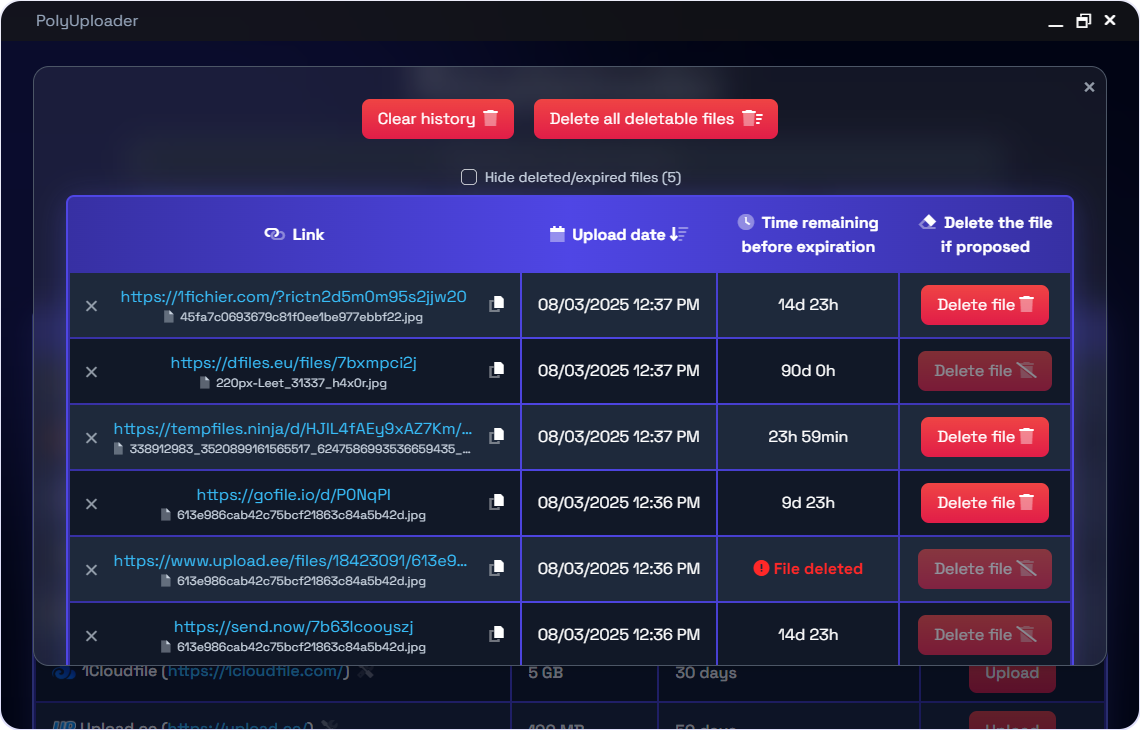
- Local history. PolyUploader remembers where and when you uploaded files, shows the approximate link expiration, and provides a quick delete button if the host supports it.
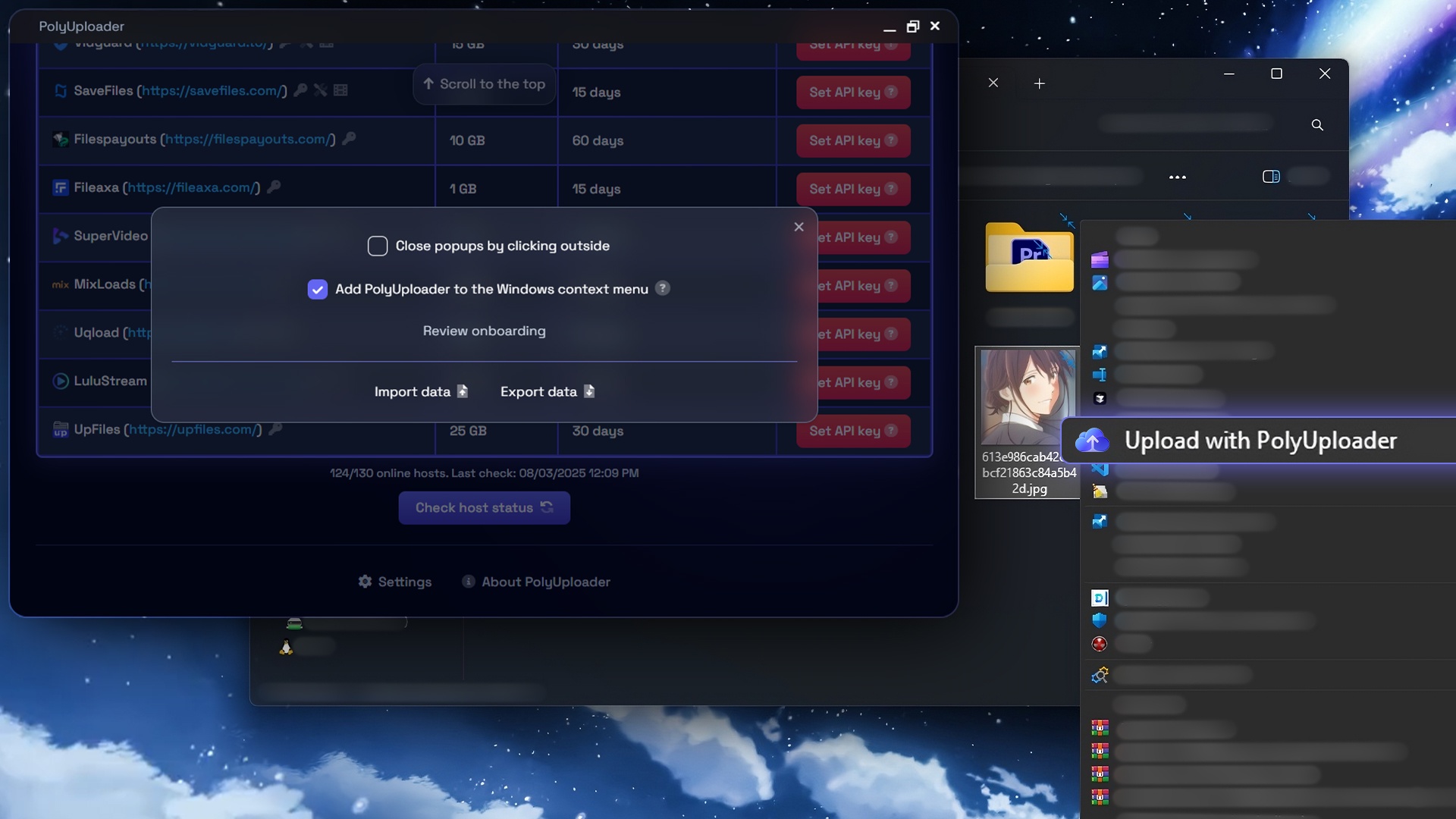
Interface screenshots
How It Works Under the Hood
The project is built on Tauri. The user interface is made with a standard web stack using Tailwind CSS, while system logic, networking, and file operations run in a Rust backend.
Because of this, the application is lightweight and uses minimal RAM compared to Electron-based alternatives.
The most interesting engineering solution here is related to browser engine limitations. When the web interface sends requests directly to a hundred external sites, it immediately hits CORS errors and cross-site cookie issues.
The author solved this elegantly. A local HTTP proxy based on the warp-cors library is embedded inside the Rust backend. When the application starts, a lightweight server spins up on port 61337.
// Запуск прокси warp-cors в фоновом рантайме
use tokio::runtime::Builder;
use warp_cors::app::{Config, run};

fn main() {
  std::thread::spawn(|| {
      let rt = Builder::new_multi_thread()
          .enable_all()
          .build()
          .unwrap();
      let cfg = Config { host: "127.0.0.1".into(), port: 61337 };
      rt.block_on(run(cfg));
  });
}
The frontend simply sends requests through the local address:
const proxy = "http://127.0.0.1:61337/";
upload_to_host([
  proxy + "https://upload.gofile.io/uploadfile/",
  "POST",
  sent_data_form
]);
The proxy forwards traffic to the target site, substitutes the necessary headers, and returns the response to the interface. No dancing around browser security policies.
The Flip Side of the Coin
The author honestly admits in the README that they develop the project solo in their free time outside of studies. And keeping more than a hundred hosts in working order is grueling work.
Many sites don't have an official API. To upload a file to them, you have to emulate browser behavior, parse form scripts, and convert cURL requests into code. As soon as a service changes its layout or protection, the upload breaks until the next patch.
Additionally, the application currently can't handle a batch of different local files queued for batch processing. You take one specific file and replicate it across dozens of mirrors.
The project includes anonymous telemetry. The application sends only the host name and upload date to the author's server for aggregate statistics, without file paths or final links. If you're fundamentally against network activity from software, the API code is also open on GitHub, so you can easily verify the logic yourself.


How to Try It Out
The easiest way is to check the Releases section of the repository. There are pre-built packages for Windows (installer), Linux (AppImage, deb, rpm packages), and macOS (dmg image).
If you want to build the binary yourself, you'll need Rust and the Tauri CLI installed:
git clone https://github.com/spel987/PolyUploader.git
cd PolyUploader
cargo install tauri-cli
cargo tauri build
The finished installer will appear in the src-tauri/target/release/bundle directory.
Who Will Find It Useful
The project will find its place with those who regularly upload software releases, dumps, media files, or backups and want reliable mirrors in case the main storage goes down.
PolyUploader eliminates the need to trust your data to third-party web mirrors and saves a ton of routine time. If the project caught your eye, give the author a star on GitHub — solo maintenance of such a host base really does require tremendous patience.
Related projects