A visual map of your local network and containers without the hassle
When a home server or workstation accumulates a couple dozen containers, VMs, and test services, keeping track of them becomes difficult. Eventually you catch yourself wondering: what IP is the database running on right now, which ports are exposed, and which Docker networks is that old worker connected to? Usually you have to open a terminal, grep through docker inspect output, run nmap, and manually piece together the information in your head.
I recently came across Atlas, an open-source project by developer Karam Ajaj. This tool takes over the routine: it scans local subnets, pulls container details via the Docker socket, and renders an interactive network map right in the browser.
What's under the hood and how it works
Atlas's architecture combines several familiar components, packaged into a single container:
- The scanner is written in Go 1.22. The binary performs low-level network requests via ARP and ping, queries the Docker socket, and conducts deep probing of open ports. All findings are stored in a local SQLite database.
- The backend runs on FastAPI. It serves discovered hosts via REST API, manages sessions, and accepts commands to initiate scanning.
- The web interface is built with React, served by NGINX, which also proxies API requests.
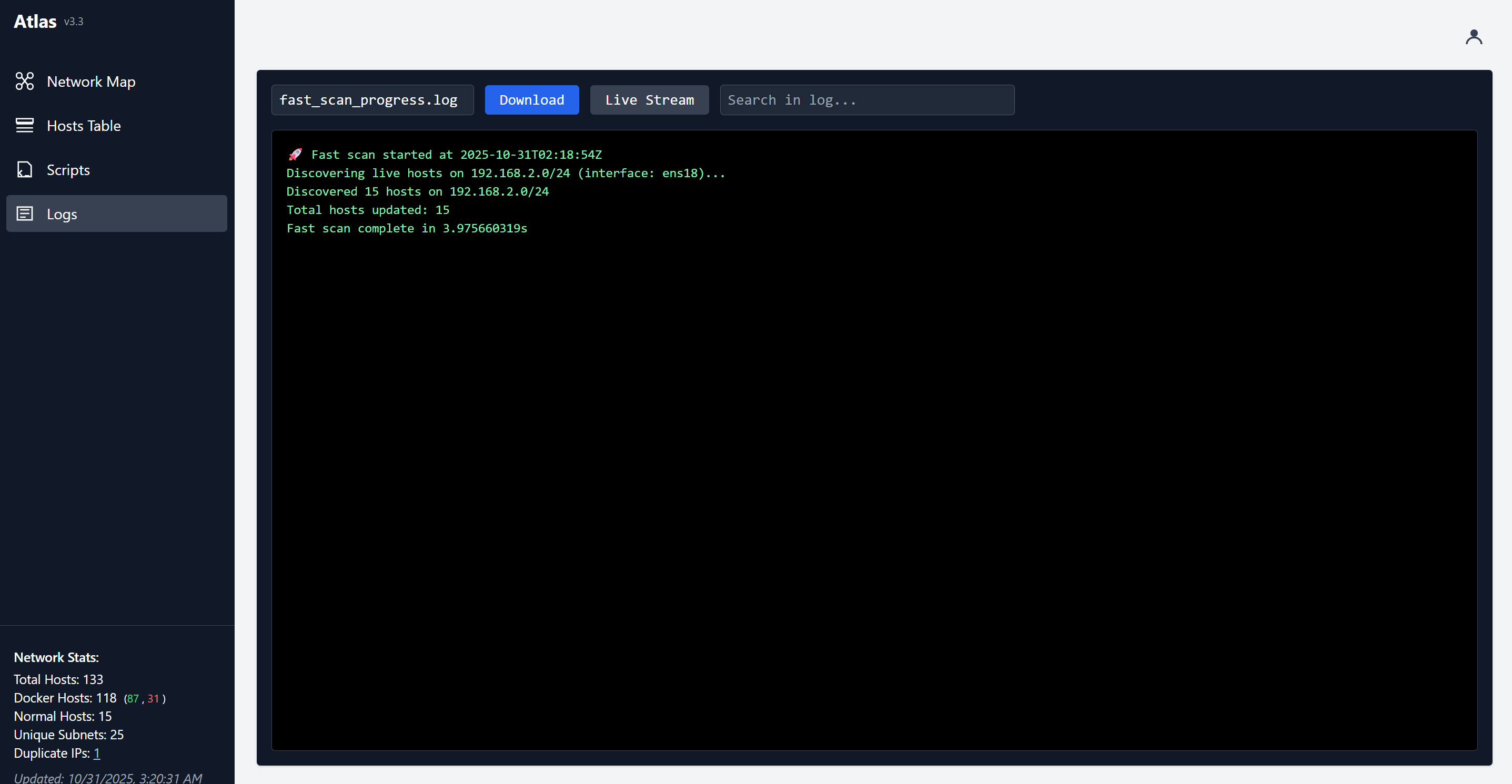
This stack operates autonomously. No cron setup is needed inside the container: periodic subnet polling is handled by Go timers.
Key features
Deep Docker inspection
Many similar tools stumble when a container has multiple network interfaces. Atlas tracks each interface separately. If a container has multiple internal IPs and MAC addresses, all of them appear on the graph tied to specific network names. The utility also parses image metadata, attempting to determine the operating system type.
Discovering neighboring hosts
Atlas doesn't stop at the local host. The SCAN_SUBNETS variable lets you specify a comma-separated list of subnets, for example 192.168.1.0/24,10.0.0.0/24. The scanner discovers available devices, fingerprints the OS, and checks accessible ports. The same host visible from different network adapters gets labeled with the corresponding interface labels.
Interactive visualization
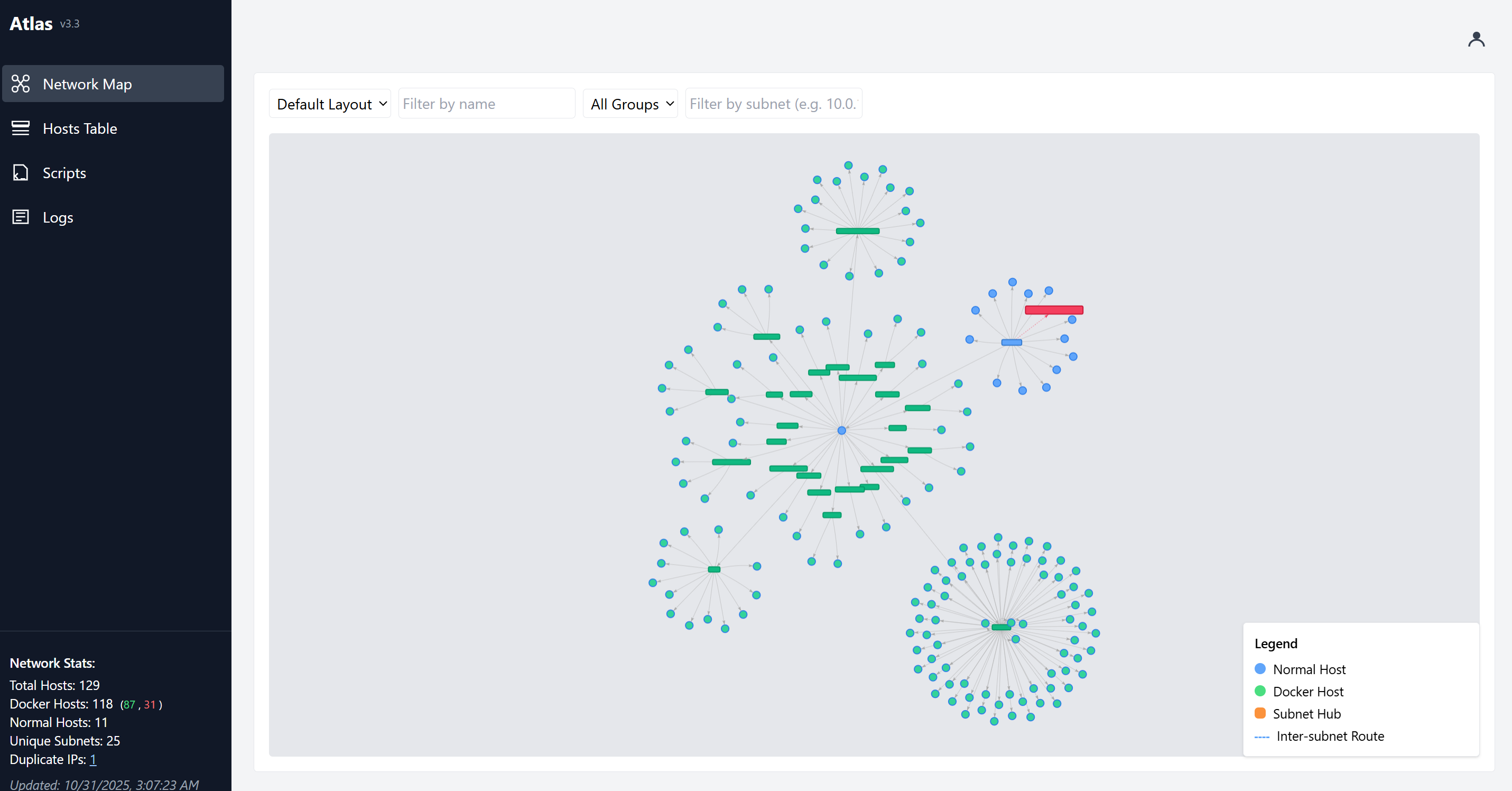
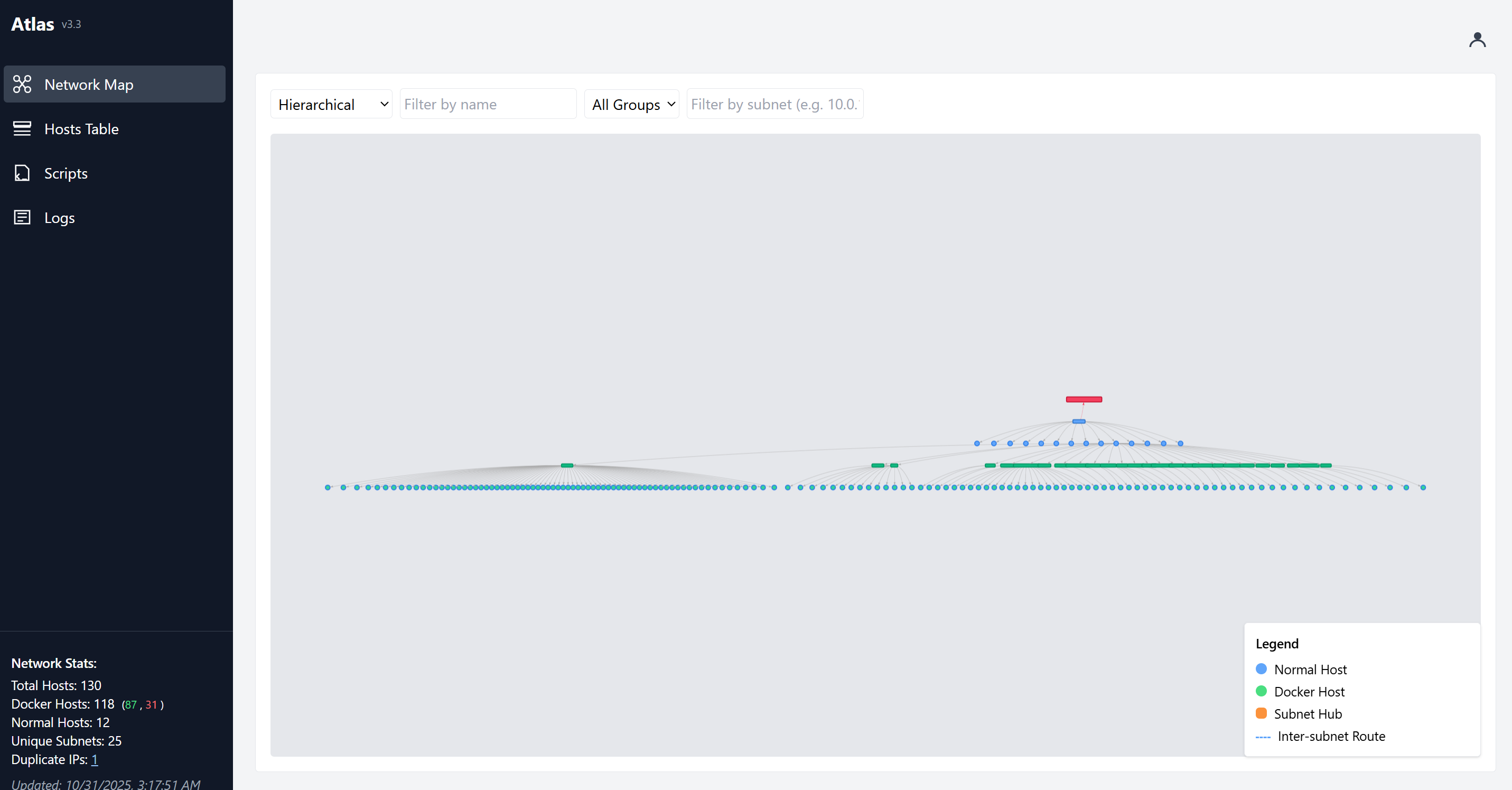
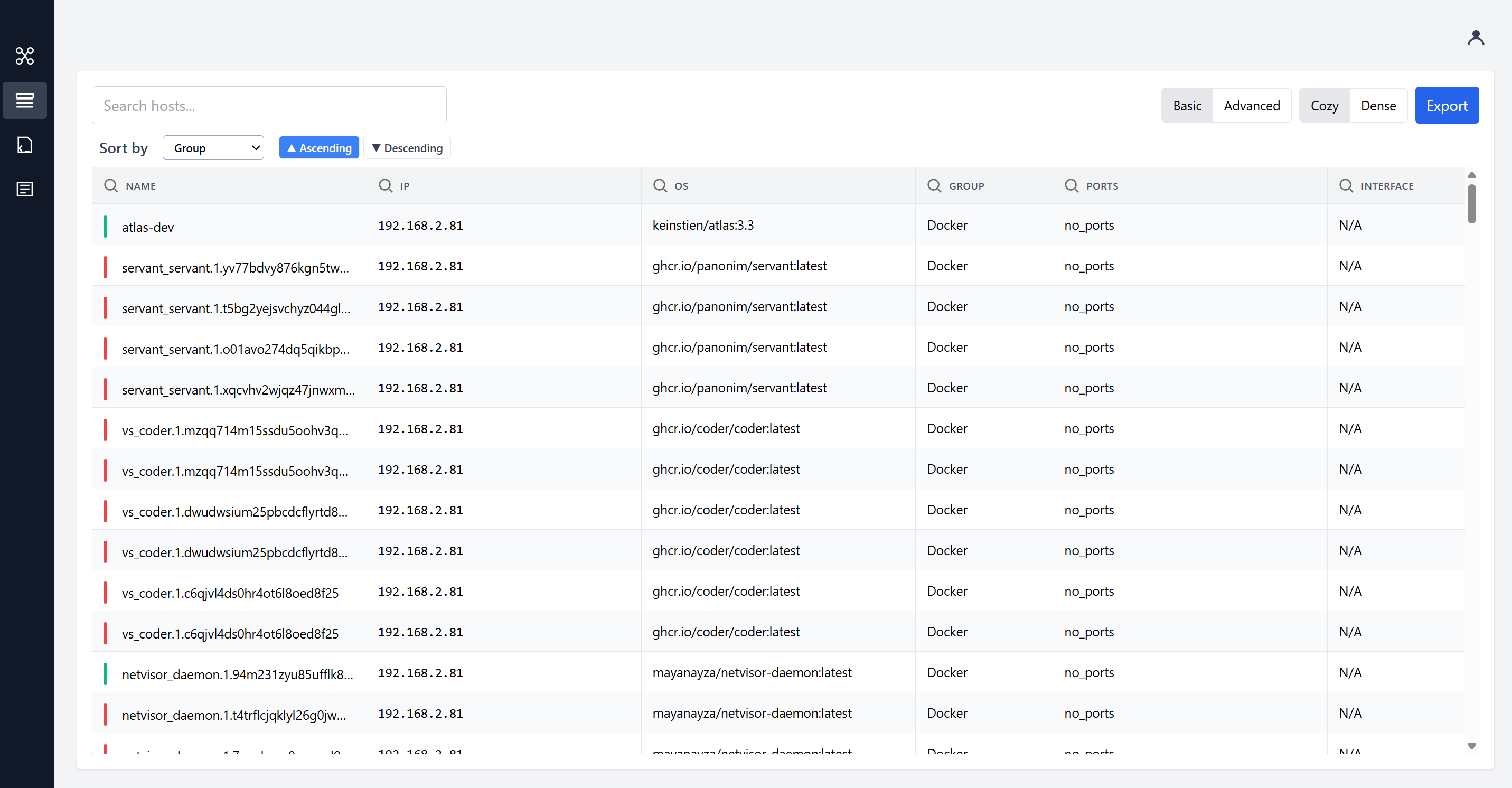
The network graph can be switched between circular and hierarchical layouts. If the graphical view isn't convenient at a given moment, a standard host table is available with all parameters, filters, and search. The interface is mobile-friendly, so you can check network status from your phone.
Flexible scheduling via API
Check intervals are set at startup, but can be changed on the fly without restarting the container. Dedicated API endpoints handle this:
# Проверить текущие интервалы
curl http://localhost:8888/api/scheduler/intervals

# Изменить частоту быстрого сканирования на 30 минут
curl -X PUT http://localhost:8888/api/scheduler/intervals/fastscan \
  -H "Content-Type: application/json" \
  -d '{"interval": 1800}'
How to deploy it yourself
The quickest way to try it out is to run the ready-made Docker image. The tool needs access to the host network and the daemon socket:
docker run -d \
  --name atlas \
  --network=host \
  --cap-add=NET_RAW \
  --cap-add=NET_ADMIN \
  -v /var/run/docker.sock:/var/run/docker.sock \
  -e ATLAS_UI_PORT='8888' \
  -e ATLAS_API_PORT='8889' \
  -e ATLAS_ADMIN_USER='admin' \
  -e ATLAS_ADMIN_PASSWORD='change-me' \
  -e SCAN_SUBNETS="192.168.1.0/24" \
  keinstien/atlas:latest
The NET_RAW and NET_ADMIN flags are required for sending low-level packets during scanning. If no admin password is set, UI authentication is disabled by default. When security is critical, set ATLAS_ADMIN_PASSWORD, after which the web interface will be protected by a login screen and API endpoints will require a bearer token.
After startup, the web interface is available at http://localhost:8888, and the interactive Swagger documentation is at http://localhost:8888/api/docs.
Who it's for
Atlas fits perfectly into home labs, small office infrastructures, or dedicated staging servers where test environments are frequently spun up and torn down. The project eliminates the need to keep a mental map of local addresses and helps you spot a forgotten open port in time.
If you want to get a feel for the interface first, the author maintains a public demo at https://atlasdemo.vnerd.nl/ with username admin and password change-me. The source code is released under the MIT license, so you can confidently adapt the project for your own automation scripts.
Gerelateerde projecten