Interactive RegexLearn Trainer Helps You Master Regex Without the Pain
Regular expressions evoke mixed feelings among developers. Usually, we copy ready-made patterns from Stack Overflow or ask an AI to write an email validation pattern. When a regex suddenly breaks on an edge case, you have to open a debugger and squint at an unreadable mess of brackets and slashes for a long time.
I recently discovered RegexLearn, an open-source interactive step-by-step trainer that breaks down the complex syntax of regular expressions into simple hands-on exercises.
What's Inside the Project
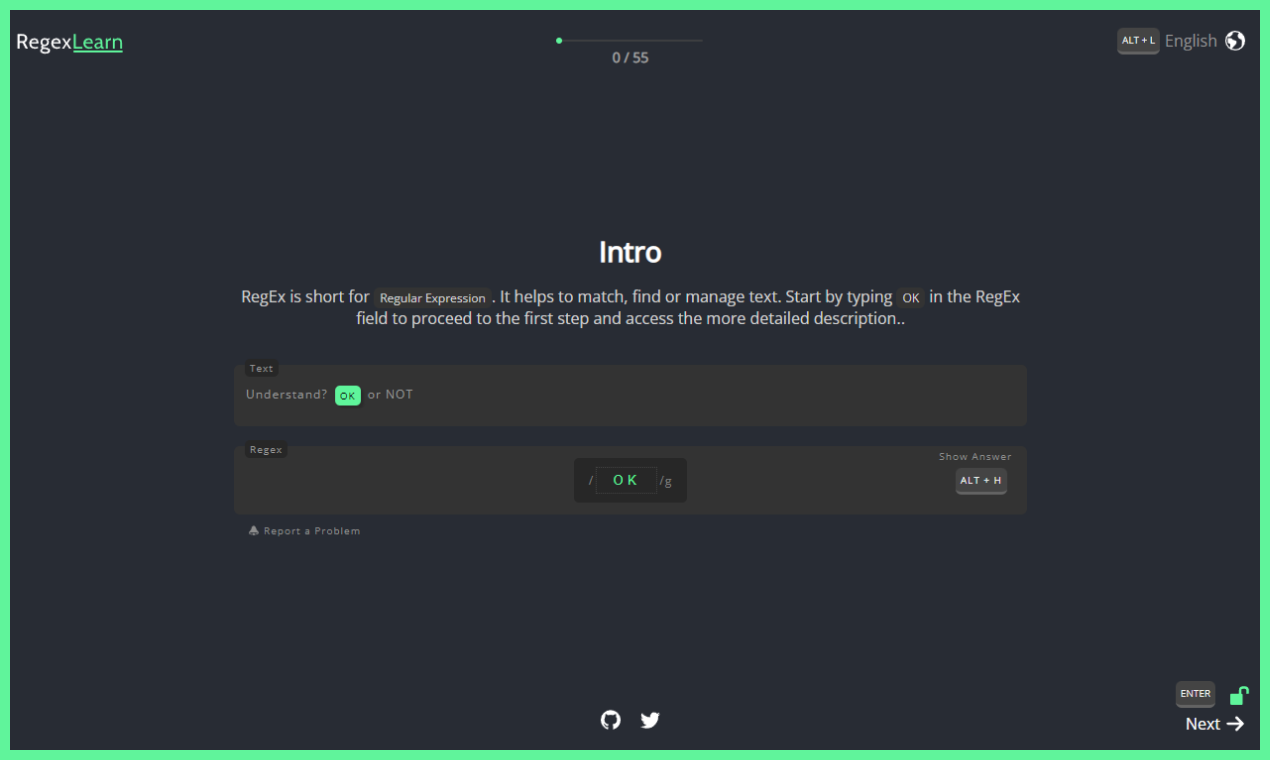
The author, Aykut Kardash, built a web platform where learning is split into short interactive steps. You don't just read theory—you immediately type characters into the answer field and watch matches highlight in the text.
Unlike dry reference guides, it uses a gamified learning approach. Each screen provides a brief explanation of one syntax element, a text block, and a specific task: highlight certain words, numbers, or symbols. The next step won't unlock until you write a working pattern.
The project has been translated into 21 languages, including Russian. The localization is done well, with terms translated clearly and without any machine-translation flavor.
Main Features of the Trainer
The repository contains several independent sections. They cover different needs, from initial introduction to everyday string work.
Step-by-Step Courses
The site offers two separate tracks:
- Regex 101 Basics. It guides you from matching single letters to quantifiers, greedy and lazy matching, capture groups, and lookahead/lookbehind assertions.
- Regex for SEO Practice. Geared toward SEO specialists and webmasters. It covers URL filtering, redirect configuration, and web server log parsing.
Built-in Playground and Cheat Sheet
When you need to quickly test an expression against real data, the Playground tab comes in handy. It's a clean sandbox that runs entirely in the browser and doesn't send your test strings to the server.
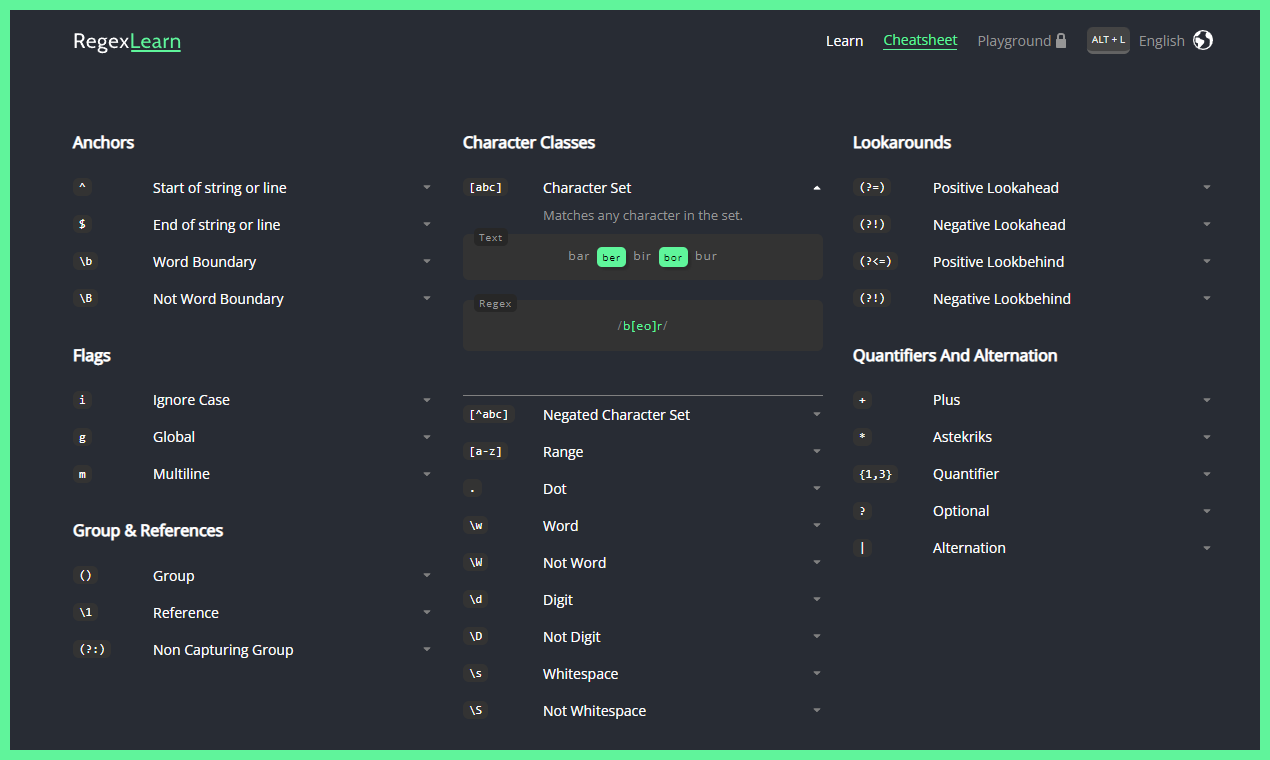
Nearby is an interactive cheat sheet. It lists all major constructs with brief hints, search flags, and working examples.
Keyboard Navigation
The interface is designed so you can put the mouse aside entirely. Navigating between lessons, clearing fields, checking solutions, and calling up hints all work through familiar hotkeys.
Tech Stack and Running the Project Locally
The codebase is clean and easy to follow. The project is built on Next.js using TypeScript and styled with Tailwind CSS.
If you'd like to run the platform on your machine or explore the source code, the process takes just a couple of minutes:
# Клонируем репозиторий и ставим зависимости
git clone https://github.com/aykutkardas/regexlearn.com.git
cd regexlearn.com
npm install

# Запускаем локальный сервер разработки
npm run dev
The local version will open at http://localhost:3003.
The localization architecture is straightforward. All translations live in the src/localization/ folder as separate JSON files. To add a new language or fix an inaccuracy in the existing Russian translation, just edit the relevant JSON structures and submit a pull request to the develop branch.
Project sponsors:


Who Will Find This Repository Useful
RegexLearn is worth opening in three typical situations:
- You're just starting to code and the syntax of regular expressions intimidates you.
- You've been coding for a while but constantly mix up the syntax of lookbehind and lookahead assertions.
- You're onboarding juniors and looking for clear interactive practice material.
- You frequently have to configure Nginx, Apache, or parse analytics reports.
The platform is free, open source under the MIT license, and not overloaded with unnecessary theory. Completing the basics track takes at most an hour or two, but the understanding of regular expression structure will stick with you for a long time. If you've been putting off learning this topic, check out the project page.
Related projects