How developers turned the CLI Claude Code into a graphical desktop environment called cc-haha
If you've ever tried running coding agents in the console, you've probably run into the same problem. The terminal is great for issuing a single command. But when AI starts editing a dozen files, watching a continuous stream of diffs becomes unwieldy. You want a proper interface, syntax highlighting, session tabs, and a clear undo button for changes.
That's how the cc-haha project came about. The author took the Claude Code CLI tool's source code and built a desktop application around it. The result is a desktop environment for autonomous AI agents, available for macOS, Windows, and Linux.

What's inside the application
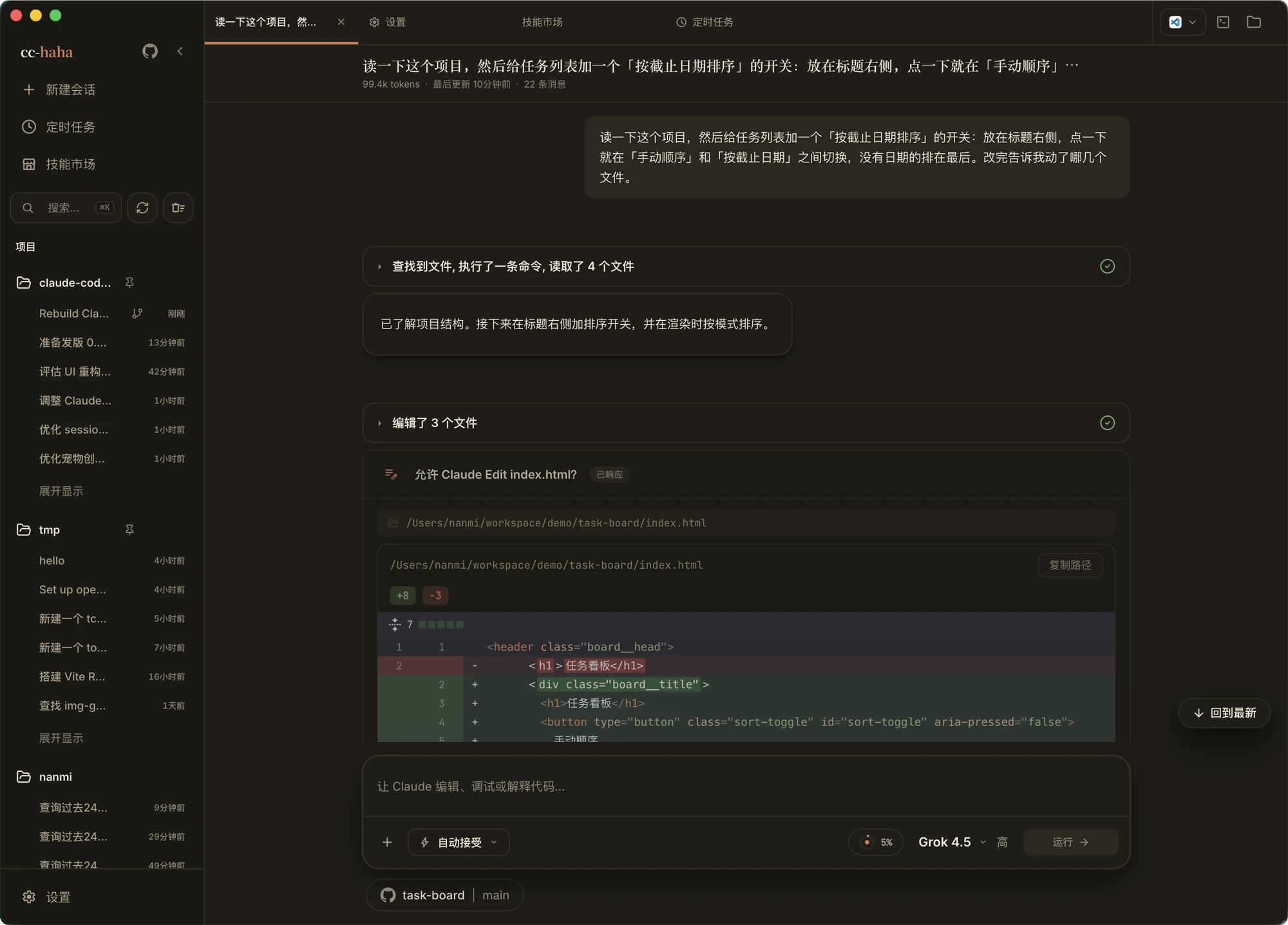
Regular console utilities lock the developer into a terminal window. The cc-haha project takes a different approach and wraps the agent logic in an Electron shell with a React interface. You get a graphical environment where the neural network dialogue coexists with a file tree, a change viewing window, and a built-in browser.
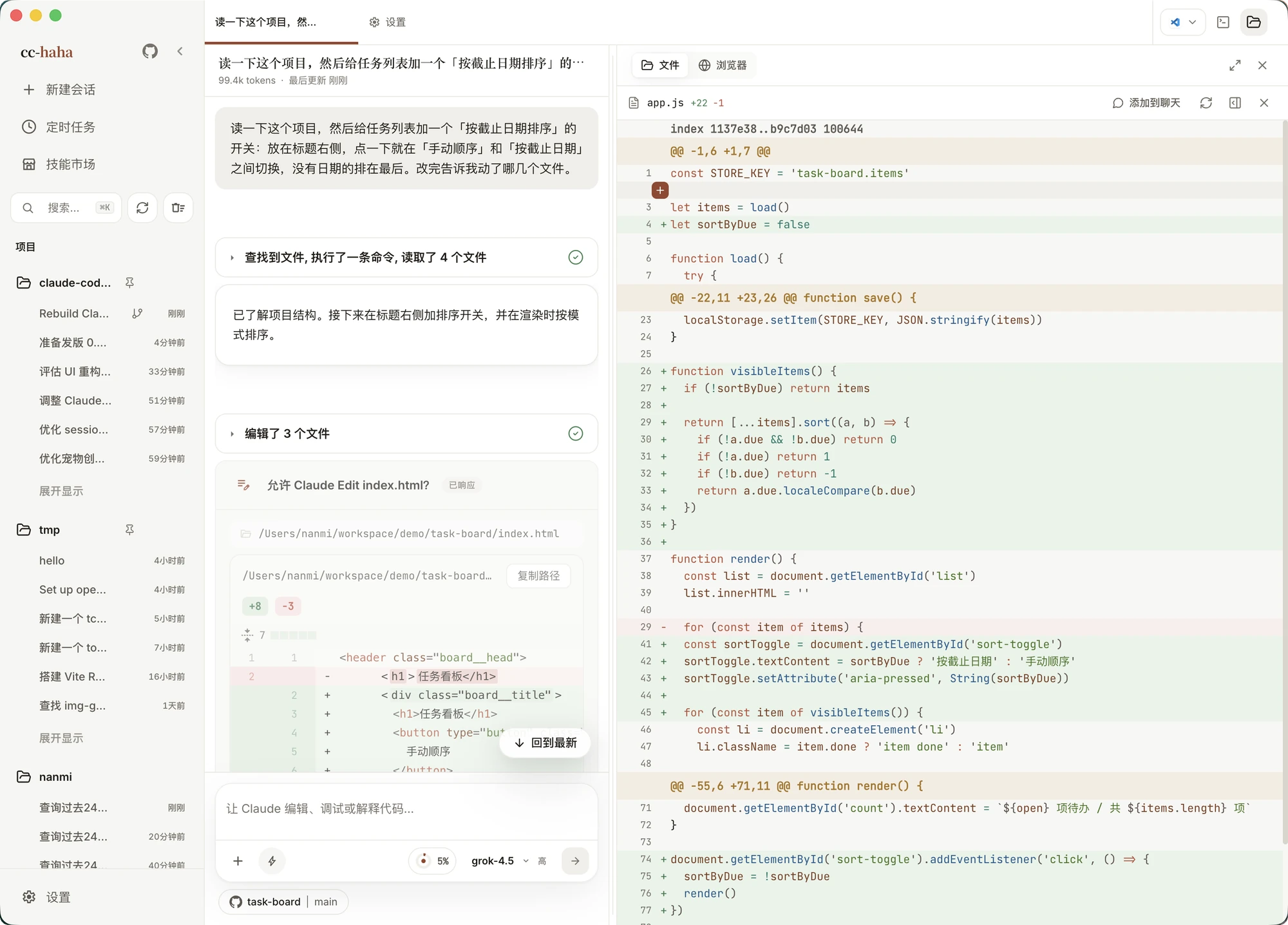
The interface is designed so that you maintain full control over the model's actions. Each code change is displayed on a side panel before it gets written to disk.
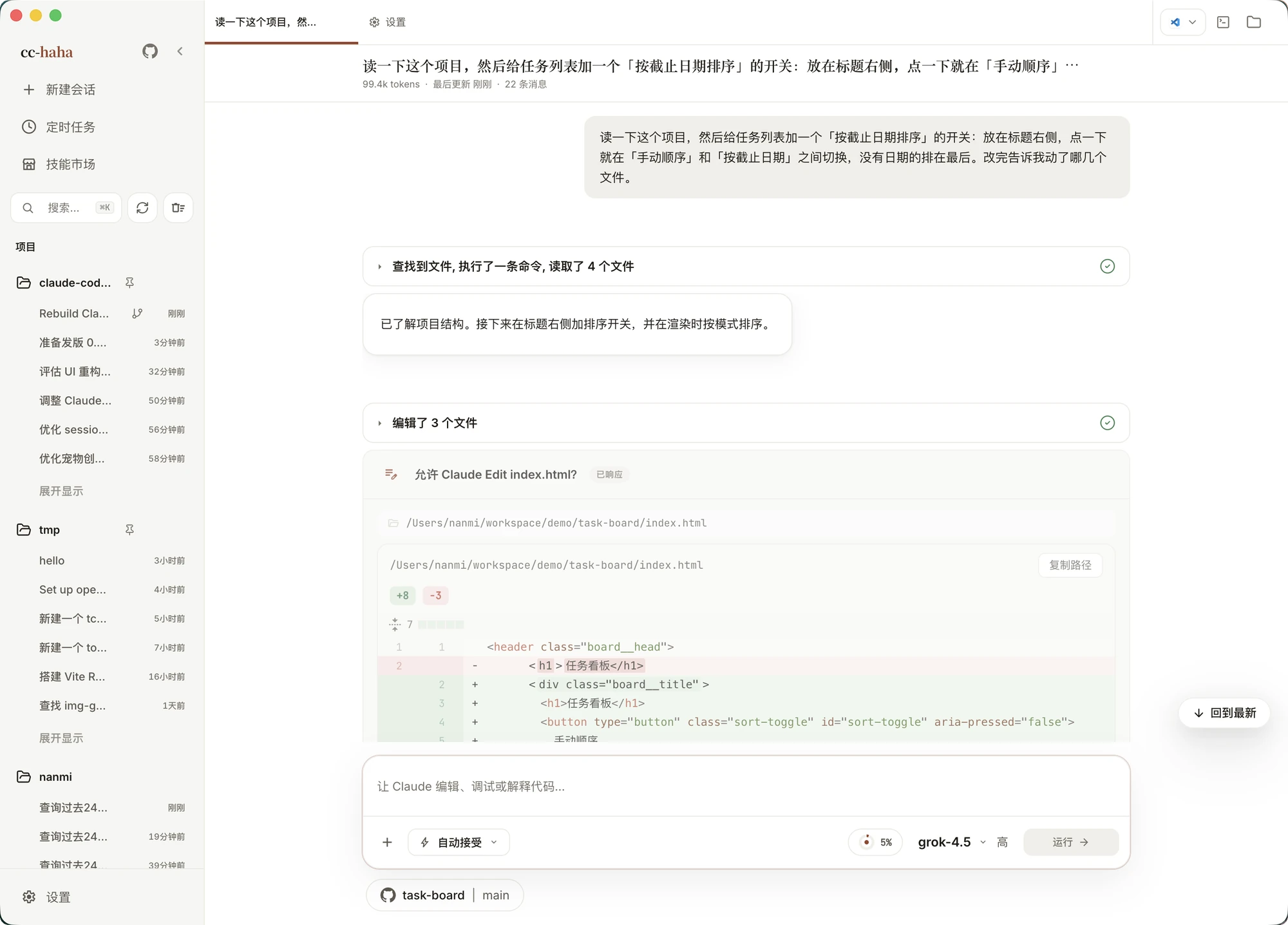
Four features worth checking out in cc-haha
When working with CLI versions of agents, you constantly have to find a balance between speed and safety. The creators of cc-haha tried to address the main pain points for developers.
Task isolation via Git Worktree
Running a neural network directly in your working branch can be risky. One careless decision by the model, and you'll spend half an hour cleaning up local changes. In cc-haha, when creating a session, you can send the agent to work in a separate Git Worktree with a single click. Code changes happen in an isolated directory, while your main branch stays untouched.
Visual review and flexible permission settings
Instead of constantly entering confirmations in the console, the application lets you configure five levels of autonomy. You can request permission for each bash command execution, or trust the model to work independently. All modified files are displayed with clear diff highlighting.
Breaking free from a single provider
The original Claude Code is tied to the Anthropic API. In cc-haha, this limitation is removed. Out of the box, it supports connecting local models via Ollama and LM Studio, as well as third-party APIs including DeepSeek, GLM, Kimi, and ChatGPT. With a powerful local server, the agent can operate without sending data to external services.
Management via messengers and mobile web
Started a long refactoring task and stepped away from your computer? Sessions can be linked to Telegram, WhatsApp, 飞书 (Feishu), or accessed via QR code through a mobile web interface. If the agent stops and requests permission to execute a command, you can approve the action right from your smartphone screen.
How the technical stack is organized
The cc-haha architecture combines several familiar web technologies:
- The native Bun runtime handles script execution and server logic.
- Electron paired with React and Vite forms the desktop environment.
- Console interfaces are built on the Ink library and Commander.js parser.
- Support for MCP (Model Context Protocol) and LSP protocols helps the agent read project context and type structure.
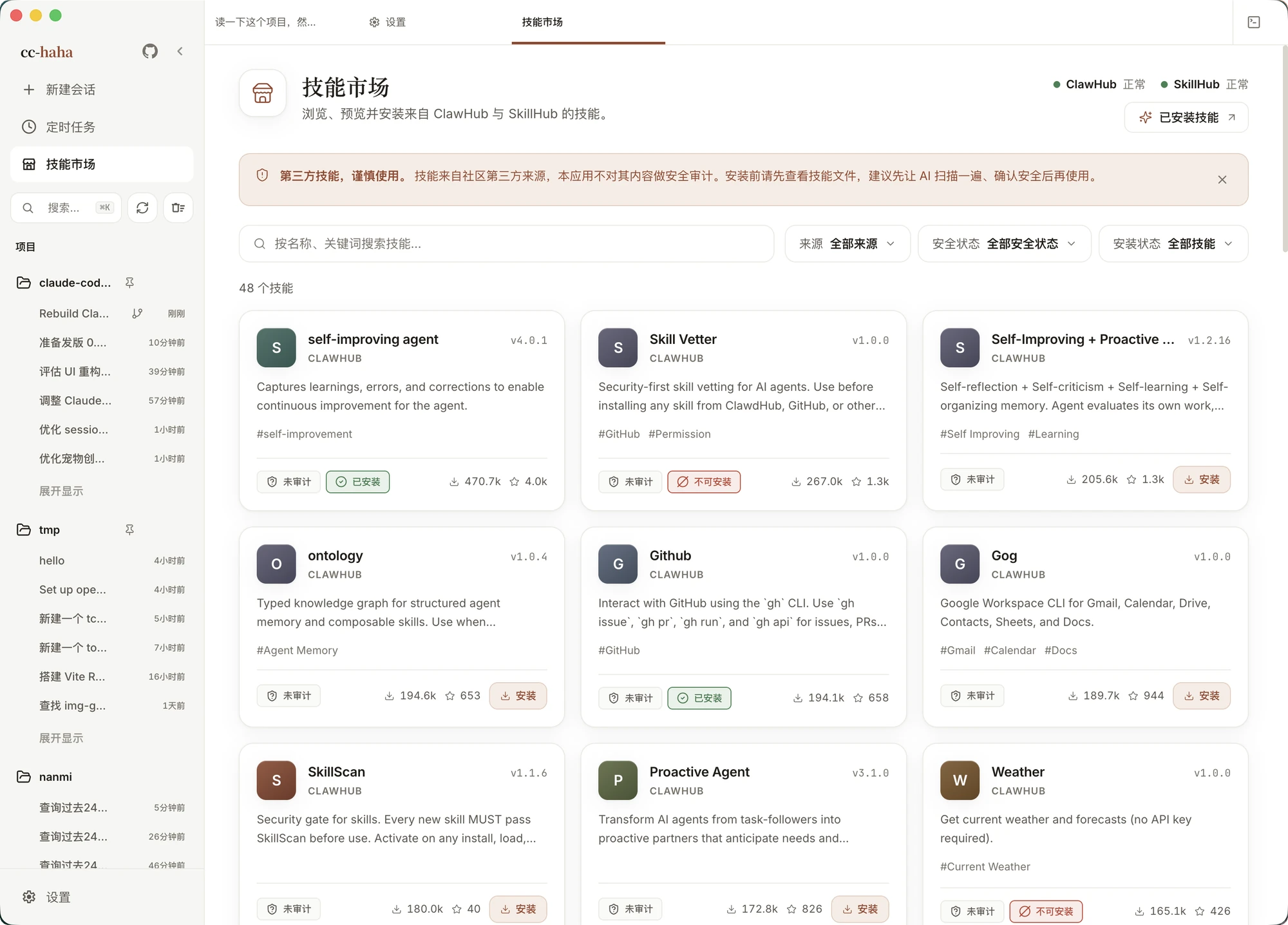
- The Computer Use module gives the neural network the ability to take screenshots and control the cursor if a task can't be solved with simple file editing.
How to run the project locally
The easiest way is to go to the releases section on GitHub and download a ready-made installer for your platform. However, if you want to debug the CLI part or build from source, the build takes a couple of minutes.
You'll need Bun installed. The command sequence looks like this:
git clone https://github.com/NanmiCoder/cc-haha.git
cd cc-haha
bun install

cp .env.example .env

./bin/claude-haha
After the first launch, you'll need to go into settings, enter the API key for your chosen provider, or specify the address of a local Ollama server.
Practical considerations
Before using the tool in production projects, it's worth considering its origins. The codebase relies on sources that were made public from Anthropic's npm registry. For this reason, the repository doesn't have a standard open-source license, and the LICENSE file shows a NOASSERTION status.
Pre-built packages for macOS and Windows don't yet include developer digital signatures. On first launch on macOS, the operating system will block execution, so you'll need to manually allow the app in OS security settings.
Who will find cc-haha useful
The tool is suitable for those who actively use AI agents for writing code but prefer a graphical interface with clear change control. The ability to switch between DeepSeek, Claude, and local networks makes the working environment versatile for a wide range of scenarios.
Related projects