How to Remove Background from Images Right in the Browser Without Servers and Subscriptions
Every time you need to quickly remove the background from a photo for a pet project, product card, or avatar, the same quest begins. Popular online services like Remove.bg demand a paid subscription after three downloads, compress the image to the size of a postage stamp, or require Google authorization. Plus, you don't always want to send personal photos or work mockups to third-party servers.
Recently I came across the cut-it-out repository by developer Suvink. It's an open-source tool that does the same thing, but right in the browser on the user's machine. No backends, no queues, and zero costs for third-party infrastructure.
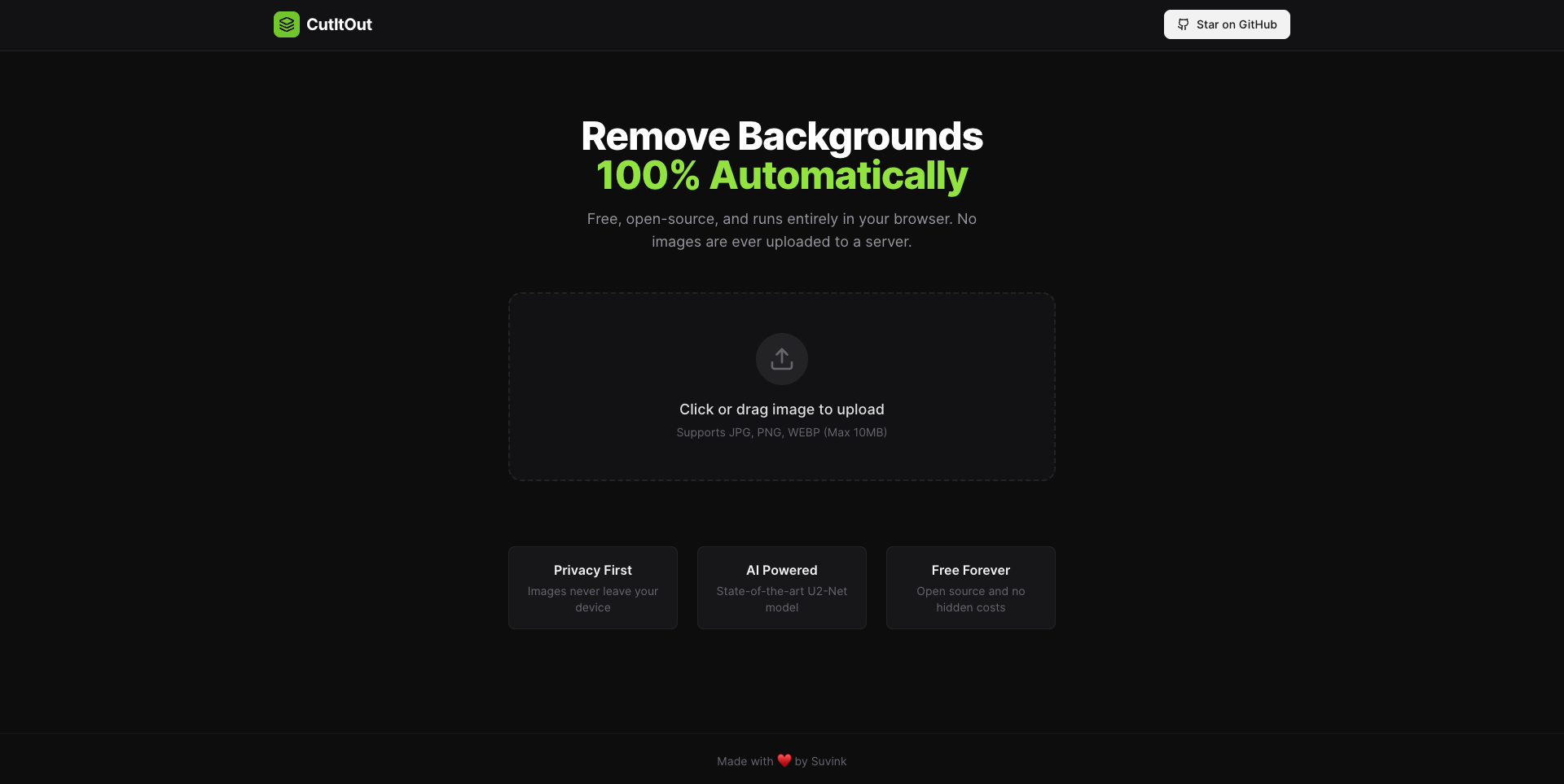
What's under the hood
The main highlight of the project is that all computations happen on the client side. The repository uses the @imgly/background-removal library, which loads the U2-Net neural network model via ONNX Runtime in WebAssembly (WASM).
If running inference for segmentation networks previously required a server with Python, PyTorch, and at least a modest GPU, now the WASM + WebGL/WebGPU stack handles it right in a Chrome or Firefox tab.
When you first open the page, the browser downloads the model weights, caches them, and then processes incoming files locally. No data goes anywhere. You can disconnect your laptop from the internet, drag an image into the window, and the mask will still be generated in a couple of seconds.
Tools for manual refinement
Neural networks often make mistakes on complex boundaries. Fine hair, transparent glass, or a semi-blurred background often turn into ragged edges. The creators of CutItOut didn't limit themselves to a single "Remove Background" button and added several useful manual correction tools:
- Magic Brush. Selects neighboring pixels by color similarity, which helps quickly erase an awkwardly left piece of the background.
- Recovery mode with a semi-transparent layer (Ghost overlay). When the neural network cuts out too much, it's hard to blindly restore the needed fragment. Here the original is highlighted with a soft outline, so you can see exactly where to brush.
- Canvas navigation. There's zoom and panning to neatly clean up small details at high resolution.
- Lossless export. The finished result is delivered as PNG with a transparent alpha channel at the original resolution, with no watermarks or wait timers.
How to deploy the project yourself
The codebase is written in TypeScript and builds with standard frontend tooling. To run the project locally or use it as a foundation for your own service, you'll need Node.js 18+ and npm 9+.
Clone the repository and navigate to the folder:
git clone https://github.com/Suvink/cut-it-out.git
cd cut-it-out
Install dependencies:
npm install
Start the local development server:
npm run dev
Vite will launch the app at http://localhost:5173.
If you want to deploy the app yourself, the project builds to static files with a single command:
npm run build
All finished files will land in the dist directory. Since the project doesn't need a backend at all, you can upload these files to any free static hosting like Vercel, Netlify, or GitHub Pages. No Docker containers, environment variables with API keys, or Celery queue configurations to set up.
Why this project is useful for developers
CutItOut's code is interesting from two perspectives.
First, it's a convenient ready-made utility for personal use. You can run it on a home server or keep it bookmarked to avoid paying for commercial alternatives when you need to prepare a couple dozen images.
Second, the project is a great illustration of the edge computing approach in frontend. If you're building an app where users upload avatars or product photos, moving segmentation to the client saves a decent amount of money. Instead of paying for cloud GPU instances, you shift the work to the user's CPU. In the repository, you can see how the author organized canvas work, scaling, and integration of the WASM library into the interface.
CutItOut is a clean and honest project under the Apache 2.0 license. It solves a specific everyday problem and clearly demonstrates how far browser machine learning capabilities have come. The project doesn't have many stars yet, but the code is clean, understandable, and easily adaptable to your own tasks.
Related projects