Cursify turns the familiar cursor into an interactive tool for websites
When you open another stylish website from a studio or design agency on Awwwards, microinterfaces immediately catch your eye. The cursor smoothly enlarges over links, leaves a light trail behind it, stretches text, or highlights cards with a soft gradient. It looks fresh, but when you sit down to replicate this in your own React project, you quickly hit a wall of routine work. You have to manually calculate mouse coordinates, track re-renders, configure spring animations, and fight lag on mobile devices.
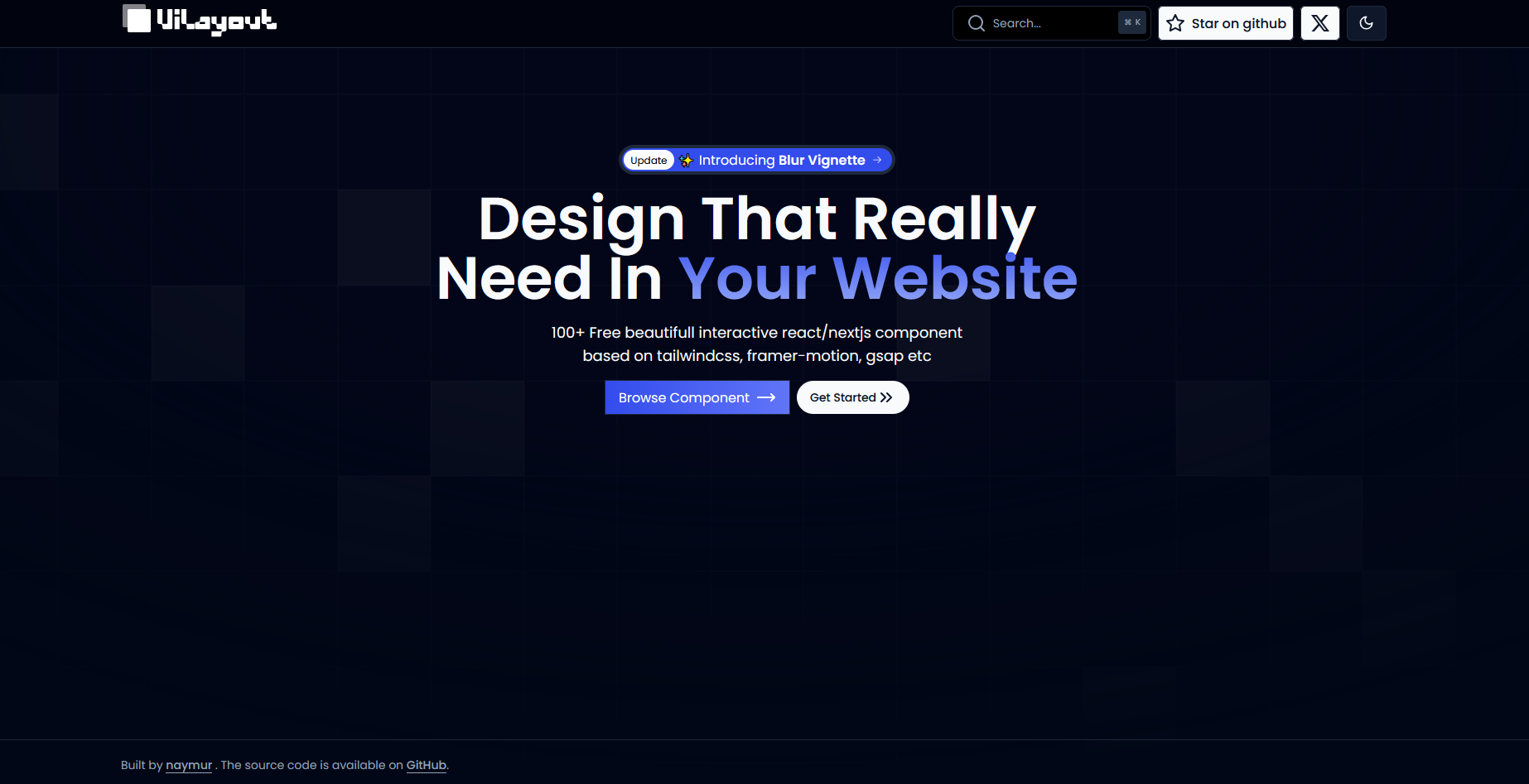
Recently, the UI-Layout team released the cursify repository. Essentially, it's a ready-made collection of components and a documentation template for anyone who wants to quickly add unusual cursor effects, illuminated buttons, and kinetic animations to a React or Next.js application.
What's inside the project
The repository is structured as a Next.js starter template with MDX support. The architecture follows the shadcn/ui principle: instead of pulling a monolithic npm package full of unnecessary code, you simply copy the components you need directly into your project.
The repository contains several groups of components:
- Interactive cursor and text. Components like
cursor-follow-textbind text or cards to mouse movement with smooth easing thanks to spring physics. - Button effects. Options include a running highlight (
btn-bg-shine), a spotlight following the cursor (btn-bg-spotlight), and smooth pressed states. - Blur and vignettes. The
blur-vignetteset applies blurred gradient masks to cards, images, and background videos. - Scroll and number animations. Horizontal scrolling with Framer Motion and running number counters (
numbersuffle).
How the stack is set up
The project foundation is minimal. It uses React, Tailwind CSS, and the motion library (a modern standalone package from the creators of Framer Motion).
To install the base dependencies in an existing project, just run:
npm install motion clsx tailwind-merge
For combining Tailwind classes, the standard cn helper is used, familiar to anyone who has worked with a modern React stack:
import { type ClassValue, clsx } from 'clsx';
import { twMerge } from 'tailwind-merge';

export function cn(...inputs: ClassValue[]) {
  return twMerge(clsx(inputs));
}
Cursor animations on smartphones and tablets usually just get in the way and break native scrolling. The Cursify developers moved the touch screen detection into a separate hook useMediaQuery. With it, you can painlessly disable complex cursor effects on touch screens:
import { useEffect, useState } from 'react';

export function useMediaQuery(query: string) {
  const [value, setValue] = useState(false);

  useEffect(() => {
    function onChange(event: MediaQueryListEvent) {
      setValue(event.matches);
    }

    const result = matchMedia(query);
    result.addEventListener('change', onChange);
    setValue(result.matches);

    return () => result.removeEventListener('change', onChange);
  }, [query]);

  return value;
}
Where this comes in handy in practice
Specialized cursor animations aren't needed everywhere. In a heavy CRM system or analytics dashboard, a circle flying around behind the mouse would more likely annoy the user. But there are scenarios where visual polish directly impacts conversion and product perception:
- Portfolios and promo pages. When you need to show attention to detail and stand out from hundreds of template landing pages.
- Product cards in online stores. Vignette effects and hover highlighting draw attention to key products.
- Startup presentations. Unusual micro-interactions help make a tech service website more memorable.
- Interactive showcases and galleries. Blocks with complex scrolling and geometric shapes on
clip-pathbring long pages to life.
Pros and rough edges
The main advantage of the repository is open source availability. Each component lives in the registry/components folder as an isolated TypeScript file. You can peek inside btn-bg-spotlight.tsx, see how clientX and clientY offsets are calculated, adjust the decay formula, or change colors to match your design system.
The downside that stands out is the minimal README. It lacks detailed tables with props for each individual component, so you'll need to explore options either by running the local documentation server (pnpm dev) or by reading the code directly in the registry/ and components/ directories. That said, the code is written cleanly and reads easily.
If you're building a promo site, a landing page for your side project, or refreshing your personal portfolio, Cursify will save you a couple of evenings of manual animation coding. The project provides a solid set of ready-to-use visual techniques that you can integrate into your existing Tailwind and Next.js stack in a couple of minutes. You can check out the repository and fork the template on GitHub.
Related projects