Another turns managing Android from a computer into a convenient process and connects AI
Anyone who has ever tested mobile apps or configured a phone from a computer knows the scrcpy utility. It's fast, reliable, and does exactly what's asked. But when you need to quickly record a macro of repeating taps, switch to Wi-Fi without terminal magic, or give control to an LLM agent, console scripts fall short.
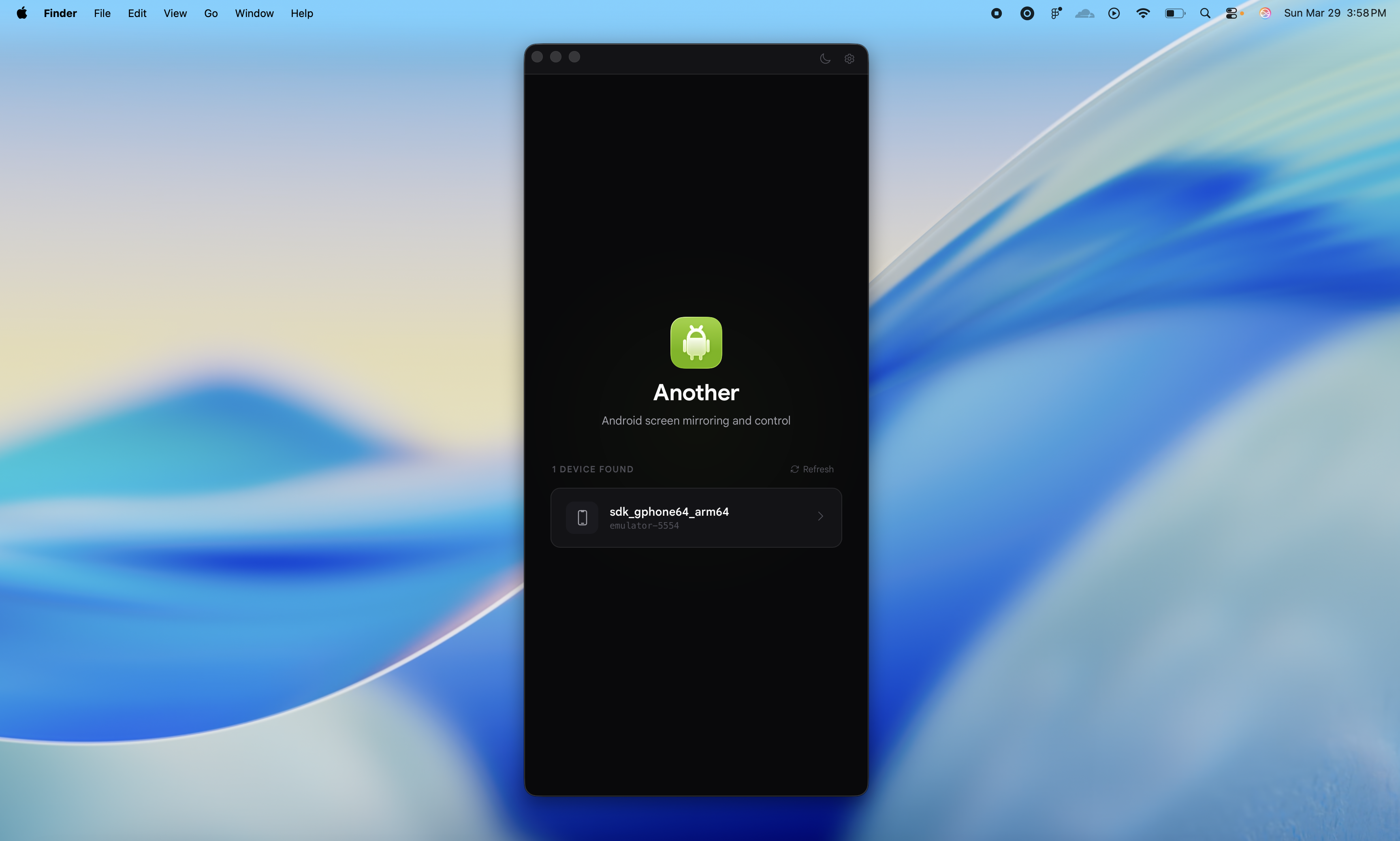
I recently came across the Another project by developer Zfinix. It's a desktop application for screen streaming and managing Android devices, built on Tauri 2, Rust, and React 19.
What's under the hood and how it works
Rather than reinventing the wheel for screen capture, the author bundled in the ready-made scrcpy-server version 2.7. The picture is decoded via H.264/H.265, and the application can dynamically adjust bitrate on the fly depending on what's happening on the display. If the screen is static, traffic is compressed; if video or animation starts, bitrate increases.
The application can:
- stream the screen and pass through audio (for devices with Android 11 and newer);
- switch to Wi-Fi streaming in one click without wires;
- record the screen directly in
.webmformat; - capture gestures, clicks, scroll, and keyboard text input;
- record action macros to replay, export, or share them later.
The interface looks minimal. There's a Command Bar for triggering actions via Cmd+K (or Ctrl+K on Windows and Linux), so you can even leave the mouse untouched.
Main feature: built-in MCP server
The most interesting detail of the project is Model Context Protocol (MCP) support. Essentially, the application spins up a local server on port 7070 right away.
If you use Claude Desktop, Cursor, or Claude Code, you can connect your phone as a tool for the neural network. The agent can open apps, take screenshots, press buttons, and fill out forms on its own.
To connect, just add the config to your MCP client settings:
{
  "mcpServers": {
    "another": {
      "type": "http",
      "url": "http://localhost:7070/mcp"
    }
  }
}
Through this protocol, the assistant gets access to a substantial set of tools. Among them:
another_take_screenshot— capture the current screen as PNG;another_send_touch,another_swipe,another_send_scroll— simulate taps and swipes by coordinates;another_send_text— input text into active fields;another_launch_app— launch an app by package name;another_shell— execute arbitrary commands via adb shell;another_macro_recordandanother_macro_play— macro management.
For Claude Code, they even prepared a separate skill that installs with a single line:
npx skills add Zfinix/another@another-android
Stack under the hood
The architecture is built without unnecessary overhead:
- Backend: Rust with Tauri 2 framework, Tokio async runtime, rodio audio player.
- Frontend: React 19, TypeScript, Vite, and Base UI components.
- Device interaction: standard ADB plus a custom wrapper around scrcpy-server.
Thanks to Tauri, the binary doesn't drag along a heavy Chromium, so RAM consumption stays modest compared to typical Electron applications.
Who will find it useful
The project targets mobile developers, QA testers, and those experimenting with AI agent automation. The ability to run a scenario in an app using Claude directly on a real device saves a lot of time during routine QA.
Currently, the application works stably on macOS, while Linux and Windows builds in the README are still marked as experimental. If you want to build the project from source yourself, you'll need Rust, Node.js, and Bun:
bun install
bun tauri dev
Pre-built packages for macOS, Linux (.deb, .AppImage), and Windows (.msi, .exe) are available in the repository releases.
Related projects