How to Turn Apple Devices into a Unified Media Center with APTV
I was recently looking for a decent player for playing M3U playlists on Apple TV and Mac. Most free apps in the App Store are riddled with ads. Paid utilities require a subscription of several dollars per month for basic M3U8 parsing. I came across the open-source project APTV on GitHub. The repository has garnered 2.8 thousand stars, although the documentation in the README looks sparse.
I decided to figure out how the app works and why the community actively supports it.
All Gadgets in One Bundle
The main feature of APTV is its Apple device coverage. The author built a player that runs virtually everywhere.
The app supports:
- iOS and iPadOS
- tvOS for large screens
- macOS for laptops and desktops
- watchOS for Apple Watch
- CarPlay for cars
- visionOS for Apple Vision Pro headsets
Setup is unified. You download the app, paste your playlist link on Mac or iPhone, and the data immediately syncs to iCloud. You come home, turn on Apple TV, and your channel list with favorites is already there. No manual export or entering long links with the remote.
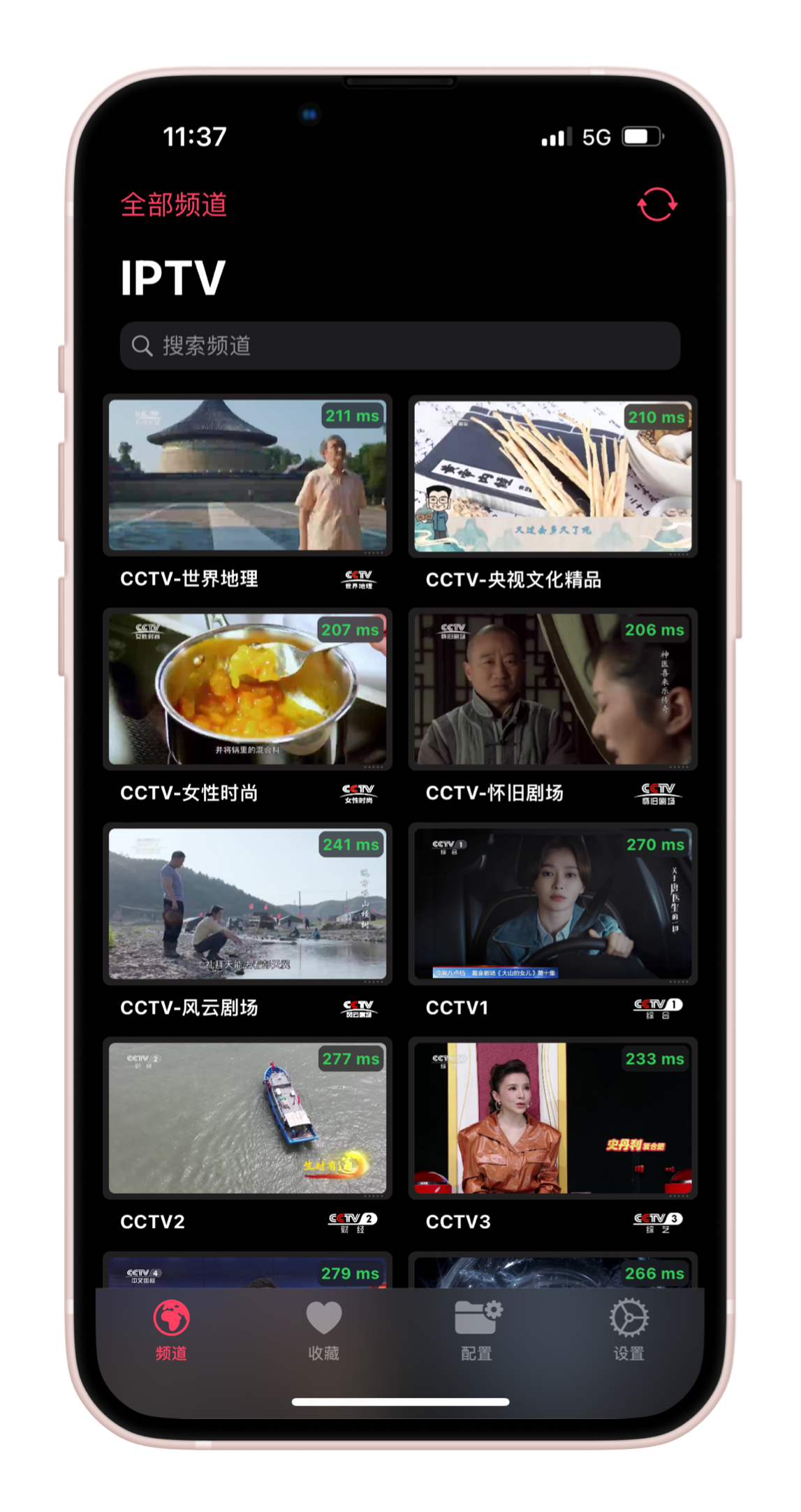
What the Player Can Do Under the Hood
At its core, APTV handles parsing playlist files in M3U format and playing M3U8 streams. Unlike primitive shell scripts, it comes with a built-in set of features for convenient viewing.
The player pulls the TV guide EPG from the network and loads the program schedule. If the streaming provider supports an archive, APTV can rewind the broadcast and show past episodes.
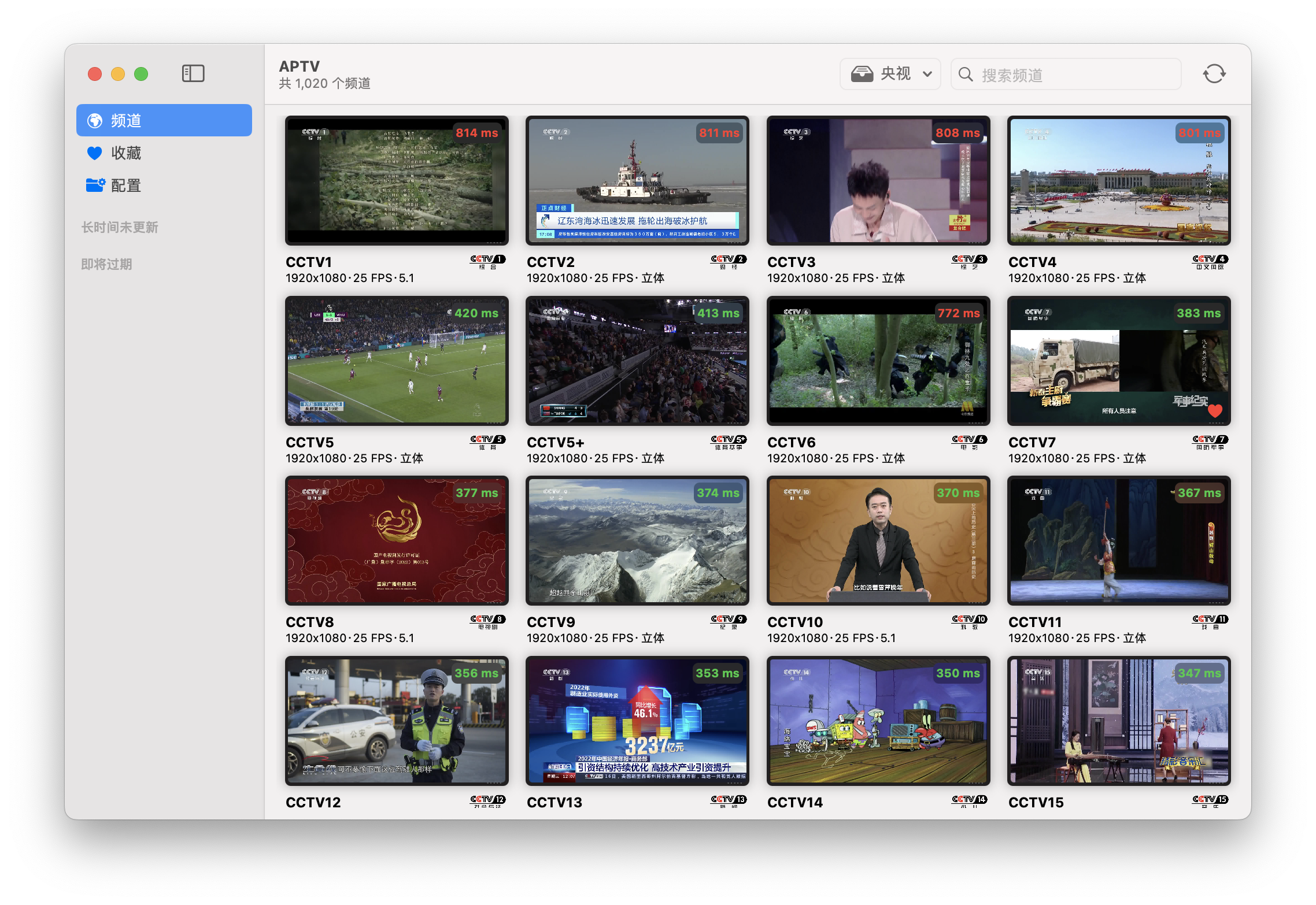
The preview feature is implemented nicely. The app generates thumbnails for current channels in the list in real time. You can immediately see what's on air without switching the stream itself.
For drivers, there's CarPlay support. You can listen to the background audio of TV channels or news right on the road when the car is connected to the media system.
Even on watchOS, the player shows your favorites list and launches streams. It's a niche feature, but useful for some.
How to Test Without Finding Playlists
The author left a couple of test links in the repository. They work well for checking the player's functionality right after installation.
Standard IPTV stream:
https://raw.githubusercontent.com/Kimentanm/aptv/master/m3u/iptv.m3u
Test playlist with program archive support:
https://raw.githubusercontent.com/Kimentanm/aptv/master/m3u/aptv-playback.m3u
The sources are collected from open networks. The author warns that some channels may be temporarily unavailable, so it's worth updating the configuration in settings from time to time.
What's Planned for the Future
The developer is actively working and has outlined the following features:
- DLNA streaming to external displays
- Aggregating multiple configurations into a single list
- Search center for channels and shows
- Interface optimization for visionOS
Who Would Benefit from This Project
If you're looking for a clean tool for watching IPTV on Apple hardware without the bloat, APTV gets the job done. The only caveat is that the main repository and discussions on Telegram are in Chinese. Inside the app itself, everything is clear and intuitive without translation.
The app is available in the App Store, and the open-source code in the repository provides an opportunity to study the implementation of a cross-platform player in SwiftUI.
Related projects