Turning a Cheap ESP32 Board into a Flipper Zero
Flipper Zero remains one of the most coveted gadgets for geeks, research labs, and wireless protocol enthusiasts. However, not everyone is willing to spend over 20,000 rubles on it. Especially if you just need the device for a weekend project or to stress-test your router.
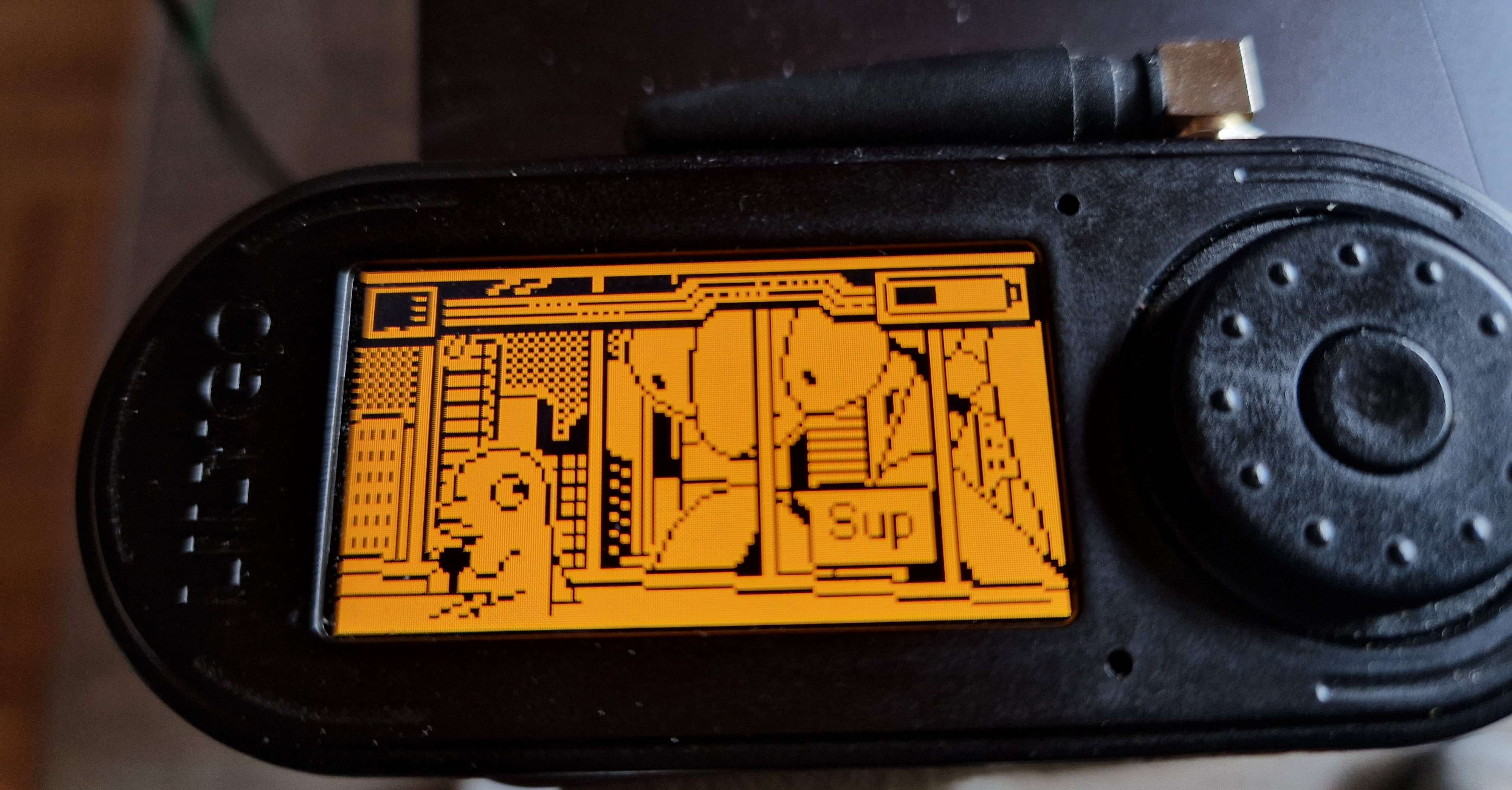
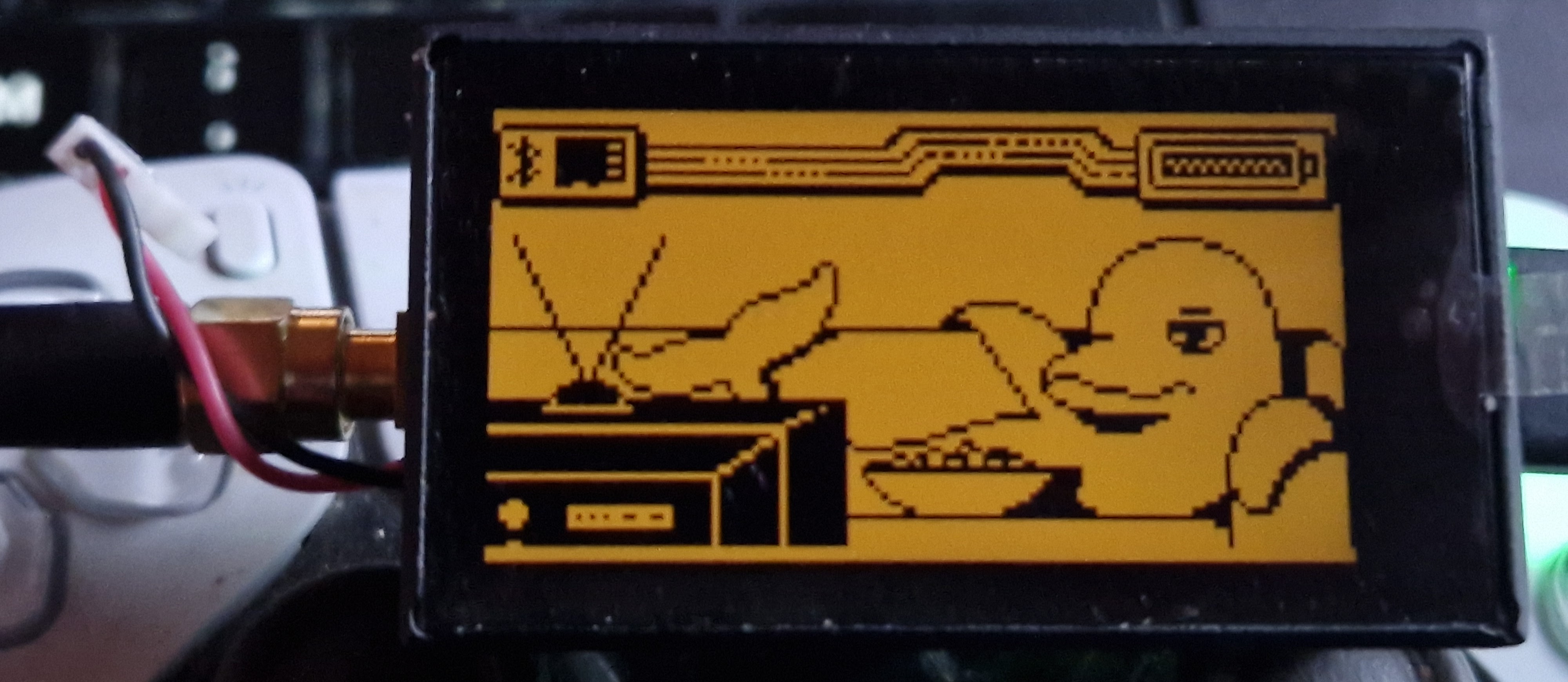
Developer Sor3nt approached this from a different angle. He ported the entire Flipper Zero operating system to popular and inexpensive ESP32 microcontrollers. The project is called Flipper-Zero-ESP32-Port and lets you get the familiar interface, services, and applications on hardware costing just a couple thousand rubles.
A word on security first
A unpleasant incident recently occurred in the project community. A third-party firmware called "L15Dev" or "Bitwire" surfaced online. This custom build contained a virus and backdoor that steals saved Wi-Fi passwords and dumps.
If you decide to try the project, only flash through the author's official repository or his browser-based web-flasher. No third-party binaries from questionable Telegram channels.
Hardware requirements
Running the system on a "bare" controller without a screen won't work, since the project needs a display and controls. The firmware works best on ready-made development boards:
- LilyGo T-Embed CC1101 (based on ESP32-S3). The best option available today. It features a 320×170 display, encoder, CC1101 radio module, connectors for an NFC reader (PN532), and a MicroSD slot.
- Waveshare ESP32-C6-LCD (1.9 and 1.47 inch versions). A cheaper option based on the RISC-V chip with a touchscreen.
- DIY builds using ESP32-S3 with an ILI9341 display and regular buttons.
The Waveshare C6 board with a 1.47-inch screen has an important caveat. It only has 512 KB of RAM on board with no external PSRAM at all. The system simply doesn't have enough RAM for heavy tasks. It can still scan access points, but WPA handshake capture crashes with error ESP_ERR_NO_MEM. Keep this in mind before purchasing.
What capabilities were ported
The author made an effort to preserve the original native software, adapting it for ESP32 peripherals.
Wi-Fi audit and attacks
In the original Flipper, Wi-Fi is only available through an external module. Here, the microcontroller's radio channel is used to its full potential:
- Network scanning, signal strength measurement, and displaying authentication details.
- Capturing WPA/WPA2/WPA3 handshakes and saving them to PCAP files.
- Sending deauthentication packets (Deauther).
- Spamming fake SSIDs (Beacon Spam) with support for custom wordlists.
- Evil Portal for setting up phishing access points. The port adds an NAPT bridge function. The victim connects to the fake access point, enters their password on the login page, and the device bridges them to the real internet to avoid suspicion.
The Mesh / Buddy mode is implemented cleverly. If you have a couple of cheap ESP32 boards without enclosures, you can flash them with special firmware from folder buddy_firmware and link them to the main board via the ESP-NOW protocol. The auxiliary modules work as autonomous scanners: they passively capture handshakes from the air, save them to their own memory, and transmit to the main board when it comes online.
Working with radio and NFC
With CC1101 and PN532 modules connected, the device transforms into a classic signals intelligence tool:
- Sub-1 GHz: Receive and transmit on 433–868 MHz frequencies, save raw dumps
.sub, spectrum analyzer, and dictionary brute-force attack generator. A nice bonus — decoder for tire pressure sensors (TPMS). - NFC: Reading, writing, and emulating cards, dictionary attacks on Mifare Classic and Ultralight, built-in parsers for transit cards.
- Bluetooth: Spamming service packets (BLE Spam) for iOS, Android, and Windows, AirTag emulation (FindMy), and operating as a wireless keyboard or mouse (HID).
- IR port: Learning signals from remotes, built-in database of universal remotes for TVs, air conditioners, and other appliances.
Additionally, the port includes BadUSB (running Ducky scripts from a flash drive), a file manager, a JS scripting engine, and even a port of the cult classic DOOM.
How it works under the hood
Porting firmware written for a specific STM32 microcontroller to Xtensa and RISC-V architectures is a non-trivial task. The developer took the approach of preserving the original Furi OS architecture as much as possible:
- Operating system: Furi OS runs on top of FreeRTOS. The author preserved the entire original system of threads, mutexes, message queues, and event bus.
- Hardware abstraction layer (HAL): STM32 output calls were rewritten for ESP-IDF drivers. For example, display rendering calls work through
esp_lcd, the IR port is handled by the RMT module, and Bluetooth uses the Bluedroid stack. - Graphics adaptation: The original Flipper Zero interface is designed for a 128×64 monochrome screen. The firmware renders the image to an internal frame buffer, then scales it by two and converts it to RGB565 color for output to the TFT matrix.
- Clever memory trick: In STM32, the heap is zero-filled by default when allocating memory through
malloc. In ESP32, it contains garbage. Because of this, many Flipper applications crashed with errors. The problem was solved with a simple redefinition: themallocfunction in the port was hard-linked tocalloc.
There is also a limitation that hasn't been worked around yet. The port has no access to the hardware cryptographic module (Flipper Enclave). Because of this, encrypted Keeloq databases for Sub-1 GHz cannot be decrypted — they can't be spoofed. Only the open algorithm keeloq_mfcodes_user works.
How to try it
Building the firmware from source requires ESP-IDF v5.4.1 installed. For Windows, the repository has a convenient script winbuild.py that handles all the environment setup and flashing routine.
But if you don't want to compile code, the web flasher is the easiest option:
- Open the online flasher in Chrome or Edge.
- Connect the board via USB and press the Flash button.
- Download the archive
sdcard.zipfrom the project releases, extract it to the SD card formatted as FAT32, and insert it into the board.
The bottom line
Sor3nt has delivered a quality engineering project. This isn't just an attempt to draw similar icons on an ESP32 screen — it's a full OS port with preserved application architecture.
Is this a full replacement for Flipper Zero? If you need a ready-made, indestructible "out of the box" device in a nice enclosure — probably not. But if you want to experiment with the radio spectrum, build a portable Wi-Fi tester for a reasonable price, or study the internals of Furi OS, the LilyGo T-Embed with this firmware is an excellent choice.
Related projects