Vernet turns a smartphone and laptop into a pocket network scanner
Every time another service goes down in a home or office network, the routine with console utilities begins. You reach for arp -a, nmap, endless ping in the terminal, and try to remember which IP address the router assigned to the new Raspberry Pi board. On a desktop, you can still live with this, but when you only have your phone at hand, figuring out the subnet situation becomes noticeably harder.
I recently came across the Vernet repository from the Open Society organization. It's a cross-platform network scanner with open source code, written in Flutter. The project solves a simple task: gather basic network utilities into one clean interface that works the same on Android, Linux, macOS and Windows.
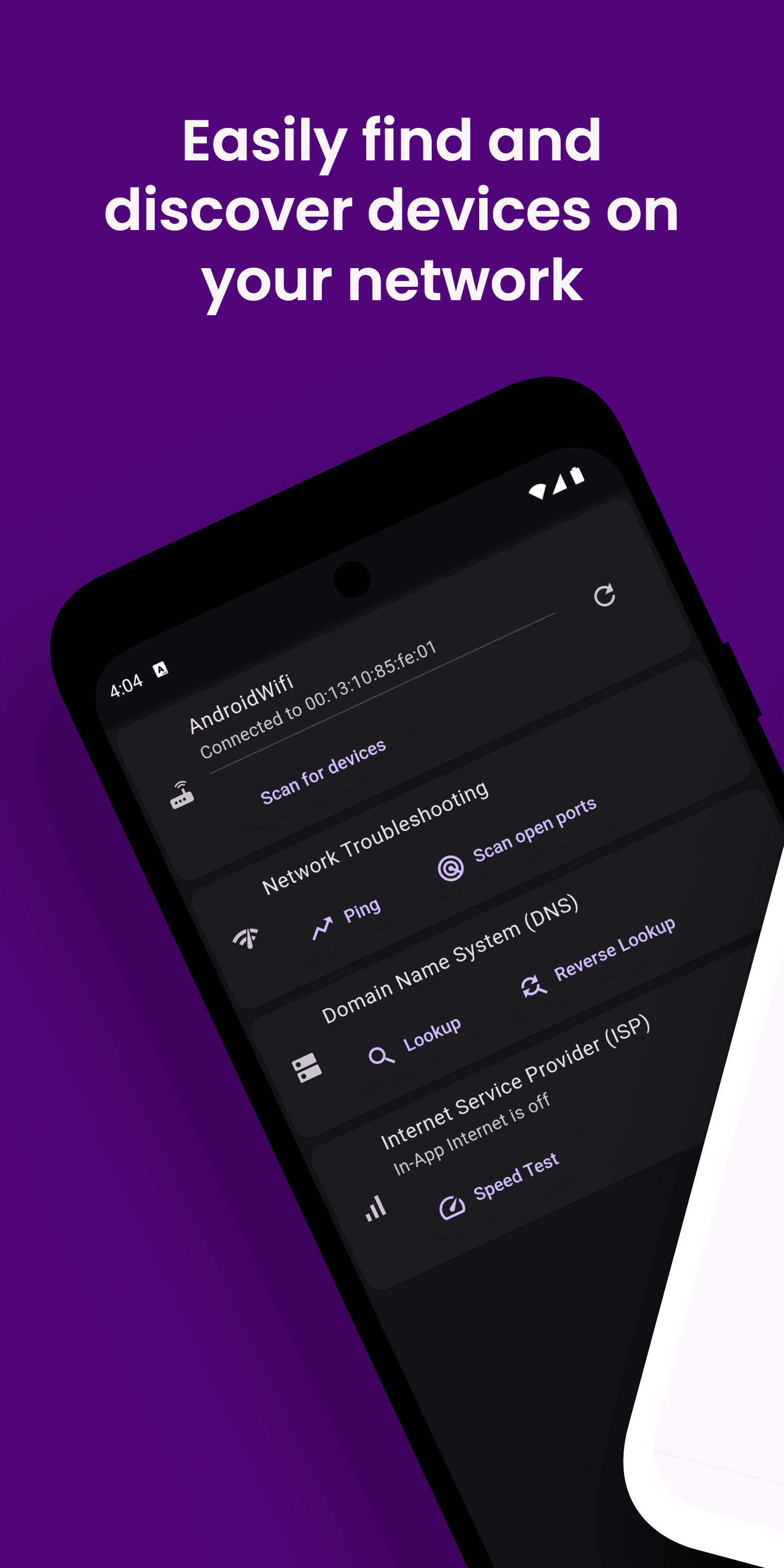
What the app can do
Instead of a bloated all-in-one tool, the developers created a set of essential utilities.
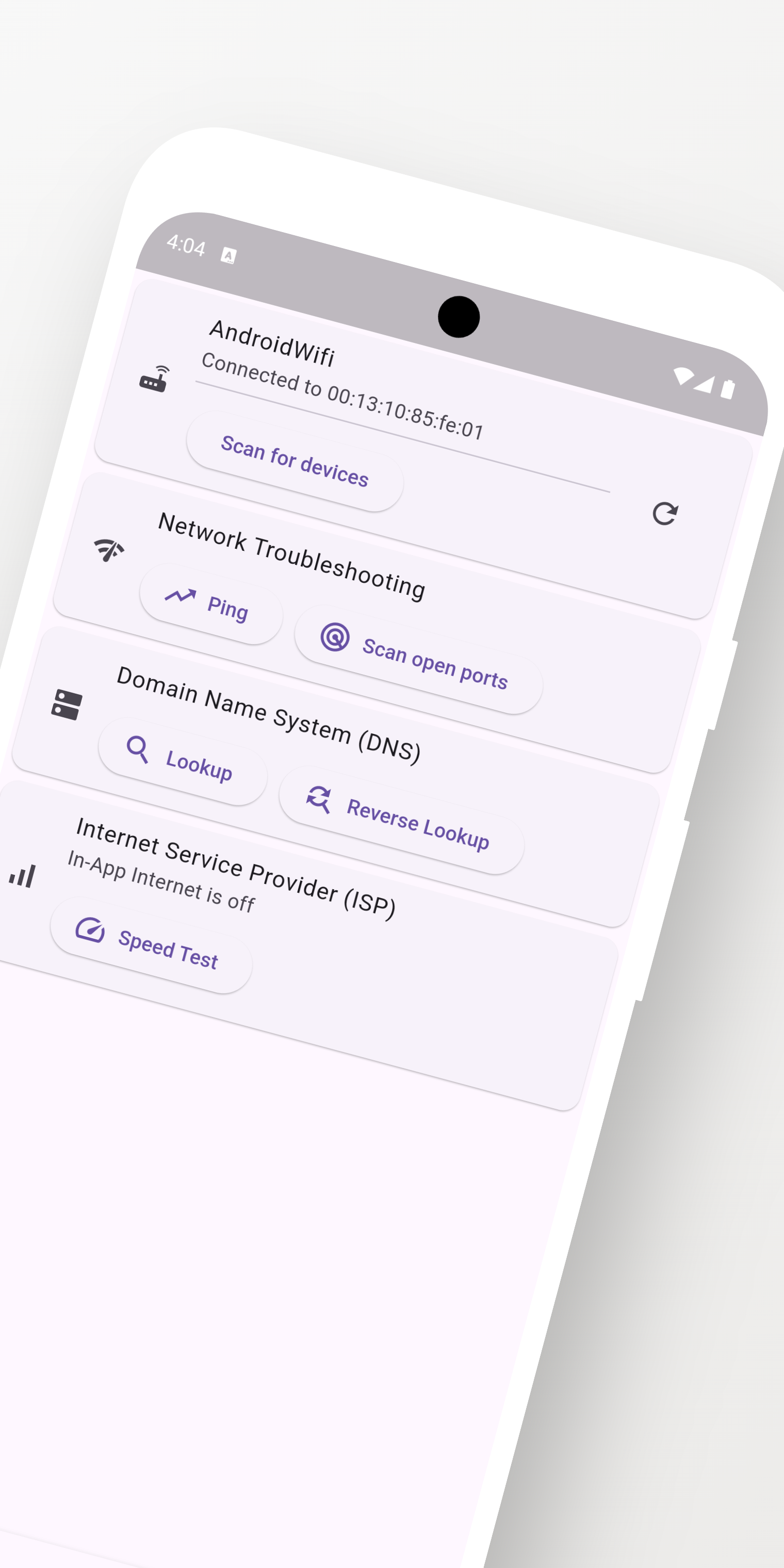
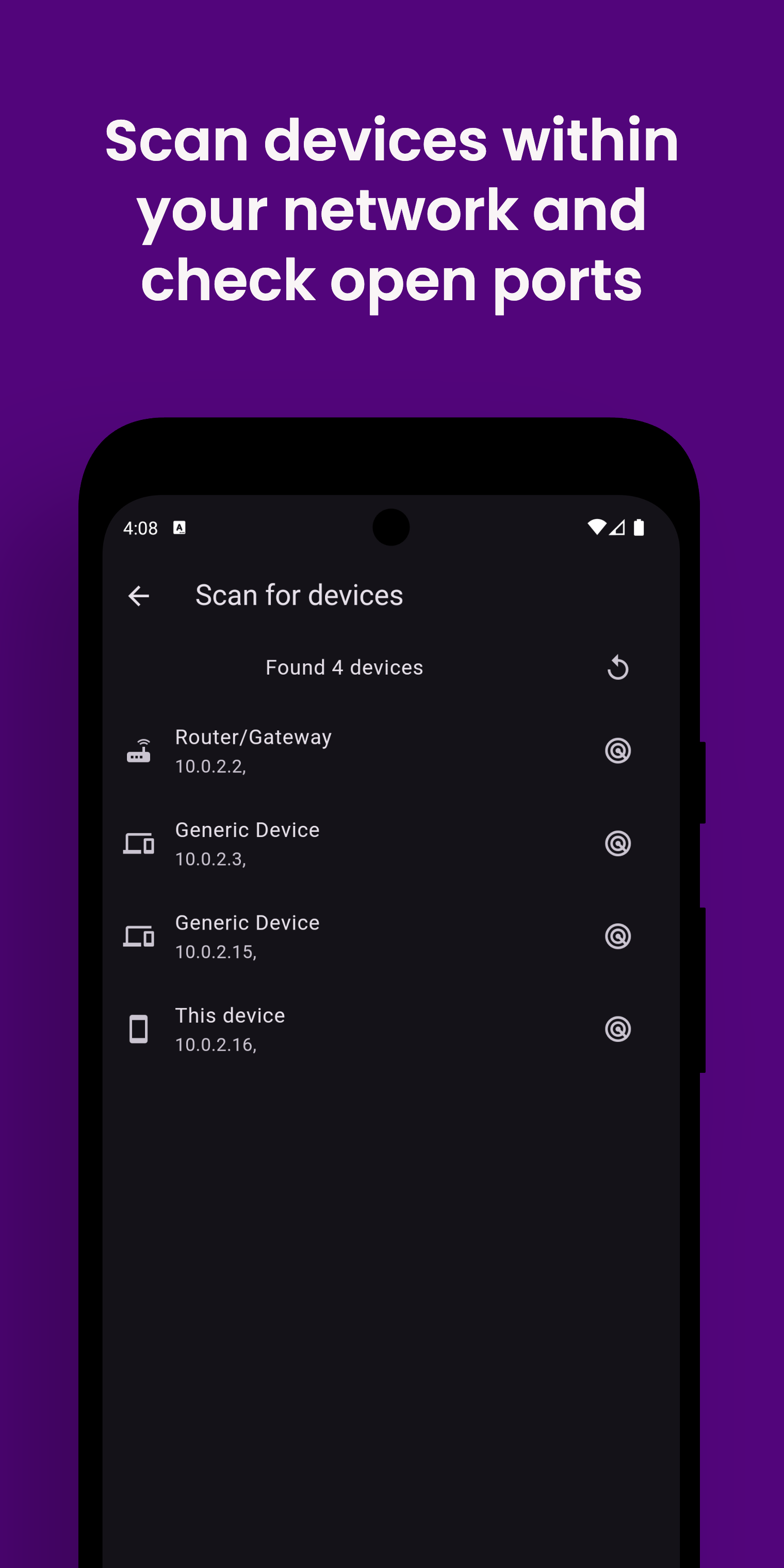
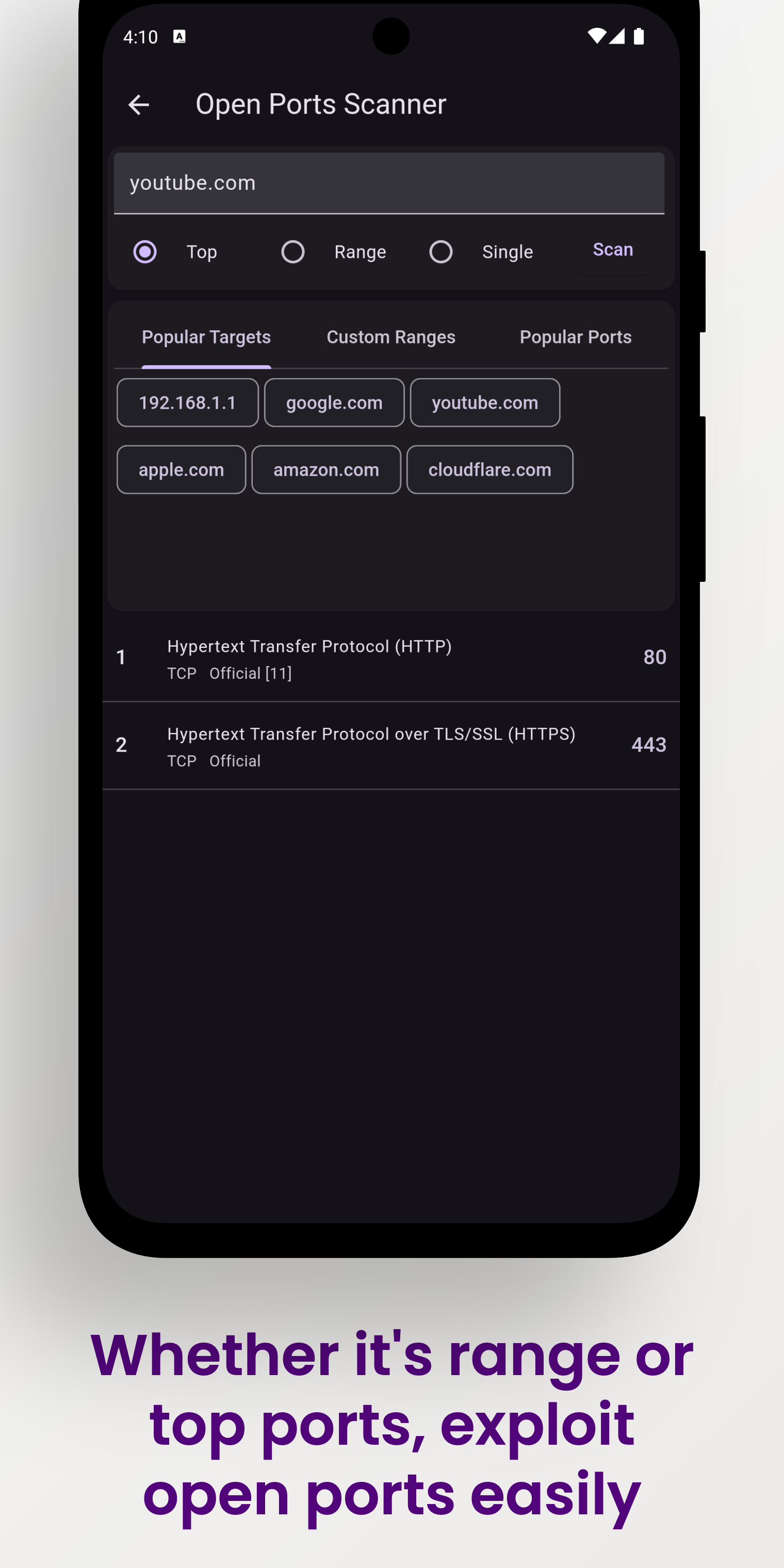
The interface is split across several screens:
| Home | Device List | Open Ports |
|---|---|---|
|  |
|  |
|  |
|
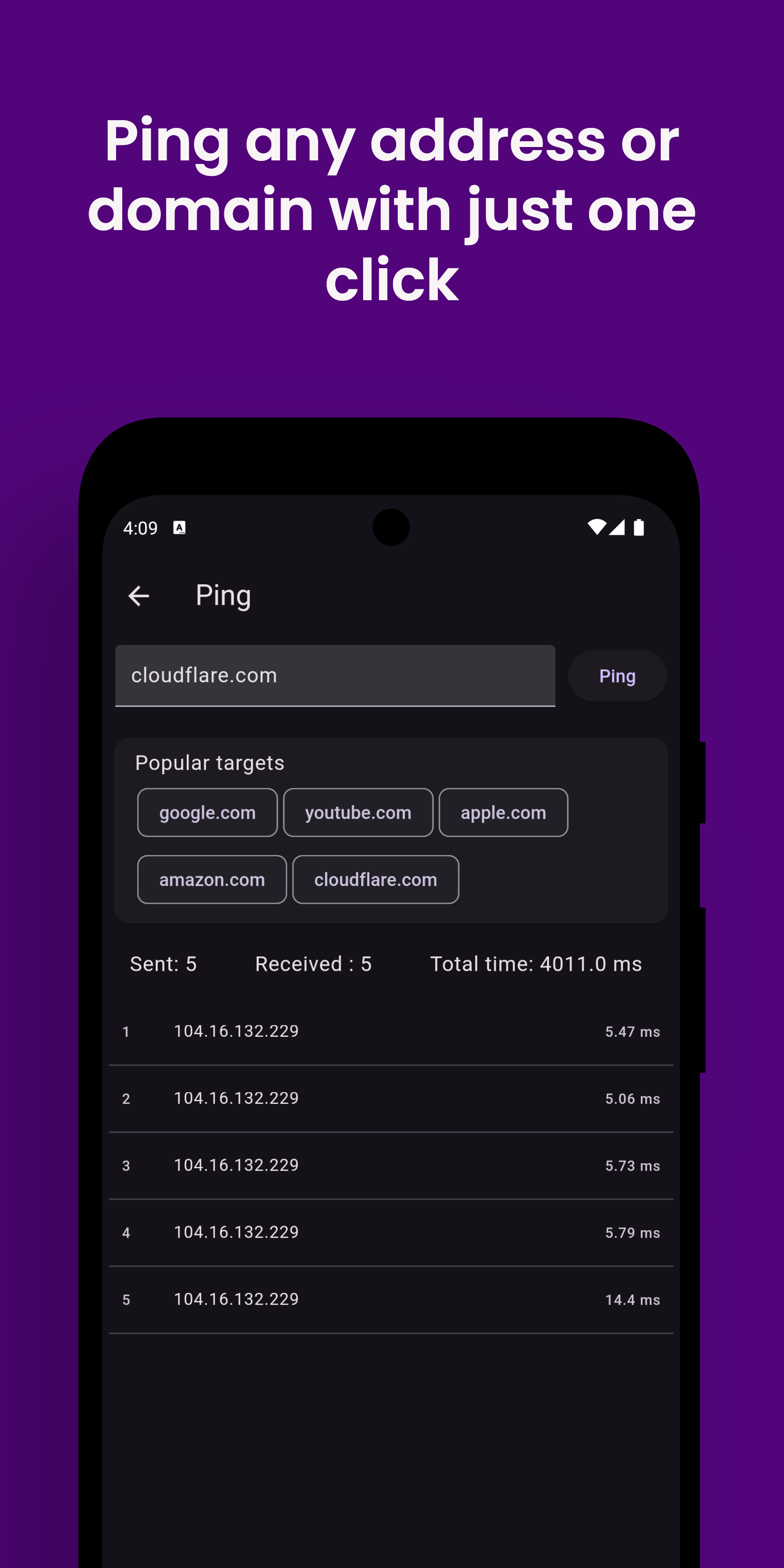
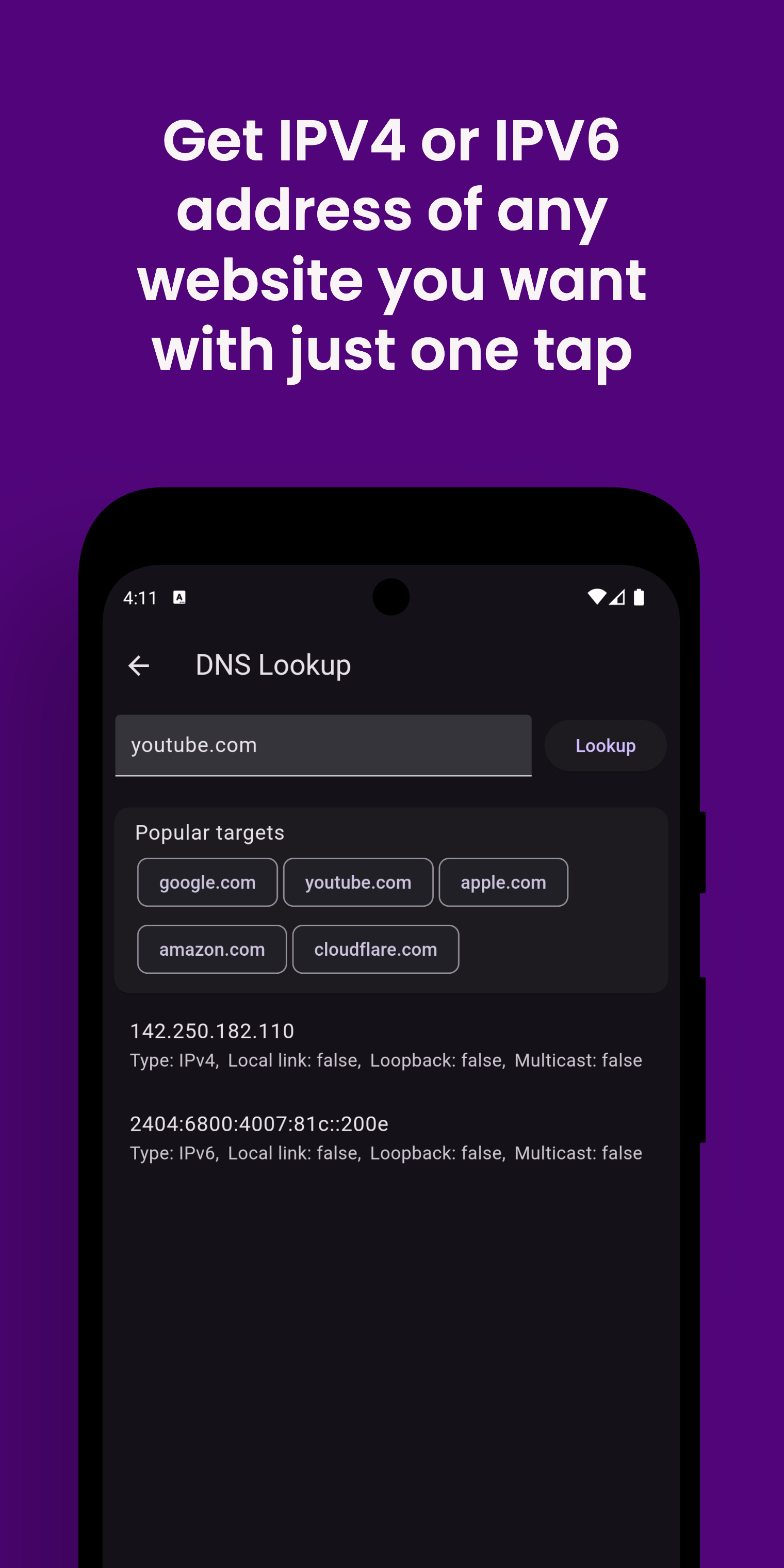
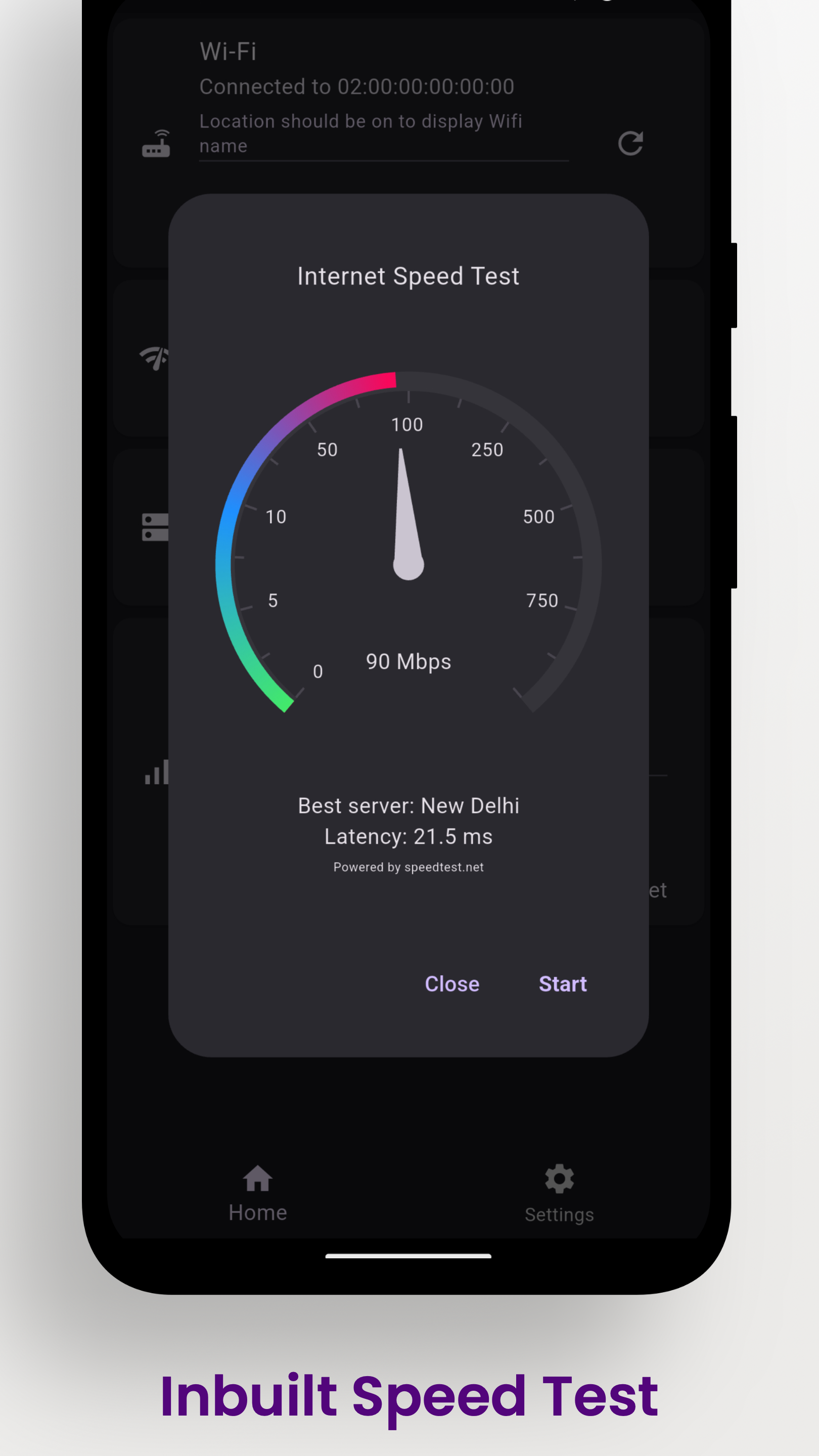
| Ping | DNS | Speed Test |
|---|---|---|
|  |
|  |
|  |
|
Here are the main scenarios Vernet covers:
- Finding devices on the subnet. The app scans the local address range and displays a list of discovered hosts with their MAC addresses and equipment manufacturer names.
- Port scanning. You can specify a specific IP address and check open TCP ports to quickly determine whether a web server, SSH, or database is up.
- Current connection summary. The program shows Wi-Fi parameters, including BSSID, and identifies the external ISP.
- Connection diagnostics. It includes host ping, DNS server queries, and speed measurement via speedtest.net.
How the project is structured
The repository is written in Dart using the Flutter framework. This makes the codebase unified across mobile and desktop builds.
On desktop, the app sometimes requires system dependencies. For example, on Linux, the net-tools package is needed for proper ARP table collection, otherwise the utility won't be able to map IPs to MAC addresses.
Android builds are distributed via Google Play and the F-Droid catalog. The project author even wrote a separate guide on publishing Flutter apps to F-Droid, with a link left in the repository.
Installation and running
On Android, the easiest way to install the app is from F-Droid or Google Play. If you need a desktop client, binaries are available on the Releases tab in the repository.
The following steps are needed to run on Linux:
# Устанавливаем net-tools для команды arp
sudo apt install net-tools

# Скачиваем архив из релизов, распаковываем и запускаем
unzip vernet-linux.zip
cd bundle
./vernet
On macOS, the build hasn't been notarized by Apple yet, so on the first launch you'll need to open the binary via the Finder context menu with the Control key held down.
Who will find this project useful
Vernet is unlikely to replace Wireshark or deep nmap scripts for serious security audits. But it's a great replacement for proprietary mobile scanners like Fing, which have lately been overloaded with ads, trackers, and paid subscriptions.
If you need a lightweight pocket tool for Android or a clean utility for quick port and IP checks on a laptop, the project is definitely worth bookmarking. The source code is open under the Apache 2.0 license, so Dart developers can look at the implementation of low-level network calls in Flutter.
Related projects