OpenScholarXIV Turns Reading Scientific Papers from arXiv into a Convenient Habit
Every developer or ML researcher has their own graveyard of open tabs. Usually, there are a couple dozen preprints from arXiv sitting there, never quite getting read. Reading multi-page PDFs on a phone is inconvenient, the layout breaks on mobile browsers, and parsing formulas after a workday is exhausting. Eventually, the tabs pile up for weeks until the browser decides to evict them from memory.
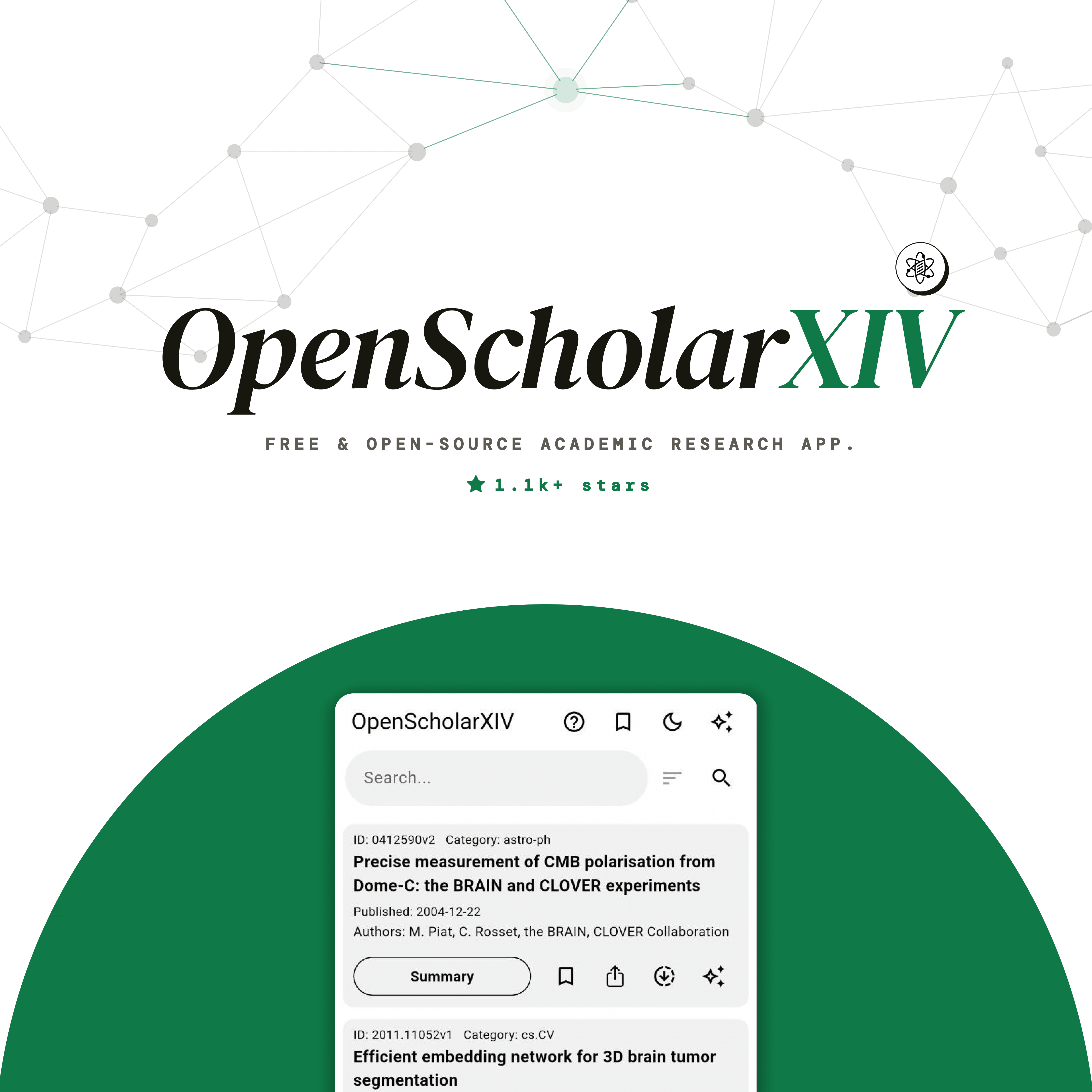
Recently came across an interesting project called OpenScholarXIV. It's an open-source mobile client for arXiv, built with Flutter. The app's author decided to combine a familiar preprint reader with a built-in AI assistant powered by Gemini.
How the Project Works
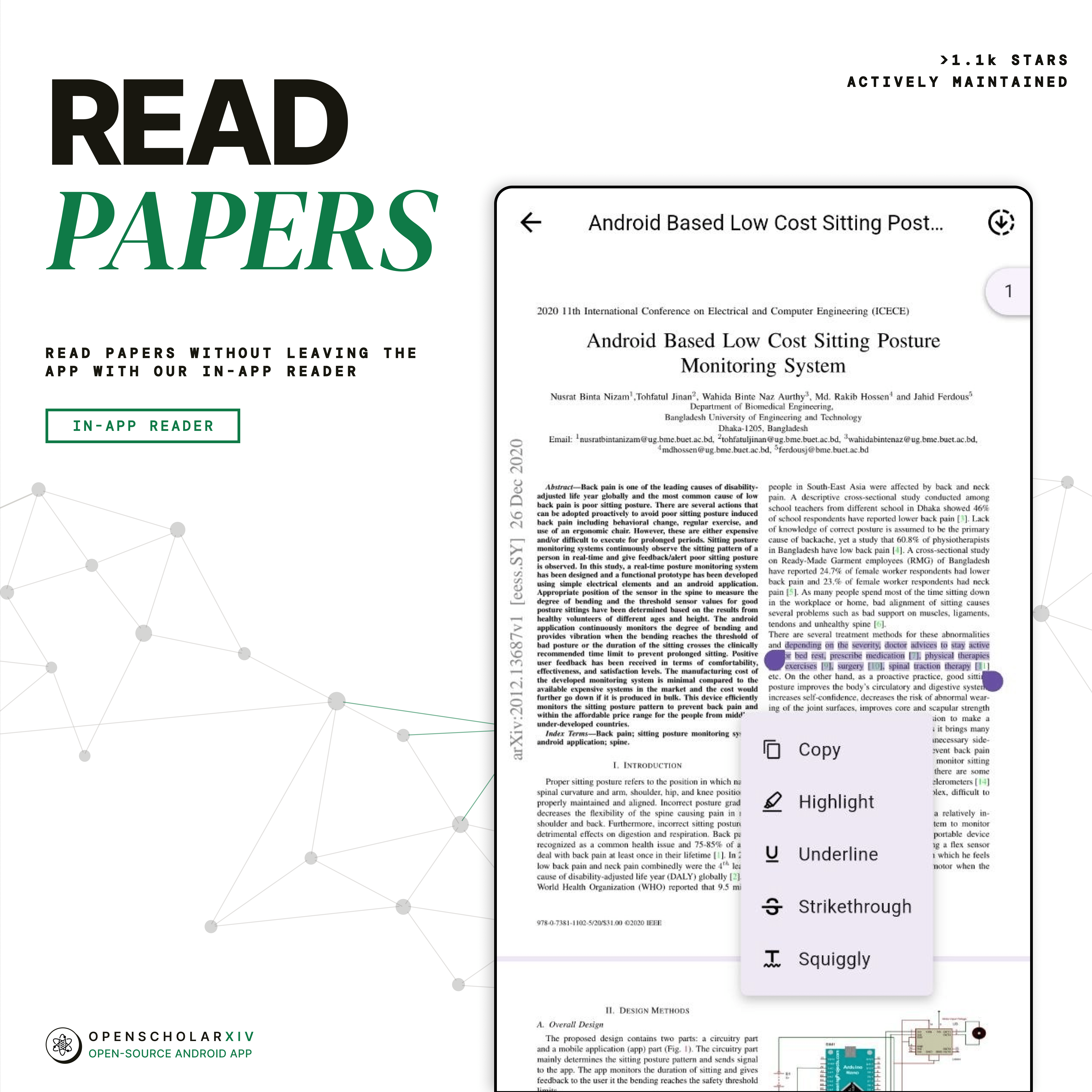
Most unofficial clients for arXiv work as simple link aggregators: they open the system PDF viewer and call it a day. OpenScholarXIV goes further. The app pulls metadata through the archive's official API, parses document structure, and lets you work with the text directly within the interface.
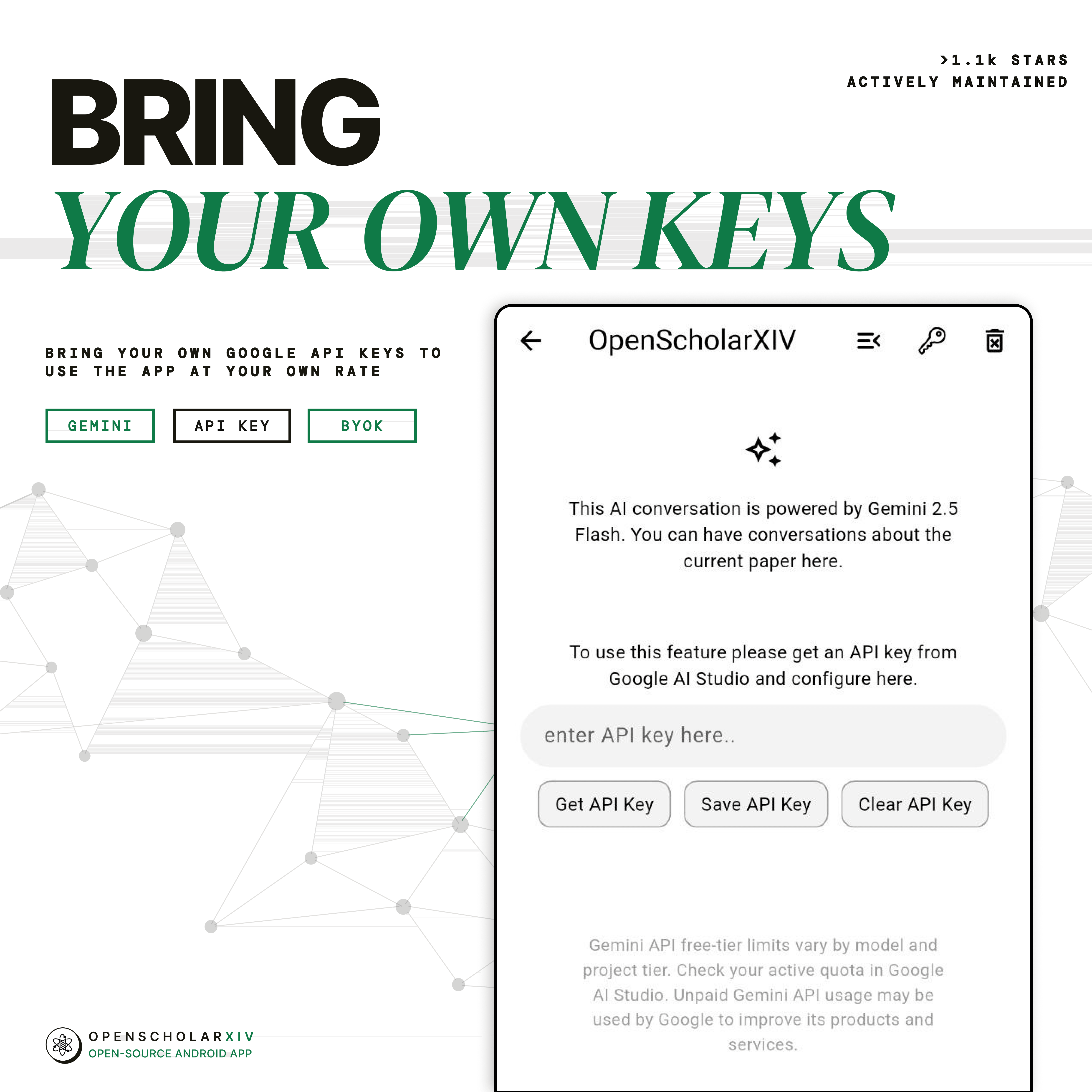
The main highlight here is the BYOK (Bring Your Own Key) concept. The app creators didn't want to set up their own backend with paid subscriptions for neural network requests. Instead, you paste your own Google Gemini API key in the settings. Requests go directly from your device, so there's no need to pay for third-party subscriptions, and Gemini's free tier is more than enough.
What the App Can Do in Practice
The interface looks clean and follows Material You guidelines, adapting the color scheme to your Android theme. Inside, there are several useful tools for daily research work.
Quick Summaries and Audio Playback
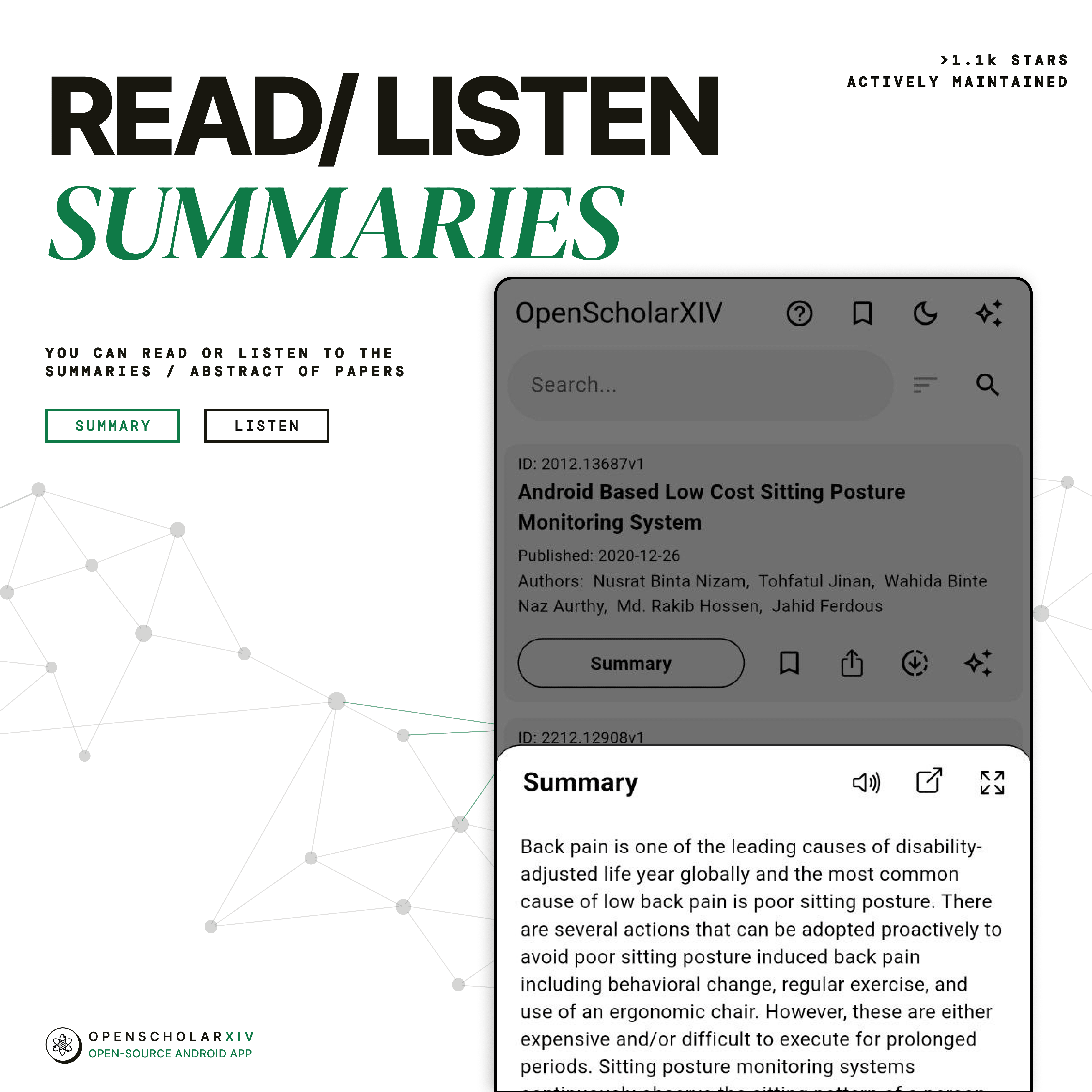
When a fresh 30-page article drops, it's not always clear whether it's worth spending your evening on it. In OpenScholarXIV, you can immediately open a brief summary generated by the model. If you're driving or taking a walk, the app can read the summary aloud using system text-to-speech.
Chat About Preprint Content
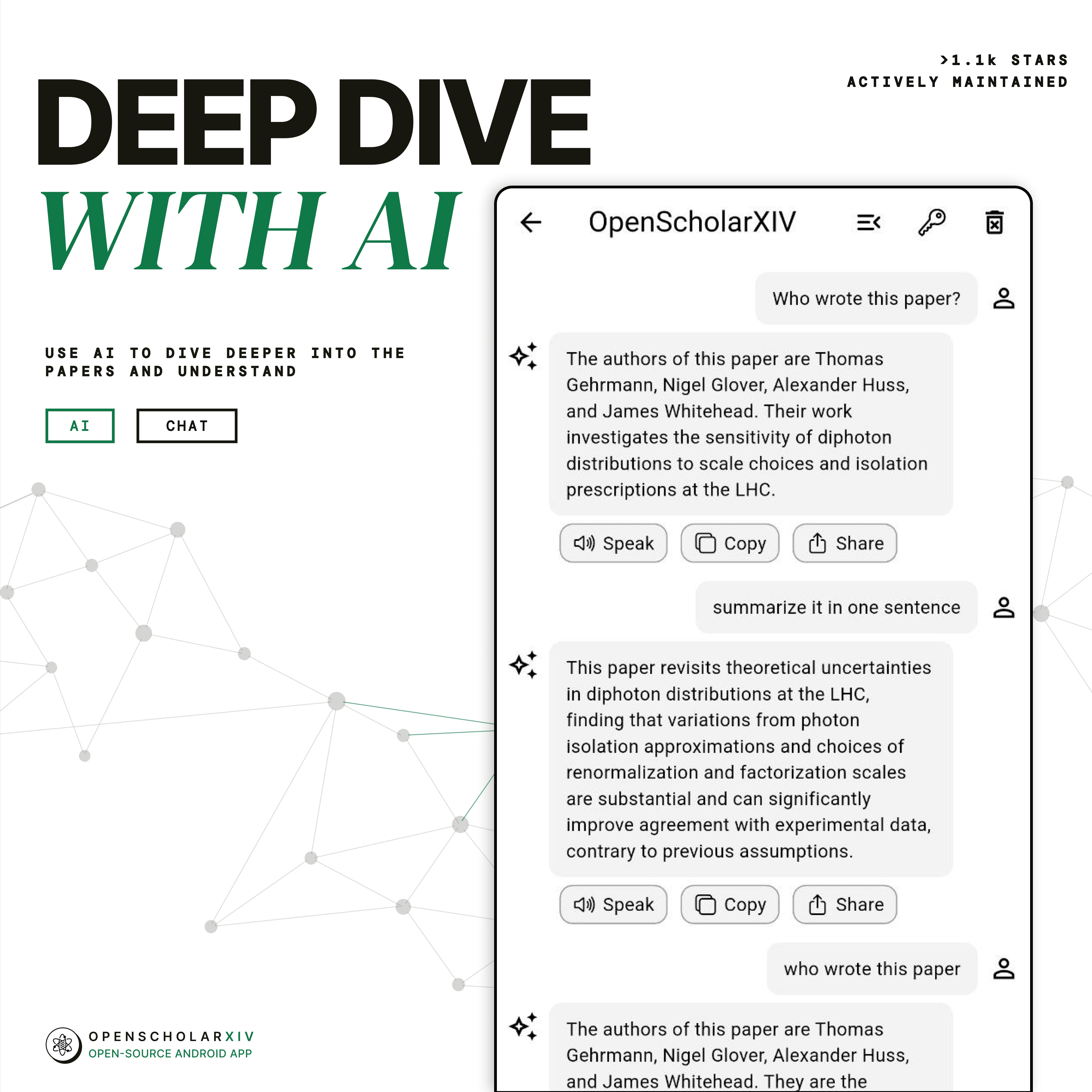
If the abstract caught your interest, the fun part begins. Right below the article, you can open a chat and ask questions about the text. For example, ask "What loss function did the authors use in the second experiment?" or "How does this approach differ from classic LoRA?" The model searches for answers within the paper's content and provides key points without needing to manually scroll through appendix tables.
Search and Categorization
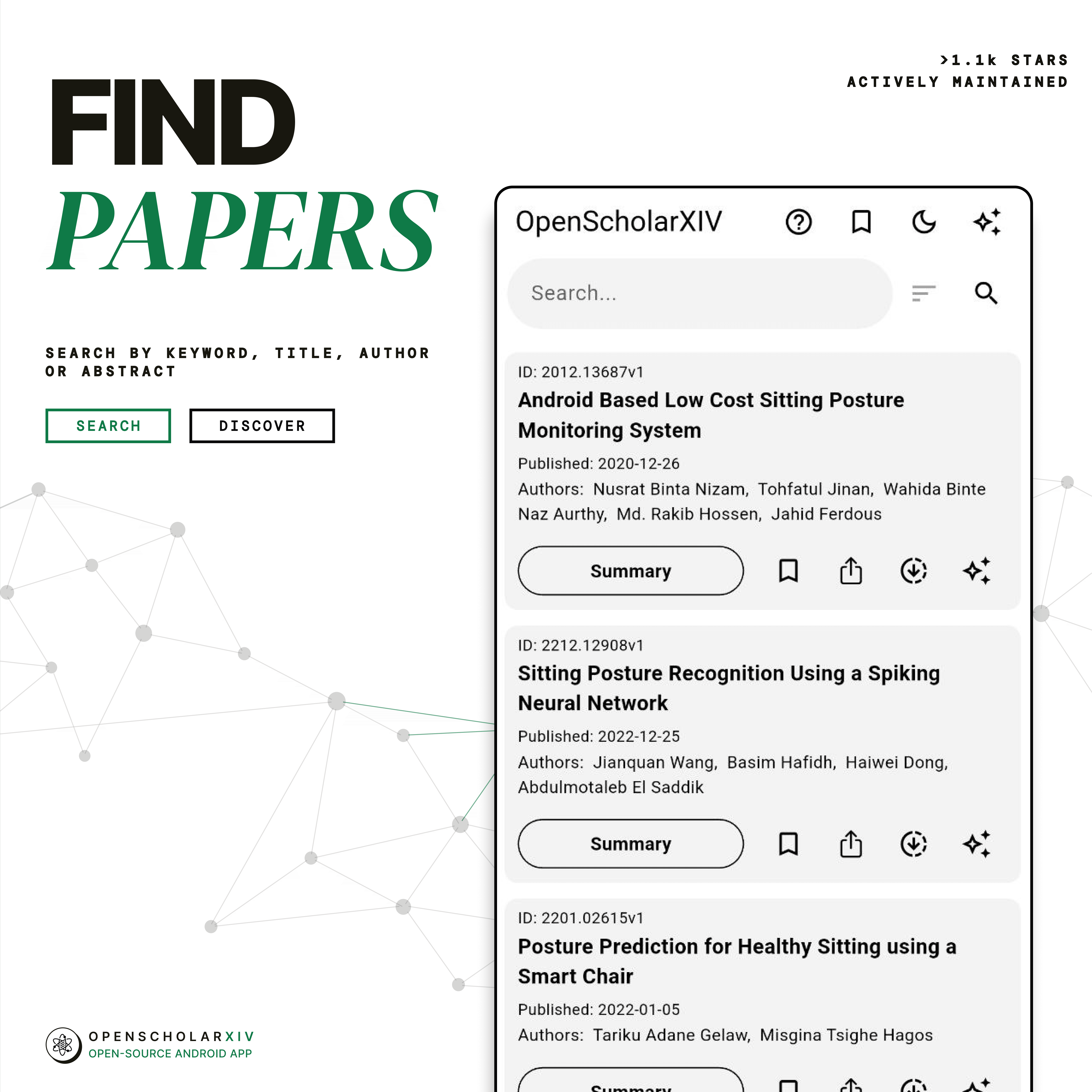
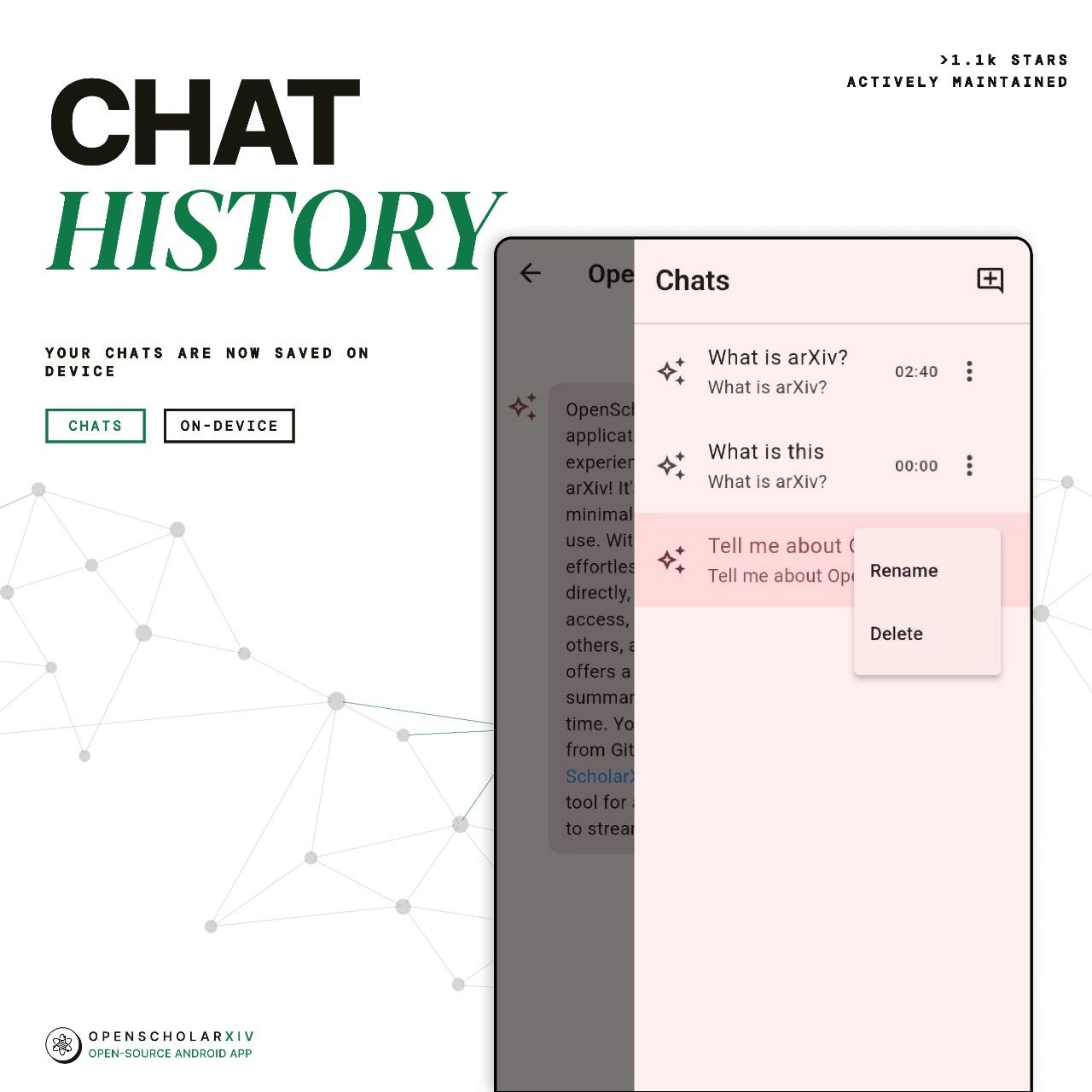
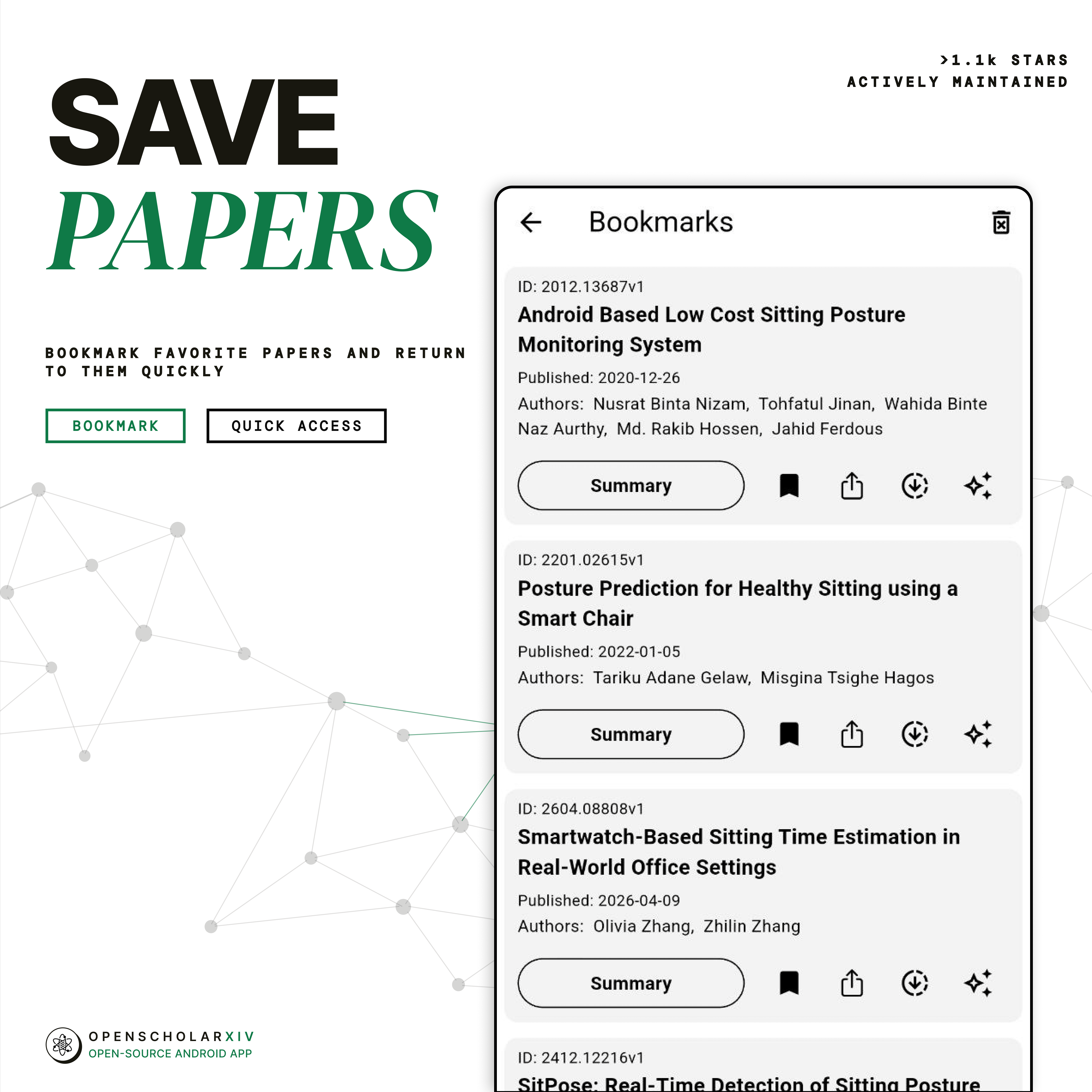
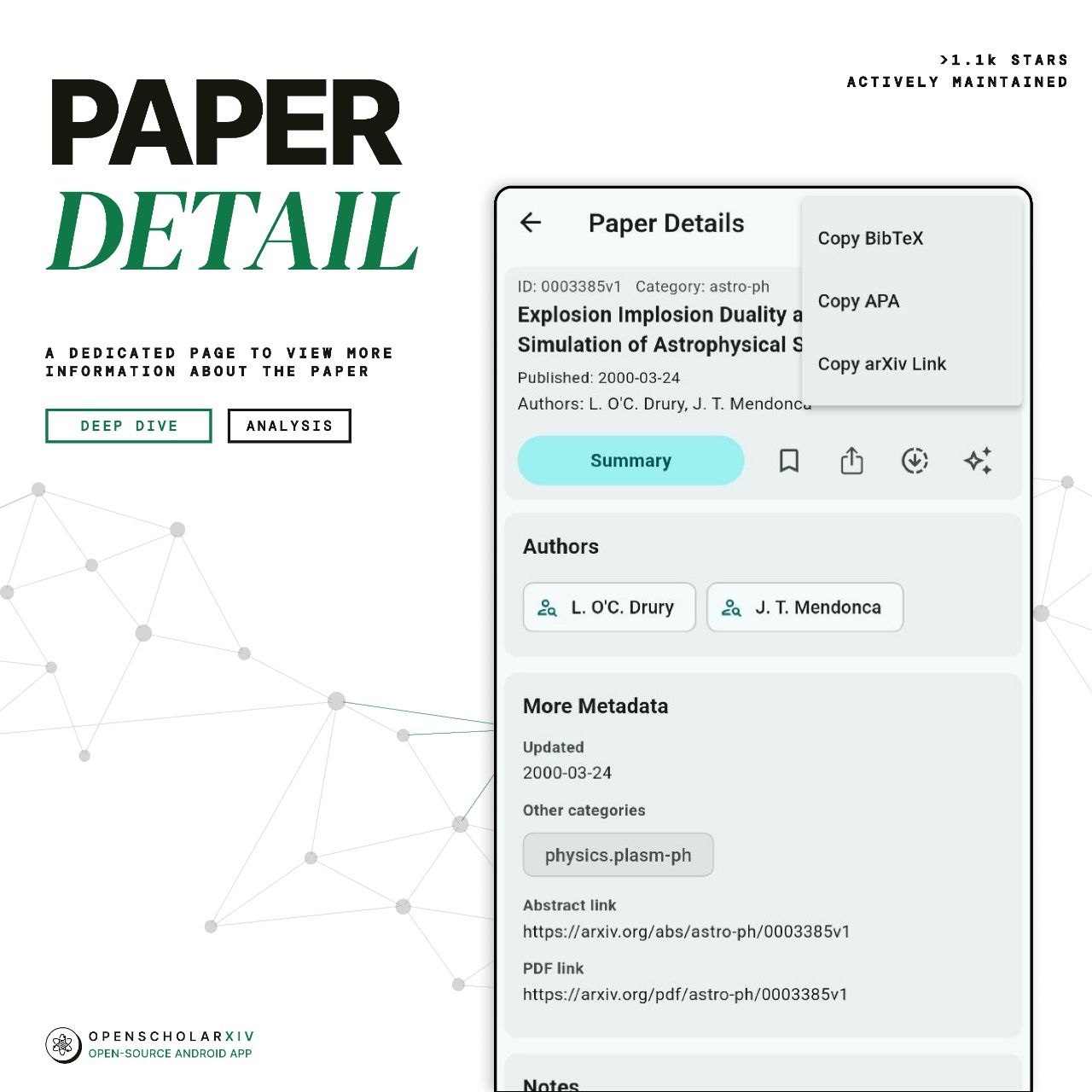
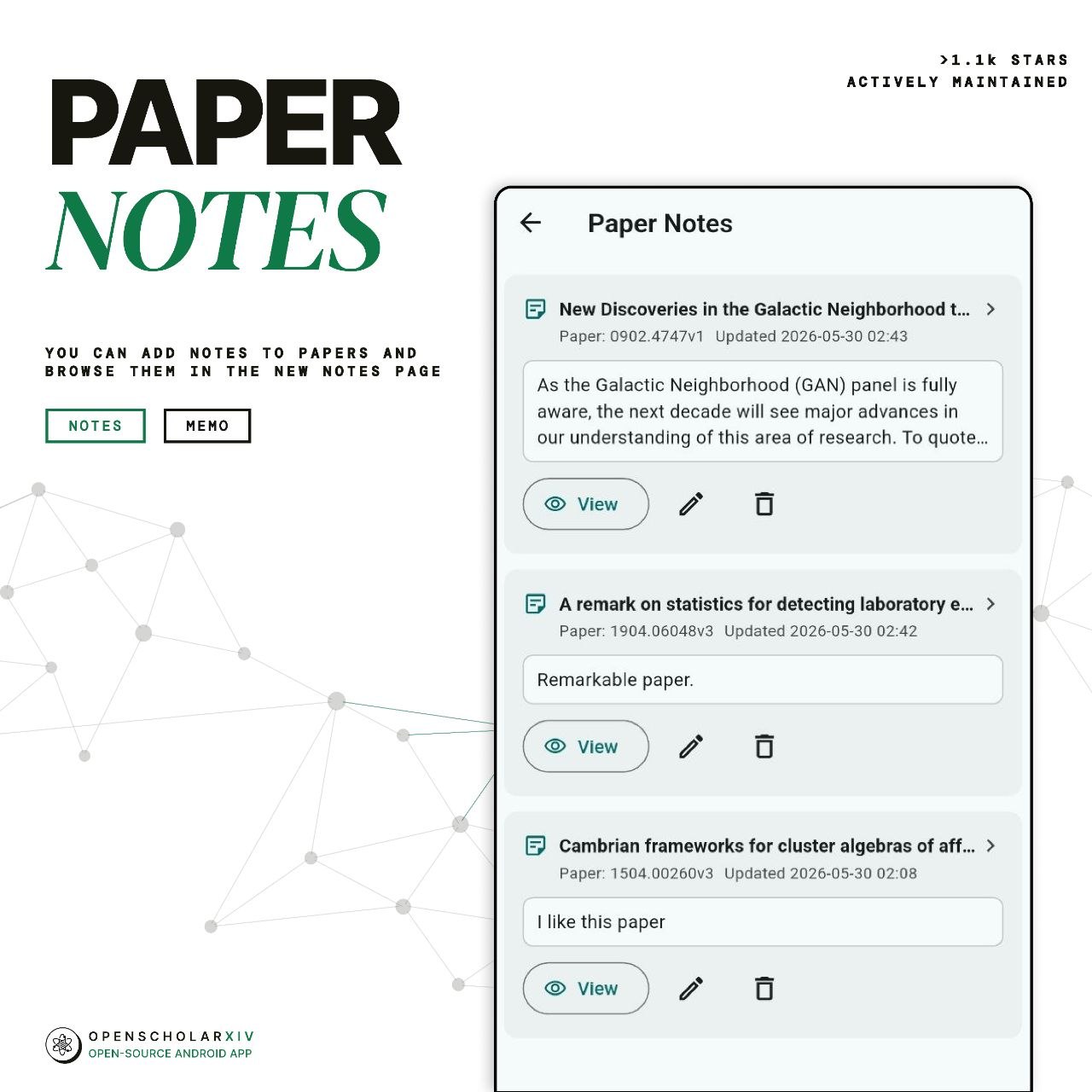
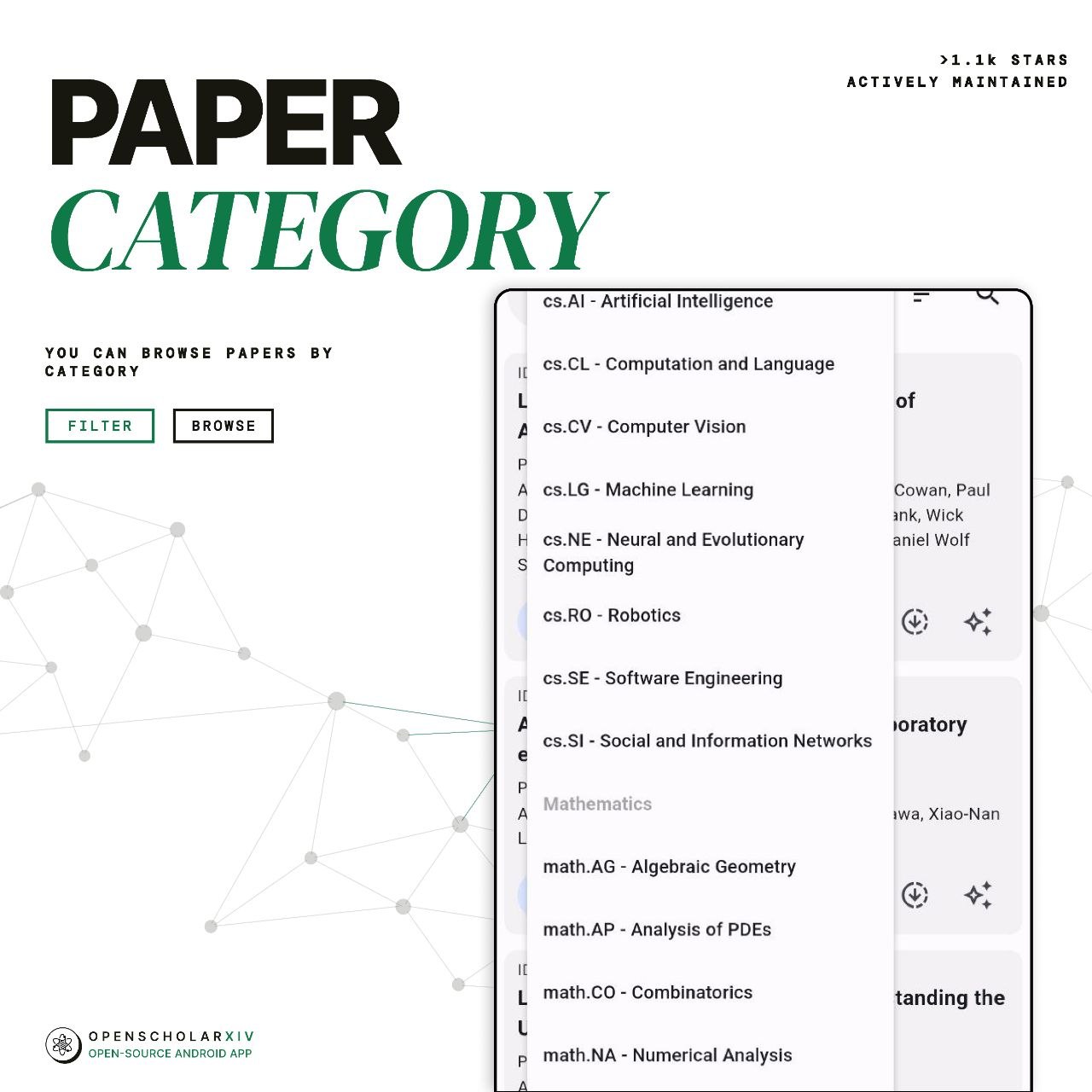
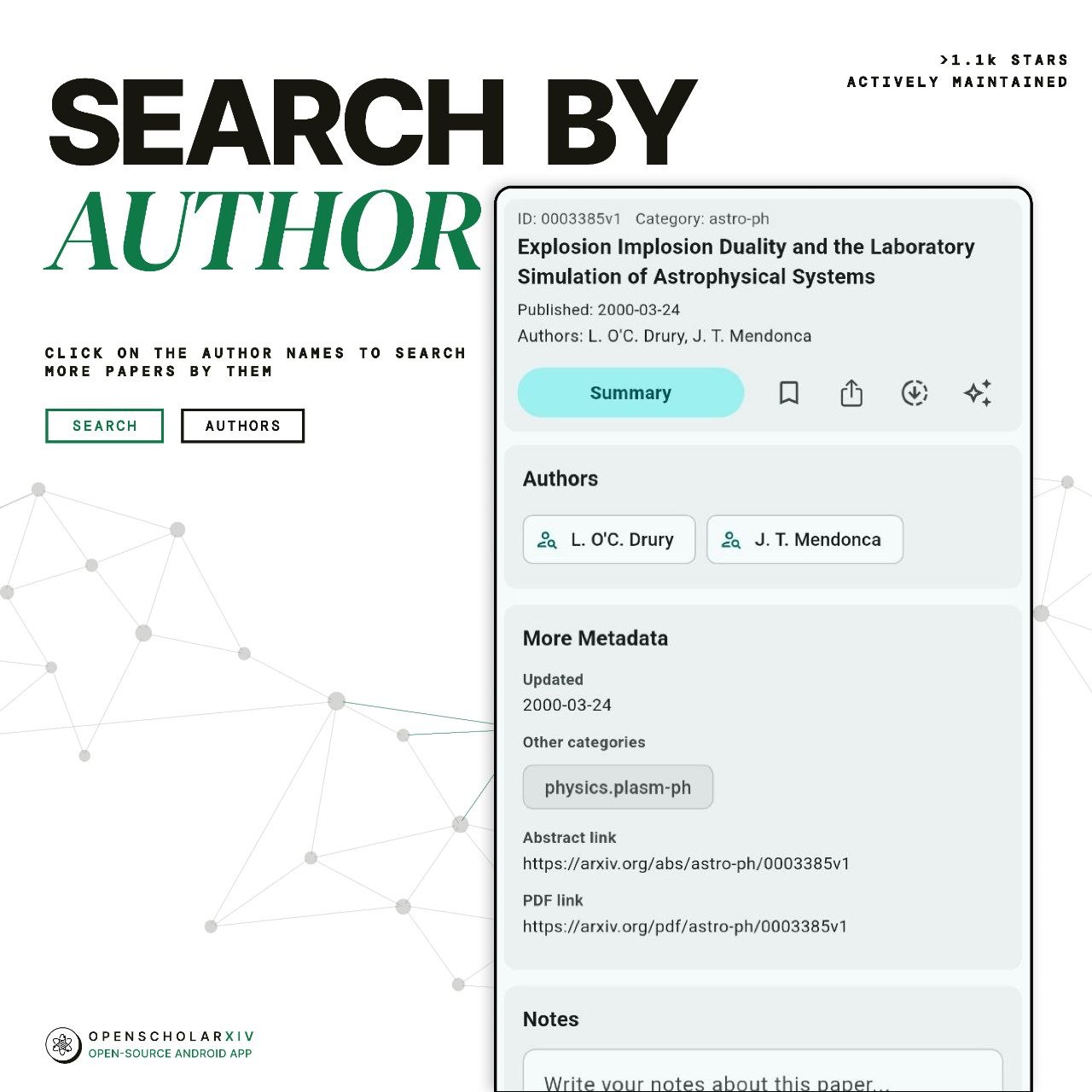
The app makes it easy to filter materials by authors and categories (cs.AI, cs.CV, physics, and others). You can save articles you like to bookmarks or add personal notes right in the card.

Under the Hood
The project is written in Dart using the Flutter framework. The repository is distributed under the GPL-3.0 license.
If you look at the codebase, the architecture is typical for small mobile utilities. The author focused on client autonomy: the app directly calls arXiv XML API endpoints and parses responses on the client side, saving bookmarks and history locally on the smartphone.
One downside of the current version is the sparse documentation in the repository. The README consists of just a few paragraphs and a list of screenshots, without a detailed guide for building the project from source. However, the project is open-source, and if you have Flutter SDK installed, building an APK locally is straightforward:
git clone https://github.com/ScholarXIV/OpenScholarXIV.git
cd OpenScholarXIV
flutter pub get
flutter run
For those who don't want to deal with command-line builds, a ready-to-install APK file is available in the releases section on GitHub.
Who Would Find This Repository Useful
If you follow new papers on machine learning or computer science, OpenScholarXIV solves two problems at once. First, you get a proper phone reader with bookmarks and search. Second, the built-in chat saves a lot of time during initial material screening.
For Flutter developers, the repository can serve as a clear example of how to cleanly integrate a third-party LLM API into a mobile app without an intermediate server. You can try the APK or dig into the source code on the project's GitHub page.
Related projects