How to Supercharge WeMod Without Getting a Crypto Miner
Familiar situation: you find a cool utility for your favorite app, head to YouTube for a guide, and there in the description is a link to a "super-patcher.exe" that, once launched, steals all your browser passwords? That's exactly the story with the WandEnhancer project. The author immediately put out a huge disclaimer: there are no official executables in the releases, and all YouTube videos are scams from fraudsters.
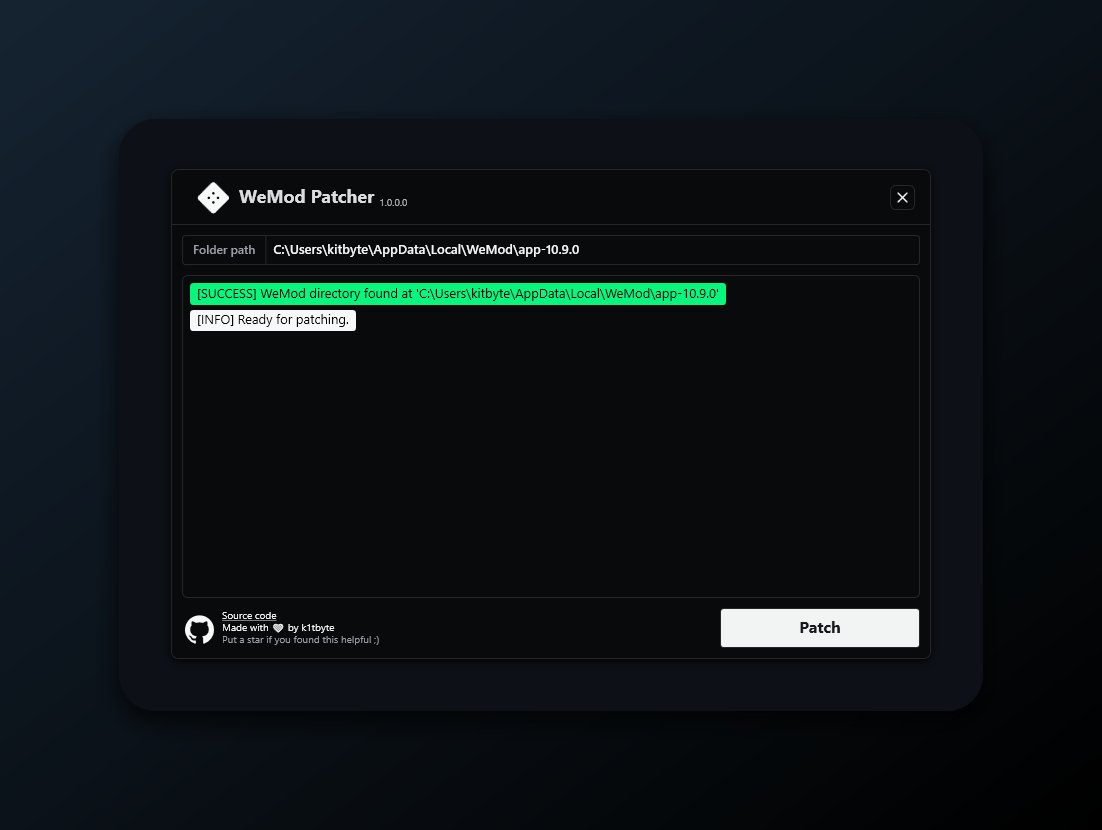
Actually, WandEnhancer is an open-source tool for users of the Wand application (better known as WeMod). It doesn't hack the server-side — it works exclusively with the local client, adding features that are missing by default.

Why a developer needs this
If you thought this was just a "cheat button," it's more interesting than that. The project is essentially a framework for injecting JavaScript into an Electron/WPF desktop application. This enables you to customize the interface to your liking, automate environment settings, and even control the application remotely.
Interesting point: the author chose a radical security approach. To ensure you're 100% confident in the code, they suggest not downloading pre-built files but building them yourself through GitHub Actions in your own fork. This is a great example of how to distribute software requiring high system privileges while maintaining user trust.
What WandEnhancer can do
The project addresses several pain points of the standard client. Here's what I found most useful:
- Remote control panel. It has a built-in web server. You scan a QR code with your phone and can control the app's features without leaving your game. Convenient if you have a single monitor.
- Custom script injection. You can drop your own
.jsfiles into therenderer-scriptsfolder, and they'll execute right in the context of the app window. You get full access to the DOM and Node.jsrequire. - Themes and layouts. If the standard dark interface has gotten boring, you can redesign it to your liking through the same scripts or built-in settings.
How the magic works under the hood
The project is written in C# (WPF) using Node.js for the frontend part of the remote panel. The architecture is quite transparent: the patcher finds the local client files, modifies them to support script injection, and launches a local server for the web panel.
For those who want to dig into the code, here's an example of what a custom injection script looks like:
if (!globalThis.__myPluginInstalled) {
  globalThis.__myPluginInstalled = true;

  WandEnhancer.log("Плагин запущен!", WandEnhancer.remoteUrl);

  // Следим за появлением диалоговых окон в интерфейсе
  new MutationObserver(() => {
    const dialog = document.querySelector("ux-dialog:not([data-seen])");
    if (dialog) {
      dialog.setAttribute("data-seen", "1");
      console.log("Обнаружено новое окно");
    }
  }).observe(document.documentElement, { childList: true, subtree: true });
}
Scripts run in the renderer environment, so you can use standard Web APIs. The author even included protection: if your script crashes with an error, it simply logs it and doesn't "crash" the entire application.
Security and building
I'll repeat: don't search for WandEnhancer.exe on the internet. The only safe way to get a working version is to build it yourself. The process looks like this:
- Fork the repository to your profile.
- Go to the Actions tab and run the "Build executable" workflow.
- After completion, download the artifact (zip archive) from the build logs.
If you decide to build locally, prepare Visual Studio 2022, CMake, and pnpm. The process is automated through build.cmd, which will pull the frontend dependencies, build the native helper, and compile the WPF solution.
Is it worth trying
WandEnhancer is a niche tool. It's definitely useful for those who actively use WeMod and want to get the most out of it: removing clutter from the interface or adding remote control.
For developers, it's also a clear example of how to extend closed desktop applications without access to their source code. The project is alive with an active community (nearly 7,000 stars on GitHub speak for themselves), but it requires minimal Git skills and an understanding of how scripts work in the browser.
Most importantly, remember network settings. If the remote panel doesn't open on your phone, it's probably due to client isolation on your Wi-Fi router or Windows Firewall blocking port 3223 by default.
Ähnliche Projekte