How to Extract a Design System from Any Website with a Single Terminal Command
Has this ever happened to you—you look at someone else's landing page or web service and think: "What fonts did they pick, what spacing did they use, what color palette are they working with?" Usually at this point you open DevTools, start the monotonous clicking through elements, copying hex codes, and browsing computed styles. If the project is large, this routine can take a couple of hours.
Recently I stumbled upon dembrandt, a utility that automates this process to an absurd degree. You feed it a URL, and it outputs structured design tokens: palette, typography, spacing grid, shadows, border radii, and animations.
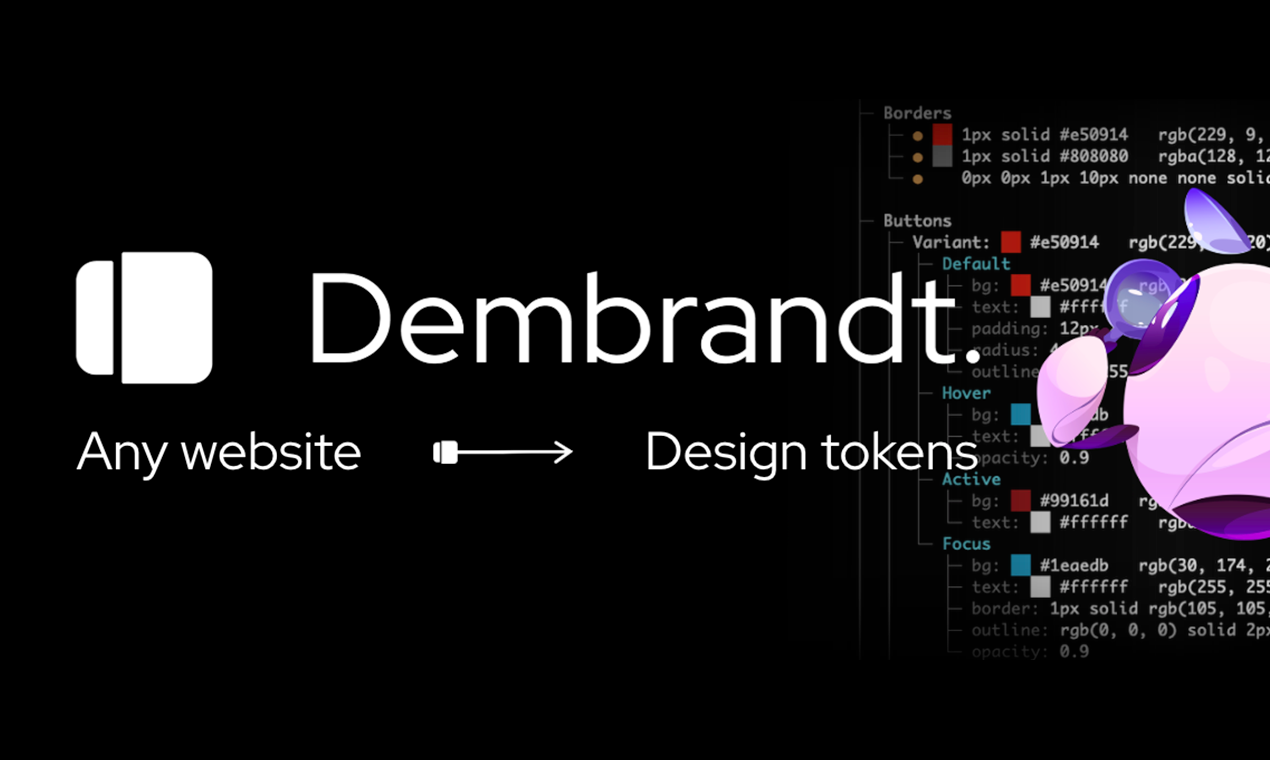
What Is It and Who Is It For
dembrandt is a command-line utility and TypeScript library built for Node.js. It spins up a browser engine via Playwright, navigates to the specified page, extracts computed styles from the DOM, and organizes them neatly.
The tool handles multiple use cases:
- Quick audits and reverse engineering of someone else's UI.
- Creating design tokens for a legacy project that never had an explicit design system.
- Monitoring style "drift" in CI/CD pipelines.
- Exporting context for AI assistants like Cursor or Claude Code.
How to Get Started
You'll need Node.js 18 or higher. Since it relies on Playwright without bundled binaries, the first step is downloading Chromium:
npm install -g dembrandt
dembrandt install-browser
dembrandt dembrandt.com
If you prefer not to install globally, npx works fine:
npx dembrandt install-browser
npx dembrandt example.com
The browser downloads once to Playwright's shared system cache, then the utility is ready to use.
What's Inside: Formats and Integrations
The tool doesn't just dump a bunch of CSS properties into the console. It groups typography by size and weight, analyzes color usage frequency, and calculates confidence levels for the rules it discovers.
Exporting Tokens to W3C and Tailwind Standards
If you're using Style Dictionary or Tokens Studio in Figma, tokens can be exported to W3C DTCG specifications:
dembrandt example.com --dtcg
For frontend developers working with modern Tailwind CSS, there's a --tailwind flag that generates an @theme directive for version four of the framework, containing only the values actually in use.
WCAG Contrast Checking
The --wcag flag triggers an accessibility audit. The utility identifies actual text-background pairs in the DOM and rates them against WCAG 2.1 AA and AAA compliance levels. This is handy for quickly checking interface accessibility without bulky extensions.
Tracking Style Changes in CI
One of the most compelling use cases is preventing accidental style changes in pull requests. You can capture a token snapshot in your repository and validate preview deployments in GitHub Actions:
uses: dembrandt/[email protected]
  with:
    url: https://preview.example.com
    baseline: .dembrandt/baseline.json
If someone accidentally modifies the brand's primary color or disrupts the spacing scale, the action will fail and leave a comment in the PR listing the changed tokens. For other CI systems, the utility returns a non-zero exit code when comparing via the --compare baseline.json flag.
Connecting to AI Agents via MCP Protocol
The developers added Model Context Protocol (MCP) support. This means the utility can connect directly to Claude Code, Cursor, or Windsurf:
claude mcp add --transport stdio dembrandt -- npx -y --package dembrandt dembrandt-mcp
After that, the neural network gets a set of tools (get_color_palette, get_typography, get_spacing, generate_design_md) and can independently study the interface and write code based on the site's current tokens.
Potential Challenges
The README honestly describes technical limitations worth keeping in mind:
- Dark mode doesn't auto-detect—you need to force it with the
--dark-modeflag. - Canvas or WebGL-based sites can't be parsed because there's no conventional DOM tree.
- Heavy SPAs built on React or Vue need time to hydrate, so it's best to pass the
--slowflag upfront to increase timeouts. - Mobile viewport is activated separately via the
--mobileparameter.
Wrapping Up
dembrandt bridges the gap between actual web code and formal design system documentation. If you need to clean up scattered styles in an existing project, hook up automatic style checking in CI, or feed an AI assistant current context about your frontend, the tool is definitely worth bookmarking. Thanks to its open-source code (MIT), it's easy to embed into your internal build scripts.
Progetti correlati