Skills for AI agents that actually do your office routine for you
Most autonomous AI agents handle small console tasks well. They quickly write scripts, find code errors, or generate templates. Problems start when an agent receives a complex task from the real office world. Try asking a model to cross-check ten Excel tables with different formatting, analyze the reasons for price growth, write a balanced report, and immediately format everything into a neat presentation. Usually the output is incoherent text, shifted charts, and hallucinations in numbers.
The authors of the SenseNova-Skills repository decided to approach the problem systematically. They created an open set of specialized skills for autonomous agents focused on analytics, report generation, data visualization, and slide layout.
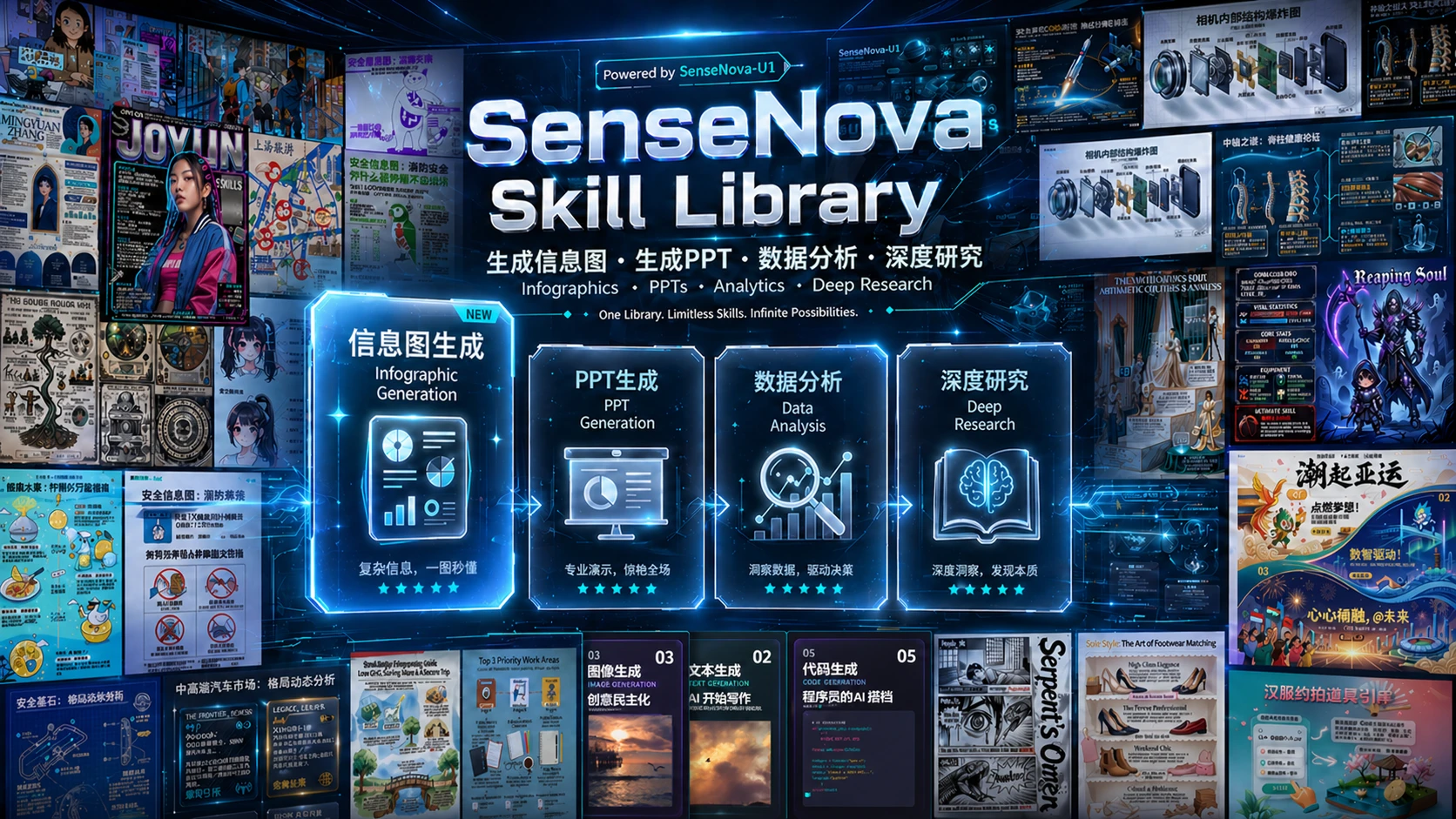
How the project works
SenseNova-Skills is based on the open Agent Skills specification. Instead of stuffing all logic into one giant system prompt, the authors split the functionality into separate isolated modules. Each folder contains a file SKILL.md with descriptions of call triggers, logic, and external dependencies.
This approach solves the main problem of complex pipelines: the model knows exactly when to launch the right script and when to hand control over to another tool.
The suggested runtime environment is agents like OpenClaw or hermes-agent. For working with base models, the authors recommend using the SenseNova API, although the skills architecture allows connecting other models with minimal adaptation.
What the ready-made skills can do
All skills in the repository are divided into five major blocks covering the main tasks when working with documents and data.
Excel processing and analysis
Several tools have been created for working with spreadsheets. sn-da-excel-workflow handles routine data cleaning, merging columns from different files, and performing filtering.
If a file exceeds 10,000 rows, the sn-da-large-file-analysis module automatically connects. It converts data to Parquet format and processes it stream-wise through openpyxl, protecting RAM from overload.
If the data was sent as a screenshot or photo of a chart, the sn-da-image-caption module recognizes the structure via OCR, builds a full DataFrame, and exports a clean CSV file.
Presentation generation
Slide creation is split into two modes: creative and standard. In standard mode, the agent works step by step:
- Creates a structural outline and selects a color guide.
- Layouts each slide using semantic HTML with precise positioning of text and icons.
- Checks rendering through a multimodal model (VLM) for readability.
- Converts the final result to a PPTX file.
If needed, the system can search for relevant illustrations online or request generation from a graphics neural network.
Visualization and infographics
A separate sn-infographic module is responsible for turning dry facts into visual cards. The internal database contains 87 layout variants and 66 styling options.
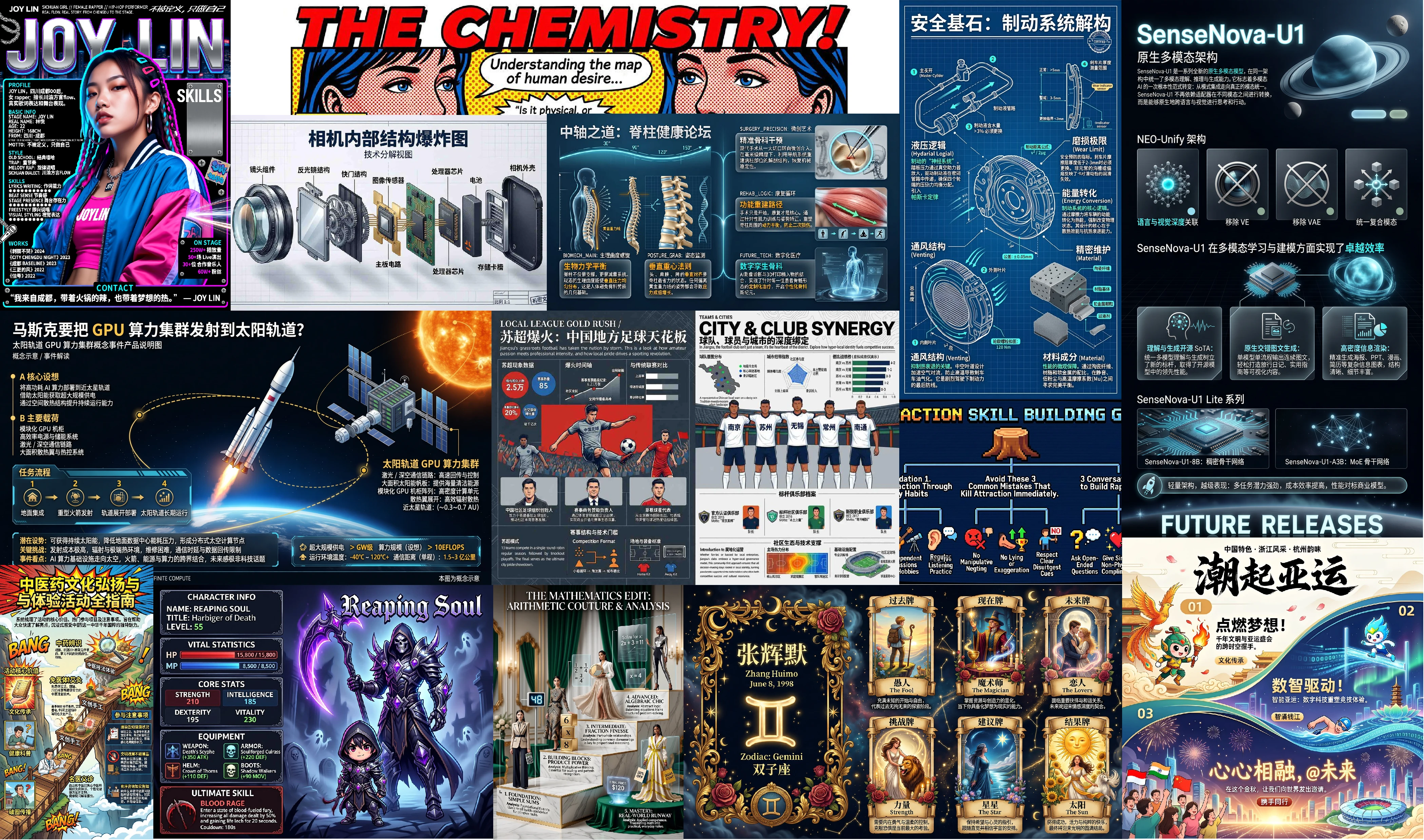
The process includes automatic prompt quality check, image generation, and iterative refinement through VLM control. The output is ready-to-use graphics for publications or reports.
Deep research and specialized search
The sn-deep-research module handles information gathering without surface-level hallucination. The agent first builds a directed research graph (DAG), then sends search queries to different sources and saves snapshots of found pages.
The search system is split into separate skills:
- Academic search via ArXiv, Semantic Scholar, and PubMed.
- Developer search via GitHub, Stack Overflow, and HuggingFace.
- Social media and media platform search.
After gathering facts, a separate editorial layer kicks in to reconcile conflicting data from different sources and produces a final Markdown document with cross-references.
Connection and launch
Installation boils down to copying the contents of the skills folder to your agent's directory. You can ask the AI agent itself to perform this operation.
If you're installing skills manually for OpenClaw, the command looks like this:
git clone https://github.com/OpenSenseNova/SenseNova-Skills.git --depth=1
mkdir -p ~/.openclaw/skills
cp -r SenseNova-Skills/skills/* ~/.openclaw/skills/
When using hermes-agent, it's enough to change the target path to ~/.hermes/skills/.
After copying the files, you'll need to restart the agent service so it reads the new manifests.
End-to-end scenarios in practice
The most interesting part of the repository is in the examples folder. The authors didn't just post abstract tests, but full-fledged examples of how multiple skills work together.
One example shows RAM price analysis. The agent starts by processing a raw CSV file with quotes, finds the turning point in price dynamics in late February, and formulates a research hypothesis. Then the deep search module kicks in, gathering data on supply cuts and growing demand for AI servers. At the end, all analytics are automatically converted into a 16-slide presentation with detailed conclusions.
Another case demonstrates consolidating 10 separate monthly employee performance reports into a single longitudinal dataset. The agent builds grade distribution charts, identifies at-risk groups, and writes recommendations for the HR department, saving the result simultaneously in Word and HTML.
Why a developer needs this
SenseNova-Skills is interesting not so much for the SenseNova models themselves, but for the ready-made architecture of agent interaction with the outside world. The repository offers great patterns to learn from:
- Decomposing complex tasks into deterministic Python scripts.
- Two-level quality control through VLM checking of generated HTML.
- Using intermediate data formats like Parquet to protect against memory exhaustion.
If you're building your own autonomous agent or want to extend OpenClaw's capabilities, this repository will be an excellent base of templates and practical solutions.
Related projects