How to Find Out What Protection is Running on a Site and What It's Collecting About You
Anyone who has ever written a parser or set up end-to-end testing on real websites has encountered a situation where the script suddenly gets a 403 status or an endless redirect to a blank page. You sit in DevTools, cycling through the Network and Application tabs, trying to guess: did Cloudflare block the request, did DataDome slip in an invisible checklist, or did the page script quietly take a Canvas and WebGL fingerprint?
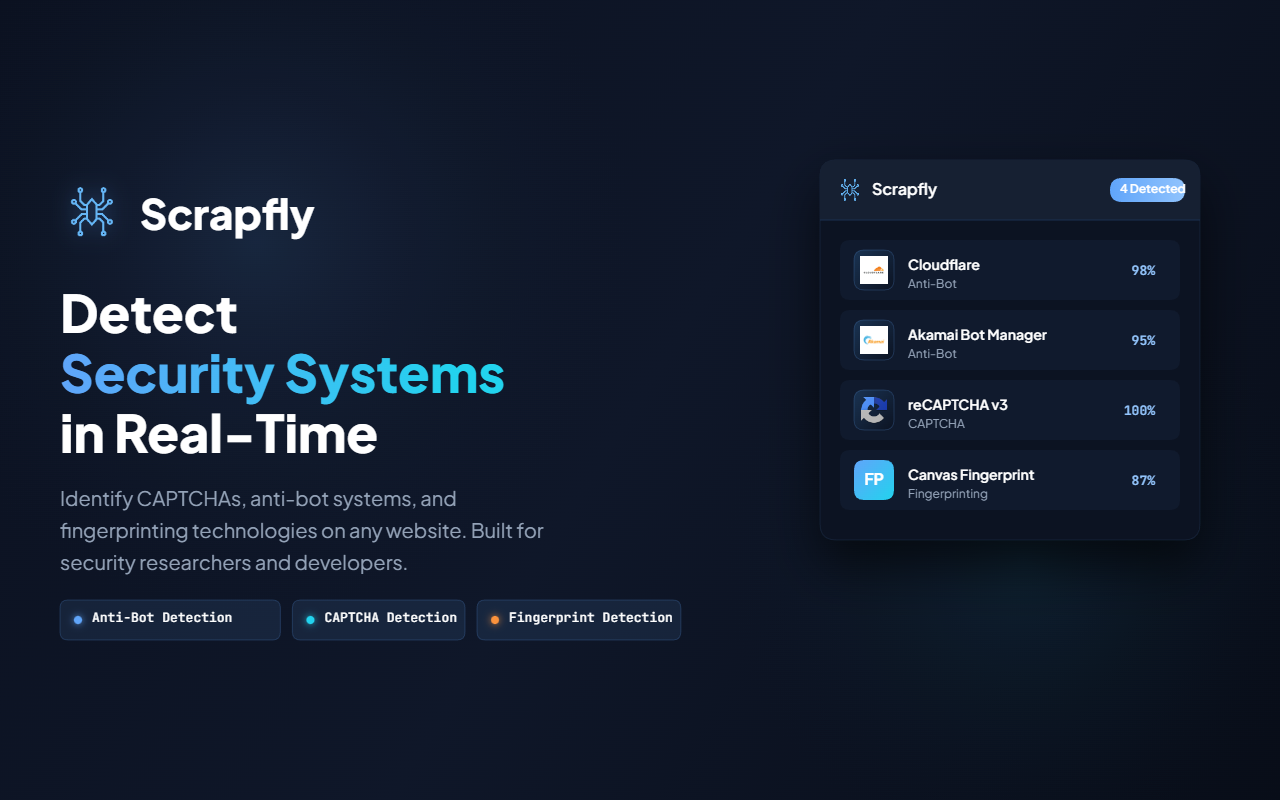
The Scrapfly team has released an open-source Chrome extension called Scrapfly Anti-bot Detector. This is a tool for security researchers, pentesters, and parser developers that analyzes pages in real time and shows which protection systems are active and which fingerprinting techniques are being triggered right now.
What the extension can detect
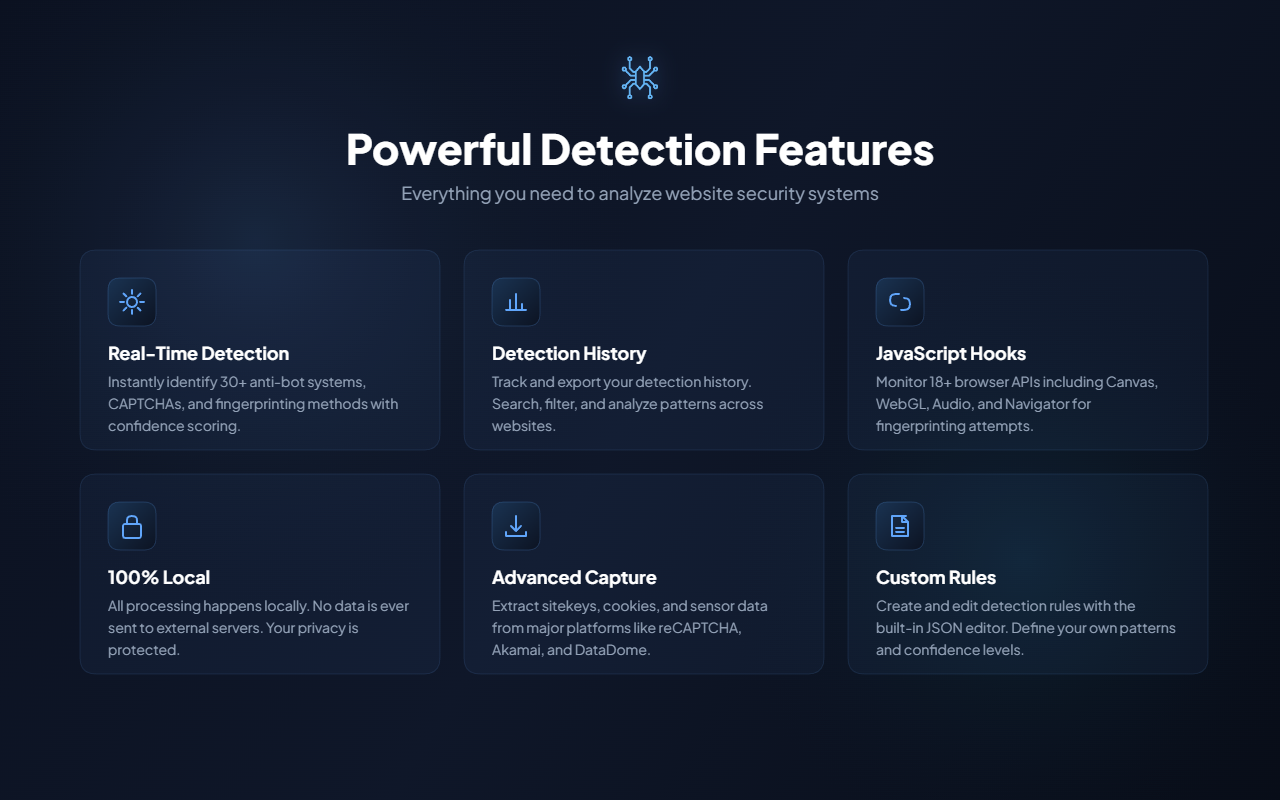
The extension runs on Manifest V3 and does not send data to external servers. All analysis happens locally in the browser.
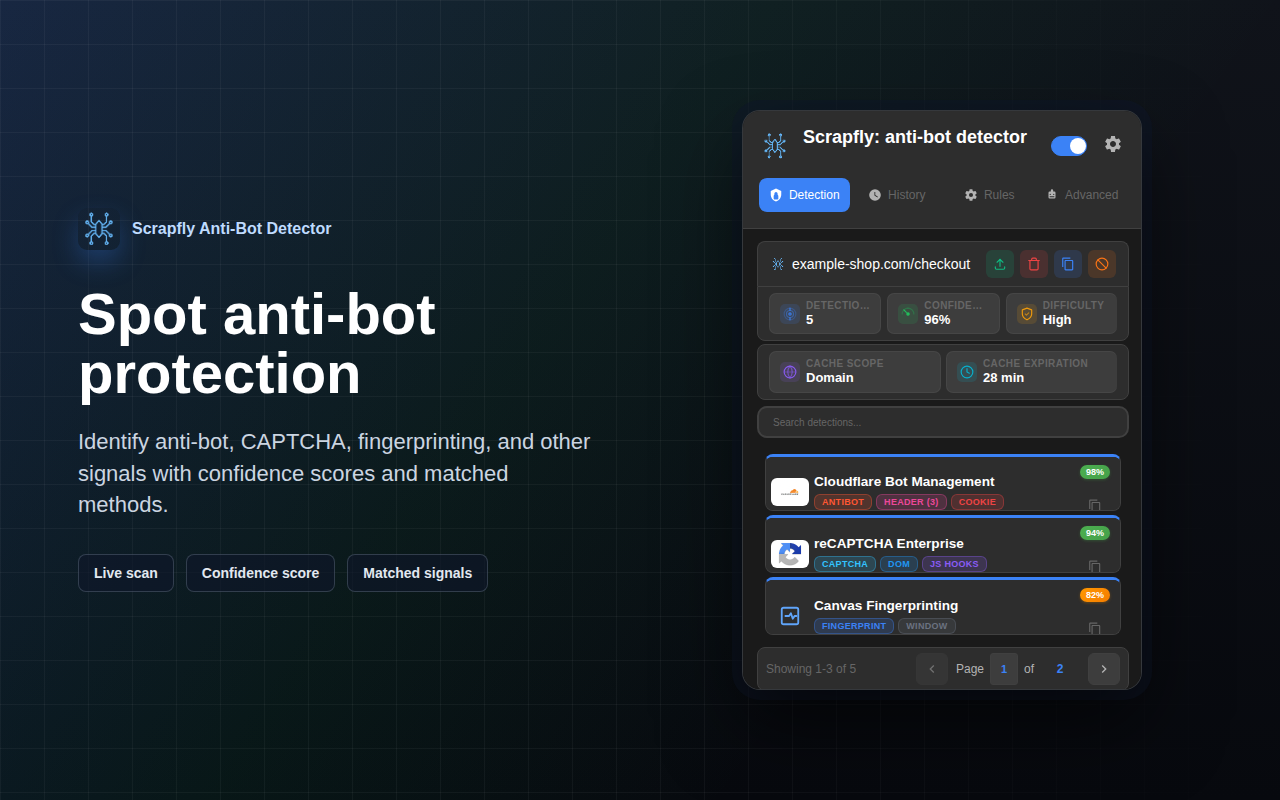
It classifies detected protection mechanisms into three categories:
- Bot protection systems. Detects Cloudflare, Akamai, DataDome, PerimeterX, Imperva, Kasada, Shape Security, and AWS WAF.
- CAPTCHAs. Finds reCAPTCHA, hCaptcha, FunCaptcha, GeeTest, and Cloudflare Turnstile.
- Digital fingerprinting techniques. Tracks 21 fingerprinting methods, including Canvas, WebGL, AudioContext, fonts, WebRTC, Performance API, Navigator properties, and Storage.
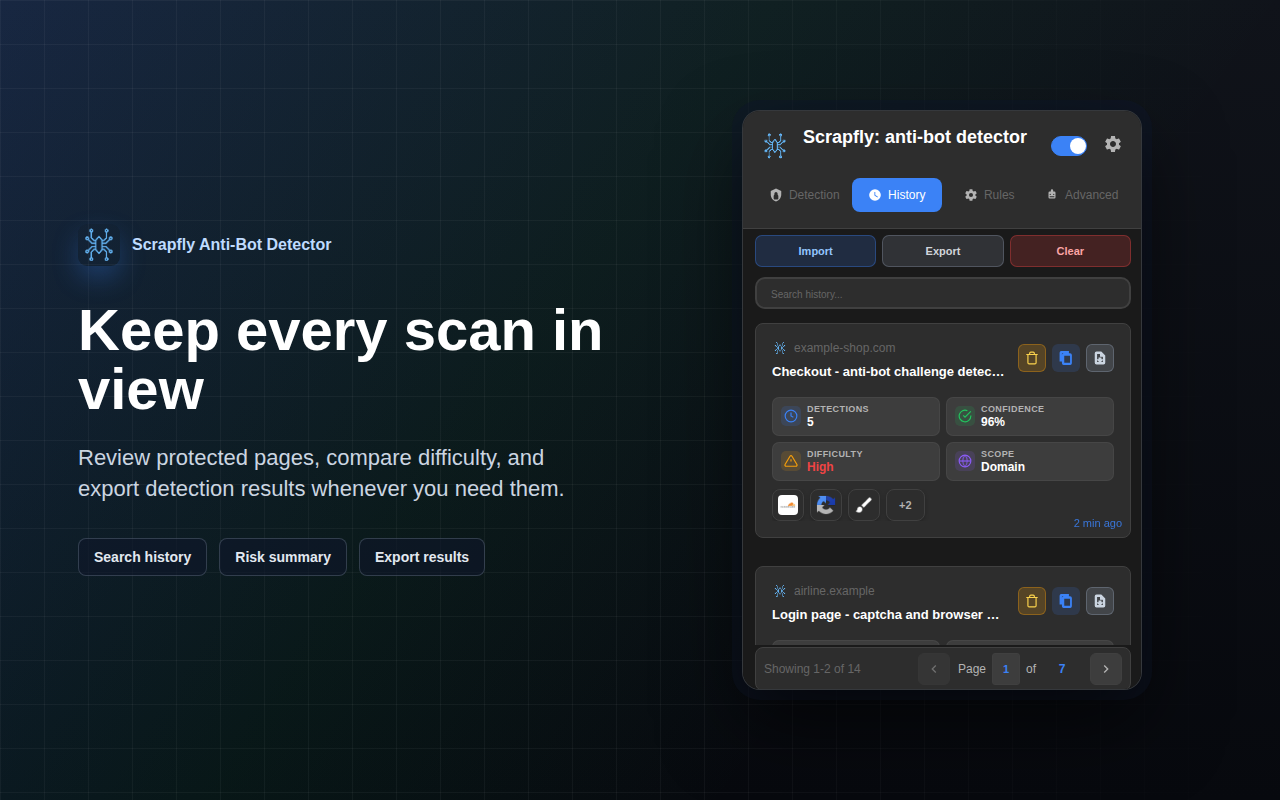
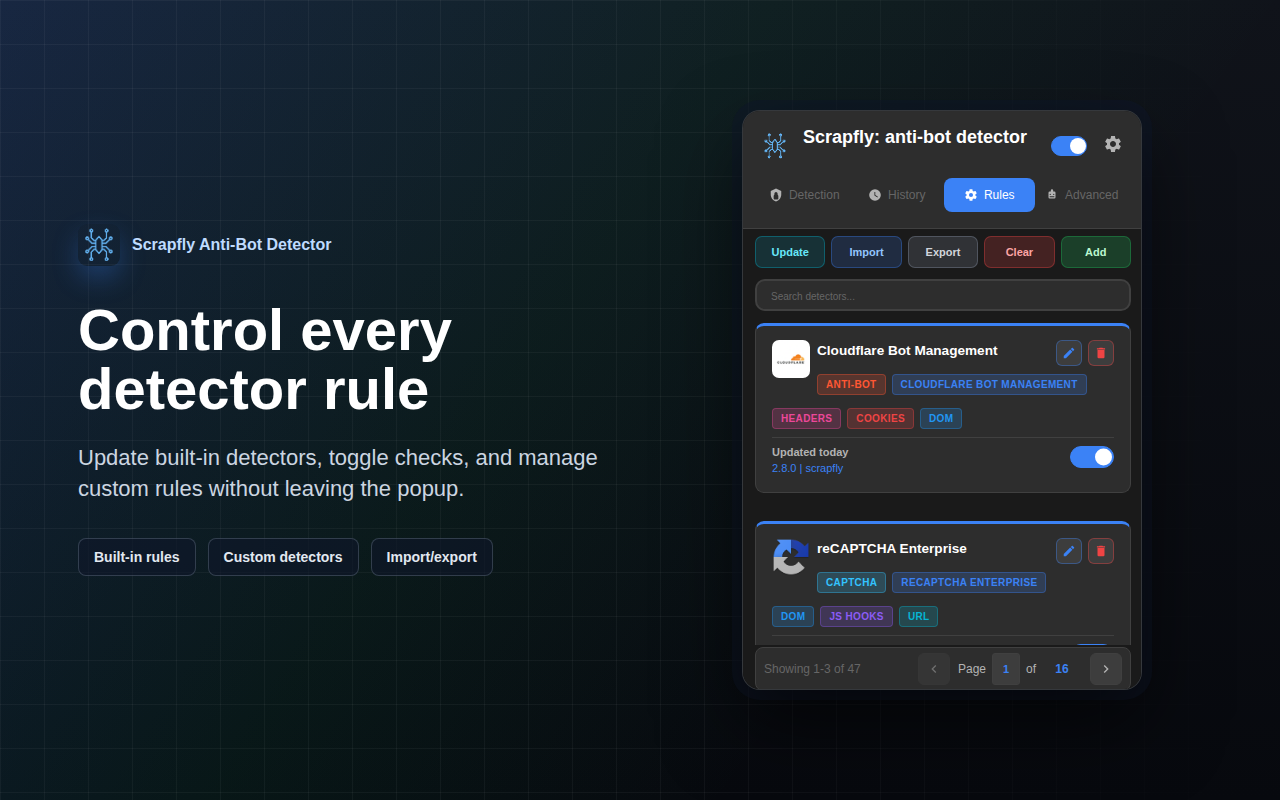
| Detection | History | Rules Editor |
|---|---|---|
|  |
|  |
|  |
|
How multi-layer detection works
Anti-bot systems rarely reveal themselves with an explicit response header. Usually they spread their logic across scripts, cookies, and global objects. The extension uses five layers of analysis simultaneously.
First, it inspects the DOM. The extension looks for characteristic markup elements, class names, and connected external scripts.
In parallel, the service worker monitors network requests, filtering headers, cookies, request URLs, and the bodies of submitted payloads.
The most interesting part lies in intercepting browser API calls. Before the page scripts start executing (at the document_start stage), the extension injects hooks into the page's main context (MAIN world). If a protection script tries to draw a hidden element on a canvas or request audio context parameters, the hook records the call, collects the call parameters, and passes them through an isolated bridge to the detector module.
Hooks don't stay active indefinitely: they are automatically unloaded either after two seconds of inactivity or 8 seconds after the page starts.
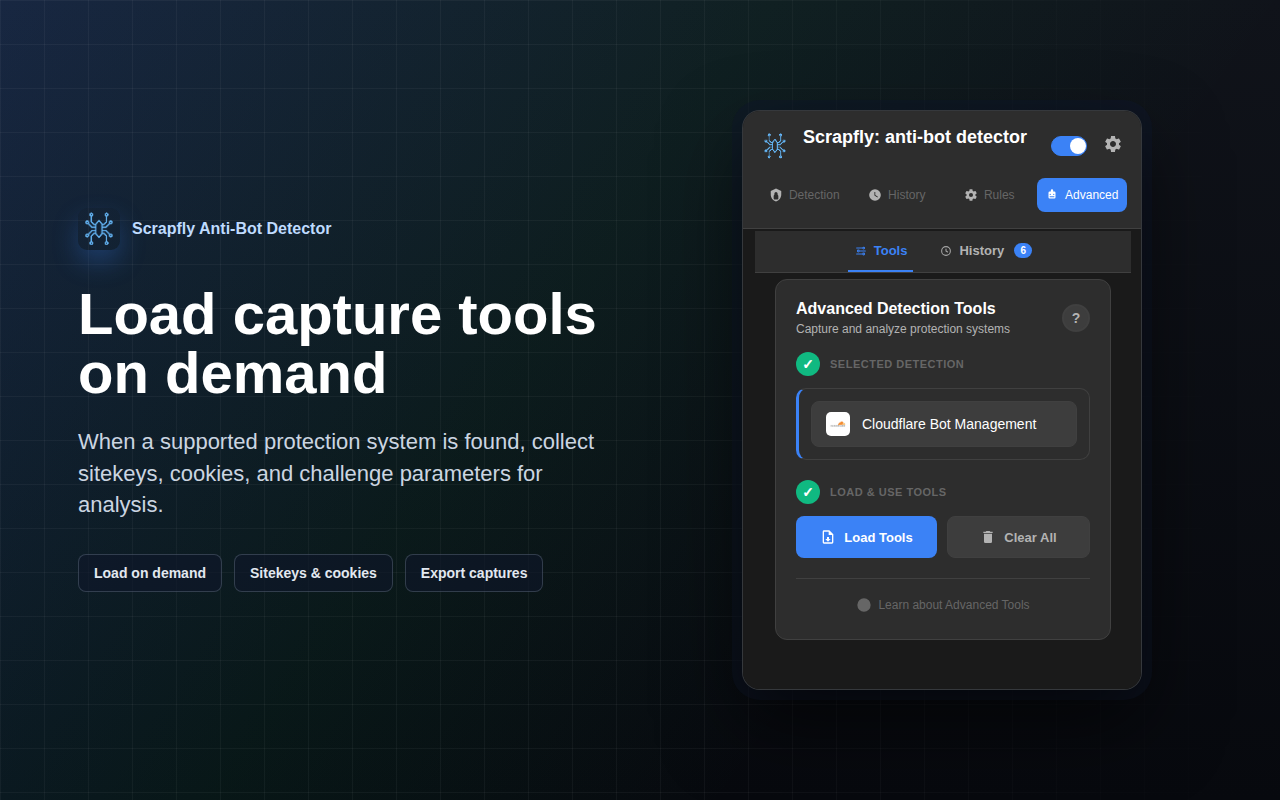
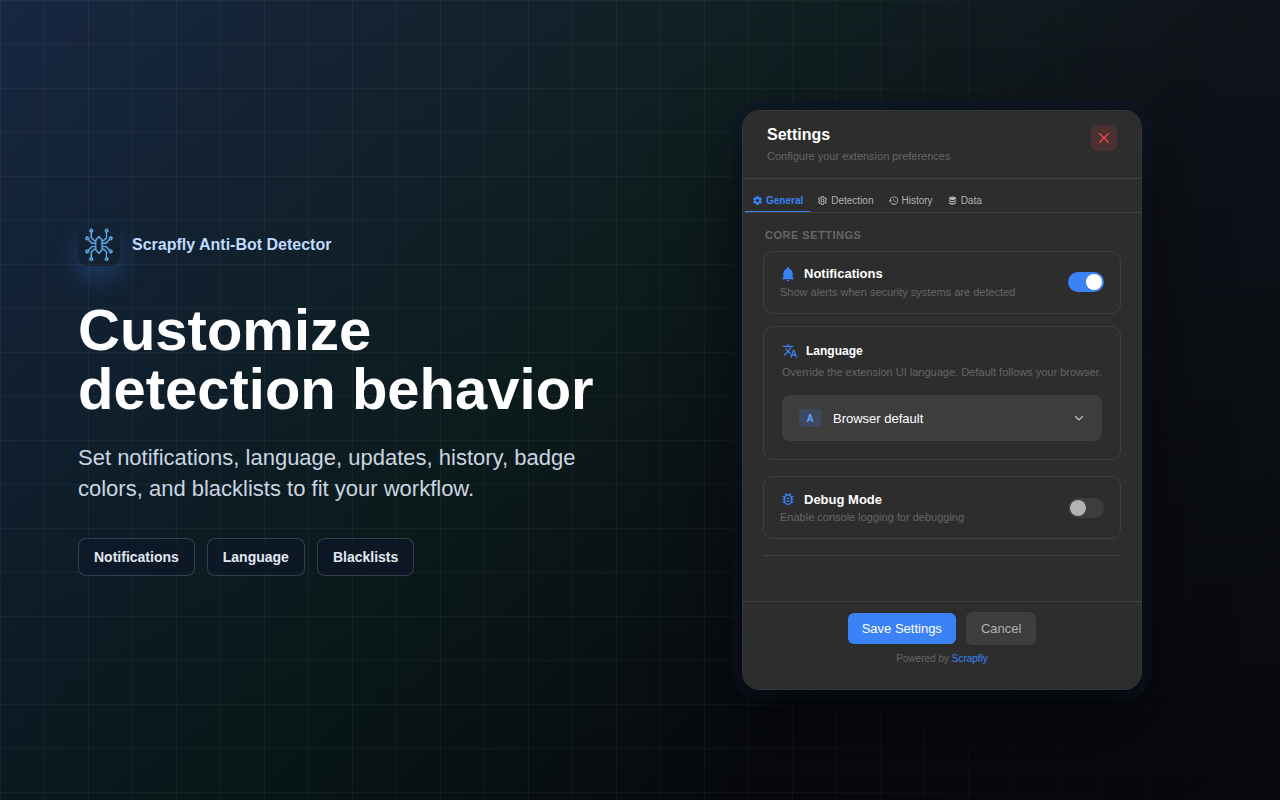
| Data extraction tools | Settings |
|---|---|---|
|  |
|  |
|
Built-in tools for deep analysis
Beyond a simple list of detected vendors, the extension includes an Advanced Tools section. It solves a practical problem: extracting the parameters needed for debugging automation.
- For reCAPTCHA, hCaptcha, and Turnstile, the module finds the SiteKey, container selectors, and registered JS callbacks.
- For Akamai and DataDome, the utility intercepts generated sensor data and analyzes the validity of protection cookies.
- For FunCaptcha and GeeTest, it parses public keys and challenge parameters.
- For Imperva and Shape Security, it scans specific headers and associated validation scripts.
The tool can capture data from intermediate challenge pages before the browser performs the final redirect to the target page.
Project architecture and no build step
The source code is written in pure modern JavaScript without bundlers, Webpack, or TypeScript. To run the project locally, simply clone the repository and load the folder into Chrome via developer mode.
The repository structure is divided into clear layers:
core/
├── manifest.json              # Конфигурация Manifest V3
├── background.js              # Service Worker, сетевой анализ
├── content.js                 # Content script в ISOLATED world
├── content-main-world.js      # JS-хуки в MAIN world
├── detectors/                 # Правила детекции в формате JSON
│   ├── antibot/              # Cloudflare, Akamai, DataDome, Imperva
│   ├── captcha/              # reCAPTCHA, Turnstile, hCaptcha
│   └── fingerprint/          # Canvas, WebGL, Audio, Storage
└── modules/                   # Менеджеры состояния и обработчики
All detection signatures and rules are extracted into JSON files in the detectors/ directory. You can edit them directly in the extension interface through the built-in rules editor, adding your own regular expressions, checks for global window object variables, or custom cookie signatures.
For performance optimization, the authors used an LRU cache for compiled regular expressions, which eliminates the risk of hangs from ReDoS, and a 12-hour cache of results with early exit on high-confidence matches.
Tests are written on the built-in node:test runner and require no external dependencies. You can run syntax checking and tests with a single command:
npm run verify
What tasks this will help with
First and foremost, the extension saves time for crawler developers and data analysts. Instead of manually digging through minified code and network logs, you can in a couple of seconds understand exactly who you are dealing with and which environment signatures the page checks.
The second scenario is auditing your own protection. If you are configuring a WAF or anti-bot module in production, the extension will clearly show whether an external observer can see your rules and whether challenges are working correctly.
Finally, this is excellent learning material for anyone who wants to study how Manifest V3 works, secure data transfer between MAIN and ISOLATED contexts, and passive fingerprinting methods. The project is licensed under NPOSL-3.0 and is available in the Chrome Web Store.
Related projects