How to Build a Conversational AI Assistant on Your Own Data with LLM Zoomcamp
Last year I tried to build a RAG system for searching internal documentation. It seemed like all you needed was to send files to the OpenAI API and output answers. In practice, things turned out differently: the model regularly hallucinated, text didn't fit in the context window, and regular vector search stumbled on technical terms and abbreviations.
If you've encountered similar problems, take a look at the DataTalksClub project. Their llm-zoomcamp repository is a free 10-week open-source course that teaches you how to build viable AI applications with search, agents, and monitoring.
Step-by-Step Engineering Instead of Dry Theory
The course authors don't waste time deriving backpropagation formulas. The program is aimed at developers and data engineers who need to build production services.
All material is broken down into practical modules:
- Basic RAG and agents. Building your first pipeline based on text search and connecting function calling.
- Vector search. Generating embeddings, working with minsearch, sqlitesearch, and the PGVector extension for PostgreSQL.
- Orchestration. Setting up data processing pipelines using Kestra.
- Data collection. Using the dlt library, DuckDB database, and marimo notebooks for analyzing LLM traces.
- Quality evaluation. Offline and online search evaluation metrics, as well as the LLM-as-a-Judge pattern.
- Monitoring and optimization. Collecting user feedback, hybrid search, and result reranking to improve accuracy.
At the end, you work on your own final project. You build a service from scratch: from data cleaning and creating a UI with Streamlit or FastAPI to deployment and metric configuration.
What You Need to Get Started
A powerful server with multiple GPUs isn't required. All assignments are designed to run on a regular laptop via third-party APIs. A few dollars on your OpenAI or other provider balance is enough.
Knowledge requirements are minimal:
- Solid Python skills
- Command-line experience
- Basic understanding of Docker
If you can write a function in Jupyter Notebook and run a container in the terminal, that's enough.
Course Formats
Materials are open to everyone. You can take the course independently at your own pace: read the repository, watch videos on YouTube, and complete assignments.
The authors also regularly launch free interactive cohorts. Lectures remain recorded, but there are strict deadlines, automatic homework checking, participant rankings, and cross-review of projects (peer review).
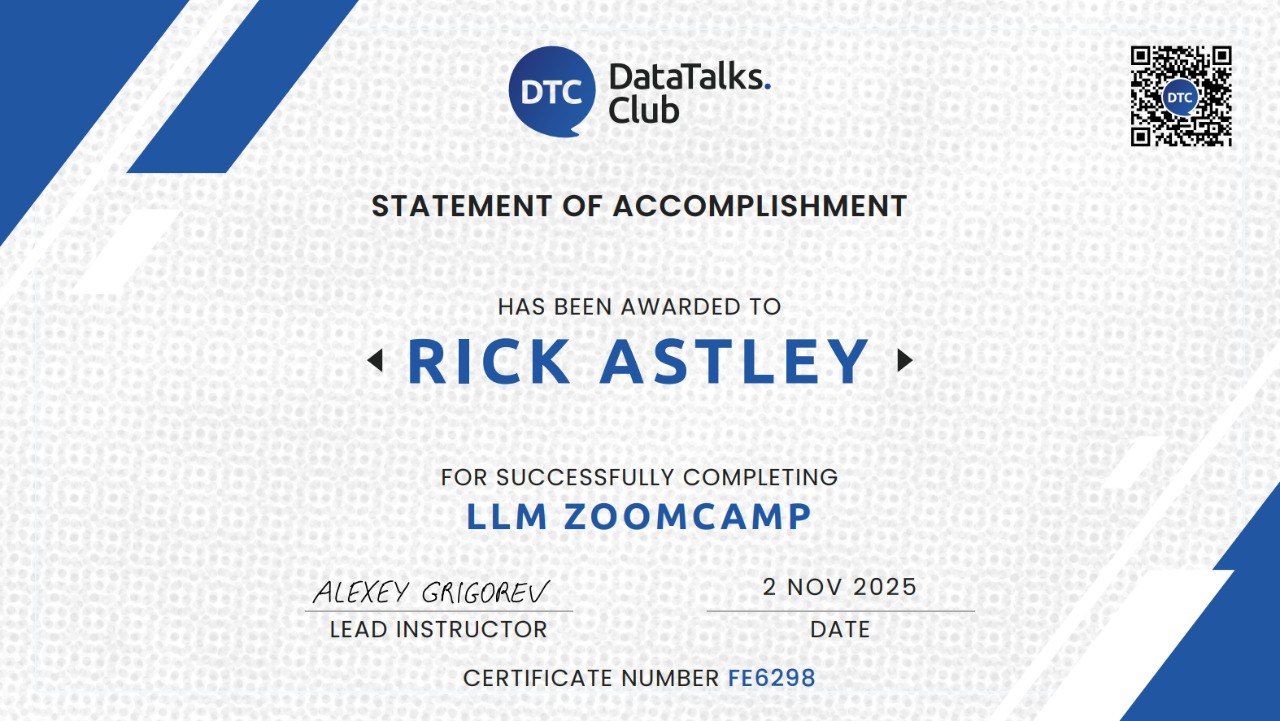
Upon successfully completing the cohort and reviewing other students' work, you receive a certificate that can be added to LinkedIn.
Why Bookmark This Repository
Even if you don't plan to take the full 10-week course, the repository is worth bookmarking. In the module folders, you'll find ready-made Jupyter notebooks and scripts with integration examples.
Need to quickly add hybrid search to Postgres? Open the vector search module. Want to set up model response evaluation? Go to the evaluation section. The code has no unnecessary abstraction—everything is written in pure Python with clear comments.
Check out the 01-agentic-rag folder—there's you can build your first working document search prototype in a couple of hours.
Related projects