How to Take Back Control of Calls on Android with Fossify Phone
At some point, the standard phone dialer on a smartphone started turning into a bloated app. Built-in ads in manufacturer skins, ever-growing permission demands, and data being sent to third-party servers — a familiar picture for many Android users. When a simple "dial a number" function requires a constant network connection, you start looking for alternatives.
That's how I stumbled upon the Fossify Phone repository. It's a lightweight open-source call application created by developers from the Fossify community.

What is this project and where did it come from
The project's history is directly tied to a fork of the well-known Simple Mobile Tools series. When the original app suite came under new ownership and started accumulating questionable features, enthusiasts preserved the clean codebase. The result of this effort became the Fossify project.
Fossify Phone handles basic communication tasks but does so with complete transparency. The app has no trackers, ads, or greedy requests for device storage access unless it's necessary for functionality.
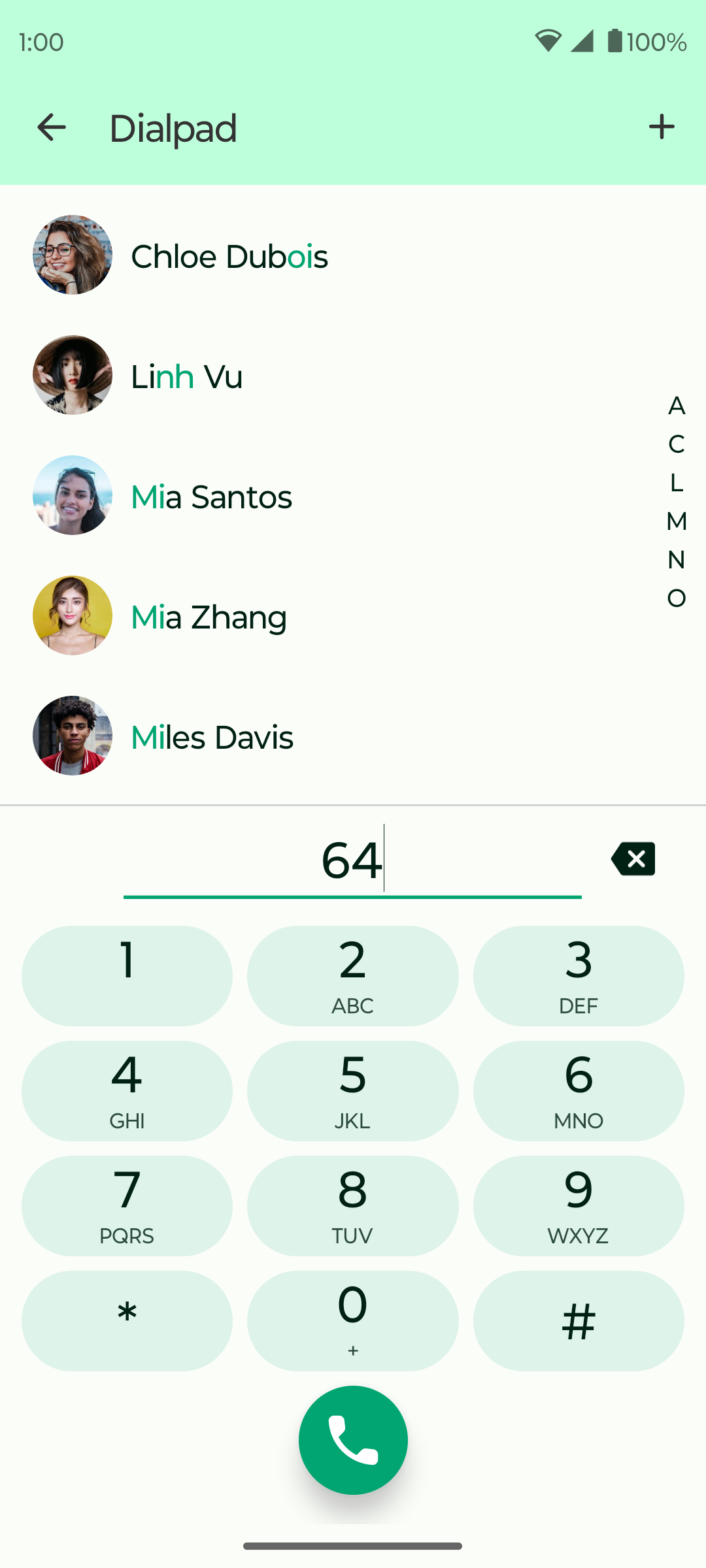
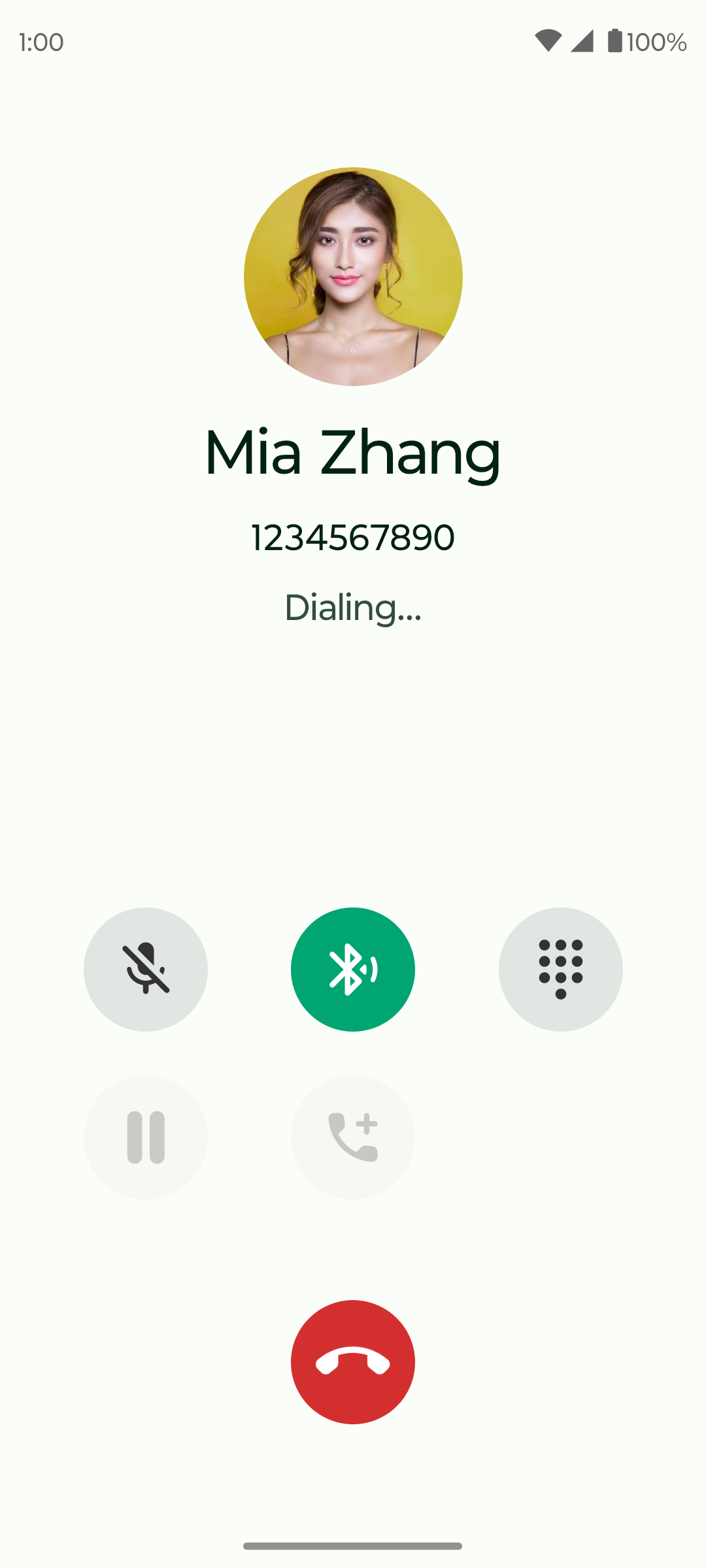
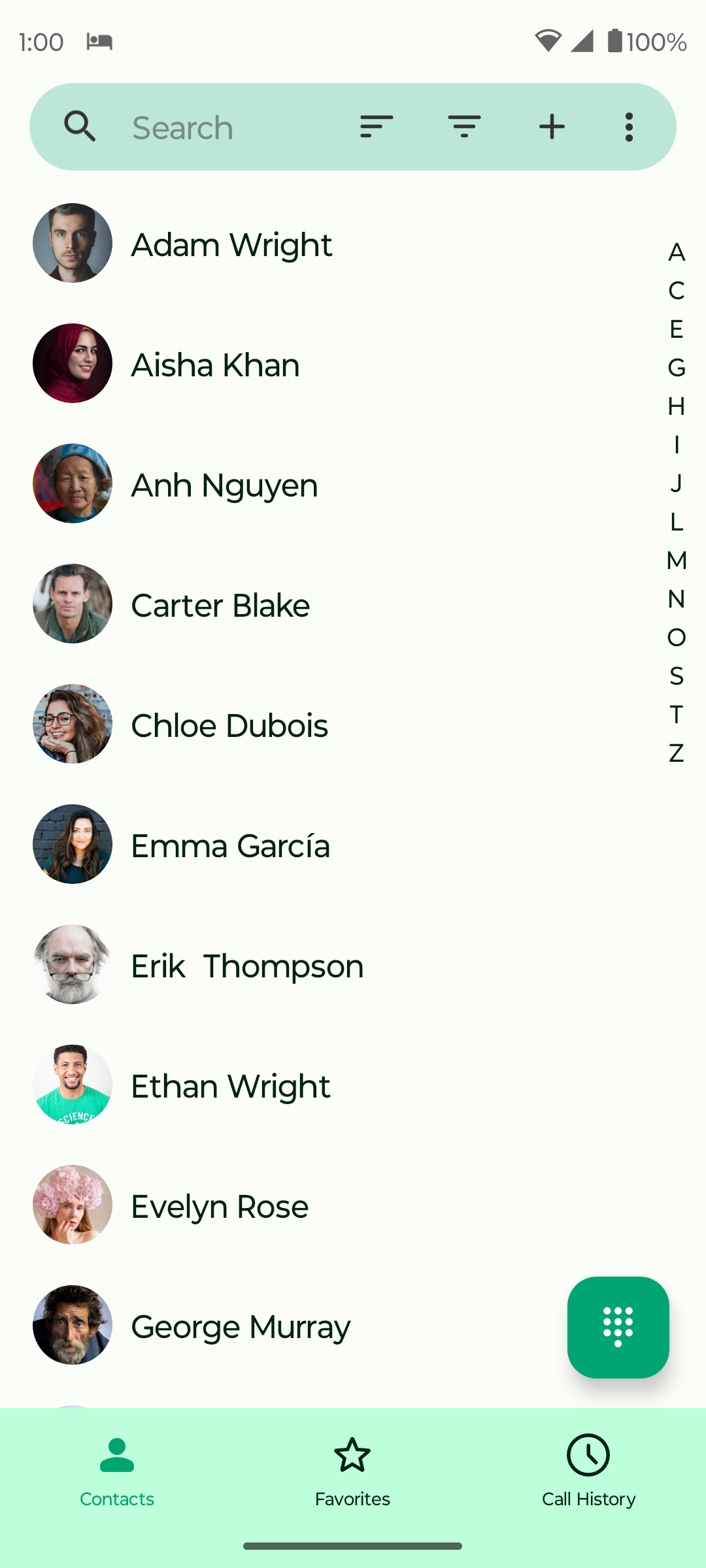
Key features
The app doesn't try to reinvent the wheel, focusing instead on stability and speed.
- Support for devices with multiple SIM cards and quick switching between them
- Built-in spam number blocker and flexible blacklists
- Contact and call history management without third-party services
- Theme customization, including dark mode and accent colors
The interface is responsive and works without delays even on budget devices. This is especially noticeable when comparing with standard manufacturer apps, where loading the call history sometimes takes a couple of seconds.
Under the hood
The project is written in Kotlin under the GPL-3.0 license. For an Android developer, the source code can serve as a good practical guide.
The code cleanly implements interaction with Android system APIs:
- Native work with
TelecomManagerand implementation of the default dialer role - Interaction with
ContactsContractfor synchronization and display of the phone book - Proper handling of permissions in recent Android versions
- Battery consumption optimization through the absence of background processes and network requests
If you're planning to write your own call-handling application or want to understand how to properly request specific permissions from the operating system, the Fossify Phone codebase will provide ready-made answers.
Who will find this project useful
Regular users will find this app a reliable replacement for stock software, especially on custom ROMs without Google services. It's distributed through F-Droid, Google Play, and IzzyOnDroid.
Developers will find the project interesting as a high-quality example of a clean Kotlin app without unnecessary bloat. There are no bloated frameworks here, and the logic for interacting with the operating system is completely transparent.
You can clone the repository and explore the source code on GitHub.
Related projects