How One Kotlin Project Covers Android, iOS, Web, Wear OS, and AI Agents
When you need to demonstrate Kotlin Multiplatform capabilities in real code, it's easy to get bogged down in complex architecture and dozens of abstraction layers. John O'Reilly took a different approach. He picked a straightforward task: displaying a list of people in orbit and ISS coordinates. The result is a clear example of how a single business logic module works across a dozen different platforms.
The project made it into the official Kotlin documentation and Google Dev Library. Let's break down how everything is structured and why this codebase makes a convenient sandbox.
What the Project Is About
The app fetches data from two open sources. The list of astronauts with biographies comes from The Space Devs API, while ISS coordinates are pulled via the Open Notify API. To keep clients from hitting third-party services directly, the repository includes a small Ktor backend.
The main idea here is code deduplication. Business logic, network requests, caching, and data models are written once in a shared module common. This code then connects to clients targeting all sorts of different operating systems and screens.
The list of supported targets includes:
- Android smartphones and home screen widgets using Glance API
- iOS app built with SwiftUI
- Smartwatches running Wear OS
- Desktop version via Compose for Desktop
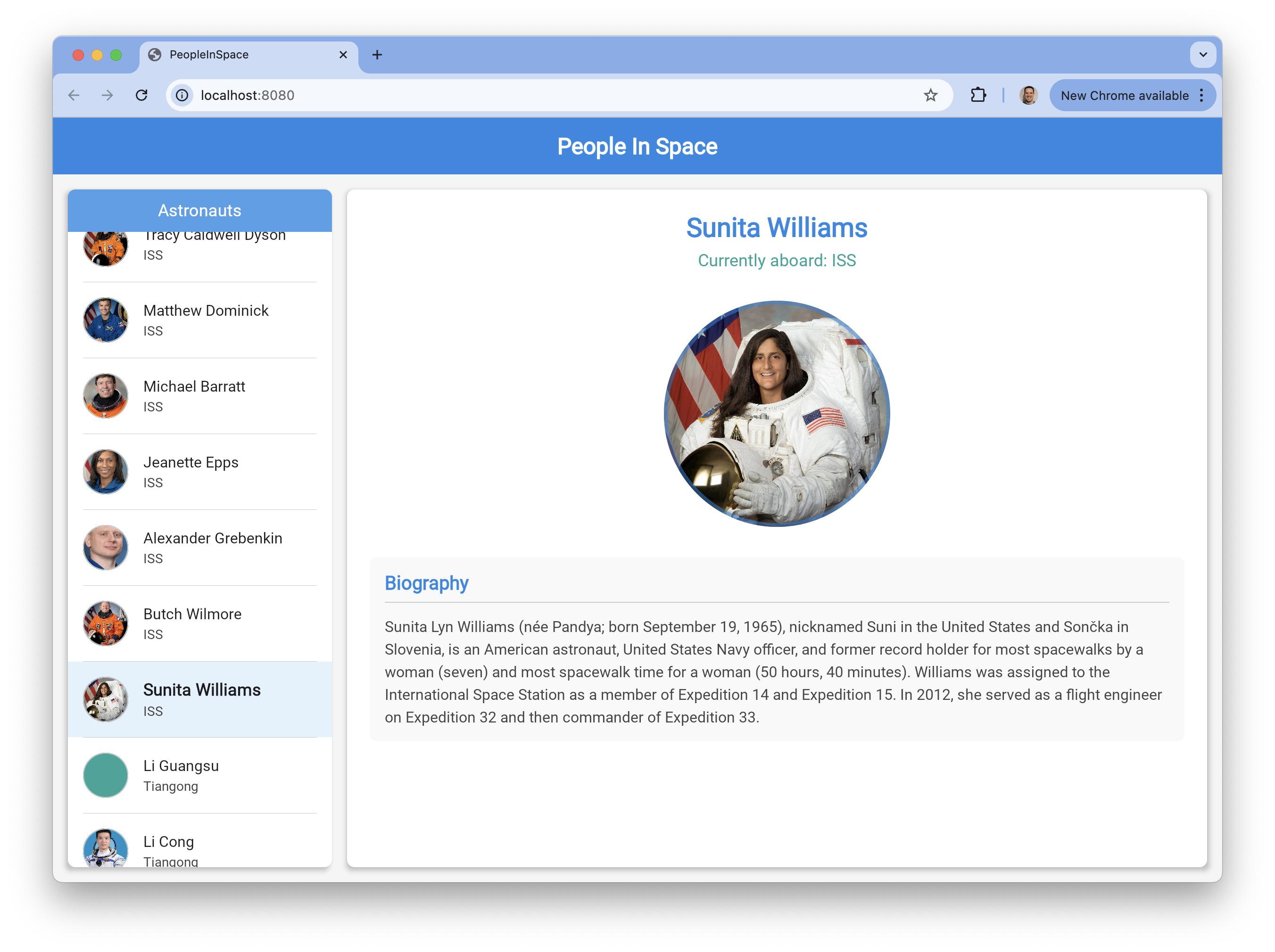
- Web client using Kotlin/Wasm
- Server-side component with Ktor
- MCP server for connecting to AI clients
What's Under the Hood of the Shared Module
The module common handles all the boilerplate. It uses libraries familiar to Kotlin developers:
- Ktor Client handles network requests
- SQLDelight takes care of local database storage
- Koin handles dependency injection
- Kotlinx Serialization parses JSON
Compose Multiplatform and the SKIE library handle communication with the UI. The latter significantly simplifies working with Swift by translating coroutines and Flow into async concepts that iOS developers understand.
class PeopleInSpaceViewModel(
    private val peopleInSpaceRepository: PeopleInSpaceRepositoryInterface
) : KMMViewModel() {

    val peopleInSpace: StateFlow<List<Assignment>> =
        peopleInSpaceRepository.fetchPeopleAsFlow()
            .stateIn(viewModelScope, SharingStarted.Eagerly, emptyList())
}
Thanks to this separation, platform clients stay thin. They only handle UI rendering and user touch events.
From Smartwatches to Web Browser
Each client in the repository is structured as a separate module. This makes it easy to quickly understand how a specific technology integrates with the shared KMP code.
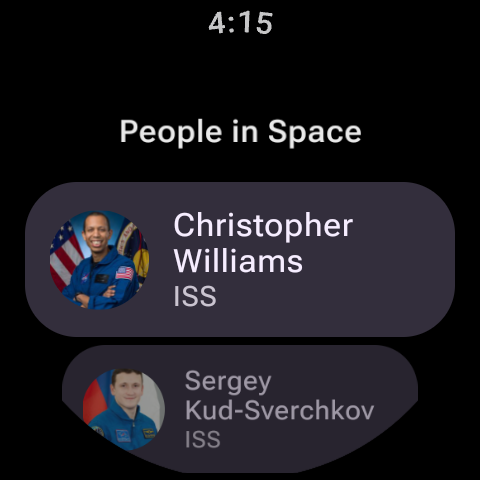
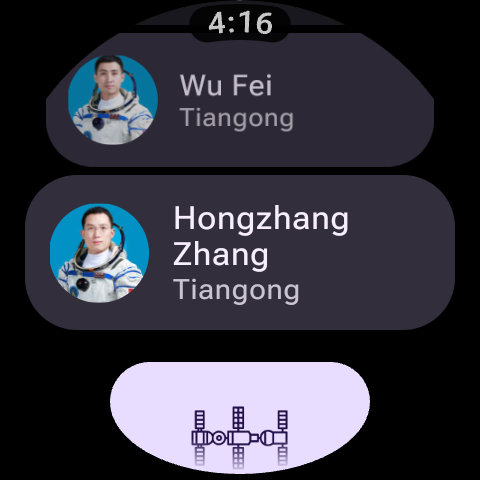
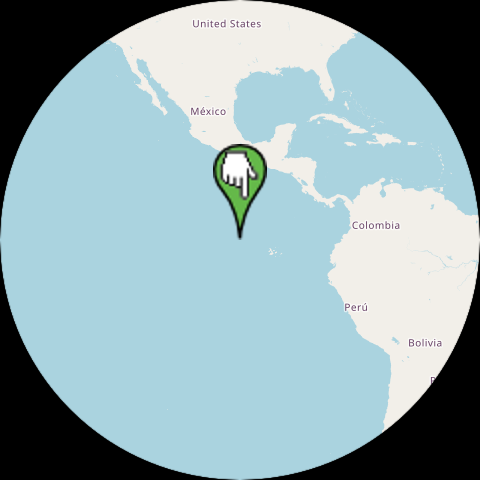
The Android app is built with Jetpack Compose. Alongside it sits the wearApp module, where the interface is adapted for round watch screens using Compose for Wear OS. You'll also find a working home screen widget for Android written with the Glance API.
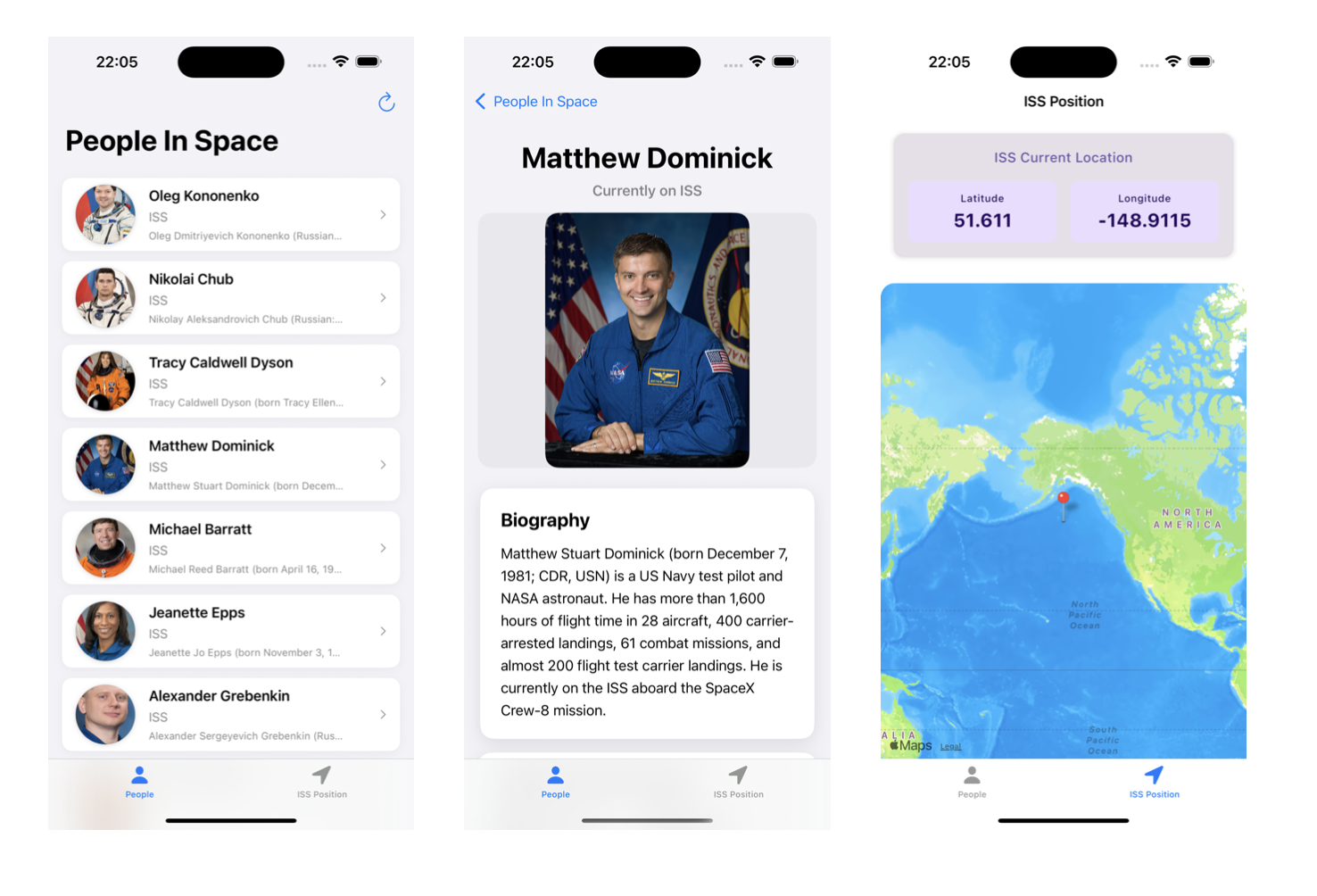
For iOS, the author offers two paths: a classic SwiftUI interface or shared Compose code. The choice is up to the developer.
The browser version is built with Kotlin/Wasm. The build runs via a standard Gradle task, producing a working frontend without needing to write any JavaScript.
Connecting to Claude Desktop via MCP
One of the newest additions to the repository is the mcp-server module. The author implemented a server using the Model Context Protocol with the official Kotlin MCP SDK.
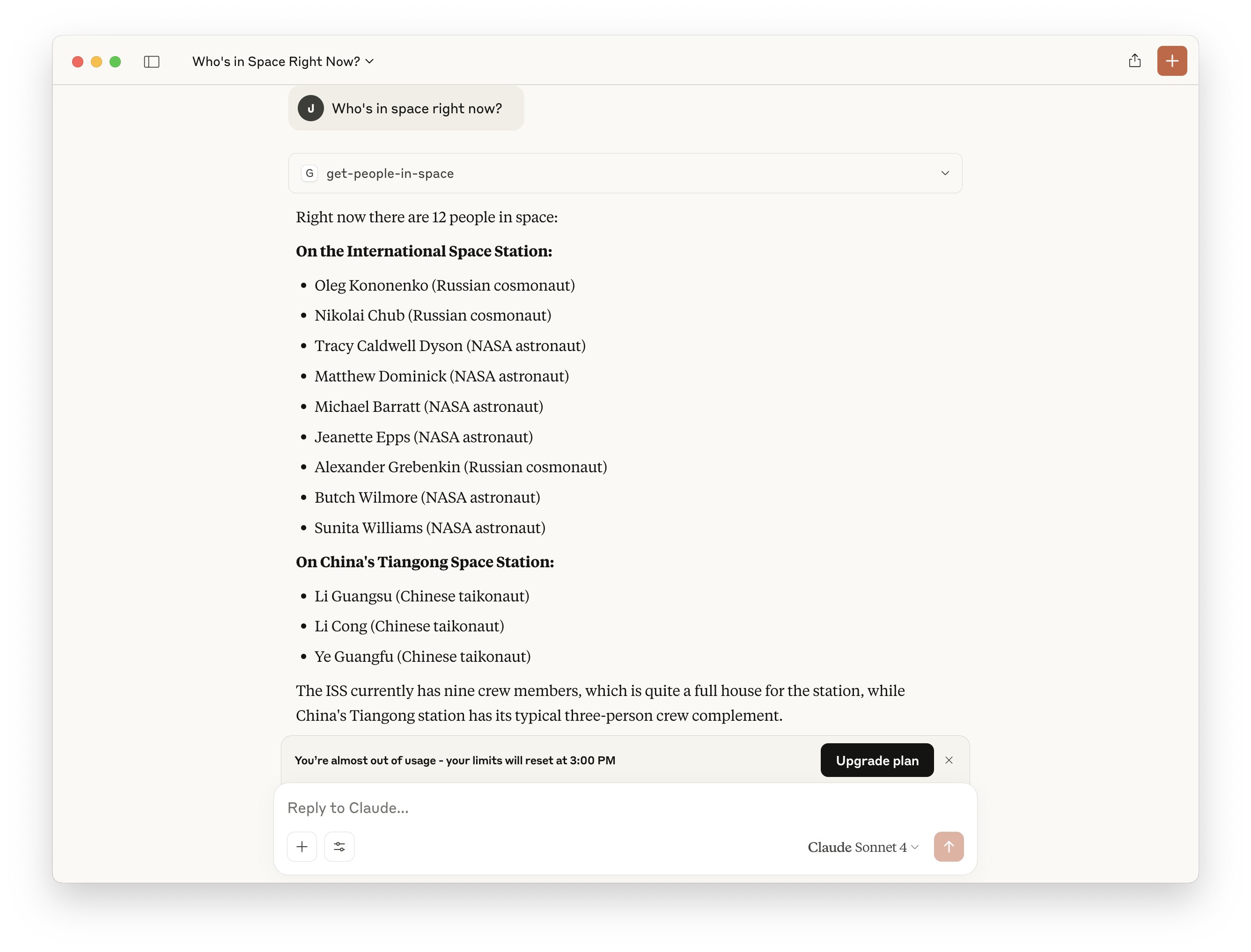
The idea is that the same common module with business logic and the network layer gets pulled into a console application. This application exposes tools for artificial intelligence. By running the local server, you can connect it to Claude Desktop or another assistant.
The configuration for Claude Desktop looks like this:
{
  "mcpServers": {
    "kotlin-peopleinspace": {
      "command": "java",
      "args": [
        "-jar",
        "/path/to/repo/mcp-server/build/libs/serverAll.jar",
        "--stdio"
      ]
    }
  }
}
After that, the neural network gets direct access to the data retrieval function and can answer questions about cosmonauts by pulling fresh information from your KMP code.
Why Check Out This Repository
The PeopleInSpace repository is valuable not for the scale of its code, but for the up-to-date tech stack. The author constantly updates versions of Kotlin, Gradle, Compose, and related libraries.
The project makes a good reference if you're planning to:
- Evaluate how much code you can actually reuse between Android and iOS.
- See Kotlin/Wasm running in a browser in practice.
- Figure out how SKIE works when passing data streams to Swift.
- Learn how MCP servers are built with Kotlin.
To get started, just clone the repository, open it in a fresh version of Android Studio, and run the desired Gradle task.
Related projects