SmolChat-Android - Your Pocket AI Without Internet
Imagine this: you're on the subway, on a plane, or just in an area with poor coverage, but you urgently need an answer from a language model. Regular chatbots require an internet connection, but what if you could take AI with you? That's exactly what SmolChat-Android offers — local chat with language models right on your smartphone.
What is SmolChat-Android?
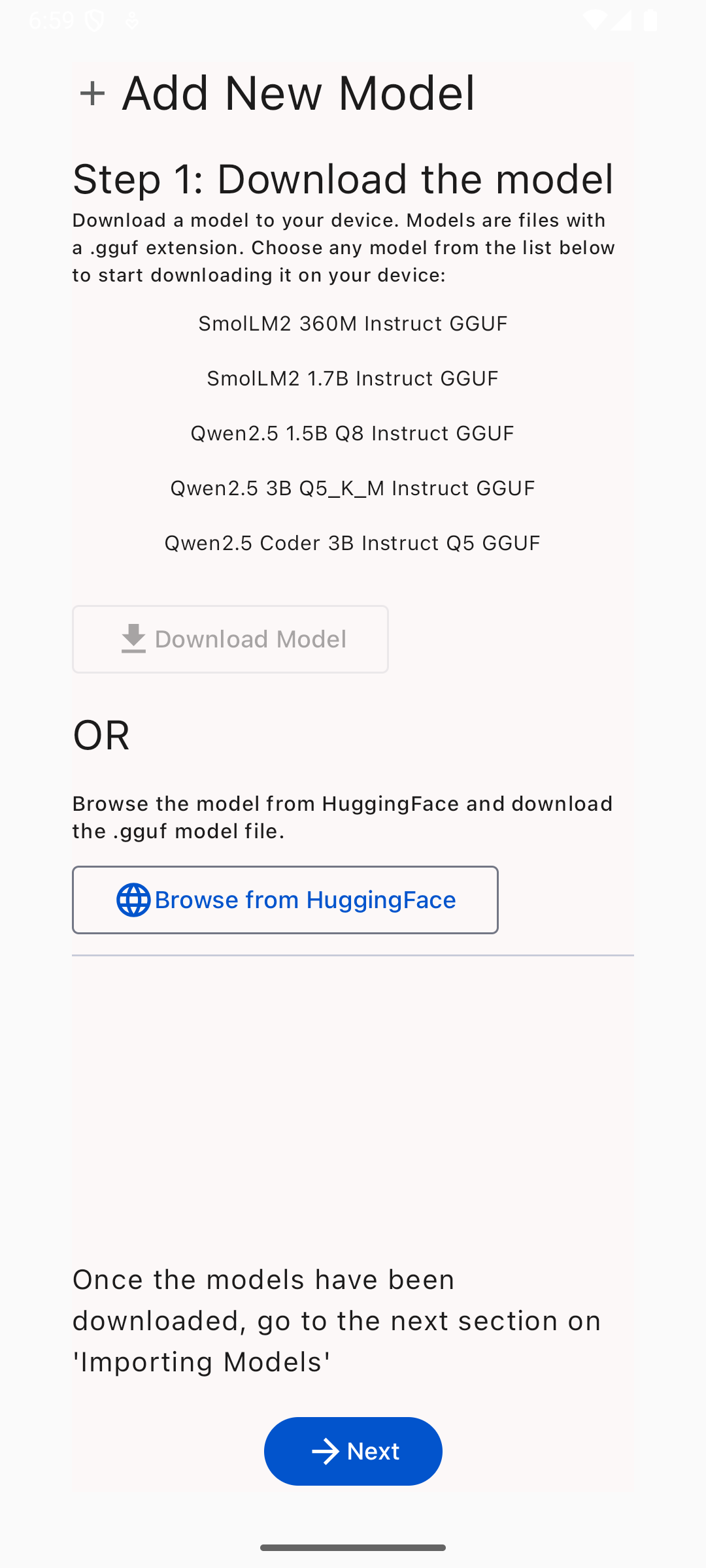
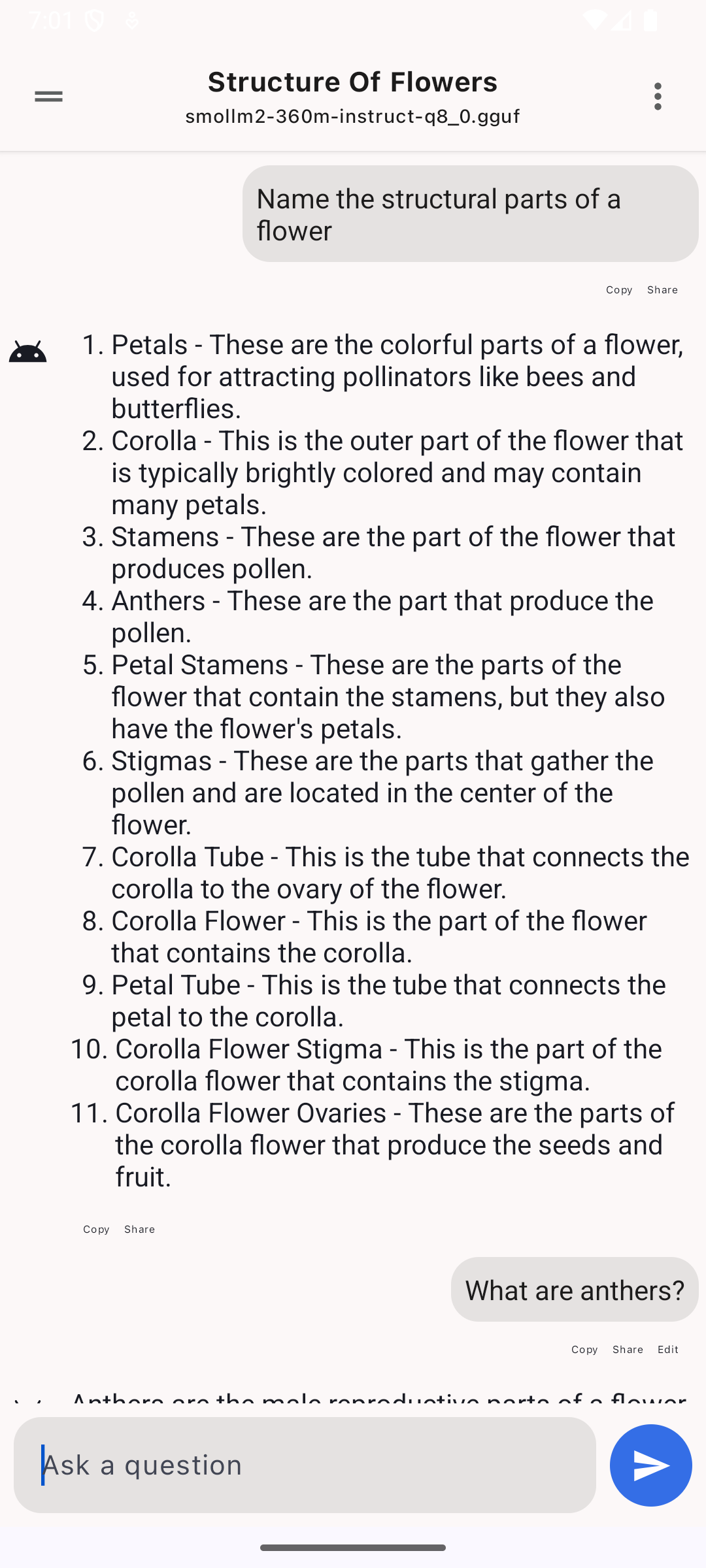
SmolChat-Android is an open-source Android app that lets you run compact language models (SLM) in GGUF format directly on your device. The project uses llama.cpp under the hood and provides a convenient interface for chatting with AI without the need to connect to cloud services.
Who will find this useful:
- Developers testing local language models
- Travelers and people in areas with limited internet
- Those who care about the privacy of their queries
Key Features
-
Local Model Execution
- Complete internet independence
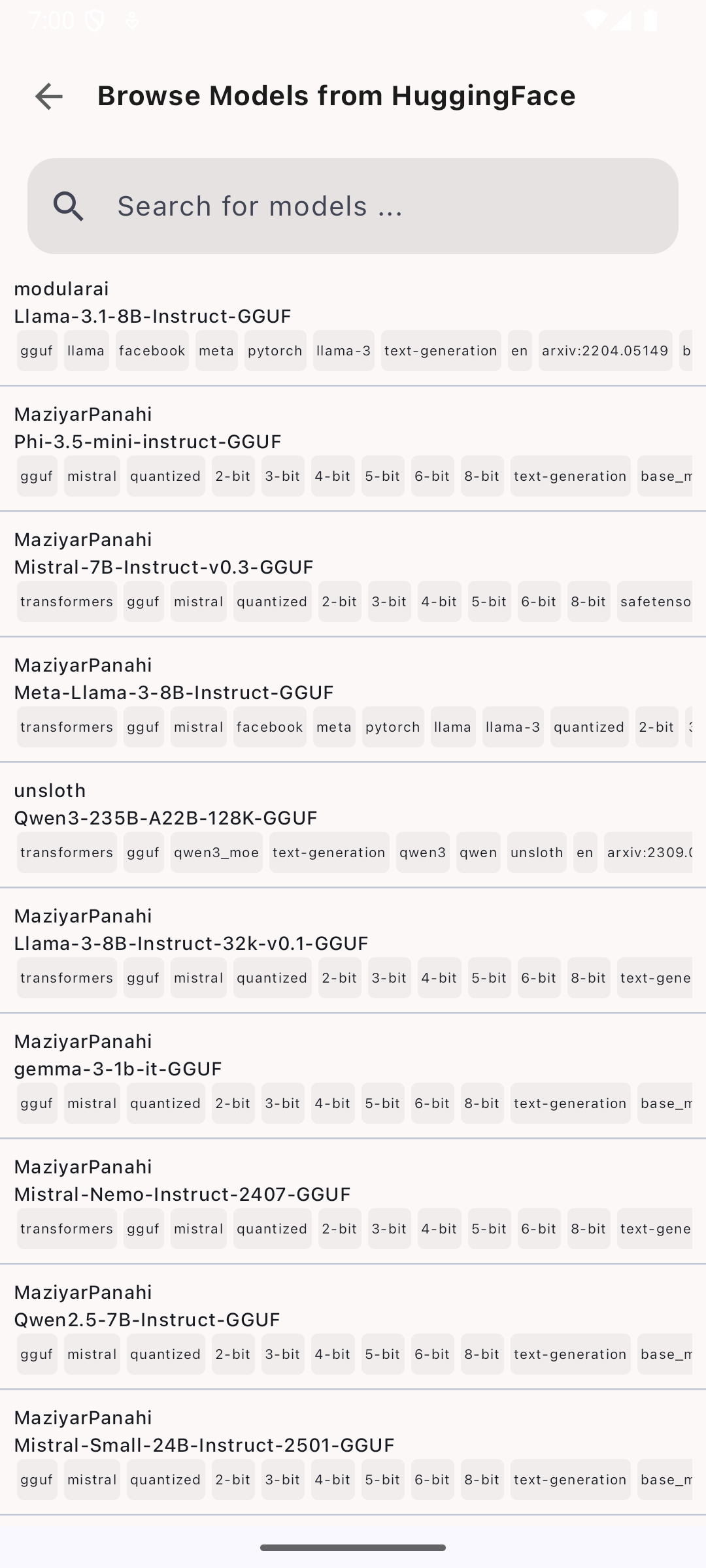
- GGUF format support (optimized model versions for llama.cpp)
-
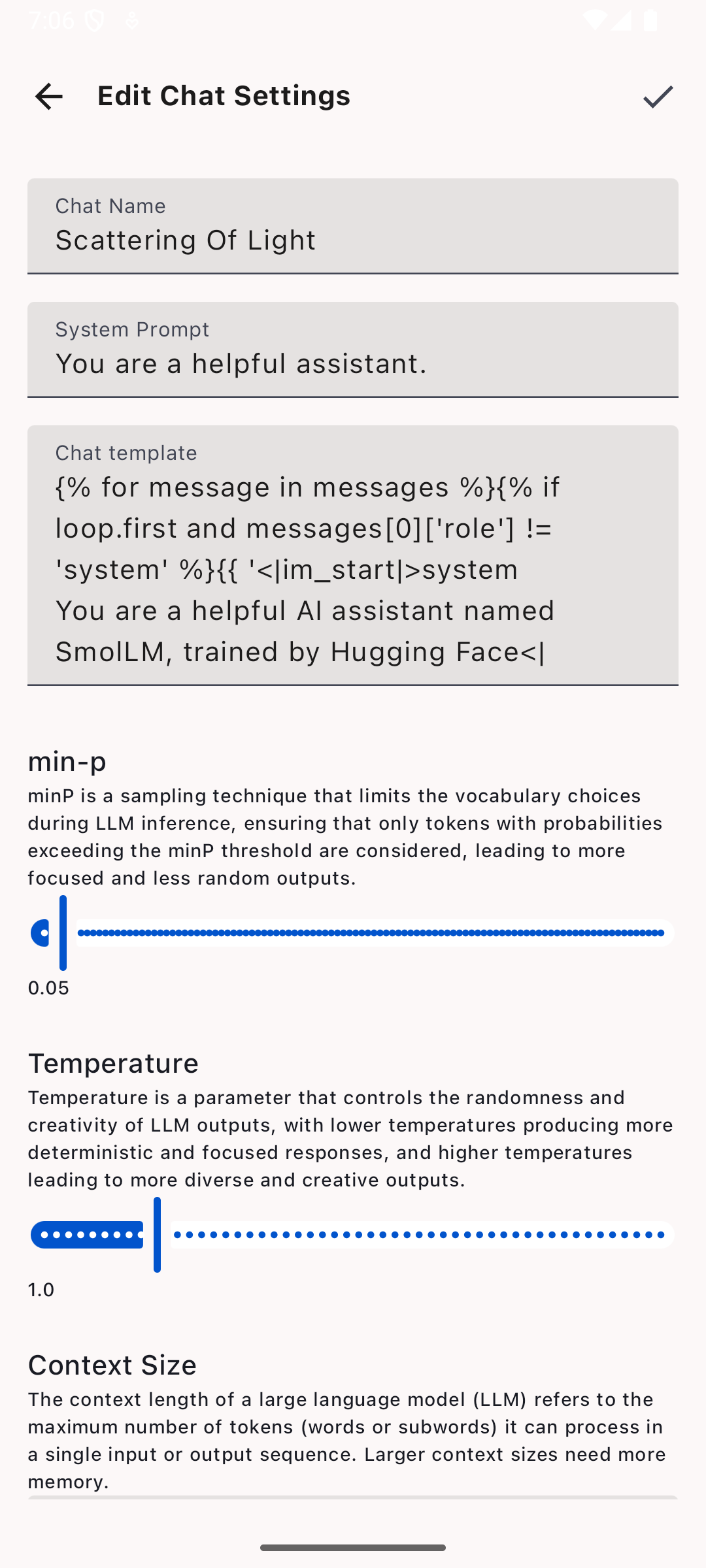
Flexible Settings
- Ability to adjust generation parameters (temperature, min-p)
- Custom system prompts
-
User-Friendly Interface
- Markdown support in responses (including code highlighting)
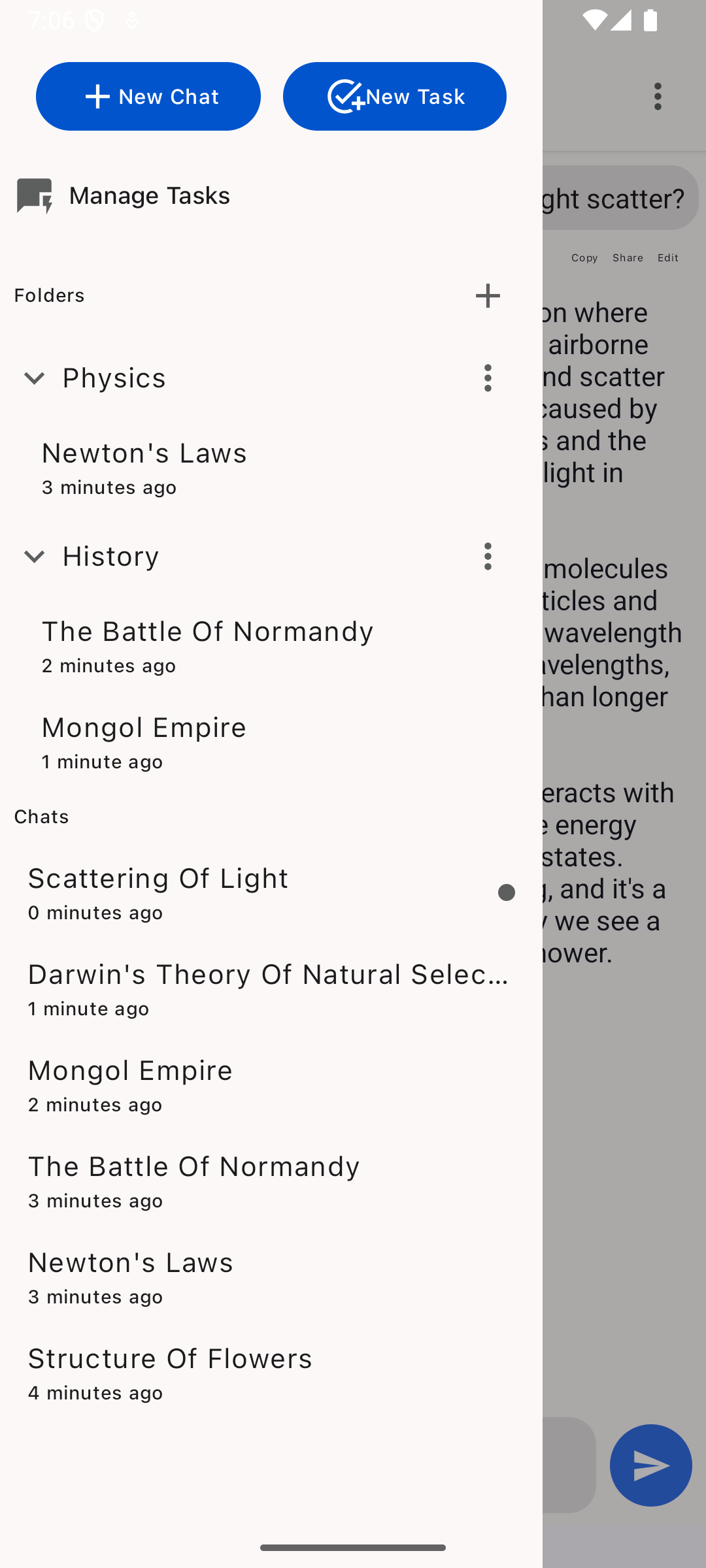
- Chat history with save functionality
-
Easy to Extend
- Clean codebase in Kotlin and C++
- Ability to add your own models
How Does It Work Technically?
Under the hood, SmolChat uses:
- llama.cpp — a highly optimized C++ library for running LLMs
- JNI bindings for interaction between Kotlin and native code
- Markwon — a library for Markdown rendering
Architecturally, the app is divided into two modules:
- Module 1 — native part with JNI bindings to llama.cpp
- Module 2 — UI and app logic in Kotlin
When you start a new chat, the app:
- Loads the selected model through llama.cpp
- Saves message history to a local database
- Passes requests to native code and outputs results with Markdown formatting
Practical Use Cases
- Offline assistant while traveling
- Quick prompt prototyping for developers
- Educational purposes — learning how language models work
- Confidential queries — data never leaves your device
How to Try It?
There are three ways to install SmolChat:
- Google Play — download from the official store
- APK from GitHub — latest version in Releases
- Via Obtainium — for automatic updates directly from GitHub
For developers:
git clone https://github.com/Smollich/SmolChat-Android
cd SmolChat-Android
./gradlew installDebug
What's Planned?
Project author Shubham Kumar plans to add:
- Automatic chat naming
- Search through message history
- Integration with Android-Doc-QA for working with documents
- GPU usage capability via Vulkan
Conclusion: Is It Worth Trying?
SmolChat-Android is a great way to get started with local language models on Android. The project will especially appeal to:
- Developers interested in on-device AI
- Users who value privacy
- Enthusiasts who enjoy experimenting with different models
If you've wanted to try local LLMs on your smartphone — this is one of the most convenient ways to get started. The project is actively developing and has already gathered over 400 stars on GitHub, which speaks to its popularity in the community.
Related projects