How I Stopped Being Afraid of Claude Code and Learned to Love Guard Hooks
Imagine this: you're cozily settled in your armchair, sipping coffee, while your favorite AI agent (be it Claude Code, Cursor, or GitHub Copilot CLI) cheerfully reports on completing a refactoring task. Suddenly, rm -rf or, even funnier, sudo rm -rf / flashes across the terminal. Coffee gets stuck in your throat, and hours of unpaid labor — those changes you haven't committed yet — evaporate into digital oblivion.
Familiar feeling of helplessness before neural network "hallucinations"? In my practice, such moments happened a couple of times, and each time it was a painful lesson. That's why the destructive_command_guard project (or simply dcg) immediately caught my attention. It's not a "revolutionary platform," just a very fast and bold guard dog for your terminal.
What is this beast
In short, dcg is a high-performance hook written in Rust. It intercepts the communication process between you (or your AI agent) and the command line. Its only task is to intercept a destructive command before it has a chance to break something.
The tool supports virtually everything that's currently trending in the AI development world: Claude Code, Codex CLI, Gemini CLI, Copilot CLI, Cursor IDE, Grok, and even exotic options like Hermes Agent. The utility works on Linux, macOS, and Windows (via WSL or natively via PowerShell).
Why regular grep won't save you
It might seem like, why build a whole Rust project when you can write a simple Bash or Python script? The project author, Jeffrey Emanuel, went down this path: the first version was in Python. But it quickly became clear that modern tasks require a more nuanced approach.
Context is everything
dcg doesn't just search for the string rm -rf. It analyzes context. If an agent writes "don't use rm -rf /" in documentation, the hook will understand that this is data and won't block the file write. But as soon as it comes to actually executing the command — the block kicks in.
For this, a three-level verification system is used:
- Fast substring search (Quick Reject) via SIMD instructions. This takes microseconds.
- Command normalization (extra spaces are removed, absolute paths are replaced with relative ones).
- Checking against complex patterns using regular expressions.
Protection against "hidden" threats
An interesting feature — scanning Heredocs and inline scripts. If an agent decides to call rm -rf, a simple command line filter will let it through. dcg digs inside such constructs, parses them using AST (Abstract Syntax Trees), and finds suspicious function calls.
What exactly it blocks
Out of the box, even if you haven't configured anything, dcg protects against the scariest stuff:
rm -rf,sudo rm -rf /,dd if=/dev/zero.git push --forceoutside of temporary folders.- Disk formatting, partition deletion, and other system delights.
But the best part is the "packs" (security packs). There are more than 50 of them in the repository. You can activate protection for specific technologies in your dcg.toml:
[packs]
enabled = [
    "database.postgresql",    # Заблокирует DROP TABLE
    "kubernetes.kubectl",     # Не даст удалить namespace по ошибке
    "cloud.aws",              # Спасет от случайного terminate-instances
    "containers.docker",      # Ограничит docker system prune
]
How it looks in practice
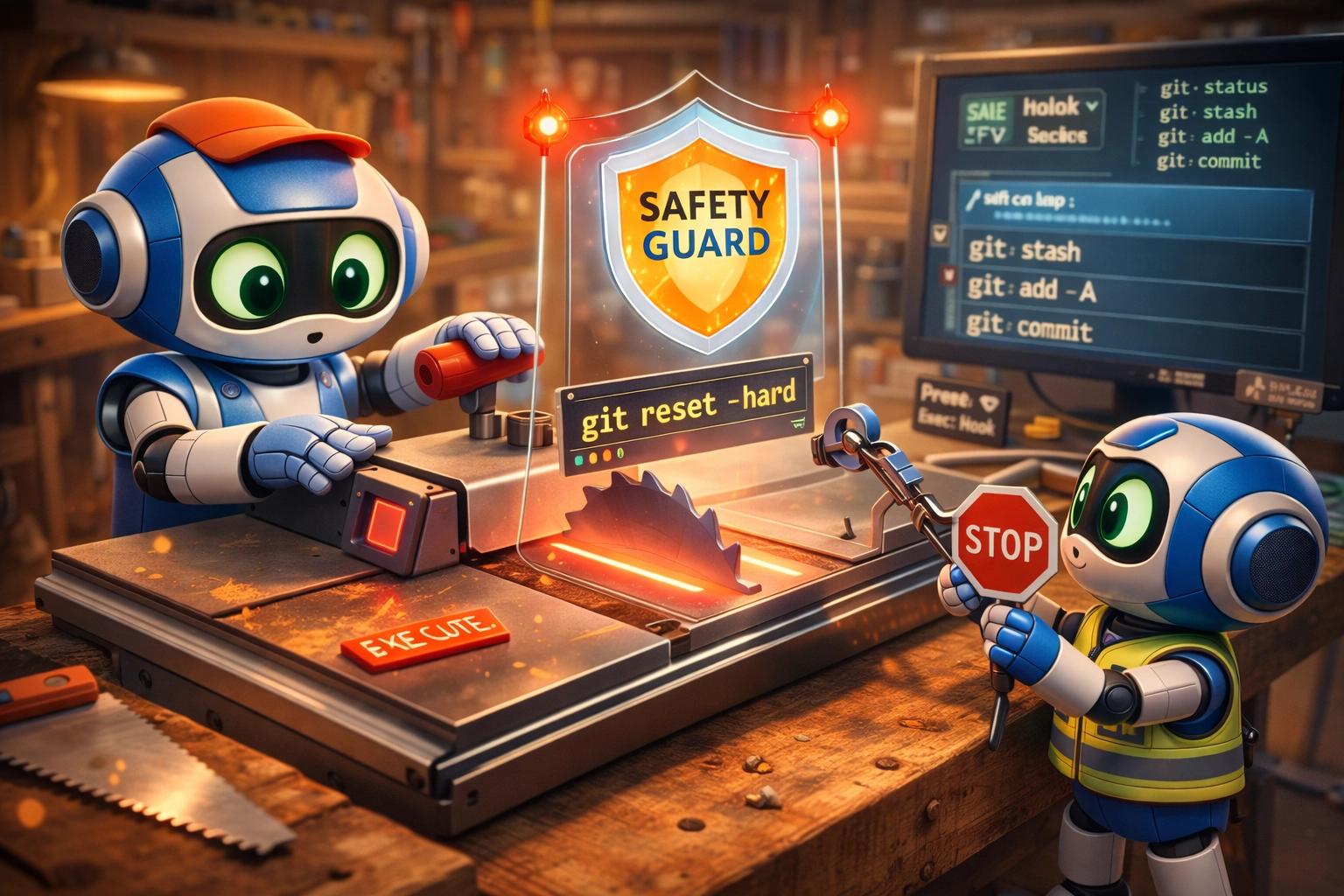
Let's say your agent decided to lose it and reset all changes. You'll see something like this in the terminal:
════════════════════════════════════════════════════════════════
BLOCKED  dcg
────────────────────────────────────────────────────────────────
Reason:  git reset --hard destroys uncommitted changes

Command: git reset --hard HEAD~5

Tip: Consider using 'git stash' first to save your changes.
════════════════════════════════════════════════════════════════
The block comes with helpful advice. In most cases, the agent, having received such a rejection, realizes the mistake and suggests a safer path, for example, using git stash.
Technical guts and performance
What won me over was the performance approach. The author claims sub-millisecond latency. For those who like details:
- Rust + SIMD: processor vector instructions are used for lightning-fast keyword search.
- Dual Regex Engine: simple patterns are handled by a fast engine with linear execution time, while complex ones (where lookaheads/lookbehinds are needed) are processed by a more powerful but slower
regex. - Zero-allocation: in hot paths, the program tries not to allocate heap memory, which is critical when the hook is called on every keystroke or agent command.
By the way, the project implements a fail-open philosophy. If dcg doesn't have time to analyze the command within the allocated time budget (200ms by default), it lets it through. This is done so the tool never becomes a "brake" that hinders normal work. In my view, a reasonable compromise between security and convenience.
How to integrate into your workflow
The easiest way to try it out is to run the installation script from the README. It will determine your OS, download the right binary, and configure settings in AI agent configs.
For Claude Code, it looks like adding a section to claude_desktop_config.json:
{
  "hooks": {
    "PreToolUse": [
      {
        "matcher": "Bash",
        "hooks": [{ "type": "command", "command": "dcg" }]
      }
    ]
  }
}
And if you work in a team and want to make sure nobody committed a destructive git push --force or broken CI pipeline, there's a scan mode:
dcg scan --staged
You can hook it to a pre-commit hook, and it will check all files you're trying to push to Git.
A few words about the downsides
There are no perfect tools. What can go wrong?
- False positives: Despite advanced parsing, sometimes
dcgcan block perfectly legitimate commands. For this case, there's an "emergency exit" via theDCG_BYPASSenvironment variable orDCG_UNLOCK_CODEsystem. - Configuration complexity: If you need something specific, you'll have to dig into TOML configs.
- Rust Nightly: If you want to build the project from source yourself, you'll need the nightly version of Rust, since 2024 edition features are used.
Who needs this
If you use AI agents more than once a week and trust them to execute commands in the terminal — install it without hesitation. It's cheap insurance. This is especially relevant for beginners who might not immediately notice that the "cache cleanup" command suggested by the neural network actually wipes half the system.
For experienced developers, it's more of a way to save nerves. We all know how easy it is to press Ctrl+C on autopilot, and then frantically remember when the last backup was.
dcg is that very tool that quietly runs in the background and "doesn't ask for food" until a critical moment arrives. It doesn't do magic, it just parses strings well and knows what bad commands look like. In a world where we're increasingly delegating code writing and execution to machines, such "digital fuses" are becoming a mandatory attribute of the work environment.
It's worth trying at least to see how fast modern Rust software is. And have you ever trusted your AI to delete files? How did that end?
Related projects