How to Render HTML and CSS in Rust Without Bloated Chromium
Every time someone packages a small desktop app with Electron, somewhere a stick of RAM weeps. Even alternatives like Tauri still depend on the system WebView, which has its share of quirks across different operating systems. The Dioxus framework developers decided to take the hard route and write their own lightweight rendering engine in Rust. They called the project Blitz.
Why Build Another Engine
Chromium or WebKit contain gigabytes of code. They include support for WebGL, WebSockets, WebRTC, Bluetooth, IndexedDB, and hundreds of browser APIs. But if you just need to render a user interface based on HTML and CSS, almost all of that becomes unnecessary ballast.
Blitz strips away everything unnecessary. The engine focuses on a single task: parse HTML/CSS, calculate the page layout, and output the result to the screen or GPU texture. There's no JavaScript engine by default. The network stack is minimal and can only load resources over HTTP if you explicitly want it. System interaction remains in your Rust code.
Modular Architecture
The Blitz creators didn't start from scratch. They took proven components from the open-source community and assembled them into a unified system:
- CSS parsing and style calculation is handled by Stylo — the CSS engine from Mozilla Firefox and Servo.
- Flexbox and CSS Grid layout calculations are handled by the Taffy library.
- Text rendering is done using Parley.
- HTML parsing is handled by html5ever.
- Graphics rendering happens through the AnyRender abstraction and Vello.
This structure provides flexibility. If you need to parse HTML and determine element dimensions without rendering to screen, you only need crates blitz-dom and blitz-html. For building native Dioxus applications, you integrate dioxus-native.
What It Looks Like in Code
The project is in early pre-alpha, so you'll need to build it from source. You can try the examples in a minute:
git clone https://github.com/DioxusLabs/blitz
cd blitz
cargo run --release --package browser
The repository contains several demo scripts. For example, you can run a simple Markdown viewer right from the console:
cargo run --release --package readme ./README.md
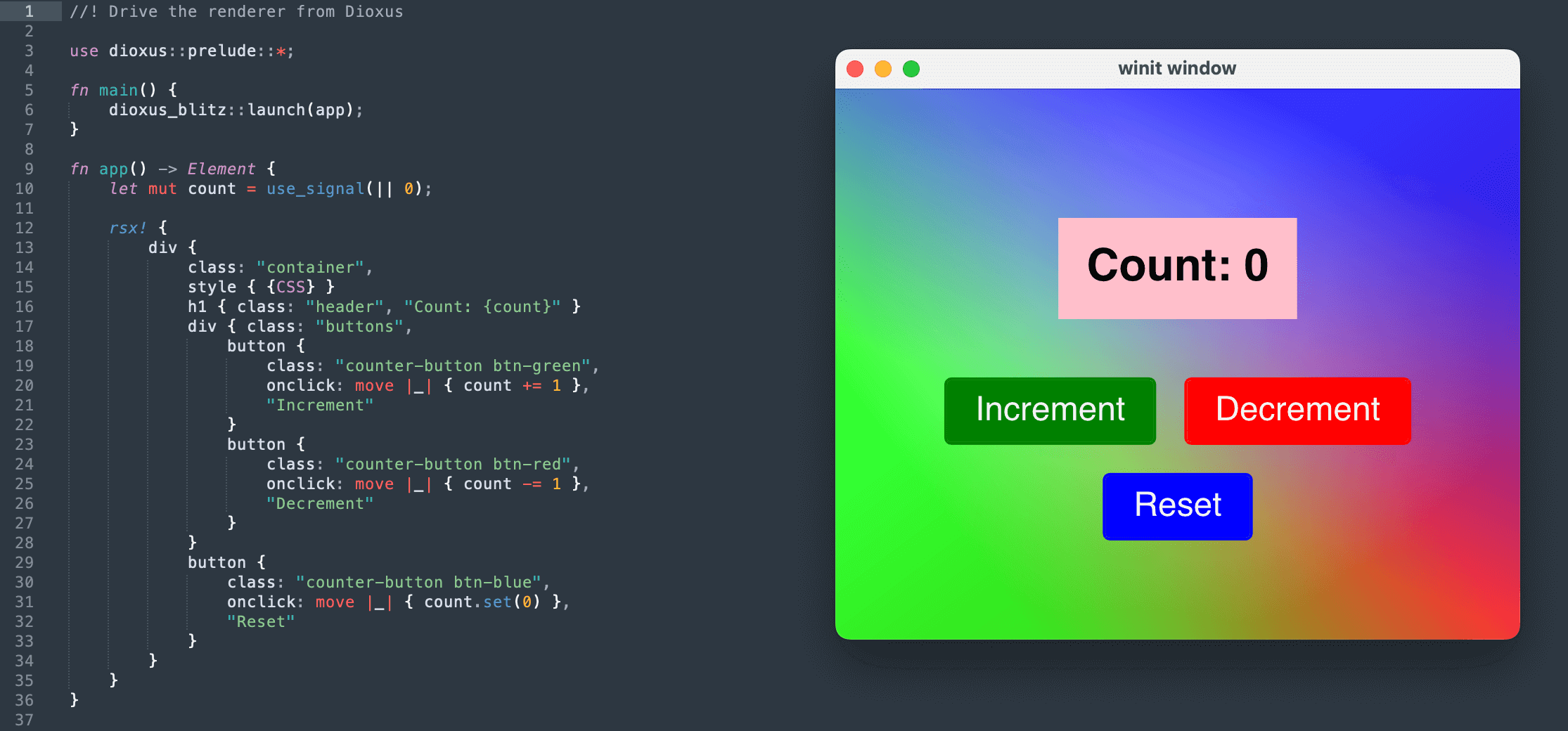
For those already writing in Dioxus who want to eliminate the WebView dependency, the repository offers a native build. Simply add a direct link to the git version in Cargo.toml:
[dependencies]
dioxus-native = { git = "https://github.com/DioxusLabs/blitz", features = ["prelude"] }
After that, the standard import use dioxus::prelude::* changes to use dioxus_native::prelude::*, and the UI renders through Blitz.
Limitations and Current Status
Building commercial products with Blitz is still premature. The developers honestly warn about numerous bugs and unimplemented features. Basic CSS selectors, Flexbox, simple forms, and CSS variables already work. However, complex media queries or specific layout attributes may behave unpredictably.
The project does have some strong points though. Integration with the AccessKit library provides screen reader and accessibility system support out of the box. And rendering through WGPU allows embedding HTML interfaces directly into game engines or 3D scenes.
Is It Worth Trying
Blitz is designed as a tool for those tired of heavy browser wrappers in desktop development. It won't become a full replacement for Electron anytime soon.
For now, the project will appeal to Rust systems programmers, graphics engine researchers, and Dioxus ecosystem enthusiasts. Following the repository's development is worth it if only to see how Stylo and Taffy evolve into a lightweight alternative to CEF.
Related projects