Turning Claude Code into an Automated Development Powerhouse
Recently I caught myself repeatedly writing the same instructions when working with Claude Code. It seems like a trivial task: asking the model to generate a Conventional Commits commit or check the project for secret leaks. Each time I have to craft the prompt from scratch. Of course, you could gather a folder of local markdown files. But maintaining them solo quickly becomes tedious.
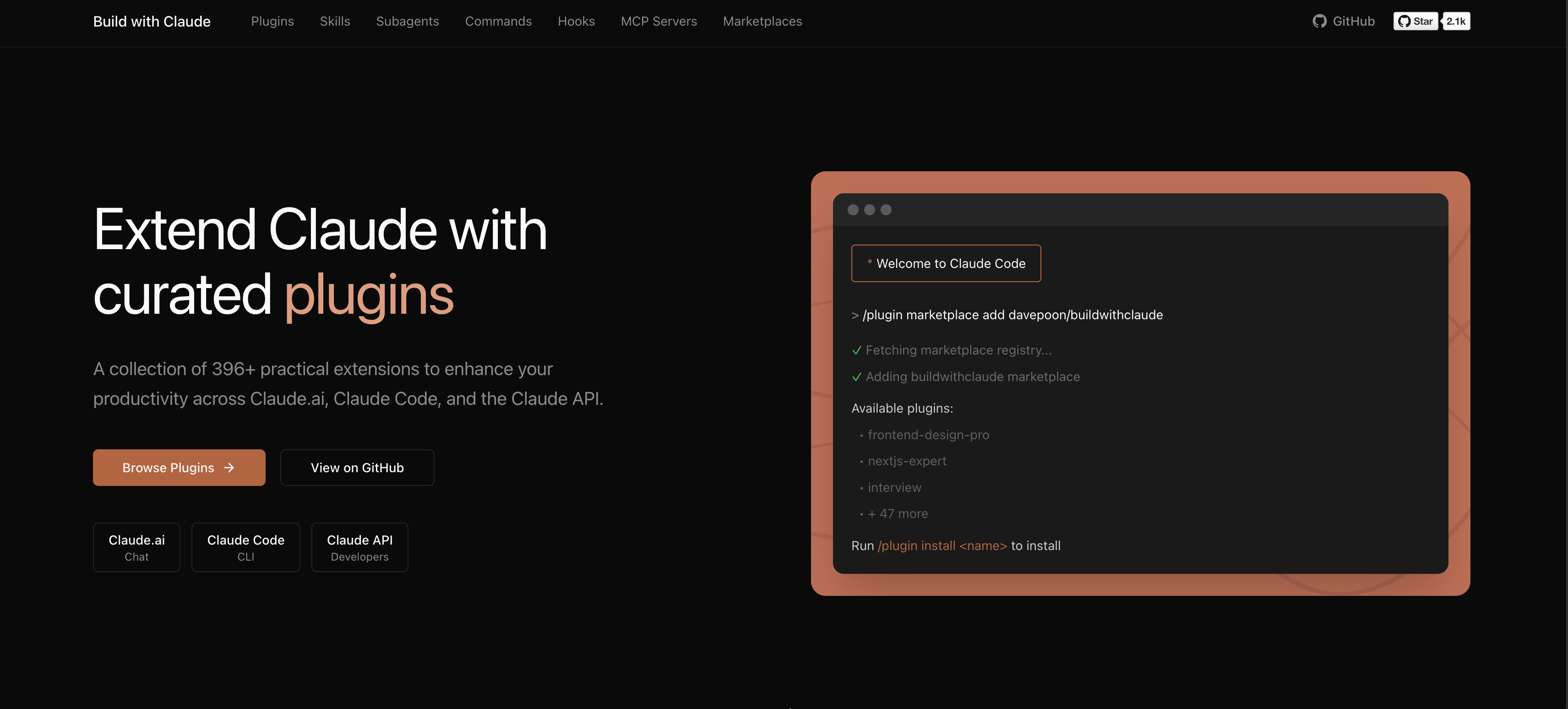
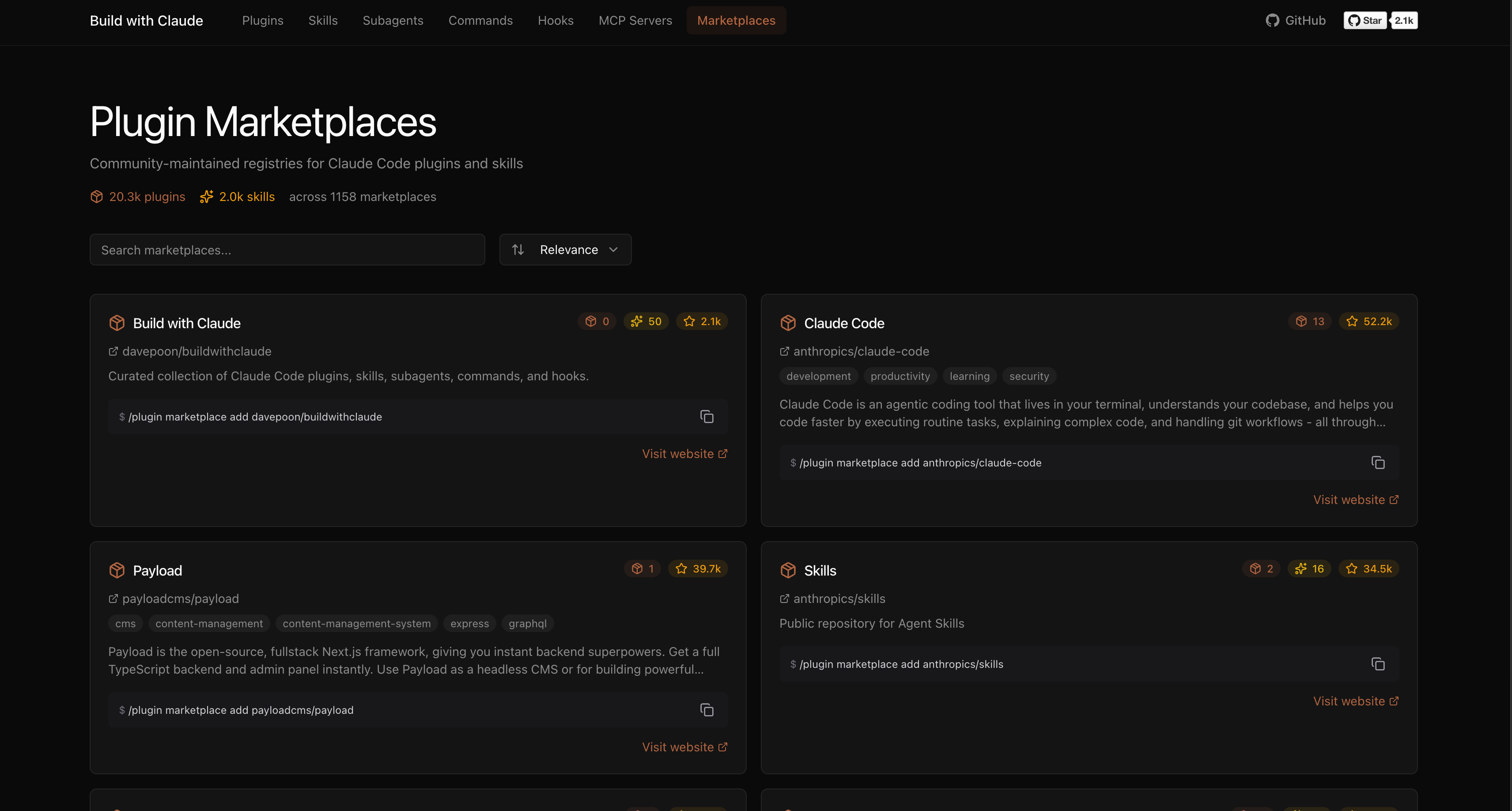
Developer Dave Poon ran into the same problem and put together the buildwithclaude repository. It's a marketplace and unified knowledge base for everyone who actively uses Claude Code, Claude Desktop, and OpenClaw. The project garnered over three thousand stars on GitHub and evolved into a convenient platform with a web interface.
What's Inside the Catalog
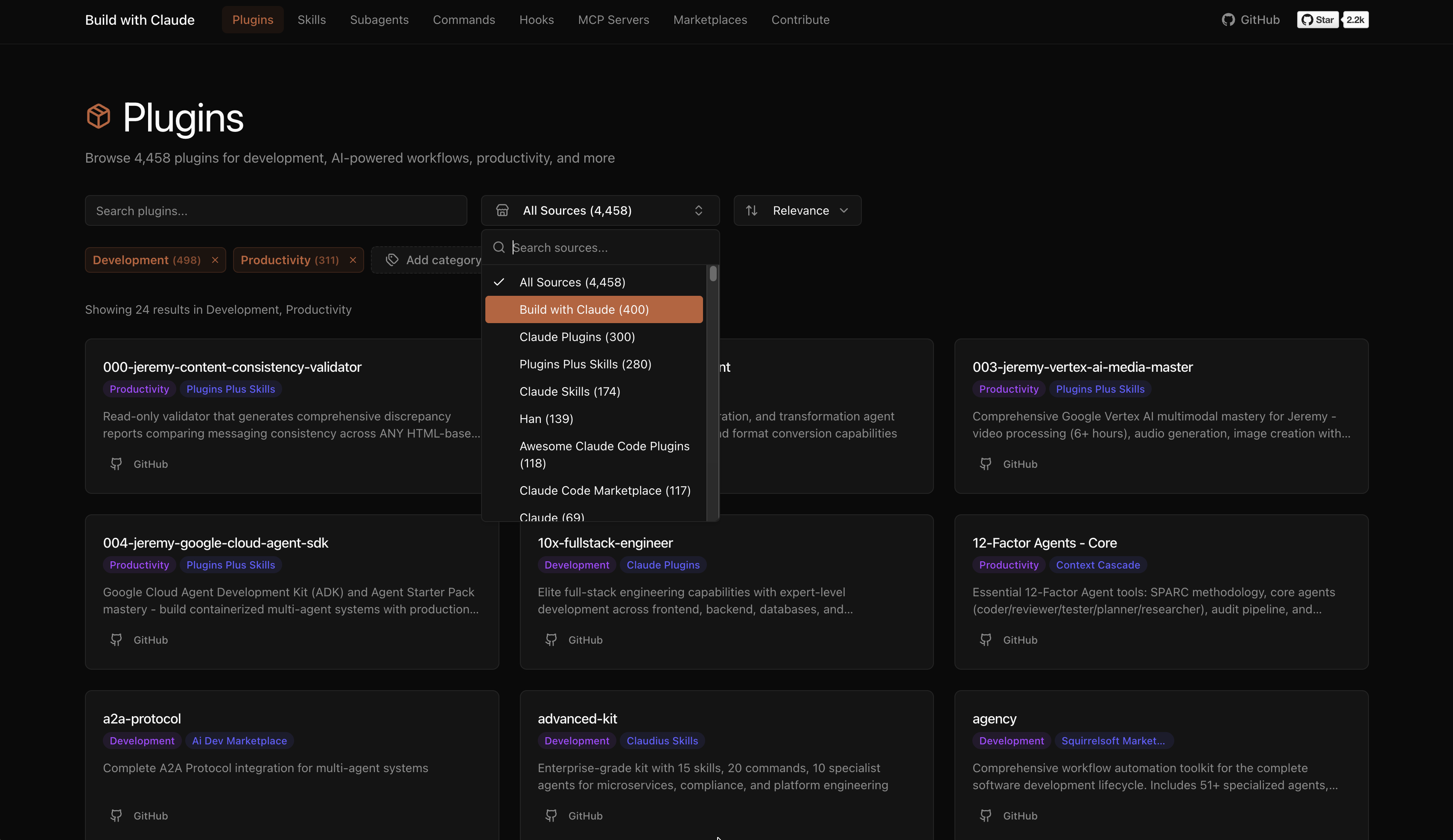
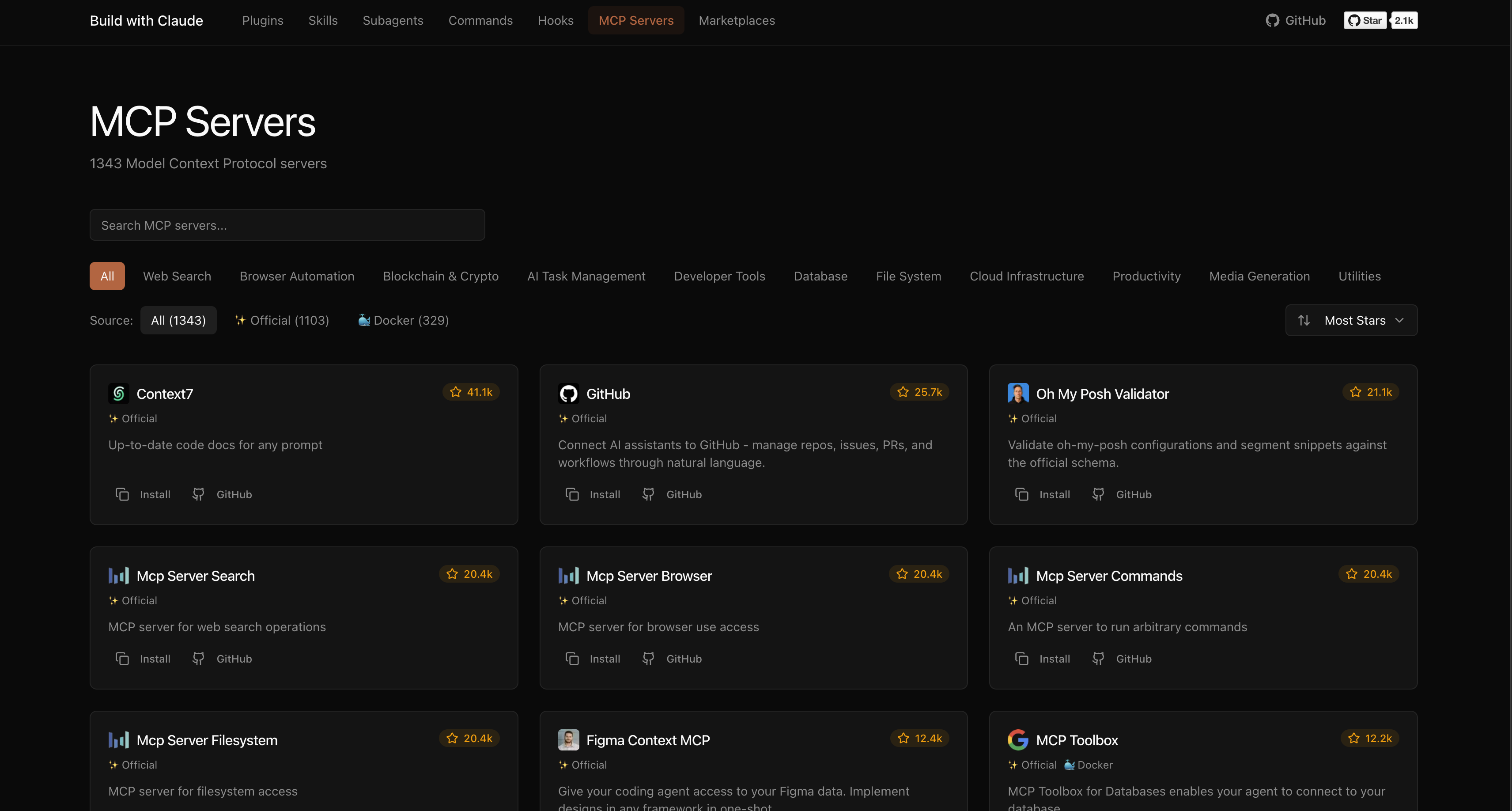
The project combines its own collection of extensions and aggregates plugins from external sources. The database indexes tens of thousands of third-party plugins and several thousand MCP servers for connecting to databases and external services.
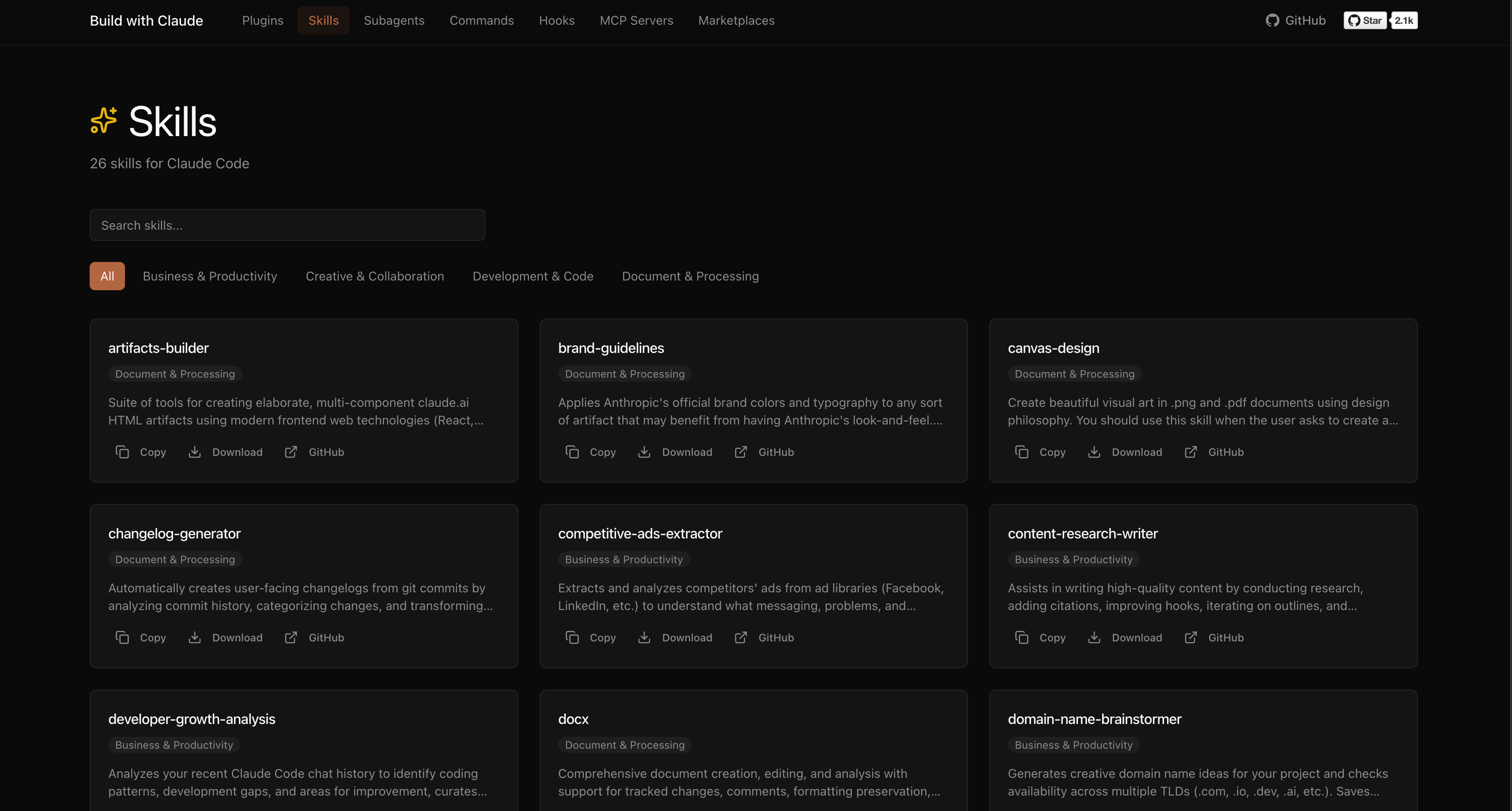
The catalog is divided into several main categories:
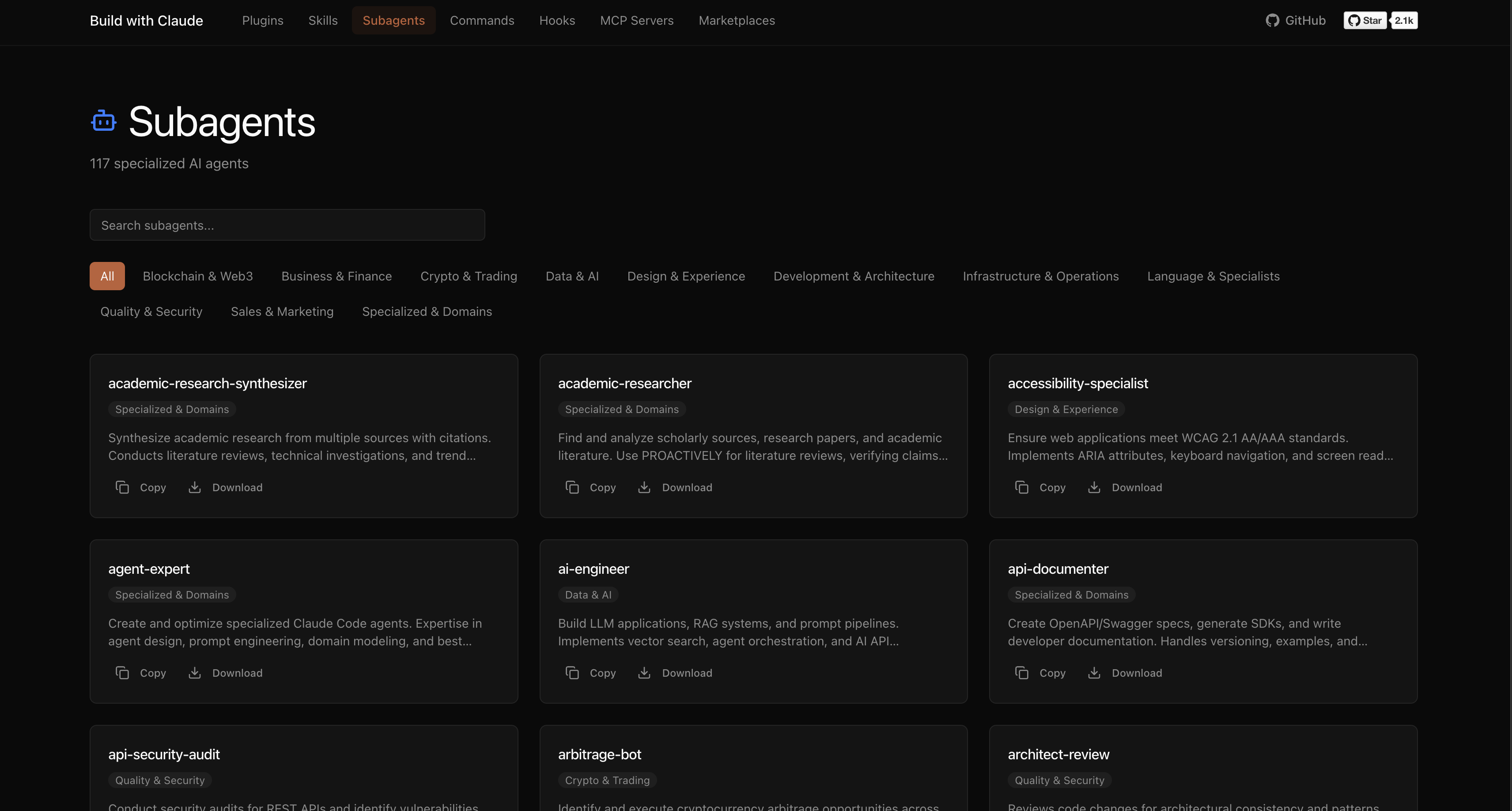
- Subagents. These are specialized roles with pre-configured system instructions and tool sets. Inside you'll find experts in Python, Go, Rust, architecture, security, and DevOps.
- Slash commands. Ready-to-use shortcuts like
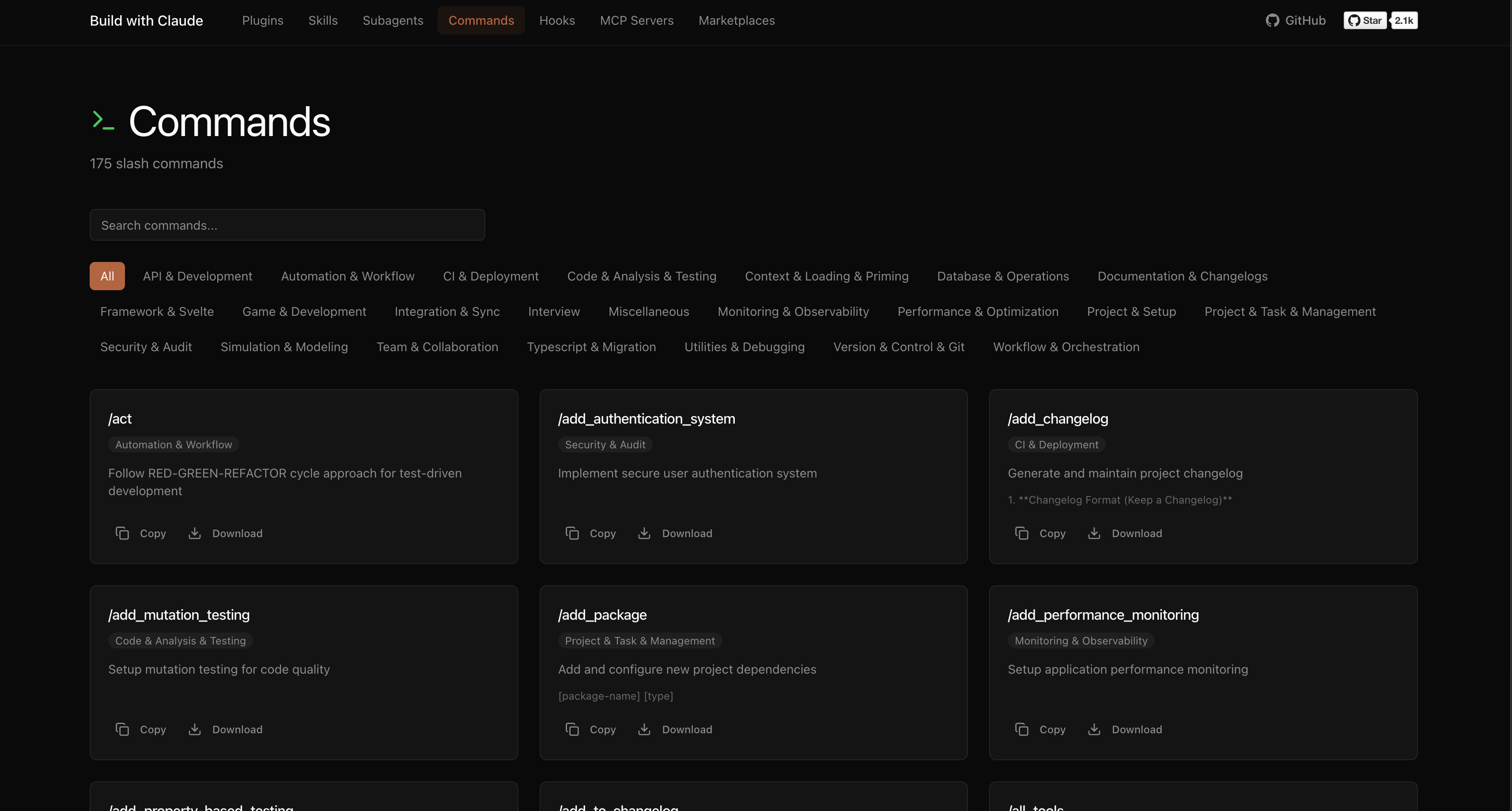
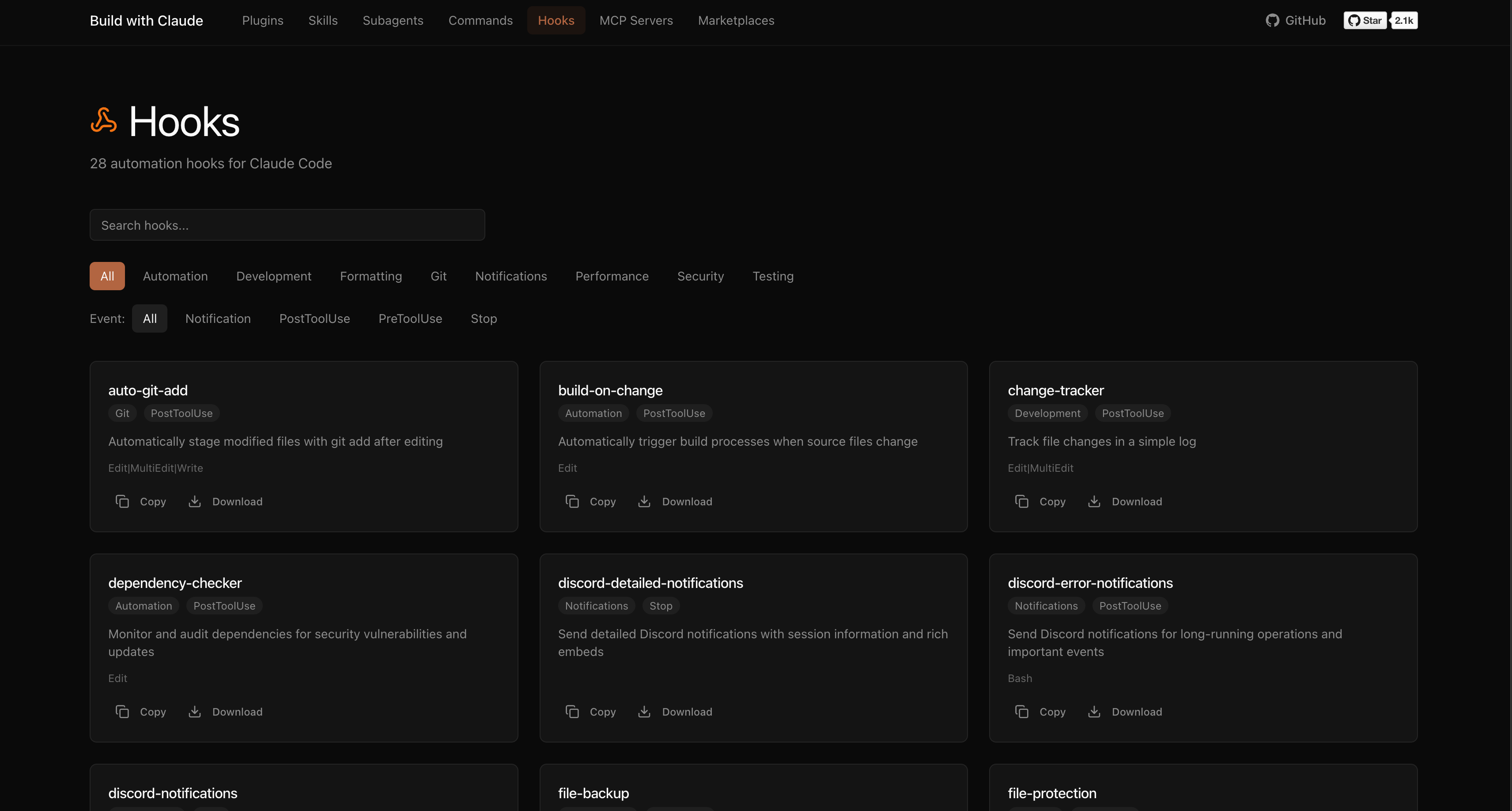
/commit,/create-pr,/docs, or/tdd. They trigger specific scenarios without needing to write lengthy queries. - Hooks. Automatic triggers that fire on session events. For example, sending notifications to Slack, auto-formatting code on save, or linting before commits.
- Skills and ready-made plugin bundles.
How It Works Under the Hood
The catalog architecture is straightforward. The authors didn't try to reinvent the wheel with complex binaries or heavy dependencies. Each extension is just a regular markdown file with a YAML frontmatter.
Agents are configured with allowed tools and a category:
---
name: python-pro
description: Эксперт по рефакторингу и оптимизации кода на Python
category: language-specialists
tools: Read, Write, Bash
---

Вы выступаете в роли senior Python-разработчика...
Slash commands are described in a similar way:
---
description: Создание коммита по стандарту Conventional Commits
category: version-control
argument-hint: <message>
---

Сформируй git commit на основе текущего git diff...
And hooks are tied to the CLI interaction lifecycle:
---
hooks: PreToolUse, PostToolUse
description: Автоматическая проверка безопасности перед запуском команд
---

Проверь параметры вызова на наличие потенциально опасных действий...
Thanks to this structure, you can copy an individual file to your ~/.claude/ folder and use it without installing any external packages.
Installation and Connection Options
There are two ways to add plugins to your workflow.
Through the Official CLI Marketplace
This is the fastest method. In the Claude Code interface, you can add the marketplace with a single command:
/plugin marketplace add davepoon/buildwithclaude
After that, you can search for the components you need and install them individually or in batches:
# Ищем компоненты
/plugin search @buildwithclaude

# Ставим узкого специалиста по Python
/plugin install agents-python-expert@buildwithclaude

# Или качаем сразу всю пачку команд для работы с Git
/plugin install commands-version-control-git@buildwithclaude
Manual Copying
If you prefer full control over what gets into the model's context, you can simply clone the repository:
git clone https://github.com/davepoon/buildwithclaude.git
cd buildwithclaude

# Копируем всех агентов
find plugins/agents-*/agents -name "*.md" -exec cp {} ~/.claude/agents/ \;

# Копируем команды
find plugins/commands-*/commands -name "*.md" -exec cp {} ~/.claude/commands/ \;
After restarting, Claude Code will automatically pick up the new files.
Real-World Usage Scenarios
Let's look at what everyday interaction with these plugins looks like.
Calling Specialized Agents
Developers can switch the model context depending on the task. If you need to edit authorization, you call the security auditor:
@agent-security-auditor проверь этот модуль аутентификации на уязвимости
For optimizing SQL queries or Go microservices, a specialized expert comes in handy:
Используй python-pro для оптимизации этой функции обработки данных
Automating Routine via Commands
Instead of explaining to Claude how to format a Pull Request or documentation, you just type a slash command:
/commit
/create-pr
/tdd
The /tdd command switches the model into test-driven development mode: first it creates failing tests, then writes minimal code to make them pass.
Reactive Hooks
Hooks run in the background. For example, after making changes to a file, the formatting hook automatically runs prettier or ruff. And the security hook blocks accidental execution of dangerous commands or sending secret keys to external services.
The Bottom Line
The buildwithclaude repository has grown from a simple prompt collection into a convenient catalog. If you work with Claude Code daily, the project will save you time on writing repetitive instructions.
The main advantage is transparency. All extensions are stored openly in markdown. No hidden code or binaries. You always see what instructions the neural network receives when you call a particular command.
One nuance to keep in mind is the risk of clutter. If you install a hundred agents and hooks at once, Claude Code will start loading a lot of unnecessary context. It's better to pick only the tools you use every day.
Related projects