Alexandrie — a knowledge base on your own server with offline mode and human-readable Markdown
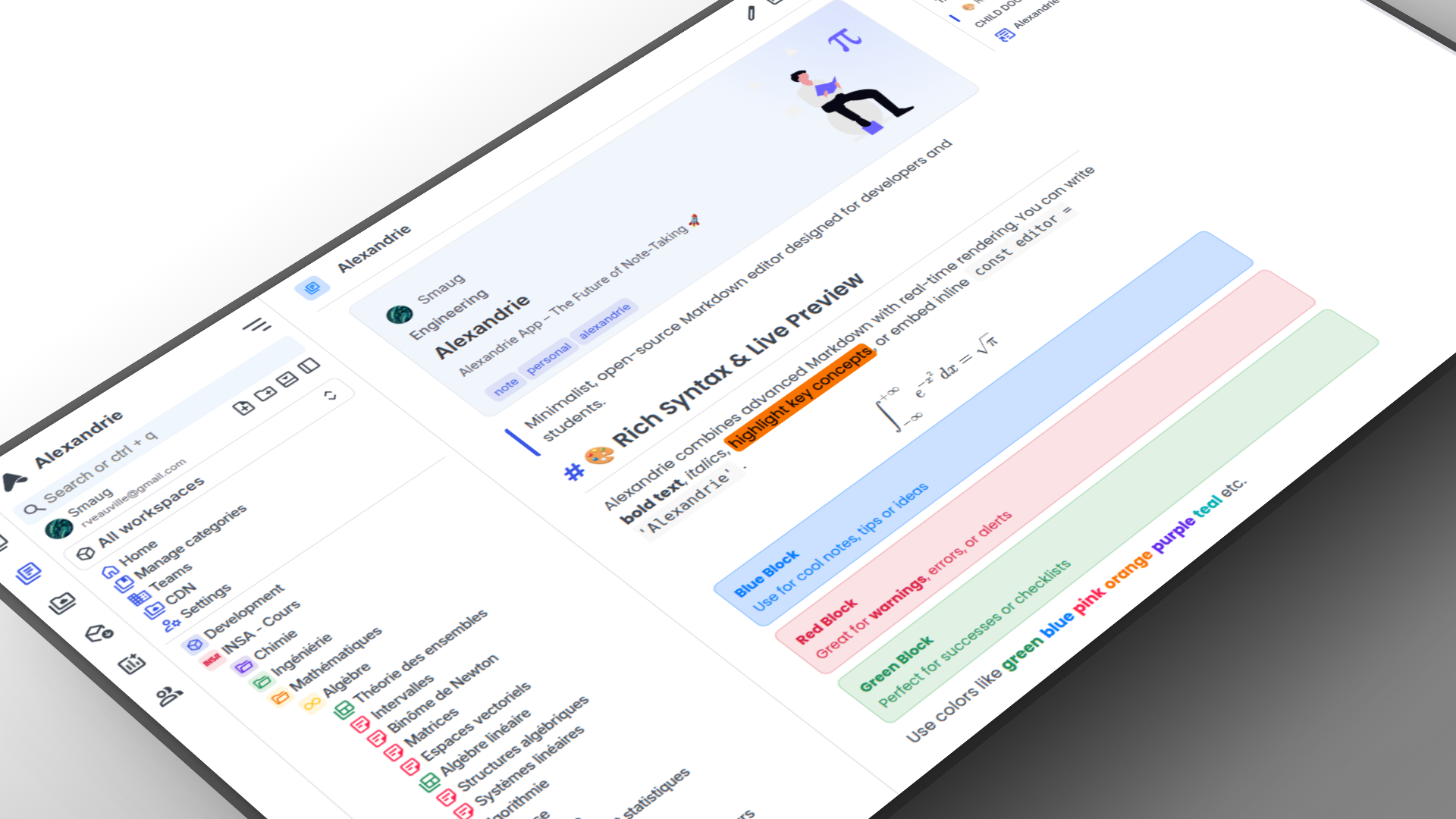
The eternal dilemma with knowledge bases usually comes down to choosing between the cloud and local files. On one hand, there's Notion or Confluence, where it's convenient to configure team access, but your data sits on someone else's servers. On the other hand, there's Obsidian, where everything is stored in pure Markdown, but synchronization and collaboration quickly turn into plugin configuration and workarounds.
I recently stumbled upon the Alexandrie project. The author tried to combine the familiar web interface of team wikis, the independence of self-hosted solutions, and offline access. It turned out to be an interesting tool that you can deploy on your own server with a single command.
What's Inside the Project
Alexandrie is written using Vue / Nuxt on the frontend and Go on the backend. It's a full-featured web application styled as a PWA (Progressive Web App). You can install it on your desktop or phone and continue opening notes without an internet connection.
At its core is CodeMirror 6, enhanced for technical writing.
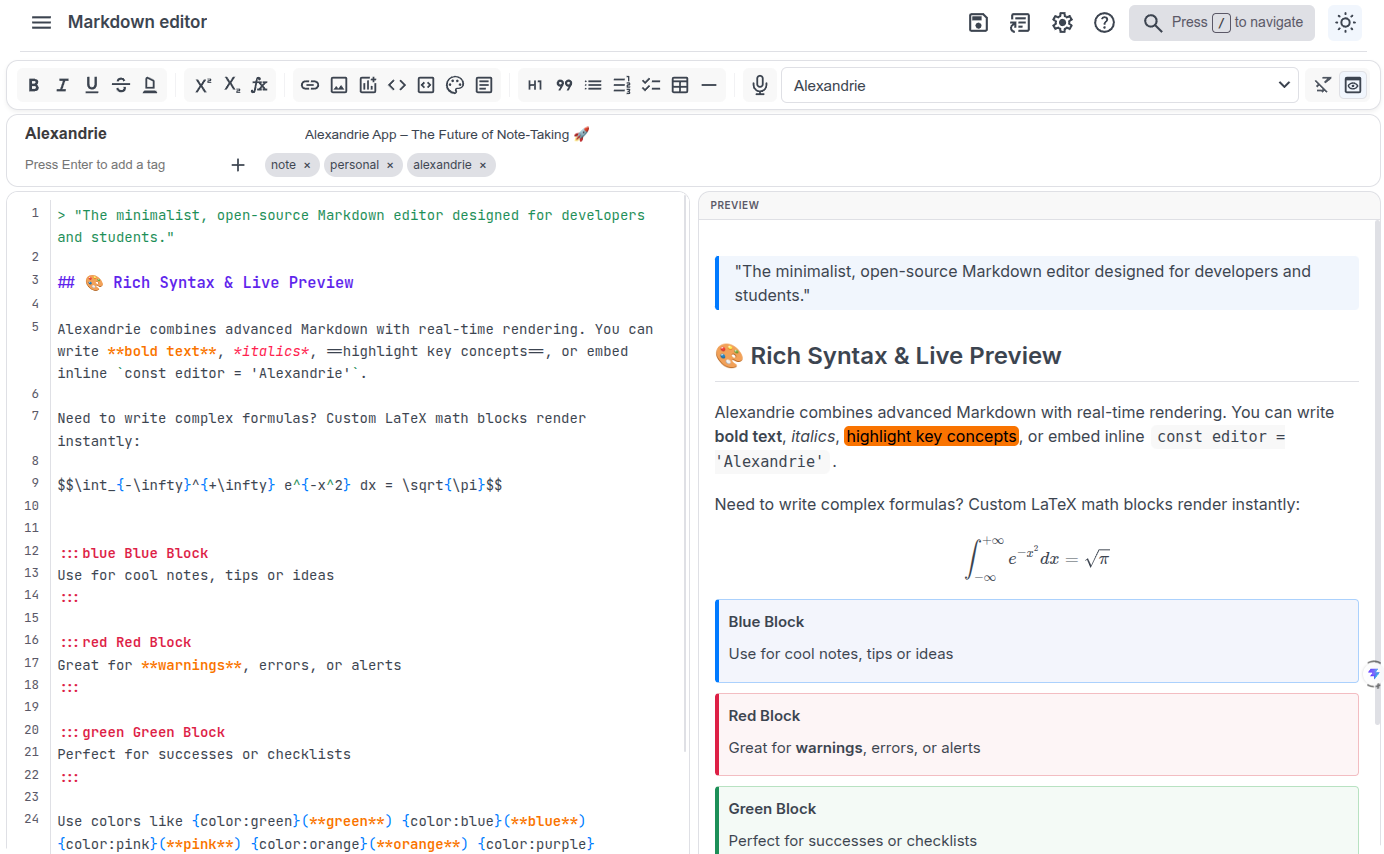
The editor has several nice touches that are often missing from standard wikis:
- LaTeX formula support and a built-in diagram builder right in the text.
- Synchronized scrolling between the source and preview pane.
- Voice input via Web Speech API for quickly dictating thoughts.
- A snippet manager for quickly inserting repetitive API description or bug report templates.
Workspace Structure and Access Rights
For team collaboration, there's a clear hierarchy in place. A space is divided into teams, workspaces, categories, and nested documents.
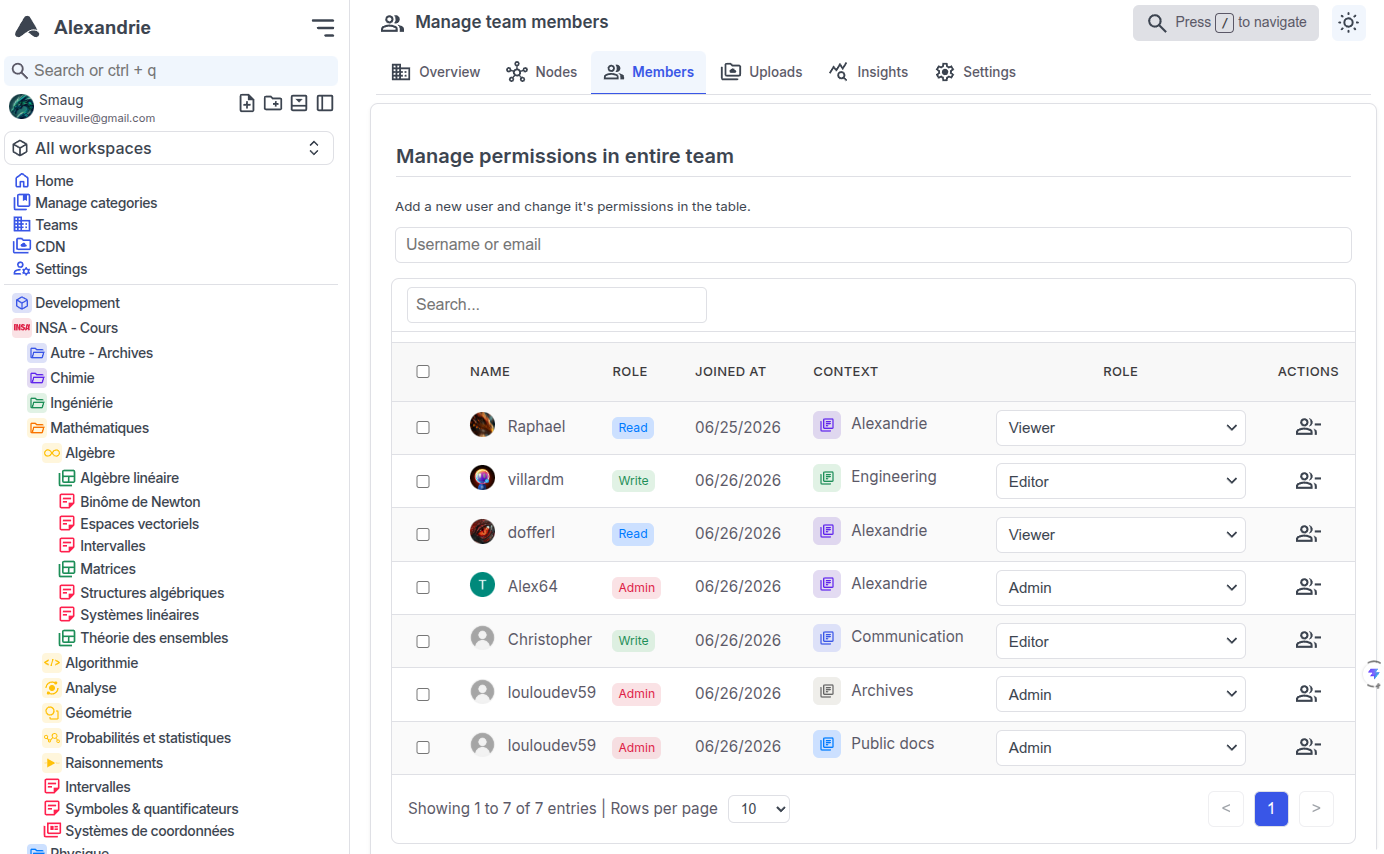
The permission model includes five levels: None, Read, Write, Admin, and Owner. You can grant someone read-only access to a specific document branch or share a page via a unique public link externally.
For corporate environments, SSO integration via OIDC is included. So linking authentication to Keycloak or Authentik won't be a problem.
Search and Workflow Organization
Search in knowledge bases is usually either sluggish or requires a separate Elasticsearch cluster. Alexandrie has a built-in full-text index with highlighted search results and relevance ranking.
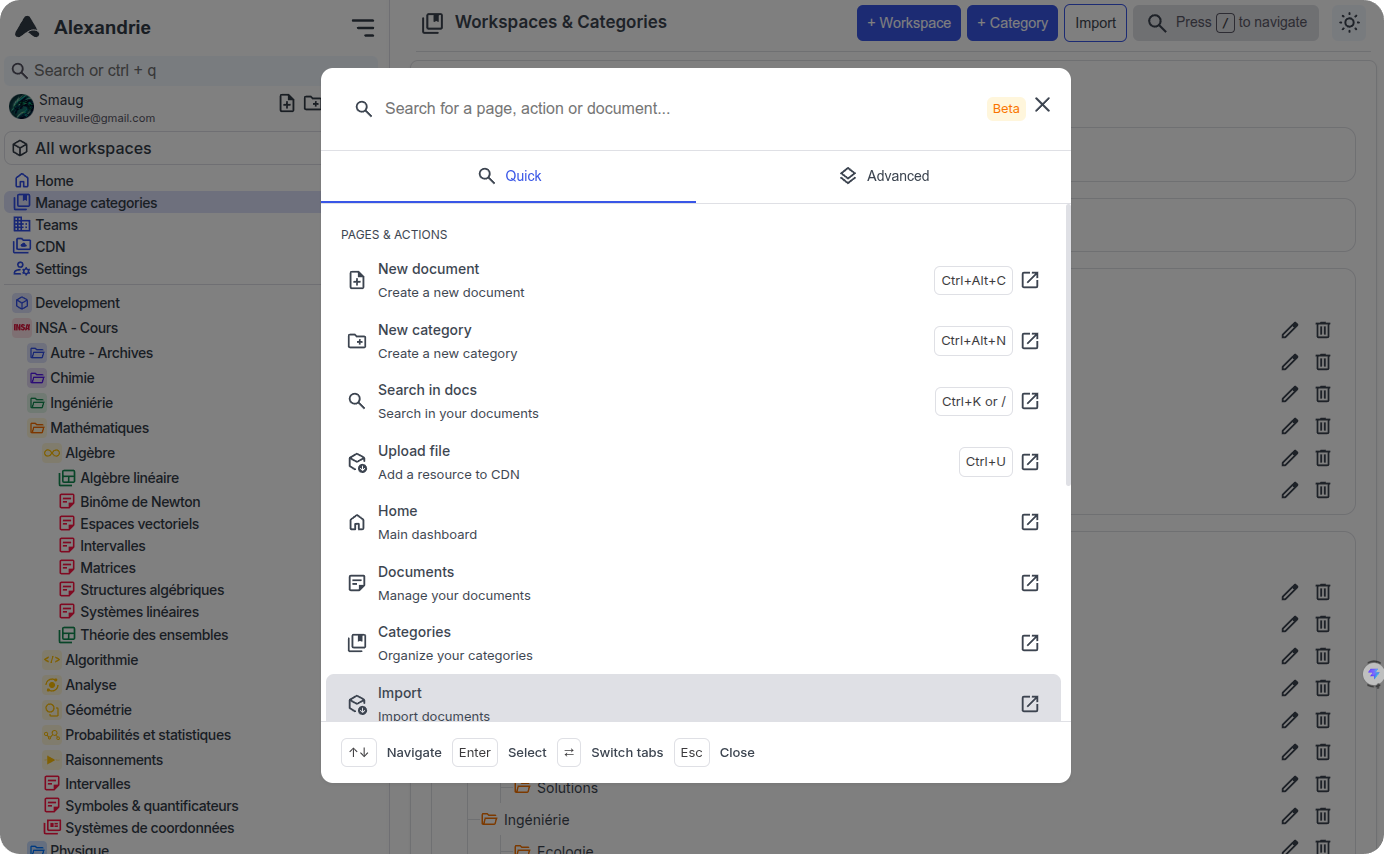
Pressing Ctrl + K opens the command palette. From there, you can jump between pages, trigger quick actions, and switch contexts without touching the mouse.
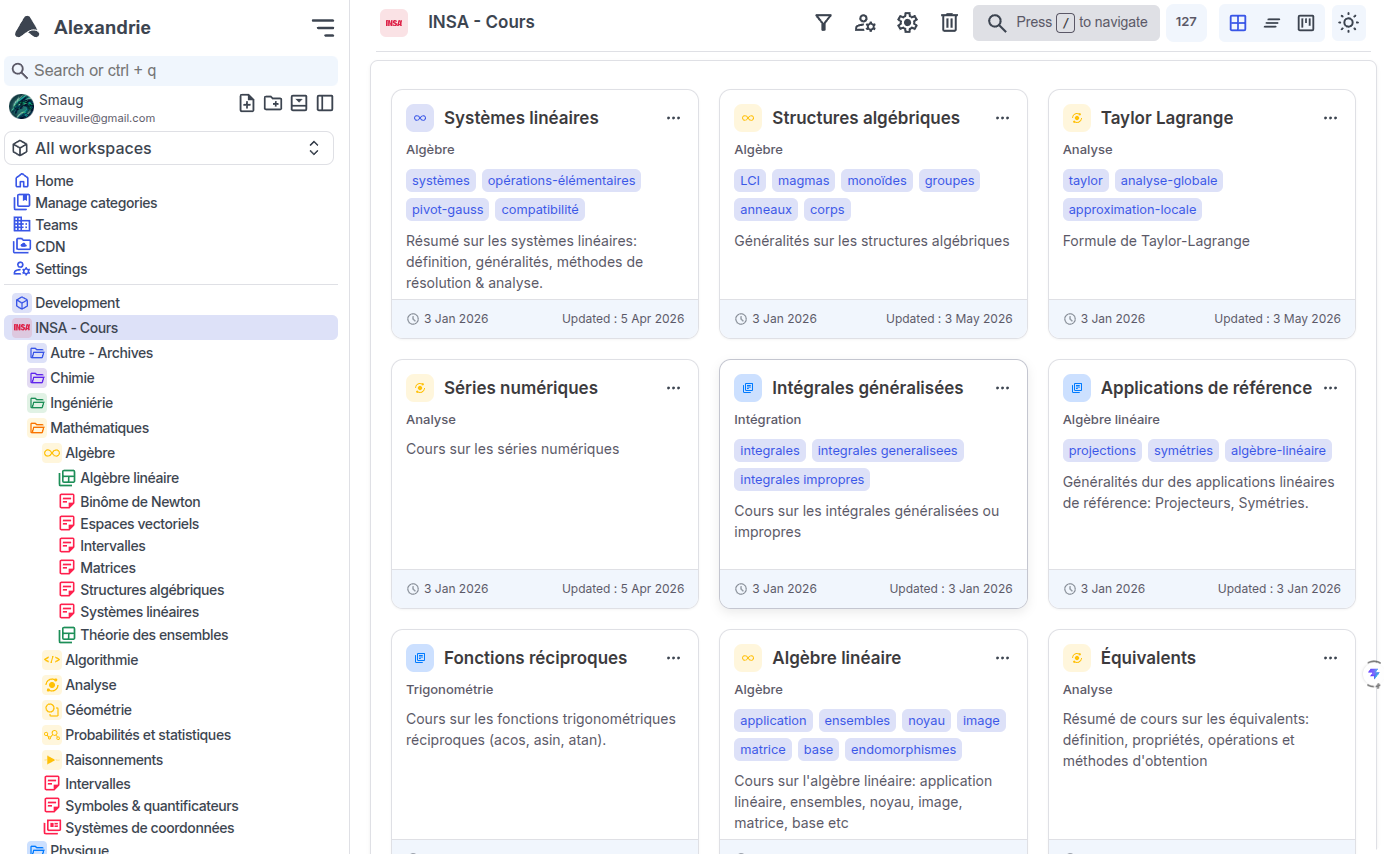
Kanban boards are also built into each workspace. This is handy when you need to run a small task tracker right alongside specifications and technical documentation, without switching to third-party trackers.
File Storage and Backups
Images, videos, and attachments don't bloat the database. The application can work with S3-compatible storage, whether it's MinIO, Garage, RustFS, or cloud providers.
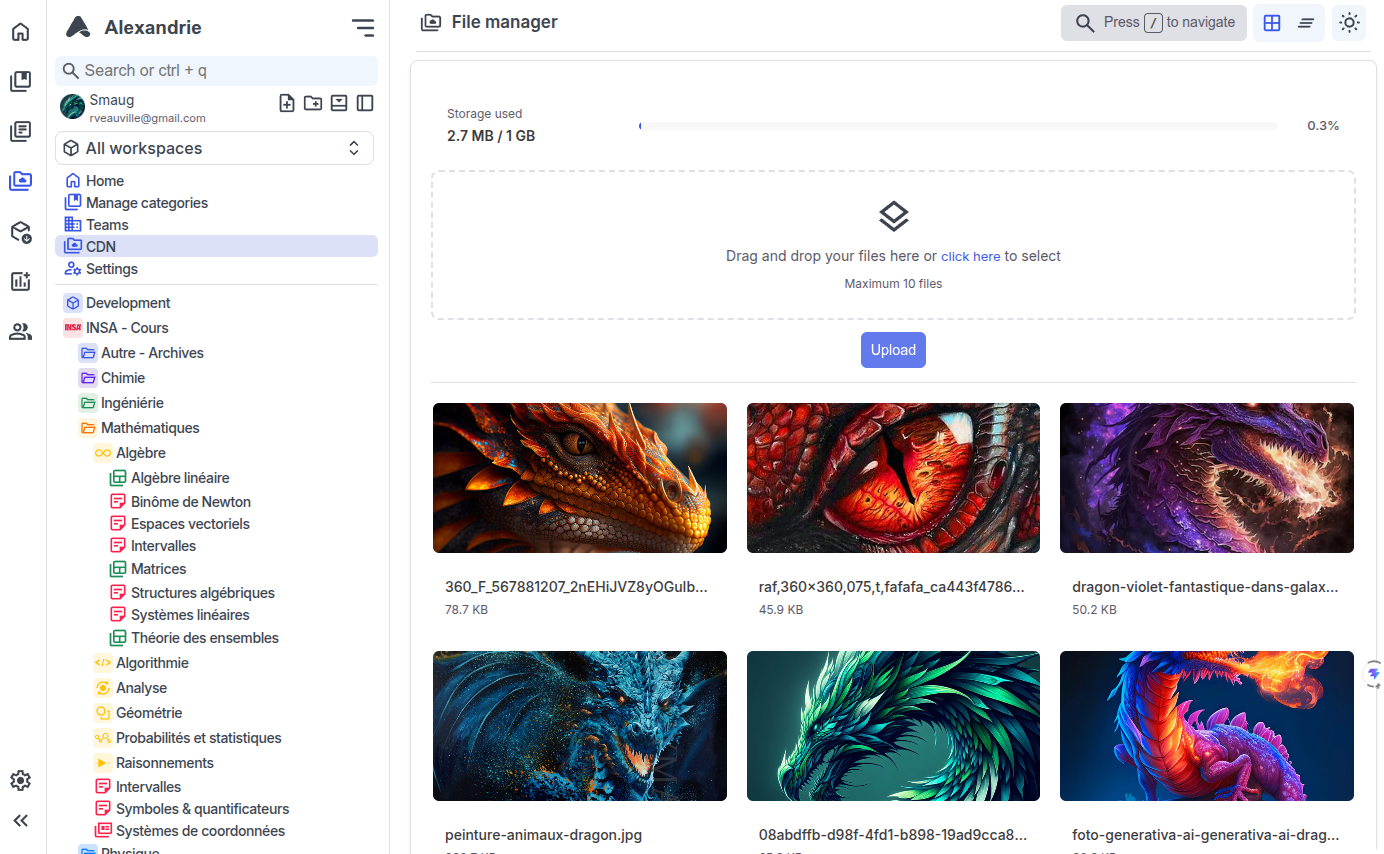
The interface includes a built-in viewer for thirty media file formats, including an embedded PDF renderer.
Export is also straightforward: at any time you can download an archive with all documents and metadata as a ZIP or restore the system state from such an archive. There's no lock-in to a proprietary format—you get normal files as output.
How to Launch
The entire stack is deployed via Docker Compose in literally a couple of minutes.
# 1. Скачиваем конфиги
curl https://raw.githubusercontent.com/Smaug6739/Alexandrie/main/.env.example -O .env.example
curl https://raw.githubusercontent.com/Smaug6739/Alexandrie/main/docker-compose.yml -O docker-compose.yml

# 2. Создаем файл переменных окружения
cp .env.example .env

# 3. Запускаем контейнеры
docker compose up -d
After startup, the interface is available at http://localhost:8200, where the initial setup wizard will prompt you to create an owner account.
Who This Project Is For
If you need an internal knowledge base for a development team or a personal notes archive on a home server, Alexandrie looks like a solid candidate. It doesn't have the bloat of Confluence or the cloud dependency of Notion.
Of course, the project is younger than the established giants, and its community is still modest. But the combination of a ready-made Docker image, PWA with offline access, and S3 support makes it a convenient tool for those who value control over their data.
Related projects