A Simple Video Editor Built with Jetpack Compose and Media3 — No Ads or Trackers
Every time you need to trim a short video on Android or remove audio from it, it turns into a quest. On Google Play, most editors immediately demand a subscription, slap a watermark across half the screen, or force you to watch casino ads. Built-in gallery editors often recompress files beyond recognition.
Recently came across open-video-editor by developer devhyper. It's a concise app under the GPLv3 license, written entirely in Kotlin using the modern Android development stack.
What the app can do
The project doesn't try to compete with heavy mobile all-in-one tools like CapCut. The focus here is on basic operations you need every day:
- Video trimming along the timeline (Trim)
- Desaturating frames (Grayscale filter)
- Changing resolution and scaling (Scale, Resolution)
- Rotating video by 90, 180, or 270 degrees (Rotate)
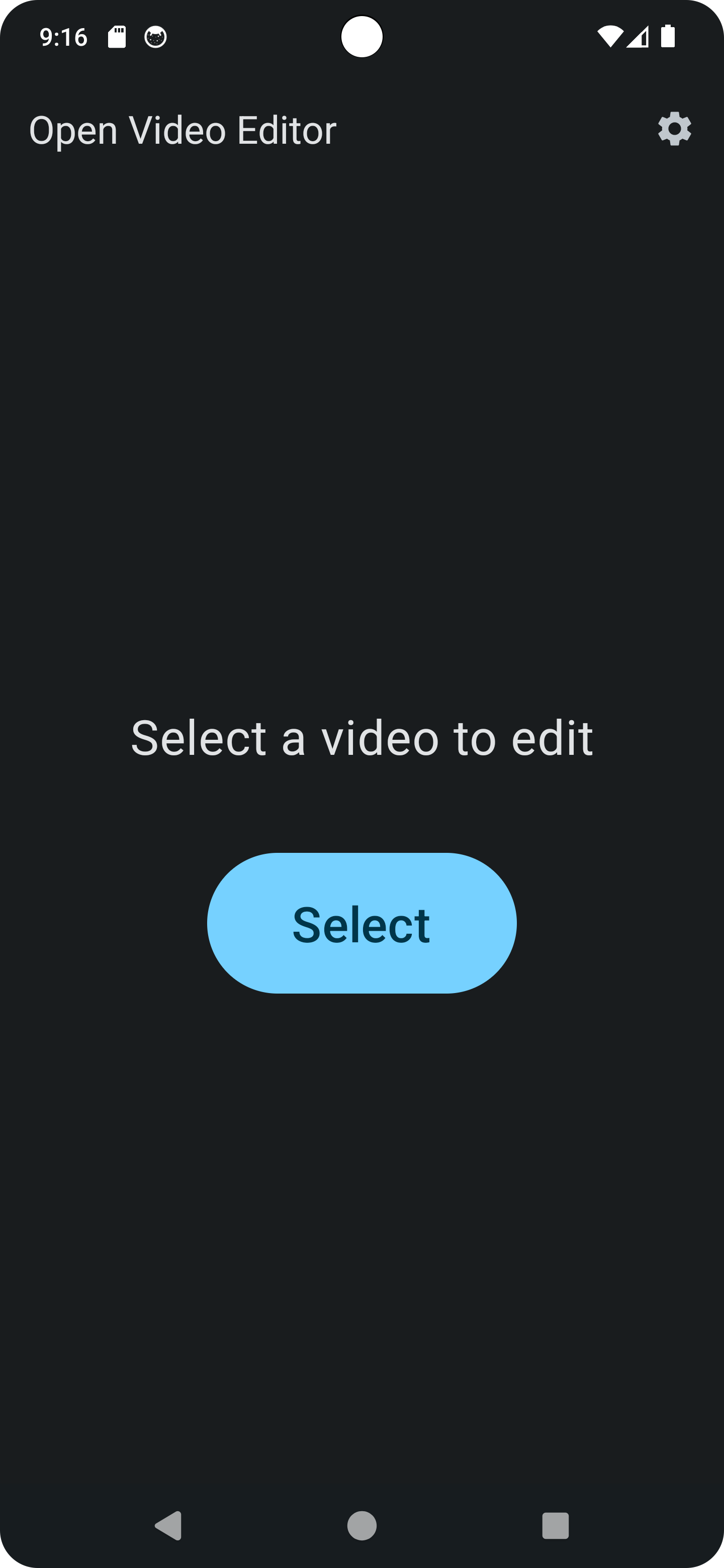
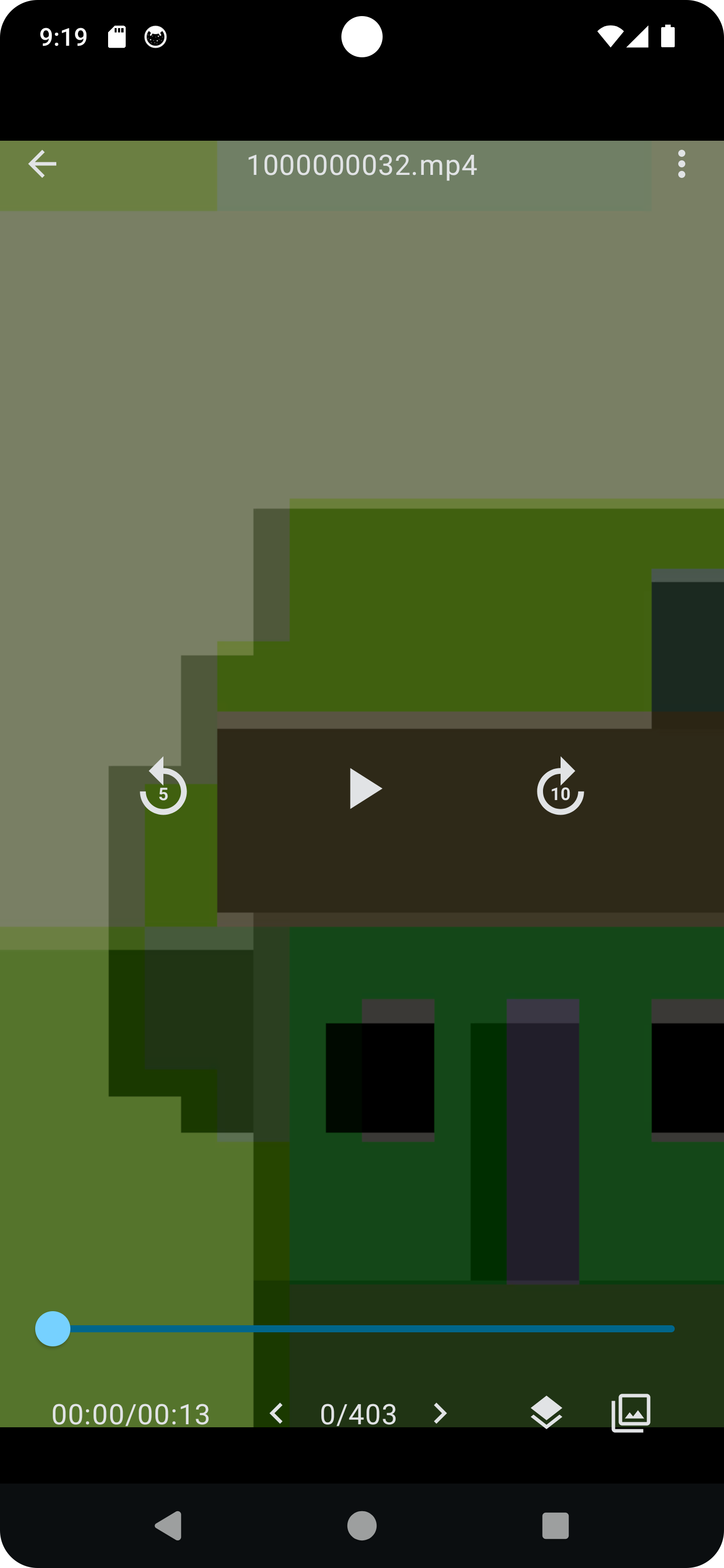
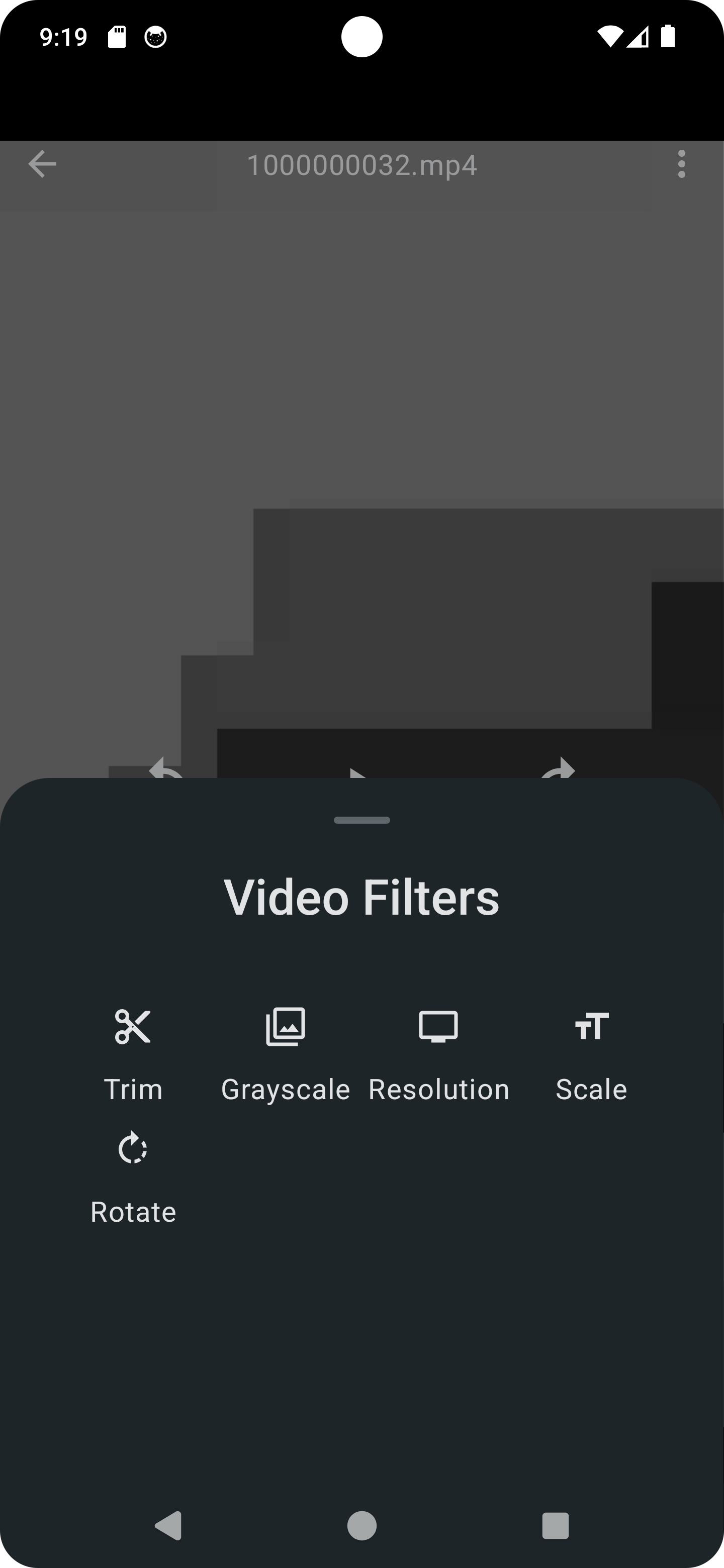
The interface is straightforward: select a file from your gallery, move the sliders, press the save button. No profiles, registration, or hidden purchases.
How the project is structured internally
For Android developers, the repository is primarily interesting for how it implements the media processing pipeline.
Previously, working with video on Android turned into a headache: you either had to wrap heavy C++ FFmpeg builds via NDK, or struggle with low-level MediaCodec. Here, the author went with Google's official Media3 Transformer library.
Media3 Transformer handles hardware encoding and decoding, track synchronization, and applying graphic effects through OpenGL shaders. If you look at the source code, video processing comes down to concise calls:
val editedMediaItem = EditedMediaItem.Builder(mediaItem)
    .setEffects(
        Effects(
            listOf(audioProcessor),
            listOf(presentation, rgbFilter)
        )
    )
    .build()

val transformer = Transformer.Builder(context)
    .setVideoMimeType(MimeTypes.VIDEO_H264)
    .build()

transformer.start(editedMediaItem, outputPath)
The interface is entirely built with Jetpack Compose. The codebase is clean, without layers of abstraction or legacy XML layouts. It's a good reference if you need to add simple video processing to your project and don't want to reinvent the wheel.
Where to get it and how to run it
The project is distributed via F-Droid, IzzyOnDroid, Google Play, and as APK releases on GitHub.
If you want to dig into the code or build the project locally, a standard clone is enough:
git clone https://github.com/devhyper/open-video-editor.git
The project opens in the latest Android Studio and builds without specific external dependencies or closed API keys.
Who this project is useful for
If you need a lightweight utility without trackers for your personal phone, open-video-editor covers basic video trimming and rotation needs.
If you develop for Android, the project serves as a clear example of working with Jetpack Media3 Transformer. Google's official documentation often has overloaded examples, but here you can look at working production code from a small, complete application.
Related projects