A Standalone AI Agent Right on Your Phone — Breaking Down OpenDroid
Traditional mobile assistants like Google Assistant or Siri have long hit a ceiling. They're decent at setting timers and opening apps, but try asking your phone to perform a chain of related actions: check the weather forecast, send a message to your wife on WhatsApp, and set an alarm. Usually, you get either a suggestion to search the web or a recognition error.
Developer Yashab Alam decided to approach the problem differently and released the OpenDroid project on GitHub. It's a fully open-source autonomous AI agent for Android that turns your smartphone into an LLM execution environment.
Why Another Assistant Is Needed
The main idea behind OpenDroid is to give the neural network direct control over the device through standard Android services. Instead of simple templates, the system uses a full planning and execution cycle.
When you give a complex command, the agent decomposes it into subtasks, checks the results of each step, and rebuilds the plan if something goes wrong. The project's source code is completely open, and you choose which model to use — cloud-based or fully local.
The project has already garnered over 600 stars on GitHub and is attracting attention with its solid Kotlin-based architecture.
How the Agent Works Under the Hood
OpenDroid's architecture follows Clean Architecture principles with dependency injection through Dagger-Hilt. Text and logic are separated into clear modules, and the interface is written in Jetpack Compose.
com.opendroid.ai
│
├── accessibility/      Автоматизация сторонних приложений
├── actions/            60+ исполнителей действий в 10 модулях
├── core/
│   ├── agent/          AgentLoop, PlanManager, IntentClassifier
│   ├── llm/            Провайдеры LLM, цепочки фоллбеков, промпты
│   ├── memory/         4-уровневая система памяти
│   └── voice/          Детекция активационного слова, STT, TTS
├── data/               База данных Room и хранилище DataStore
└── ui/                 16 экранов на Jetpack Compose
Inside, several specialized engines work, each responsible for its own area of work.
Action Planner and Error Handling
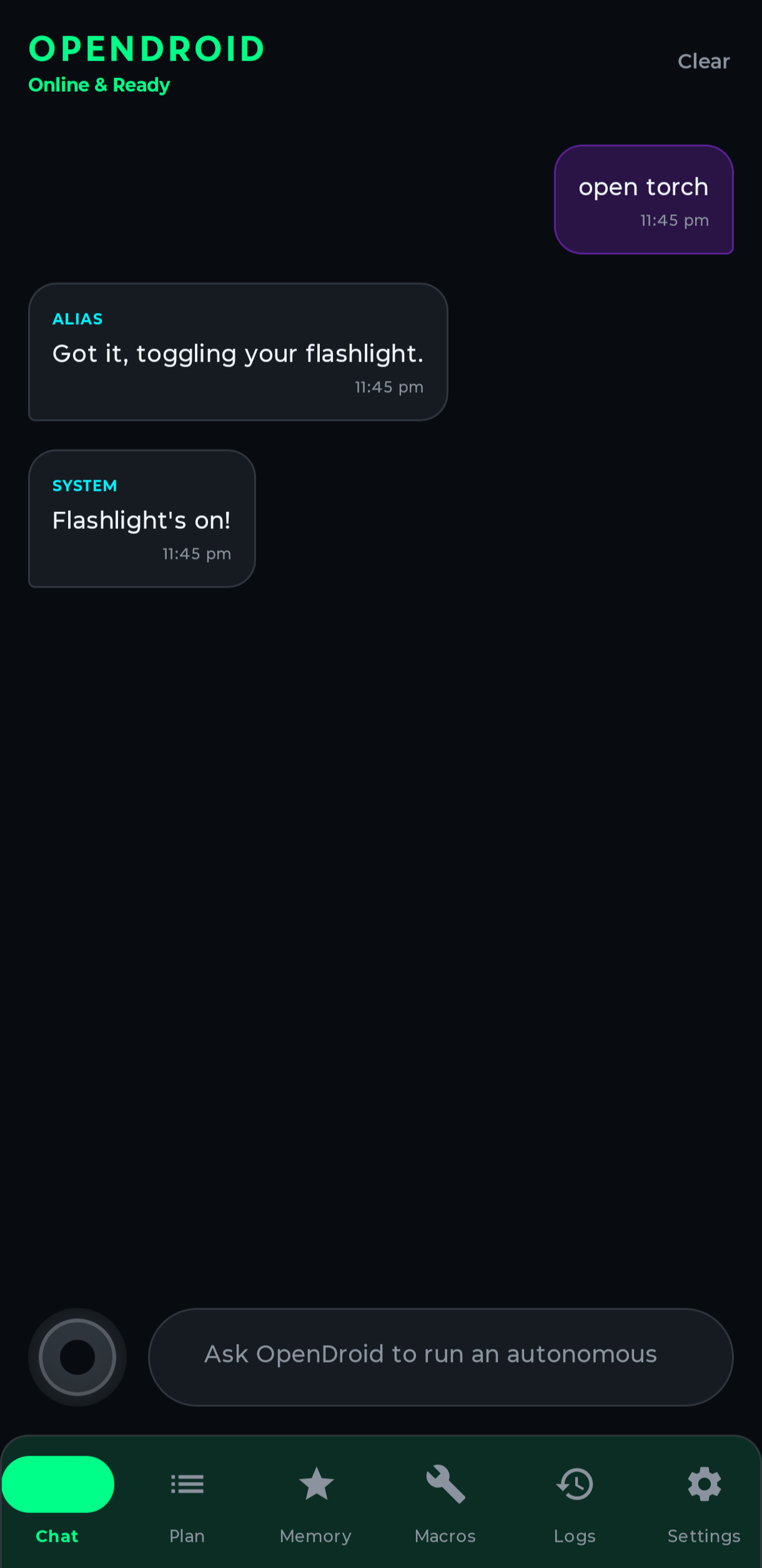
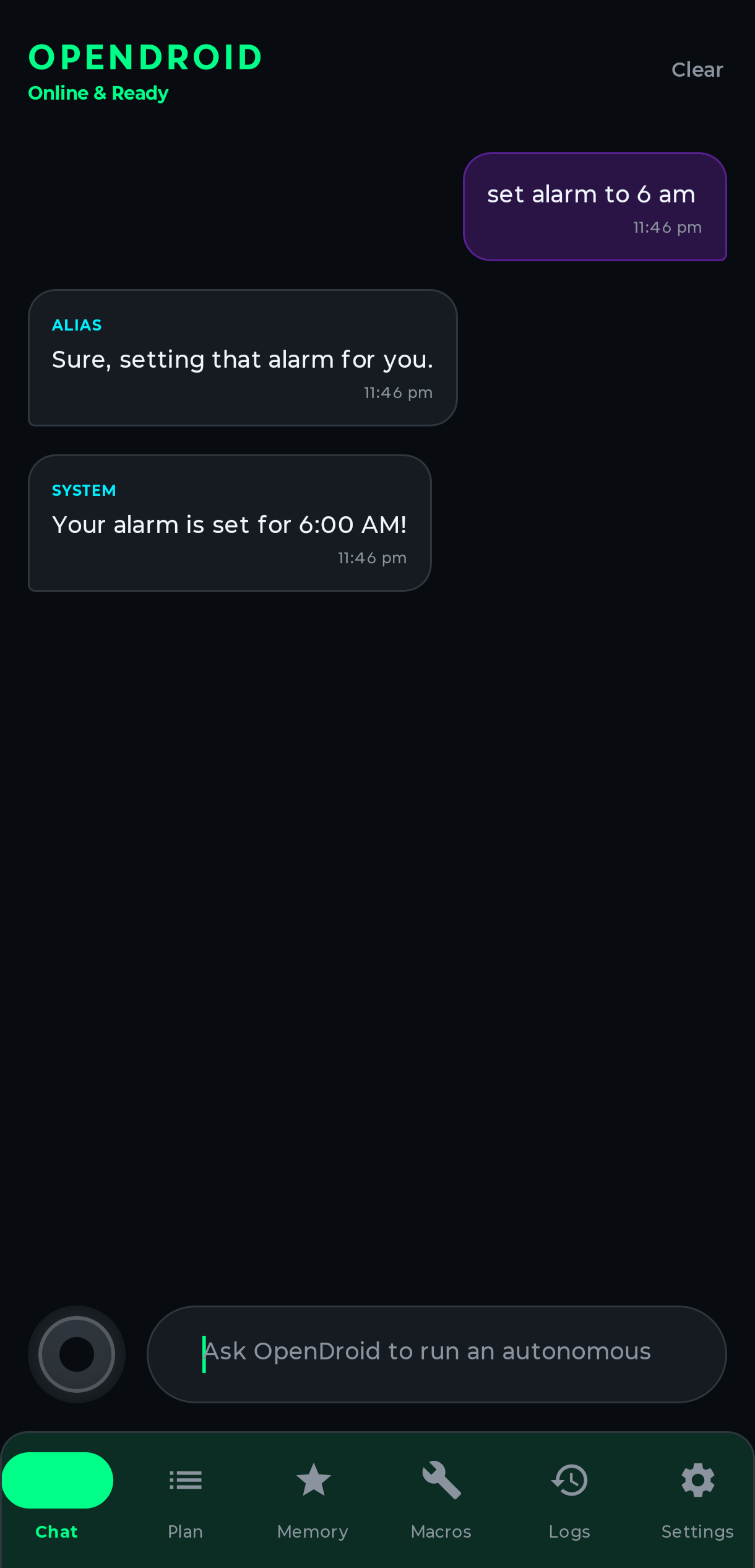
The PlanManager module handles incoming commands. It accepts text or voice, sends it to the AI, and receives a sequential plan as output.
If the command contained multiple intents, for example "open WhatsApp and write a message," the engine correctly breaks it down into steps considering dependencies. If the internet drops or an app crashes during execution, AgentLoop intercepts the error and tries to perform an alternative action.
Screen Understanding via Accessibility API
One of the most interesting components is the Vision Engine. For analyzing what's happening on the screen, OpenDroid takes screenshots through accessibility services (Accessibility API) and sends them to a multimodal neural network.
On older devices or when working with lightweight local models, the assistant switches to parsing the Accessibility tree, extracting the text structure of UI elements without image processing.
Four Memory Levels
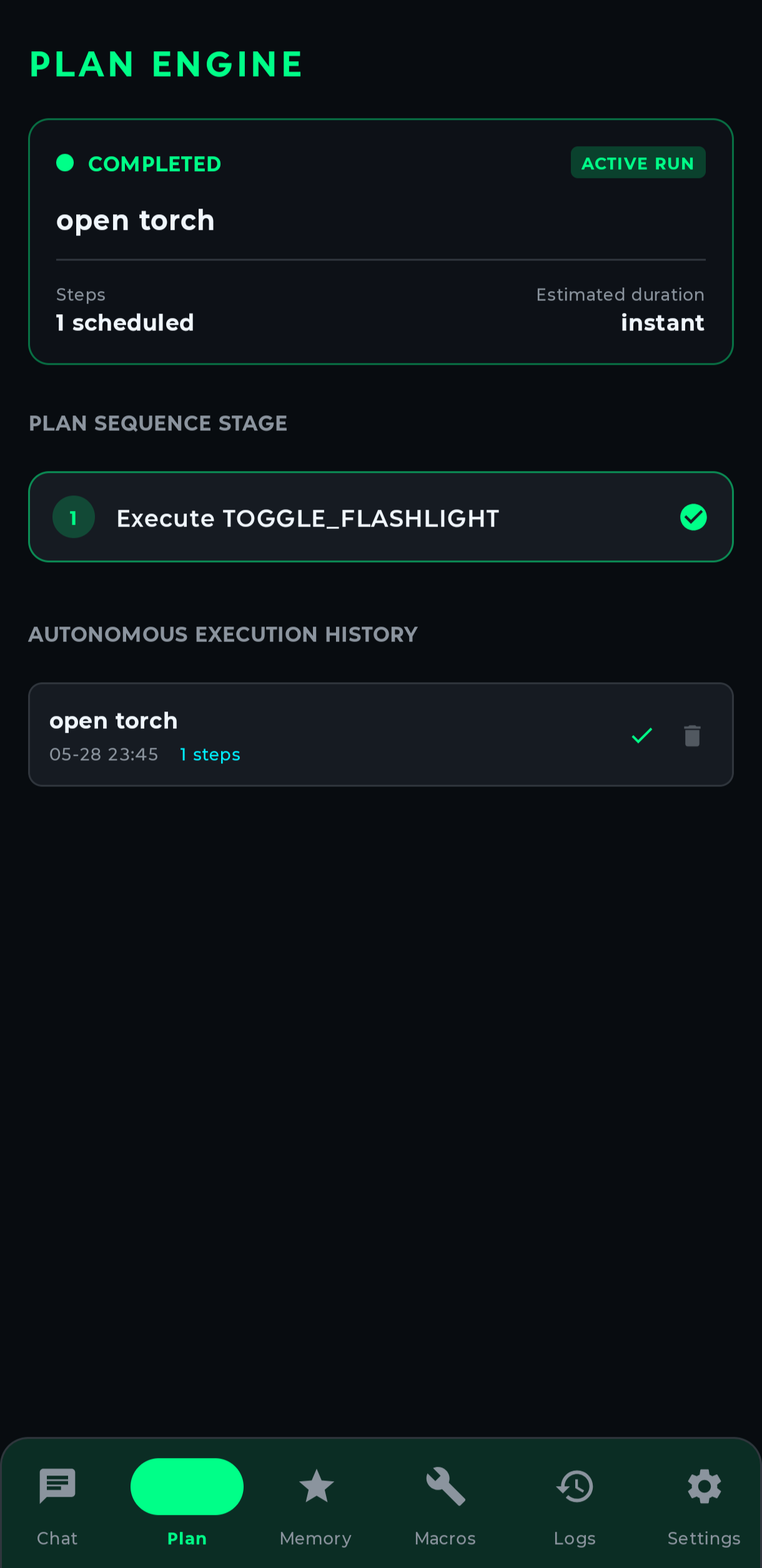
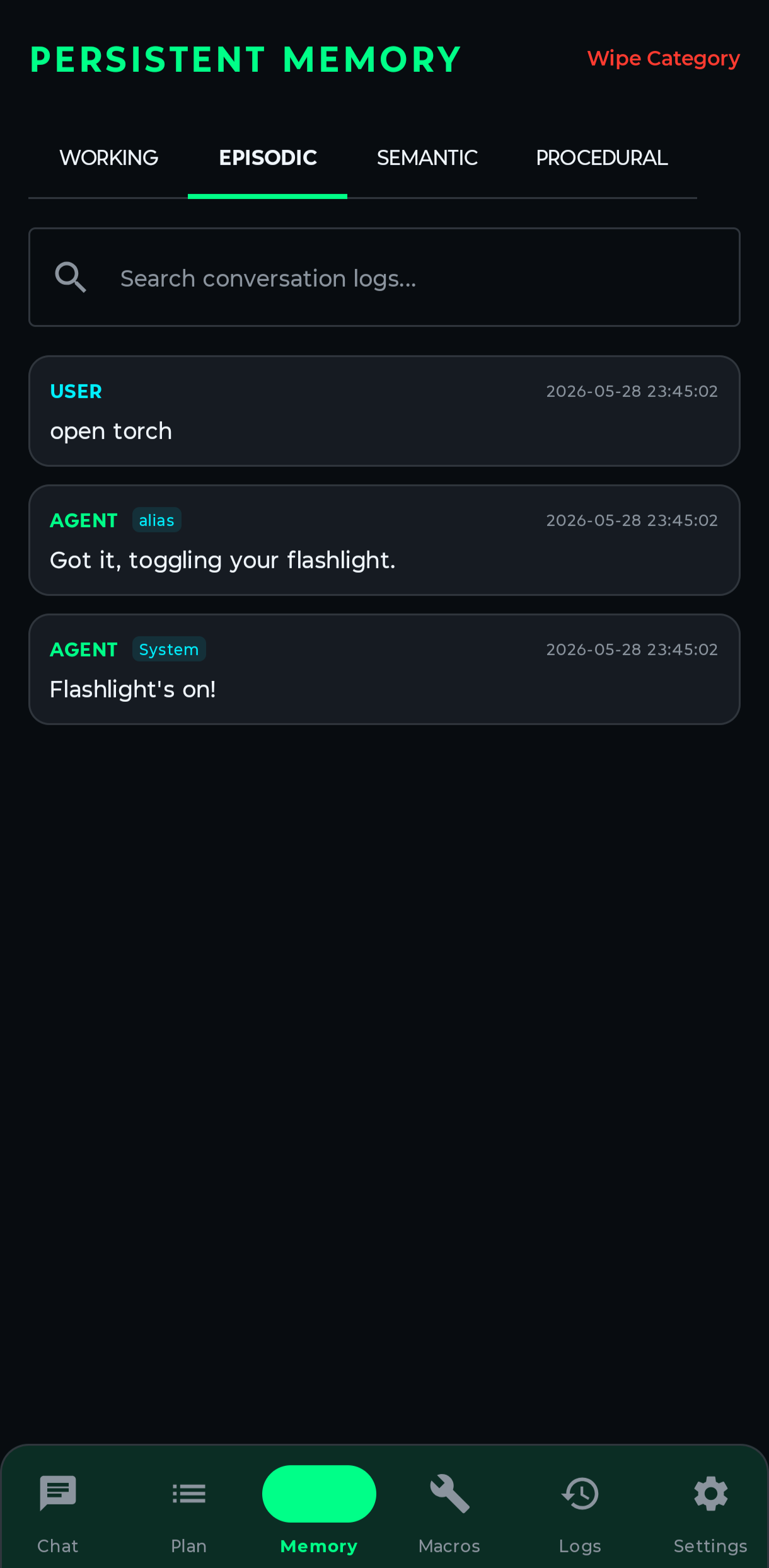
Human context rarely fits within a single dialogue. OpenDroid uses a four-level information storage system:
- Working memory handles the current context of the task being executed.
- Episodic stores the history of past runs and their results.
- Semantic remembers facts about the user and their preferences.
- Procedural contains user macros and ready-made scenarios.
All local information is written to a Room database with seven tables, and secrets like API keys are stored in Android Keystore with AES-GCM encryption.
Support for 12 AI Providers
OpenDroid doesn't tie developers to a specific service. The app supports 12 neural network providers with configurable fallback chains. If the primary model doesn't respond, the request automatically goes to the next provider.
The list includes Google Gemini, Anthropic Claude, OpenAI, Groq, DeepSeek, Mistral, OpenRouter, Cohere, Together AI, and GitHub Copilot.
For privacy enthusiasts, there are two local operation options:
- Connecting to a local Ollama server on your home network.
- Built-in LiteRT-LM manager that can download and run models directly on your smartphone in offline mode.
What the Assistant Can Do in Practice
The repository includes over 60 ready-made actions. They cover almost all everyday smartphone usage scenarios:
- System settings: toggling Wi-Fi, Bluetooth, flashlight, Do Not Disturb mode, adjusting brightness and volume.
- Communication: calls, sending SMS, WhatsApp messages, creating email drafts.
- Navigation and transport: route planning in Google Maps, calling a taxi.
- Finance: quick transfers, splitting bills.
- Media: controlling music playback, searching on YouTube, taking photos with the camera.
How to Build and Run the Project
Building the project requires Android SDK 35 (Android 15) and JDK 21. The JDK version is strictly fixed in the Gradle configuration.
Build is standard:
git clone https://github.com/yashab-cyber/opendroid.git
cd opendroid

./gradlew assembleDebug
The ready APK file will be in the app/build/outputs/apk/debug/app-debug.apk directory.
On first launch, the app will ask you to grant several system permissions. These include permission for Accessibility Service, notification access, and audio recording for tracking the activation phrase.
After that, you just need to go to settings and enter the API key for your chosen provider or specify the Ollama server address.
Is It Worth Studying OpenDroid's Code
The project will be useful for Android developers who want to understand how to create autonomous AI agents. Here you can see a live implementation of complex planning cycles and UI parsing right on a mobile device.
The downsides include the high level of permissions required for operation, which is quite natural for this class of utilities. Also, full screen vision capabilities require flagship models or powerful smartphone hardware.
OpenDroid demonstrates where mobile automation is heading and provides a ready architectural foundation for your own experiments.
Related projects