A Guide to Directing Neural Networks Without Cinematics and Epics
You've probably tried generating video with neural networks. You write a simple prompt and get a blurry mess. Add words like "cinematic", "hyperrealistic", "8k", "dramatic lighting" — the mess gets a bit prettier, but character actions remain chaotic, the camera shakes at the wrong moments, and the second shot of the story doesn't even look like the first.
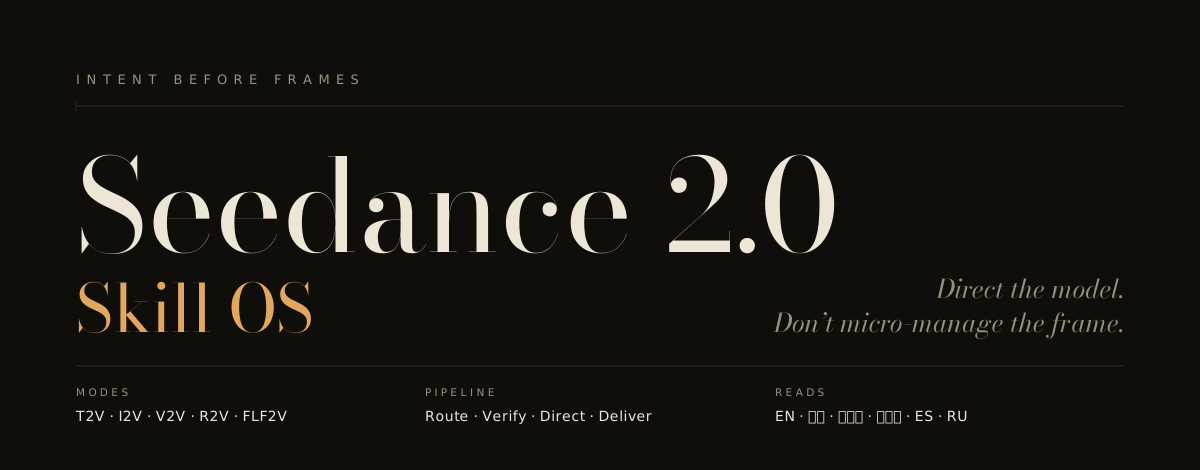
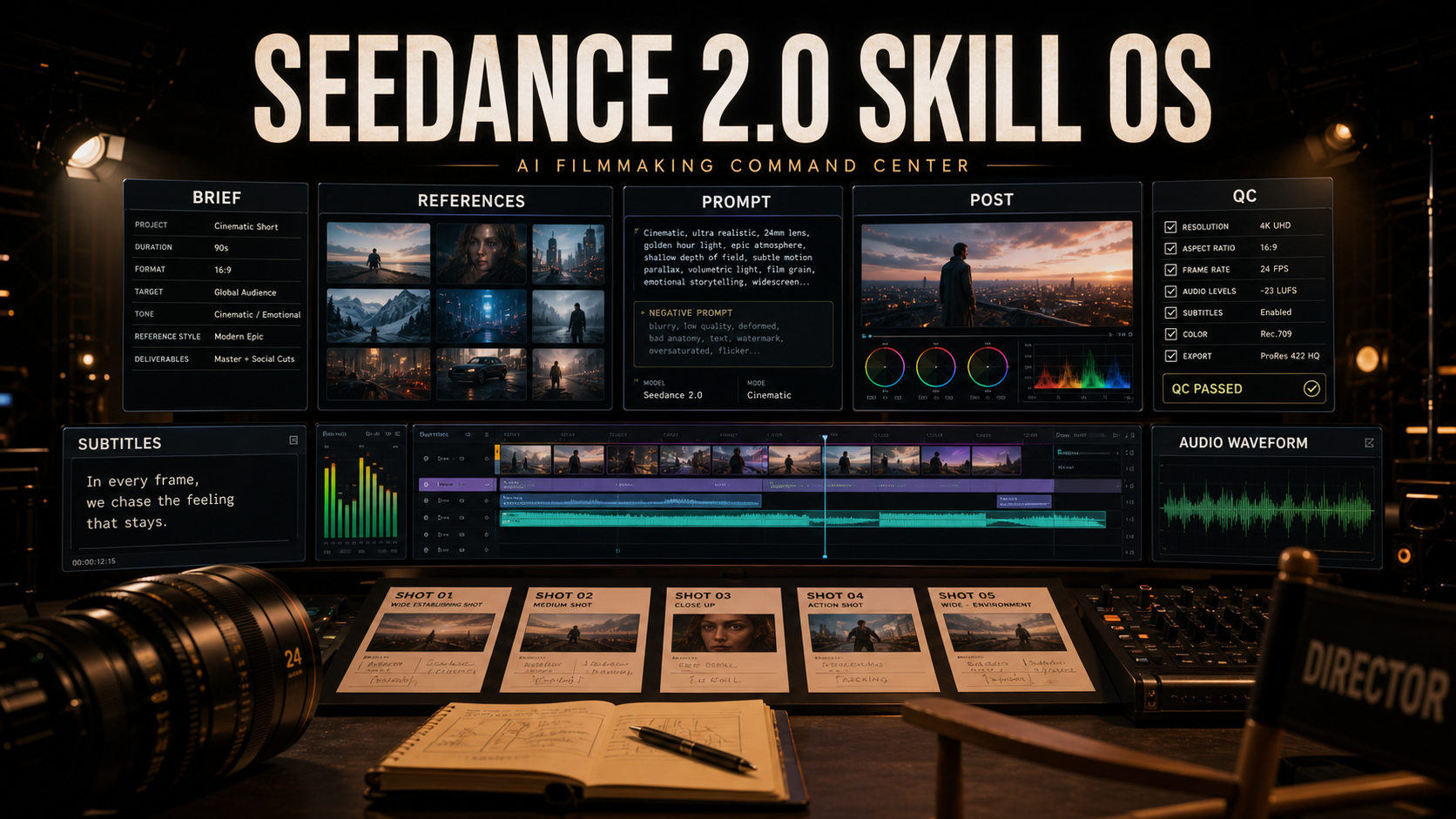
The repository authors seedance-2.0 approached the problem from a different angle. A skill set for LLM agents called Seedance 2.0 Skill OS changes the fundamental principle of working with video models. Instead of stuffing prompts with meaningless epithets, the project makes the neural network think in terms of film production: framing, lighting, mise-en-scène, and editing pace.
Why the Conventional Prompting Approach Breaks Down
Most video generators are trained on millions of images and video clips. When you write "cinematic" in a prompt, the model doesn't understand which specific film you mean — a thirties noir, a Michael Bay action movie, or an intimate drama. It simply mixes in the average temperature across the board: dark shadows, some contrast, and a blurry background.
A camera operator on set doesn't work that way. They choose a specific lens, set up soft window light, and ask the actor to freeze for two seconds after reading the letter.
The repository seedance-2.0 turns your AI assistant into exactly that kind of director. The project contains instruction sets (skills) and reference materials for clients like Claude Code, Codex, Cursor, or OpenClaw. When you ask the agent to assemble a prompt for generation, it doesn't output a meaningless string of words — it first figures out the dramatic purpose of the scene.
Compare the two approaches. Here's what users typically write:
epic cinematic shot of a woman reading a letter, emotional, beautiful lighting
And here's how the repository's directing engine formulates the same scene:
A woman at a kitchen table reads the letter twice, then her hands lower it and go still.
Camera: medium close-up at eye level, a slow push-in that settles when her hands stop.
Soft window light keeps her face plain.
Sound: room tone, one chair scrape, near-silence — the realization lands in the stilled hands, not a word.
The second option tightly constrains the model's behavior: first the object and action, then camera movement, then lighting character and sound design. The neural network gets a clear action algorithm instead of a vague hint at a "pretty picture."
Separating References and Character Fixation
One of the main problems when creating videos longer than a single take is maintaining character appearance and style. If you simply upload three references to the model and ask it to "make it similar," the neural network will mix one person's face, movement from another video, and gamma from a third.
In seedance-2.0, each input file receives a clear role through tags:
- An image with a face or object is tagged with the identity tag
@Image1 - A video with dynamics or camera movement is tagged as a motion reference
@Video1 - The audio track is tied to rhythm and movement phases
@Audio1
The site or local agent ensures these tags are passed to the model unchanged. If you need to connect the first and last frames of a single scene (First/Last Frame mode), the engine builds a continuous transition by fixing the endpoints.
How to Make Videos Longer Than a Single Generation
A common mistake is trying to continue the story by simply appending to the original prompt. The neural network almost never ends the video exactly where you intended. The character may have turned their head a bit further or taken a step to the side. If you generate the next shot "from scratch," the sequence falls apart.
The repository has a scene continuation protocol (seedance-continuation):
- You describe the overall concept and the final point of the script.
- The system breaks the story into short connected segments.
- The first clip is generated.
- You return the resulting output or its last frame to the system.
- The agent records the actual resulting state (where the character ended up, where the light is pointing).
- Only then is the prompt for the second clip built.
This approach protects against accumulating errors, where by the third take the character unexpectedly changes clothes or ends up in a different room.
Copyright Protection and Working with Filters
If you ask the neural network to generate a famous movie character or brand, the platform's safety filter will trigger, or you'll get a refusal. The repository has a special module seedance-copyright. It takes a request with protected intellectual property and rewrites it into a safe visual equivalent while preserving the atmosphere.
False positives with stop words are handled similarly. Instead of trying to trick the filter with veiled jargon, module seedance-filter refines the filming context. For example, a dramatic falling scene is described through professional stunt work terminology and camera angles, which removes suspicion from the platform's safety system.
Architecture and Installation
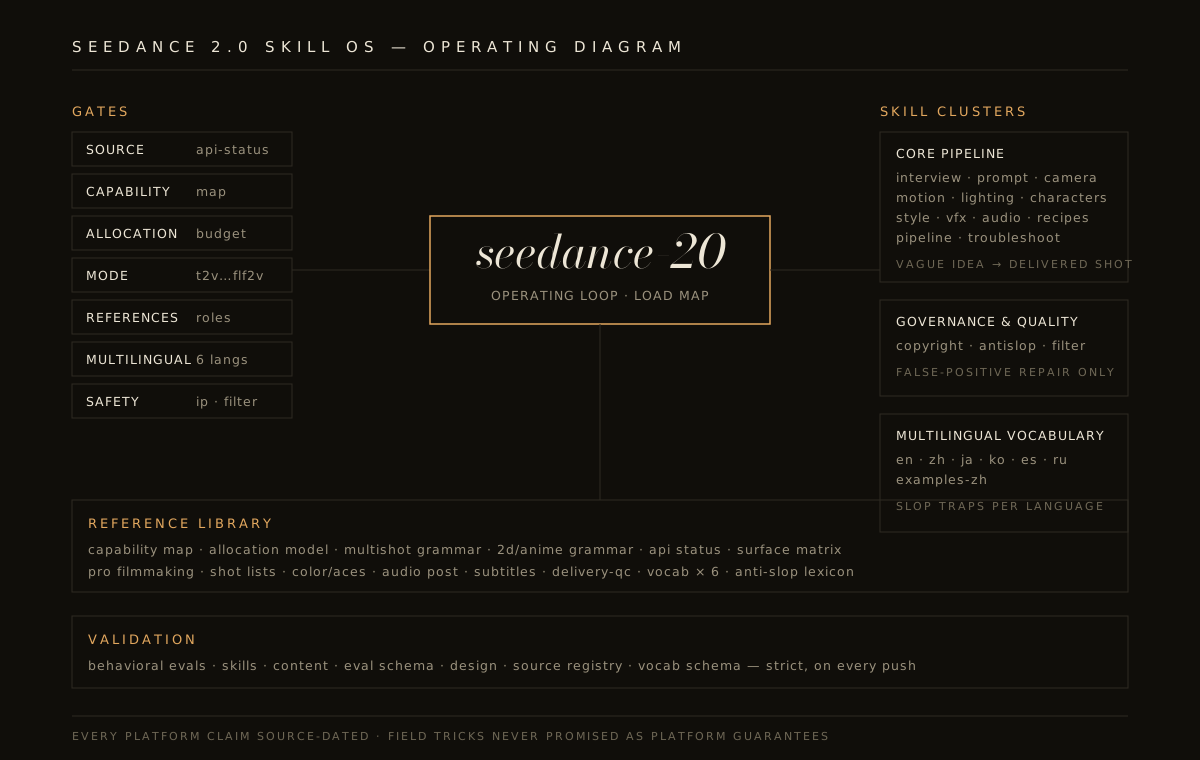
In structure, the repository is a native Agent Skills package. Inside you'll find the root file SKILL.md, sub-skill sets organized by category (camera, lighting, characters, VFX, audio processing), and a large reference library in the references/ folder.
Installation boils down to running a single script that copies the skill to the appropriate directory of your CLI client or IDE:
git clone https://github.com/Emily2040/seedance-2.0.git
cd seedance-2.0

# Автоматическая установка для Codex или других клиентов
python scripts/install_codex_skill.py

# Установка для Claude Code
python scripts/install_codex_skill.py --dest ~/.claude/skills
The repository includes validation and testing scripts. Before releasing new rules, the authors run offline schema checkers, verify source freshness, and stress-test prompts for resilience.
For multilingual projects, the database includes professional cinematography dictionaries in English, Chinese, Japanese, Korean, Spanish, and Russian. This is useful when you need to correctly translate localized text for subtitles or convey a specific term like "panning" without losing meaning.
Who This Repository Is For
The project was created primarily for video makers, marketing teams, and developers using ByteDance video models (Seedance 2.0, Dreamina, Jimeng, Volcengine Ark) and related services like Runway or OpenRouter.
If you just want to occasionally generate a funny GIF, the system may seem excessive. But if you're tasked with assembling a ten-scene coherent commercial, establishing a unified visual style for a brand, or automating a generation pipeline through an LLM agent, seedance-2.0 will save a lot of time and budget on failed generations.
Powiązane projekty