Pensieve - your personal screen archive with full data control
1,373 stars
Imagine being able to find any window, website, or document you've ever seen on your computer — even if you don't remember the file name. That's exactly what Pensieve offers — a private alternative to commercial solutions like Rewind and Windows Recall.
What it is and why you need it
Pensieve is a background service that:
- 📸 Takes screenshots of all your screens every 5 seconds
- 🔍 Indexes content (text via OCR and images via ML)
- 🗂 Stores everything locally in your home directory
Practical use cases:
- Find that recipe you looked at a week ago
- Recover a closed tab without browser history
- Find a document by a phrase from its content
Why it's safe
Unlike cloud-based alternatives, Pensieve:
- Stores data only on your computer (~/.memos)
- Doesn't require an internet connection
- Is completely open source (Python)
- Can be easily removed with a single command
Key features
1. Smart full-screen search
- Full-text search across recognized text
- Vector search by meaning (uses local ML models)
- Filter by applications and dates
2. Flexible ML integration
Supports:
- Local models via Ollama
- Any OpenAI-compatible APIs
- Automatic device selection for computations (GPU/CPU)
# Пример конфигурации модели
default_plugins:
builtin_ocr
builtin_vlm  # Визуальный поиск
3. Resource optimization
- Dynamic screenshot frequency
- Background processing during idle time
- Battery saving on laptops
How to get started
- Installation:
pip install memos
memos init
memos enable
memos start
-
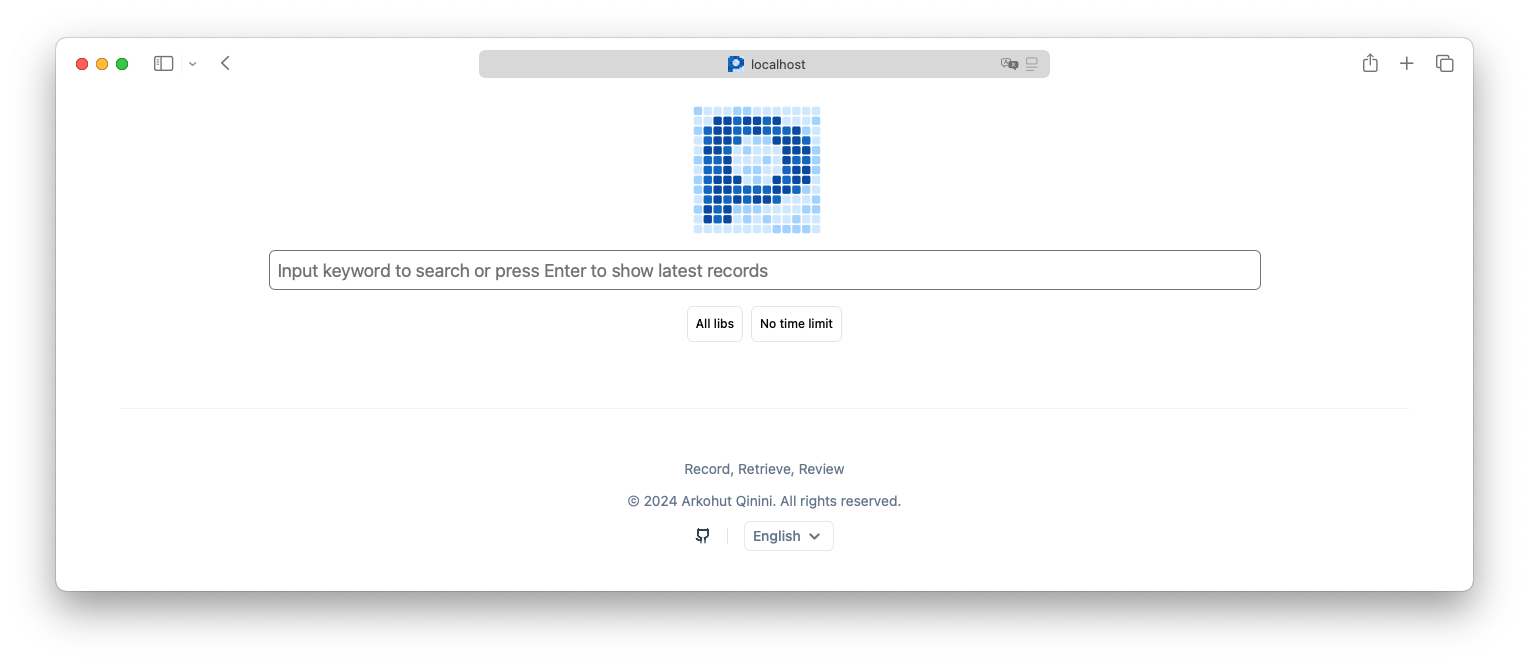
Open http://localhost:8839
-
Customize to your needs:
- Select models for search
- Exclude applications from recording
- Schedule processing
Who it's for
- Developers working with multiple windows
- Researchers gathering data from various sources
- Anyone who wants a "photographic memory" for their computer
Limitations
- Requires ~400MB of space per day
- Can strain the system during active use
- No Linux support yet (in development)
Pensieve is a rare example of a tool that delivers enterprise-level capabilities while preserving privacy. If you often lose track of needed windows among dozens of tabs — it's worth trying.
Related projects
How to Build a Personal Quant Analysis Terminal with Polars and DuckDB
Python
How to Connect a Neural Network to a Live Browser with Browser Harness
Python
Local ElevenLabs on Your Own Hardware with VoiceStudio
Python
Tickflow Stock Panel: How to Build Your Own Terminal for Quantitative Stock Analysis
Python
How to Turn Familiar NumPy into Compilable GPU Code
Python
How to teach Cursor and Claude Code to write properly for Salesforce
Python