How to Turn an Old Android Phone into a Smart AI-Powered Surveillance System
Almost every household has an old Android smartphone gathering dust in a drawer. The screen is intact, the camera is decent, but the battery only lasts half a day or the processor can't handle modern apps. Usually these devices either get passed on to relatives or are forgotten forever. Recently I came across an interesting repository CCTV-Smartphone-AI-Monitoring (the author calls the system Sentinel), which offers a way to put this gadget to good use.
The project captures video from the smartphone over the local network, runs recording on a PC, and hooks up multimodal neural networks to recognize what's happening in the frame.
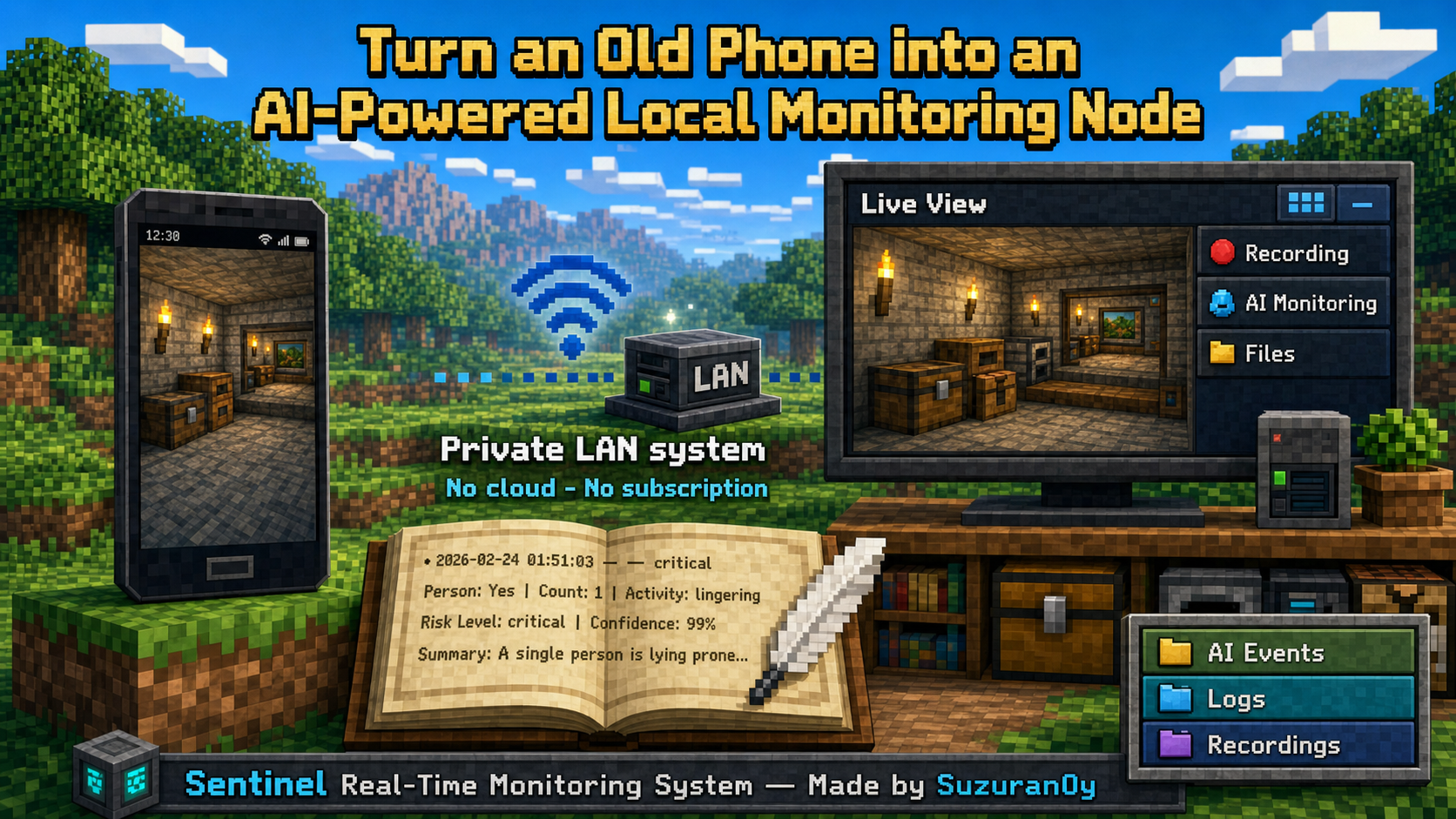
What's Under the Hood at Sentinel
The idea of turning a smartphone into a surveillance camera isn't new, but most ready-made solutions run into two problems: either they're locked into paid Chinese cloud services, or they offer a bare RTSP stream without any decent analytics. Sentinel solves both issues at once.
The system is split into two parts:
- CamFlow — a lightweight app for Android 8.0+ that captures the camera feed and sends JPEG frames via HTTP POST to the server.
- A Python server component (Flask + OpenCV) — receives the stream, maintains a frame buffer, organizes browser streaming, writes archives to disk, and manages AI calls.
All video and logs stay strictly within your local network. Only individual frames are sent externally if you decide to connect a cloud neural network for event analysis.
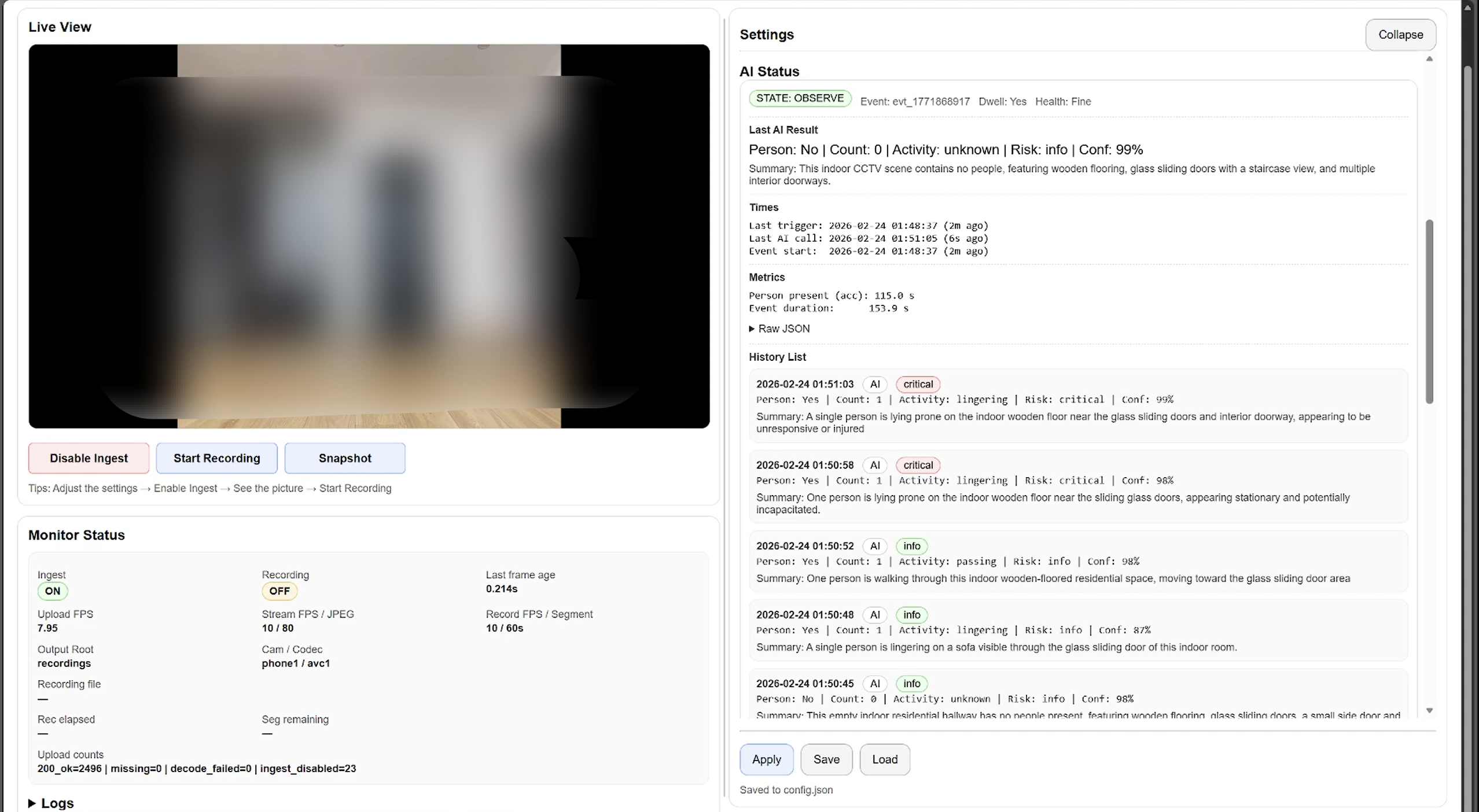
How the Token-Efficient Pipeline Works
Feeding a 25 fps video stream directly into a modern multimodal neural network will cost any developer a pretty penny. The Sentinel author went with a proven two-tier approach:
First, classical computer vision based on OpenCV runs the show. The motion_trigger module computes the difference between consecutive frames. As long as nothing is happening in the room, the server stays in the SLEEP state and doesn't spend API resources.
Once motion exceeds the set threshold, the system switches to the OBSERVE state. That's when the vision model kicks in. It analyzes the frame, checks for the presence of people, assesses the risk level, and returns a strict JSON:
{
  "has_person": true,
  "person_count": 1,
  "activity": "standing",
  "risk_level": "info",
  "confidence": 0.95,
  "summary": "Человек стоит около рабочего стола."
}
If a person actually lingers in the frame longer than the Dwell Threshold threshold, the event is recorded in the ai_events.jsonl database and displayed on the dashboard. When motion stops, the system waits for a pause of End Grace and goes back to sleep.
Key Features of the Project
Plugin-free video streaming. The web interface delivers a live feed via MJPEG. Latency over home Wi-Fi is minimal, and video opens in any browser without installing software.
Flexible integration with model providers. The project was originally built around Chinese Volcengine Ark, but in version 1.1 the author added a universal client. Now you can connect OpenAI (GPT-4o-mini), Google Gemini, DashScope (Qwen VL), SiliconFlow, or a local gateway with an OpenAI-compatible API.
Behavior customization through prompts. The dashboard settings include fields for long-term context (Scene Profile) and operational focus (Session Focus). You can write directly in the web interface: "This is a laboratory corridor. Pay attention if someone is carrying boxes or lingering at the door for more than 10 seconds."
Automatic network discovery. The CamFlow app doesn't require manually entering the PC's IP address — it can find the running server via UDP broadcast.
Archive segmentation. Video is recorded locally in chunks by timer (for example, segments of 5 or 10 minutes) with avc1, mp4v, or XVID codecs to choose from.
How to Deploy the Project
You'll need a PC with Python 3.9+ and a smartphone running Android.
Clone the repository and install dependencies:
git clone https://github.com/suzuran0y/CCTV-Smartphone-AI-Monitoring.git
cd CCTV-Smartphone-AI-Monitoring

python -m venv venv
# На Windows: venv\Scripts\activate
# На Linux/macOS: source venv/bin/activate

pip install -r requirements.txt
The dependencies include the standard set: Flask, OpenCV, NumPy, and the Ark SDK client.
Start the server:
python server.py
The console will display a local address like http://127.0.0.1:5000/ for the browser and a network IP http://192.168.x.x:5000/ for the smartphone.
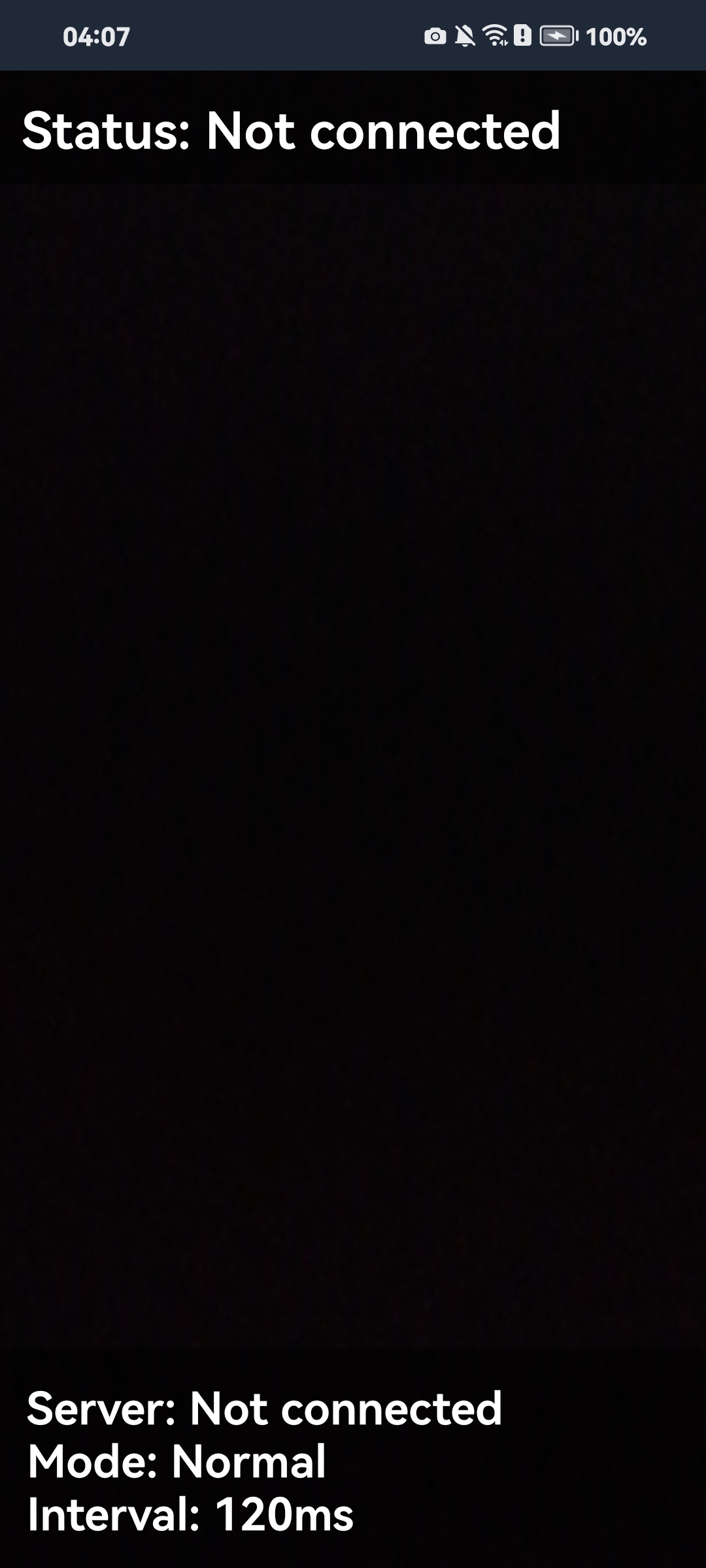
Install the APK from the PhoneCamSender/CamFlow-v1.0.0-beta.apk folder on your phone (or build the project via Android Studio — the source is open). Launch it, grant camera access, connect to Wi-Fi, and enter the server IP.
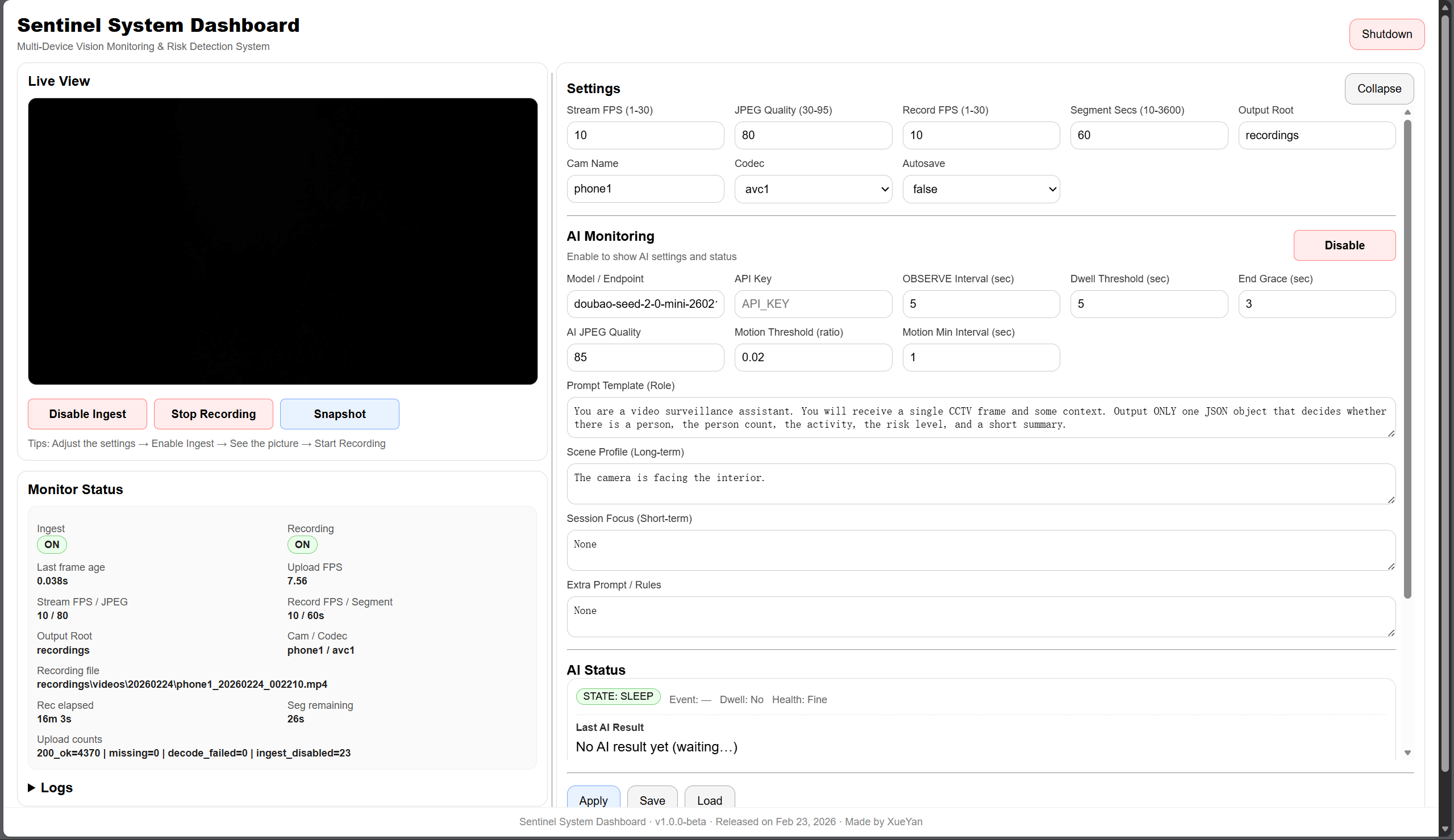
Frame capture is disabled by default on the PC dashboard for security. Press the Enable Ingest button, and the live stream will appear in the browser.
Connecting Your Own AI Provider
If you want to enable AI analysis, turn on AI Monitoring in the dashboard's right panel. Select the appropriate Provider, specify the Model ID, and enter the API key.
For example, to work with a compatible local server or OpenAI, just fill in the config:
{
  "ai_provider": "openai",
  "ai_model": "gpt-4o-mini",
  "ai_api_key": "sk-..."
}
Parameters can also be passed via environment variables (AI_PROVIDER, AI_MODEL, AI_API_KEY). The server validates model responses and ensures the field structure doesn't break the web interface.
Where This Comes in Handy
Sentinel is well-suited for small-scale local experiments:
- Monitoring a workshop or laboratory where you can't stream video to third-party cloud services.
- Collecting an annotated dataset with text descriptions of anomalous situations.
- Watching pets in an apartment with structured alert notifications.
- Learning how to link classical CV (motion detection) with heavy LLMs/VLMs without excessive costs.
The Bottom Line
The project turned out to be a neat and practical engineering prototype. There are no heavy frameworks or unnecessary magic here: a clear FrameBuffer architecture, working pytest tests, and a functional Android client included out of the box.
If you've been looking for an excuse to put an old phone to use and experiment with multimodal models in real time, check out the suzuran0y/CCTV-Smartphone-AI-Monitoring repository.
Related projects