SD.Next — A Replacement for Automatic1111 for Those Who Need More Than Standard WebUI
Do you remember how just a couple of years ago, local image generation was synonymous with Stable Diffusion WebUI by Automatic1111? You'd open the console, wait for PyTorch to launch, tweak settings for your GPU, and hope the VRAM wouldn't run out halfway through. However, over time the original repository became increasingly difficult to maintain, and new model architectures started demanding more and more resources.
Vlad Mandic forked Automatic1111's codebase at the end of 2022 and created SD.Next. The project started as an attempt to clean up the source code and extract maximum performance from the hardware, but evolved into a standalone platform for image and video generation.
What's the difference from the original WebUI?
In short, SD.Next is a deep under-the-hood overhaul while keeping the familiar web interface. The original WebUI is heavily tied to Nvidia GPUs and CUDA libraries. If you have an AMD, Intel Arc, or a laptop with an Apple M-series chip, getting the classic WebUI to run turned into a quest involving library compilation and hunting for the right launch arguments.
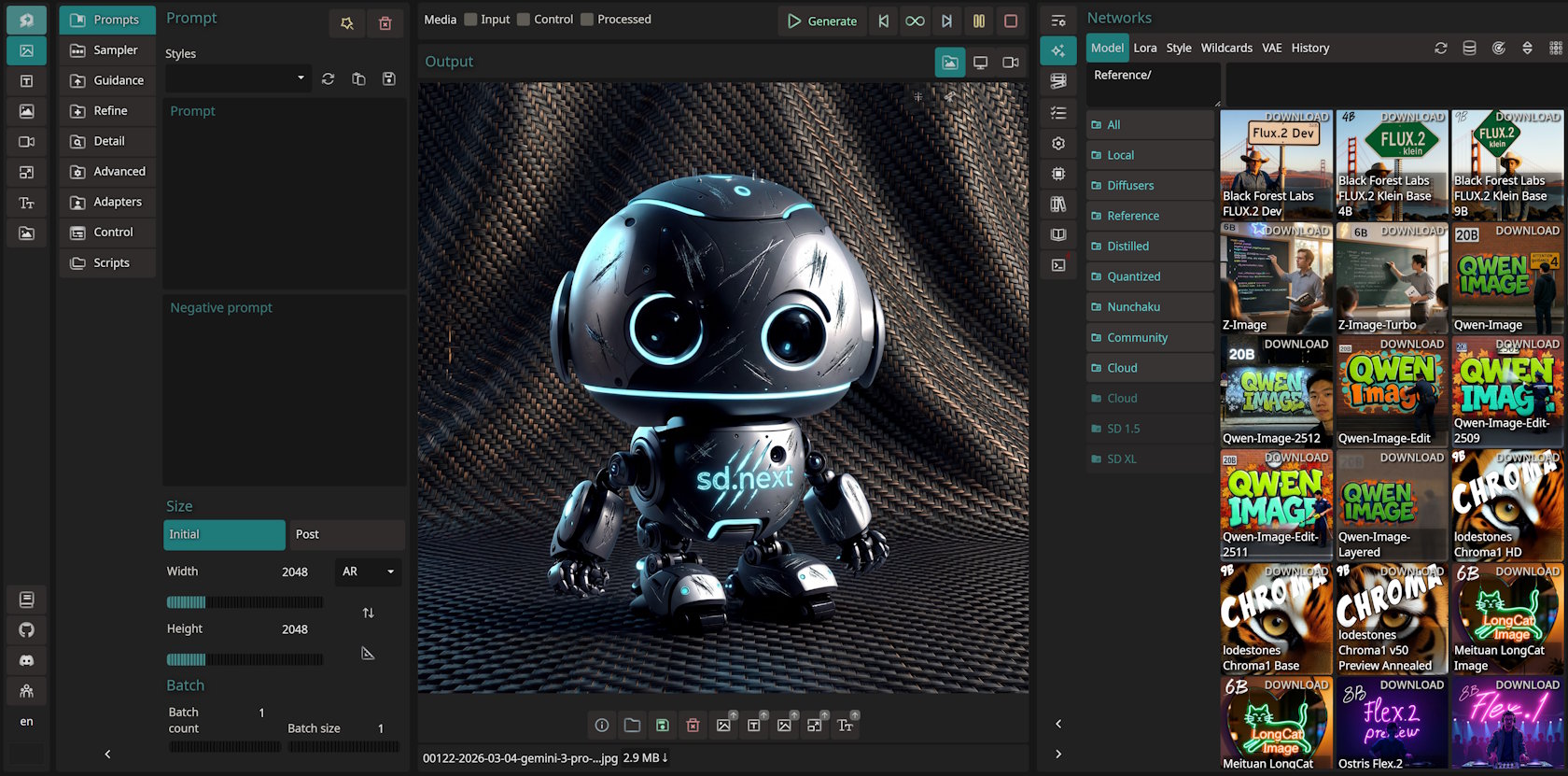
SD.Next was built with cross-platform support from the ground up. During the first installation, the script automatically detects your hardware and assembles a suitable configuration.
What's interesting under the hood
Running large models on modest hardware
The main problem with modern diffusion networks is their appetite for video memory. A card with 8 GB of VRAM quickly chokes when you try to run a fresh model at high resolution.
SD.Next added two mechanisms:
- Quantization via the SDNQ engine. The model is compressed on the fly or uses ready-made quantized weights. This reduces memory consumption by up to 4 times with minimal impact on detail.
- Balanced Offload. A system mechanism that distributes model layers between video memory and system RAM. If the GPU gigabytes aren't enough, some computations shift to the CPU to avoid an Out of Memory error.
Support for any hardware
The developers maintain a long list of hardware accelerators:
- Nvidia via CUDA
- AMD on Linux and Windows via ROCm or ZLUDA
- Intel Arc using OneAPI and IPEX
- Any GPUs and CPUs via OpenVINO
- DirectML for graphics cards with DirectX support on Windows
- Apple M1/M2/M3 chips with Torch MPS backend
If you want to isolate the environment, the project has official Docker images for CUDA, ROCm, OpenVINO, and Intel IPEX.
Automatic labeling and language models
Usually, to prepare descriptions for images you have to install third-party extensions or separate utilities. SD.Next has a built-in module for auto-labeling images. It uses over 25 models, including VLM/LLM networks, OpenCLIP, and taggers like WaifuDiffusion and DeepDanbooru. This speeds up dataset preparation for training your own LoRA adapter.
How to get started
Installation is reduced to three commands in the terminal:
git clone https://github.com/vladmandic/sdnext
cd sdnext

# Для Linux или macOS:
./webui.sh

# Для Windows:
webui.bat
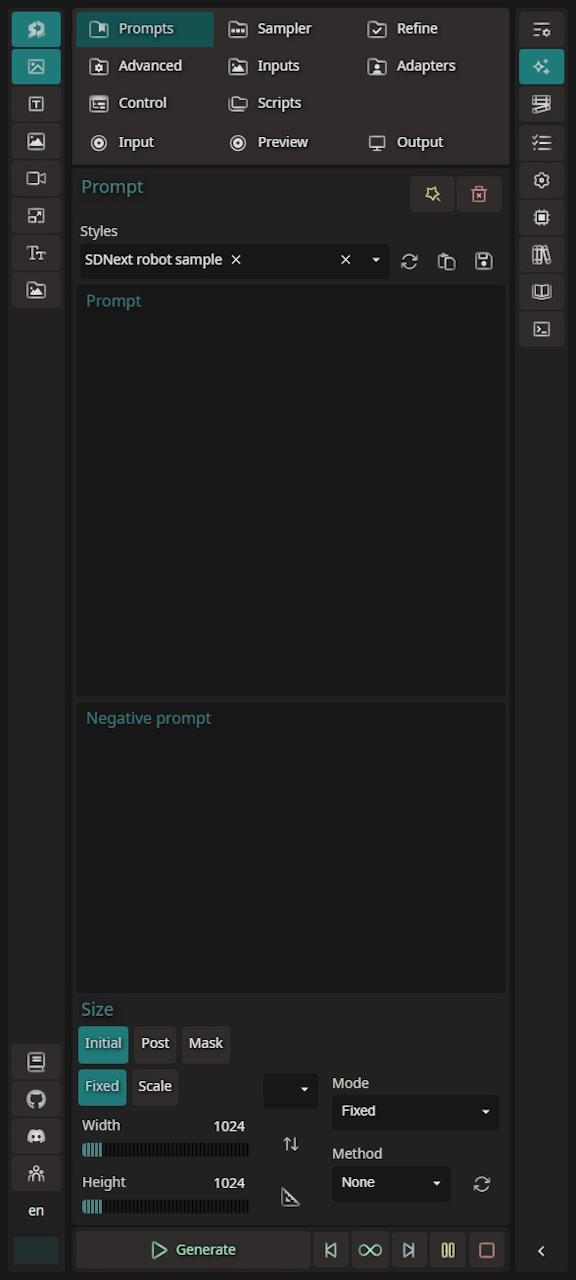
On first startup, the script downloads dependencies, detects the GPU, and selects optimization flags. The interface is adapted for mobile screens, so you can control the generation process right from your phone on the local network.
Who should give it a try
SD.Next will definitely come in handy in several cases:
- You have an AMD, Intel Arc, or Mac GPU and you're tired of jumping through hoops with the standard WebUI.
- Your GPU has limited VRAM, but you want to experiment with heavy models without memory crashes.
- You're building datasets and need built-in tools for labeling and tagging.
If you're used to ComfyUI with its node-based workflow, there's little point in switching to a tabular-style interface. But as a complete solution for quick image and video work, SD.Next covers most everyday tasks.
Related projects