How to Speed Up Local Neural Networks on Apple Silicon by Two Times with MTPLX

If you've run the latest Qwen family models on a MacBook, you've probably noticed that generating long responses can noticeably hit the memory bandwidth ceiling. Typically, speculative decoding is used to speed things up. But the classic approach has an unpleasant downside: you have to keep a second, small draft model in the Mac's precious unified memory.
Recently I came across the MTPLX project by developer Youssof Altoukhi. The author decided to squeeze every drop of performance from Apple Silicon architecture and the built-in multi-token prediction heads (MTP) that are already baked into the weights of modern models like Qwen 3.5, 3.6, and 3.8.
The Trick Behind MTP Without a Second Model
Most existing runtimes simply ignore MTP heads inside the weights. MTPLX works differently.
The model itself drafts several tokens ahead, then verifies the entire batch in a single forward pass through MLX. Validation uses the precise rejection sampling algorithm by Leviathan and Chen with residual correction.
What does this mean in practice? No simplifications or heuristics. The probability distribution stays exactly the same as with regular stepwise generation. If you set temperature=0.6 and top_p=0.95, the model will respond identically to how it would without MTP, just much faster.
On an M4 Mac mini with 16 GB of memory, the speedup reaches 1.6x, and on M5 Max chips the improvement goes up to 2.24x.
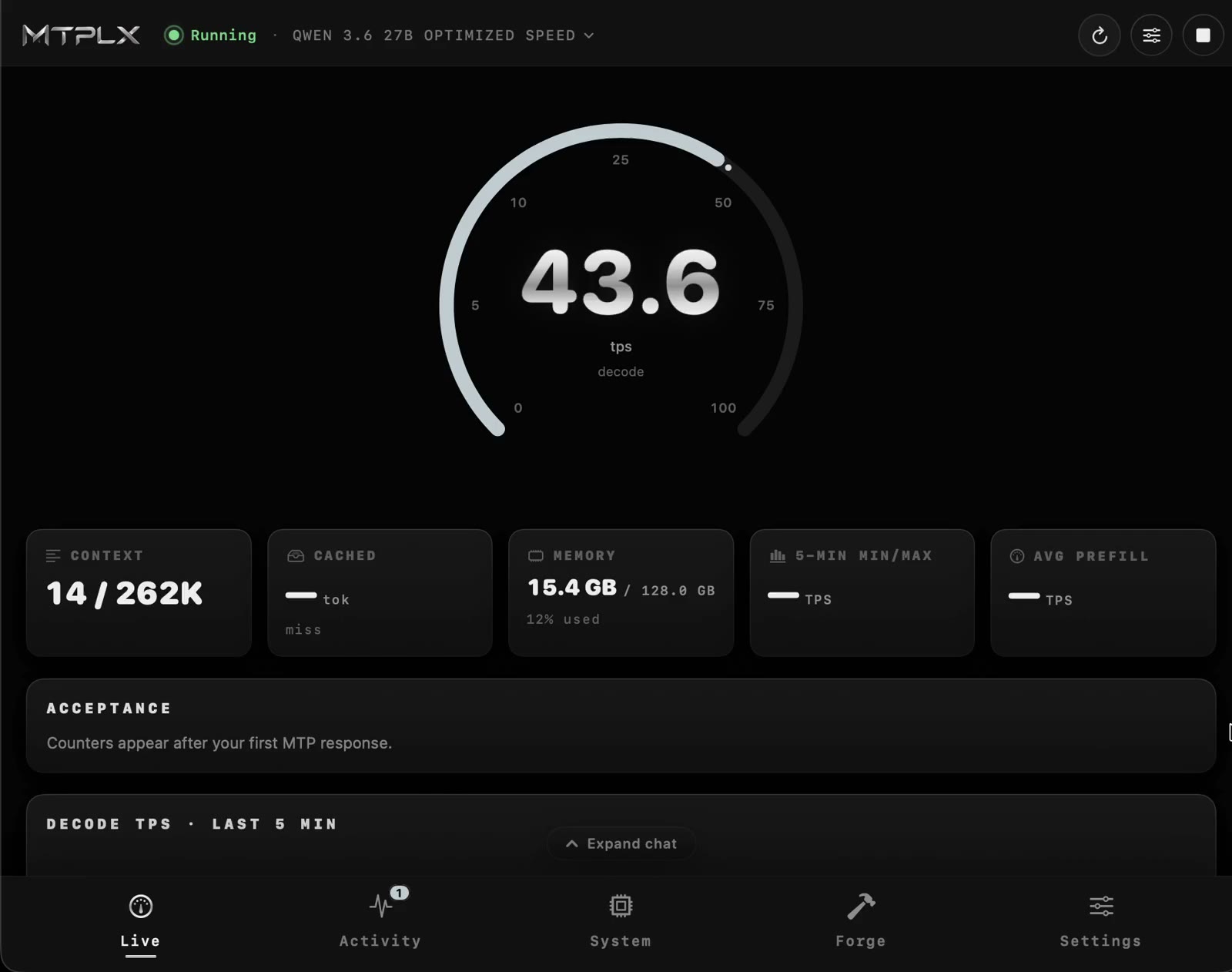
What's Inside: App and CLI
The project comes in two flavors: a native GUI application for macOS 14+ and a classic CLI tool.
The graphical client handles all the grunt work. On first launch it analyzes available memory, picks a suitable model, downloads it, sets up an isolated Python environment, and even offers fan management so your MacBook doesn't throttle on long tasks.
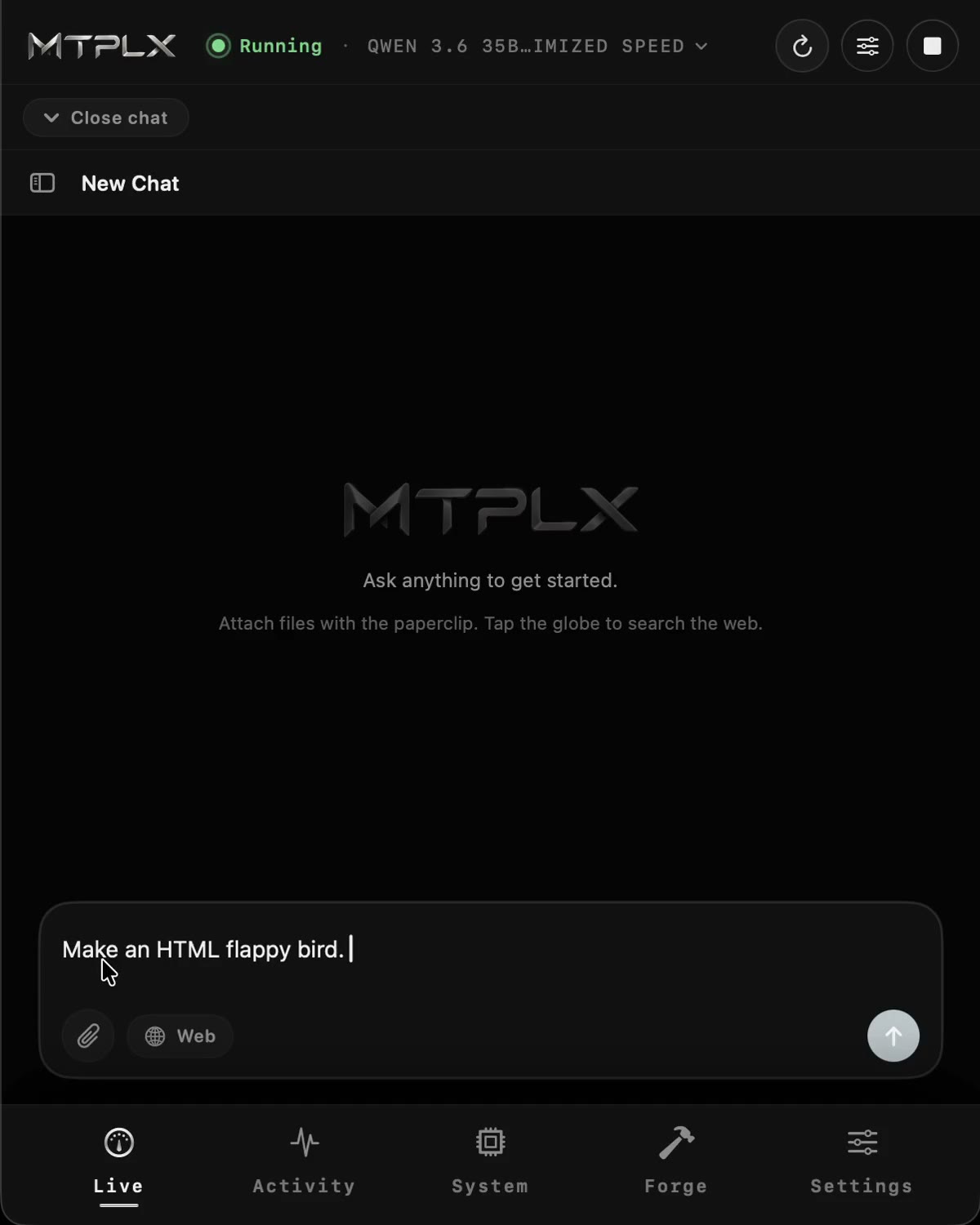
If you prefer the terminal, installation is done via Homebrew or pip:
brew install youssofal/mtplx/mtplx
mtplx start
Or via pip:
python3 -m pip install mtplx
Key Features
- Automatic draft depth tuning. MTP efficiency depends on the specific chip and memory bus width. The
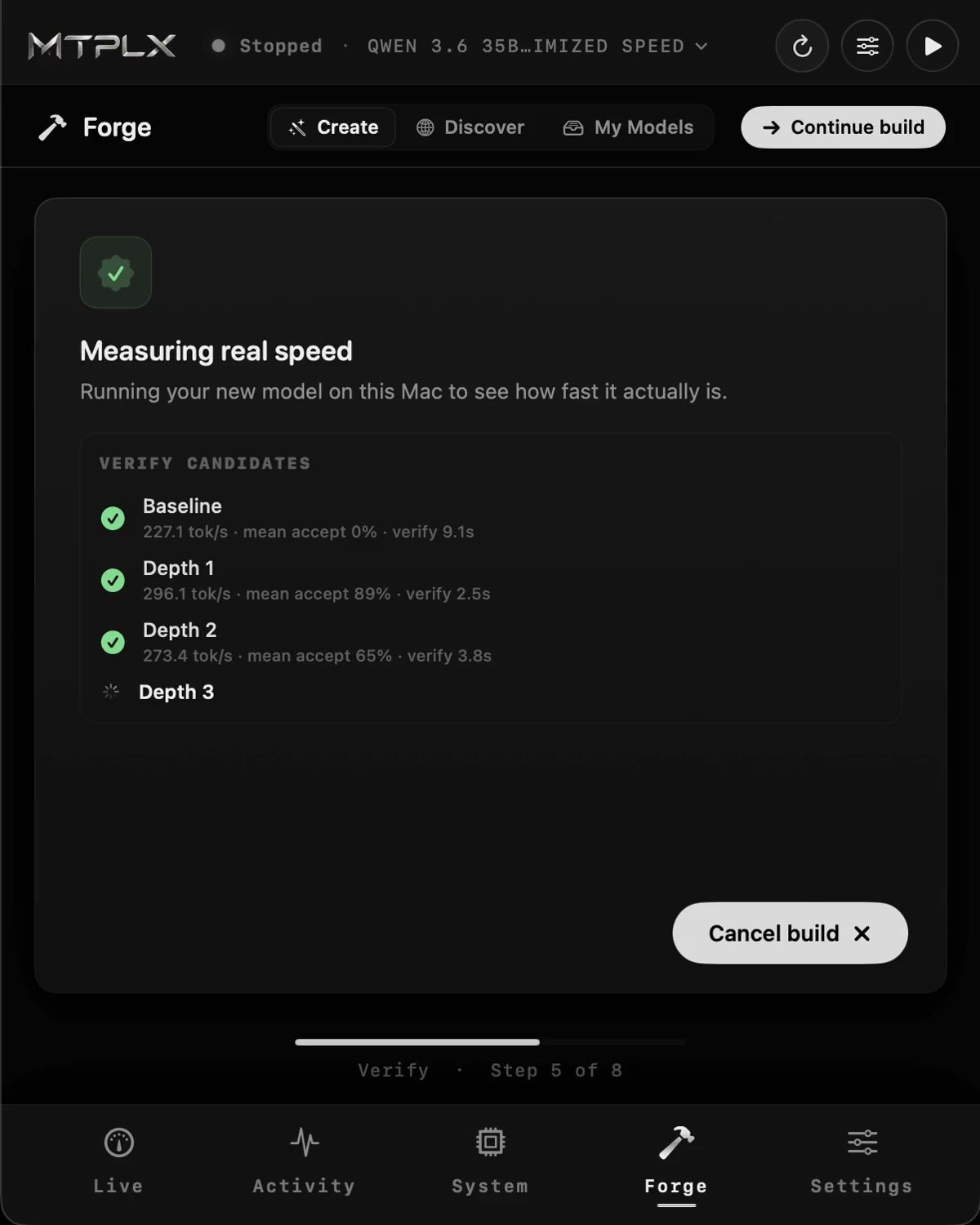
mtplx tune --retunecommand runs the model at different depths (Depth 1, 2, 3) right on your hardware and locks in the fastest option. If MTP on your configuration suddenly loses to regular autoregressive mode, the program will honestly disable the draft. - Local compatible server. The
mtplx servecommand spins up a server on port 8000. It's compatible with OpenAI (/v1/chat/completions) and Anthropic (/v1/messages) formats. Claude Code, Cline, Continue, and Open WebUI work with it out of the box. - Built-in embeddings and reranking. You don't need a separate server for RAG. The daemon can hold MLX embedding and reranker models in parallel, loading them into memory on demand as requests come in.
- Forge utility for building your own models. The package includes the
mtplx forgetool, which converts Hugging Face repositories to MLX format, fine-tunes the MTP adapter, and measures speed before and after.
How to Work with the Server
After starting the server, you can query it with standard requests:
curl http://127.0.0.1:8000/v1/chat/completions \
  -H 'Content-Type: application/json' \
  -d '{"model":"mtplx","messages":[{"role":"user","content":"Привет!"}],"stream":true}'
If you're building an agent system or RAG pipeline, specify the search models right away:
mtplx serve \
  --embedding-model mlx-community/Qwen3-Embedding-8B-4bit-DWQ \
  --reranker-model vserifsaglam/Qwen3-Reranker-4B-4bit-MLX
Sessions are saved to SSD, so when the server restarts, the context of previous long conversations restores almost instantly.
Project Limitations
There are no miracles without compromises, so keep a few things in mind:
- The tool is written strictly for Apple Silicon (M1 chips and newer) and relies on the MLX framework. Linux users and NVIDIA GPU owners should stick with vLLM or SGLang.
- MTPLX can't attach arbitrary MTP heads to random models, as weight mismatches break the mathematical accuracy of generation. You need to either use verified builds from the author's official catalog on Hugging Face (Qwen 3.5, 3.6, 3.8, Gemma 4), or train an adapter from scratch using the built-in Forge.
Is It Worth Trying
If you write code on a Mac and use local LLMs through Continue or Cline, MTPLX gives an excellent speed boost without buying additional software. On models like Qwen 3.8 27B, the difference in autocomplete responsiveness and code generation is felt immediately.
The project is distributed under the permissive Apache-2.0 license, the source code is clean, and the benchmarks are reproducible right from the terminal via the mtplx bench command. A great find for local development.
Related projects