DockPanel Server Control Panel Uses Just 19 MB of RAM and Supports Git Deployments
If you've ever spun up a pet project or client site on an affordable VPS with 1 GB of RAM, you've probably noticed how much resources the control panel itself consumes. Traditional solutions like HestiaCP or CloudPanel consume between 150 and 250 MB of RAM. This is due to PHP or Python interpreters constantly running in the background. As a result, there's less and less room left for your actual service or database.
The developer behind DockPanel decided to take a different approach and rewrote the server control panel in Rust and React.
How resource efficiency is achieved
The panel consists of three compiled binaries: an agent, an API server, and a CLI utility. The agent handles direct interaction with Docker, Nginx, and the file system, while the API processes authorization and business logic.
The combined size of the agent and API executables is about 41 MB. During operation, the panel services consume approximately 19 MB of RAM. Including the built-in PostgreSQL database, total memory usage stays around 85 MB.
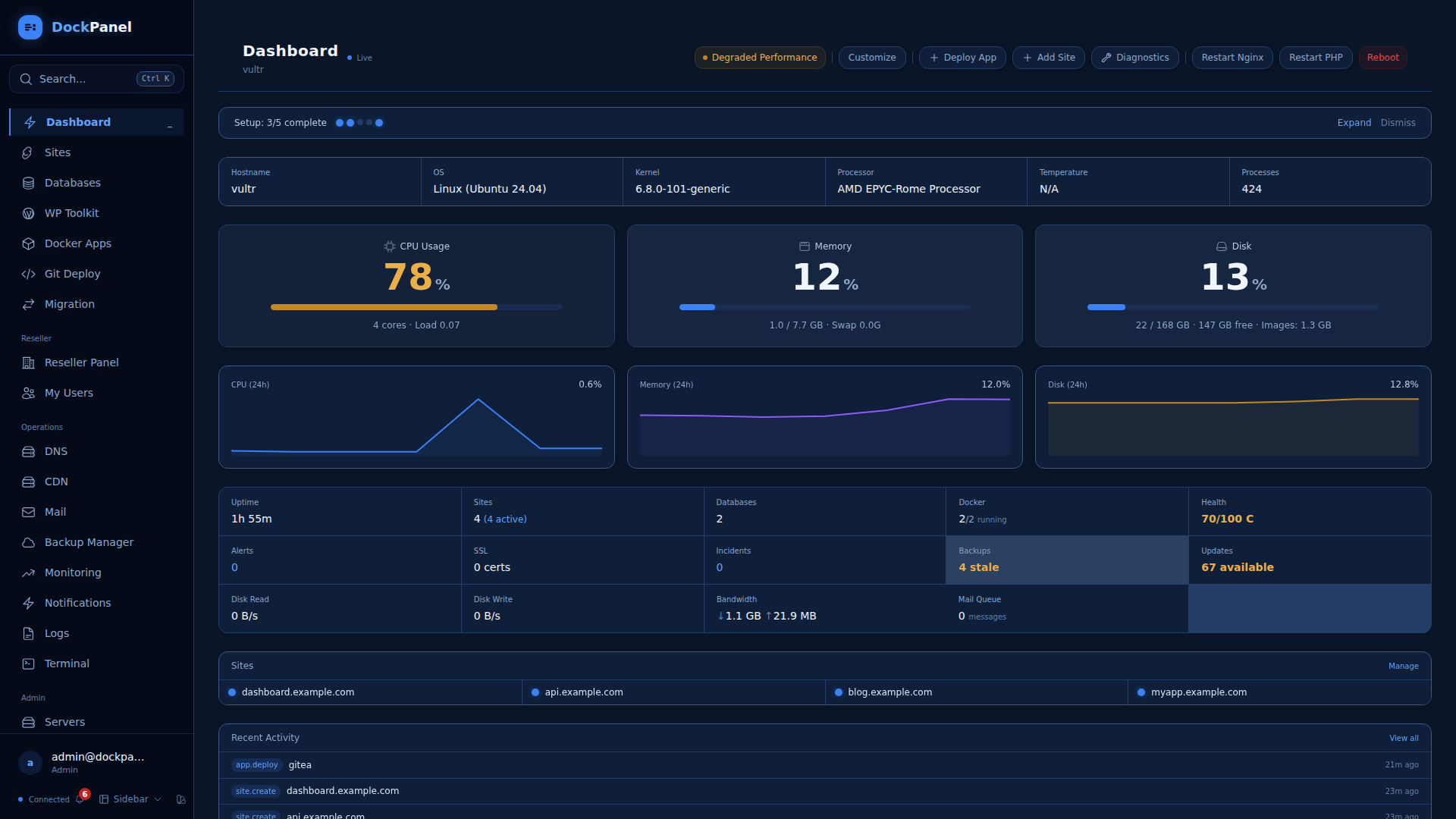
What DockPanel can do
The creators didn't limit themselves to a standard set of tools for restarting services. The panel includes features that are typically found in separate PaaS platforms.
Automatic deployment and ready-made applications
The system supports push-to-deploy from Git repositories. Application updates happen without downtime using a blue-green deployment scheme. For quickly launching ready-made services, the catalog contains 152 Docker container templates organized by category. GPU passthrough and resource limits are supported.
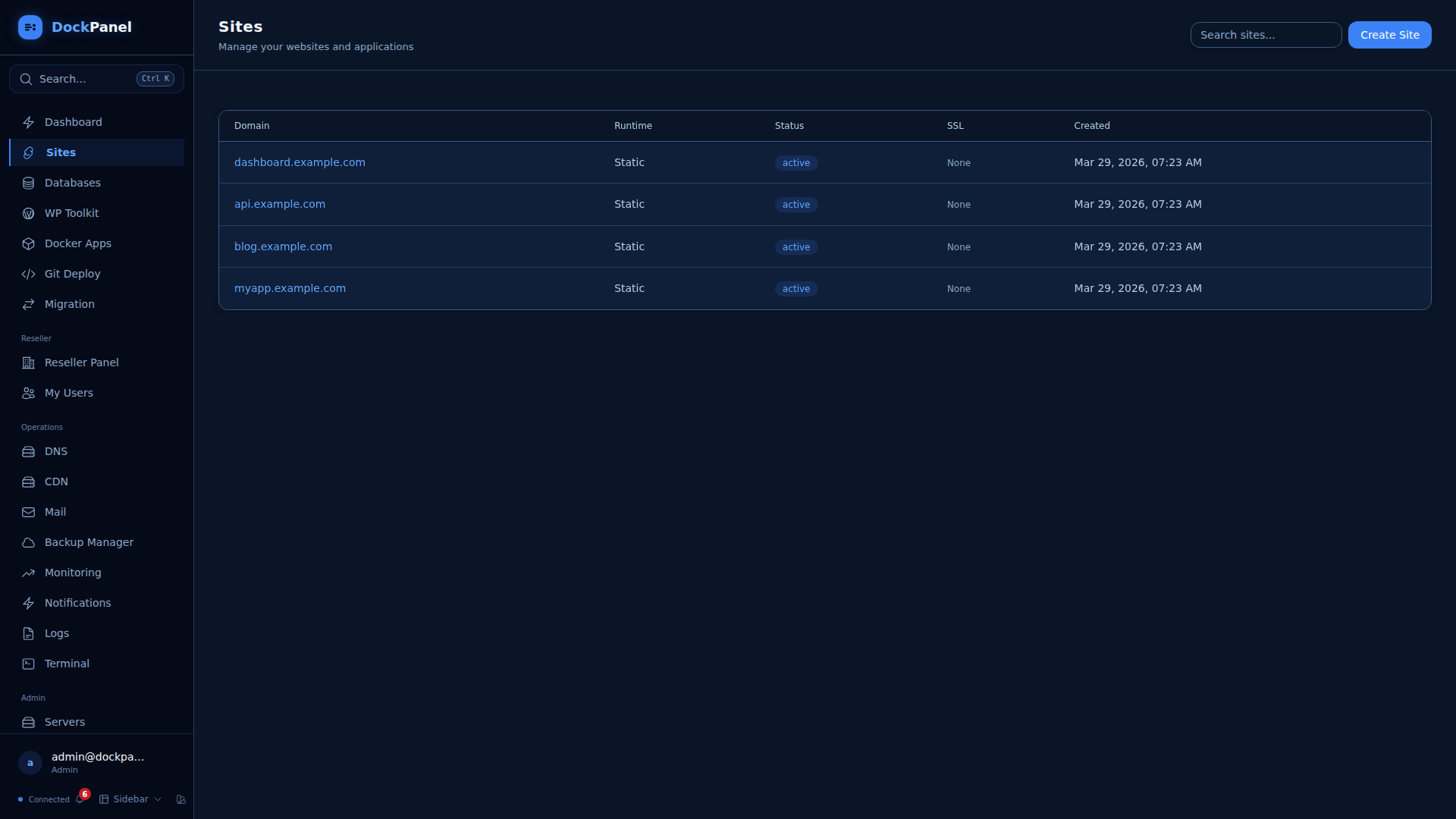
Security settings
Server protection goes beyond the usual firewall management.
- Scanning images through Anchore Grype for vulnerabilities before deployment
- Generating SPDX 2.3 format SBOM files using Syft
- WebAuthn and Passkey authentication without using passwords
- ModSecurity3-based WAF with OWASP CRS v4 rules
Infrastructure as code and CLI
You can export any server configuration to YAML format using the CLI. This is convenient if you need to deploy a similar environment on a new machine. You run the export command, save the file, and apply it to another server.
dockpanel status              # Просмотр состояния процессора, памяти и диска
dockpanel sites               # Список всех настроенных сайтов
dockpanel diagnose            # Автоматическая диагностика проблем
dockpanel export -o config.yml # Экспорт конфигурации в YAML
How to install and try it out
You'll need a clean server running Ubuntu 20+, Debian 11+, CentOS 9+, or Fedora 39+. Both x86_64 and ARM64 architectures are supported, so the project will also run on a Raspberry Pi.
The installation process boils down to running a script:
curl -sL https://dockpanel.dev/install.sh | sudo bash
After the script finishes, the web interface is accessible at http://ИП_ВАШЕГО_СЕРВЕРА:8443.
As for licensing: the project is distributed under the Business Source License 1.1. You can freely use the panel on your own servers for any personal and commercial purposes. The only restriction affects the creation of commercial SaaS server management platforms based on DockPanel without an agreement with the author.
Who this tool is for
DockPanel addresses the needs of those looking for a lightweight alternative to bulky web panels or wanting to organize their own application deployment environment. Low memory consumption makes the project a good choice for home servers and budget VPS.
Related projects