How Skales Works and Why Run an Autonomous Agent Right on Your Laptop
Most AI agents nowadays require fiddling with the terminal, Docker deployment, and a dozen Python dependencies. Set up an environment like that, launch the process, and it immediately devours 1.5 GB of RAM and just sits there in the console. You want a simple, human-friendly interface that you can install in two clicks, close your laptop lid, and go grab a coffee while the model handles the tasks.
I recently came across Skales. It's a local agent for desktop and smartphones that lives on your system, reads files, controls your browser, and executes chains of actions without constant oversight.
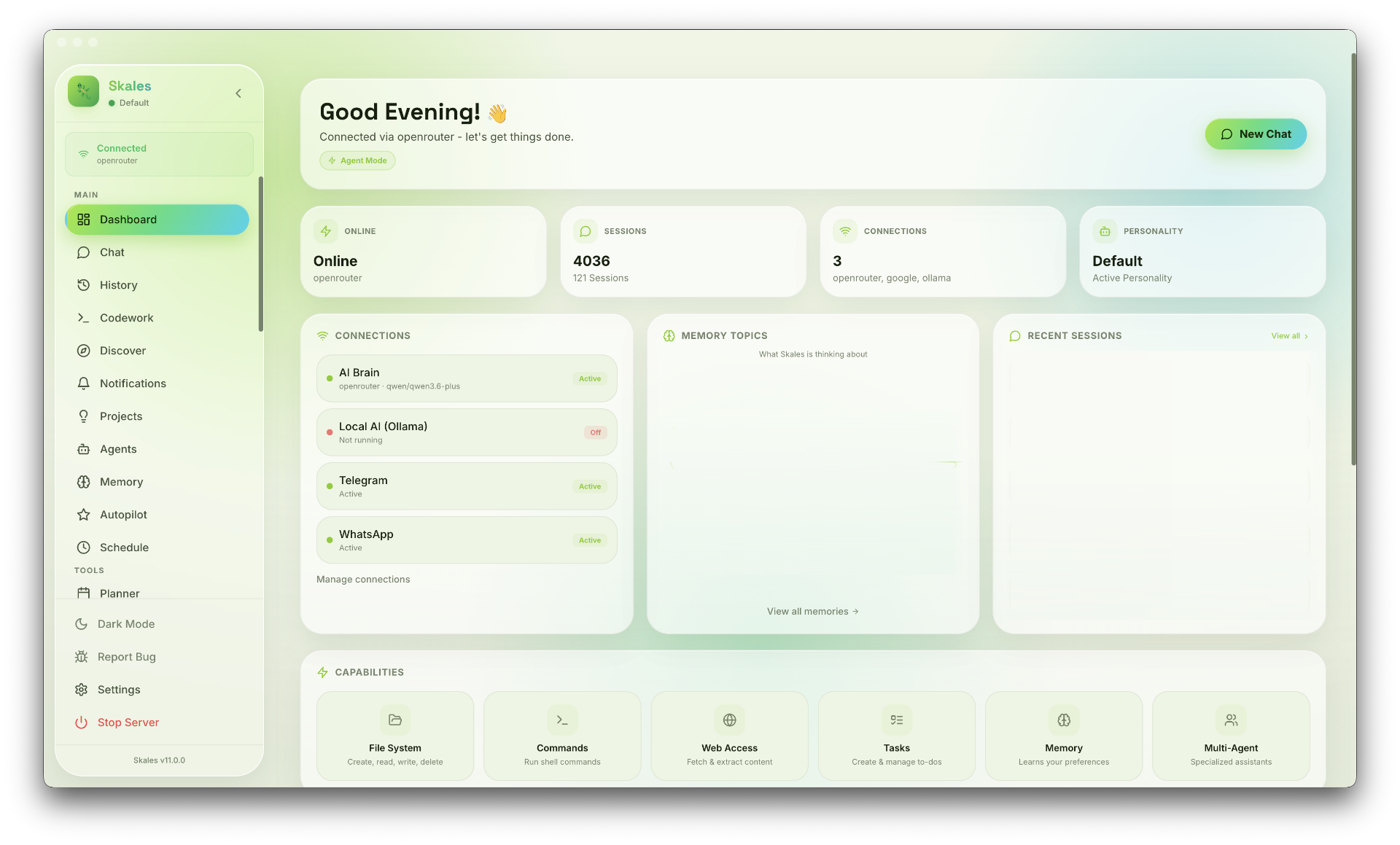
What It Is
Skales is built as a standard native app for macOS, Windows, and Linux, plus there are clients for Android and iOS. The project was created by Austrian developer Mario Simic.
The main idea is to remove the technical barrier between users and autonomous models. The app is lightweight and uses around 300 MB of memory, which is surprisingly little for an Electron app.
An important detail about openness: the project is distributed under the BSL 1.1 license (after a few years it will transition to Apache 2.0). The GitHub repository contains a historical snapshot of the v7 branch, while current builds are shipped as ready-made binaries through releases. If you're looking for fully open source code to fork, it's worth keeping this in mind.
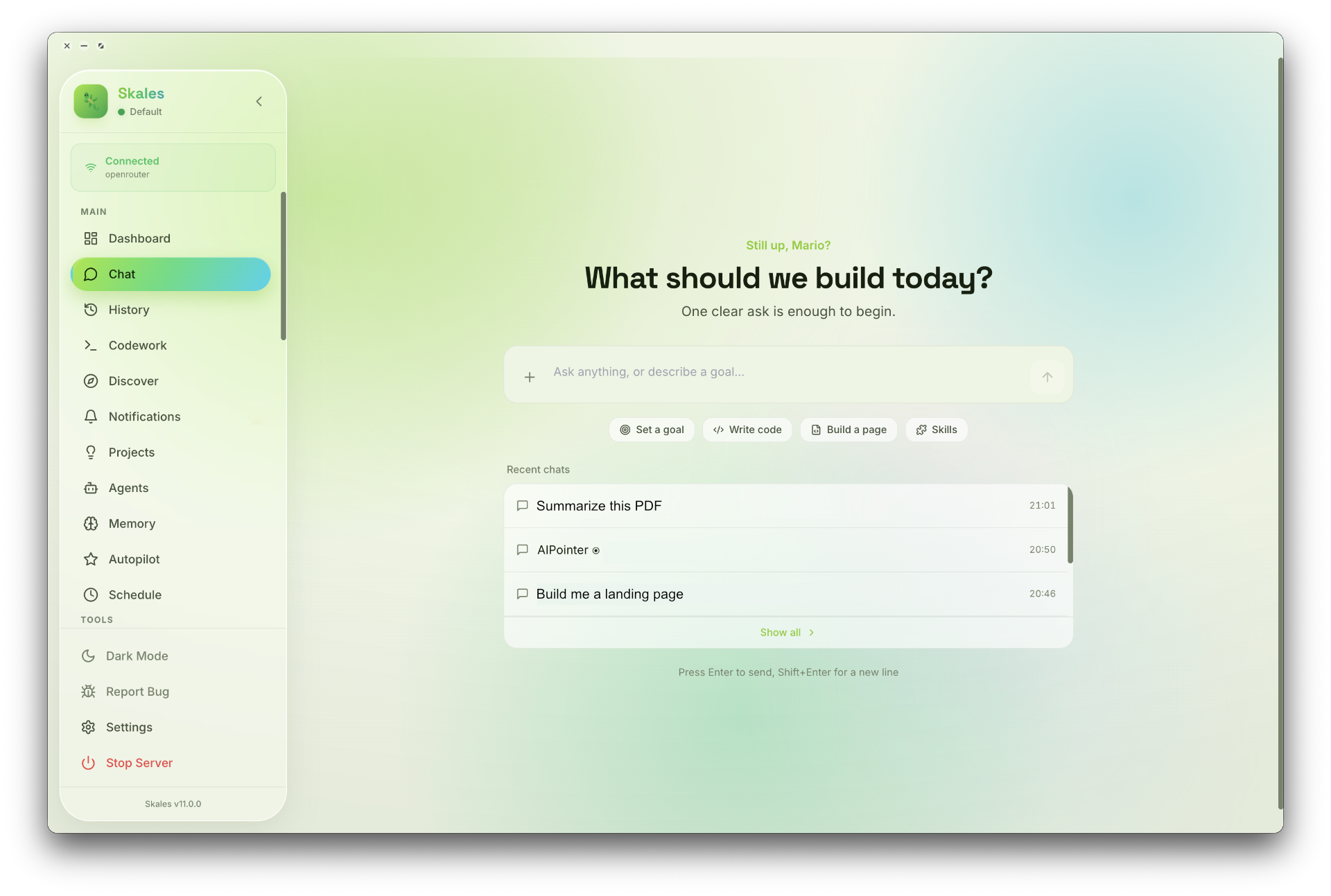
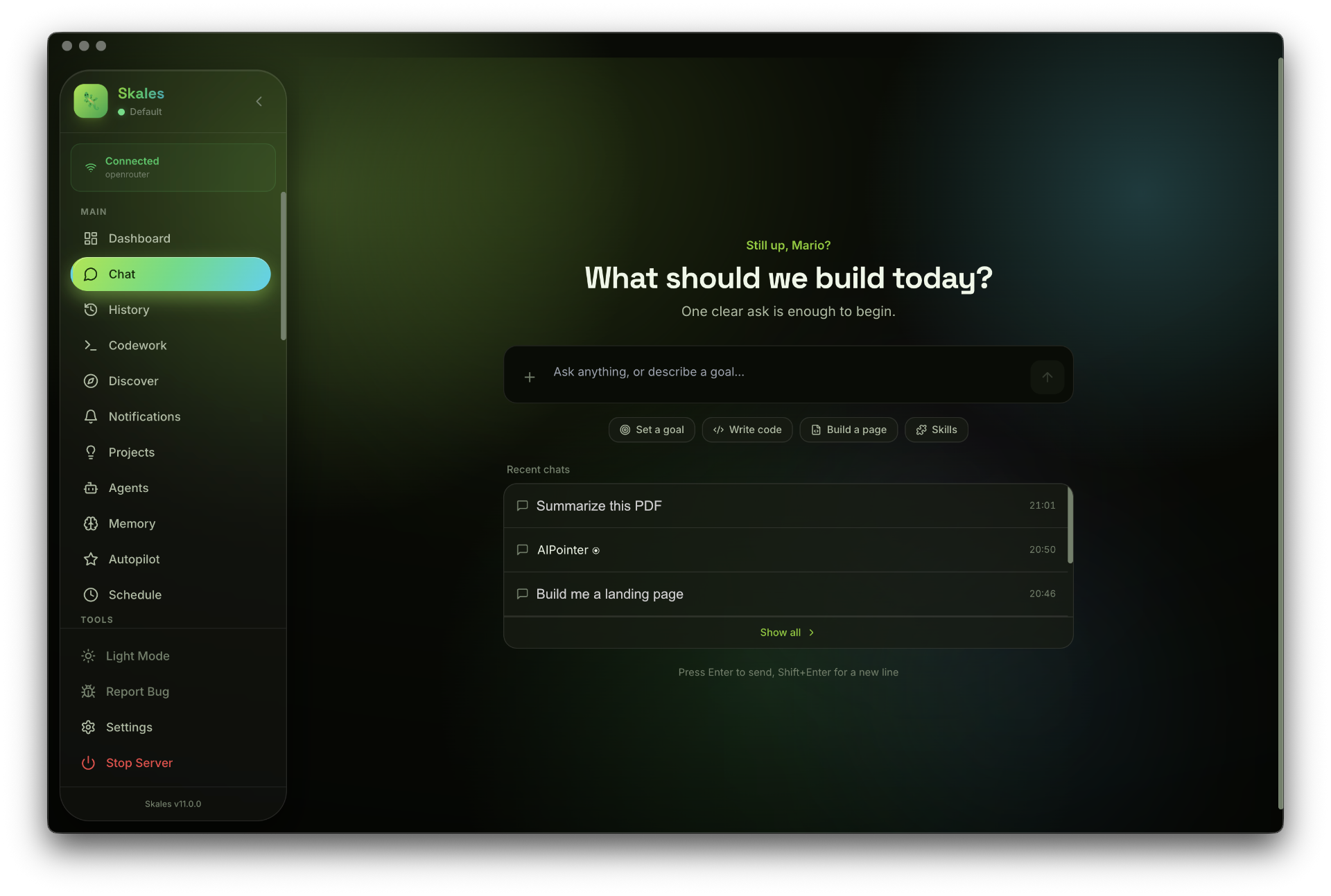
Key Features
The interface is divided into several clear workspaces. You don't need to write Python scripts to give the agent access to a repository or calendar.
Background Tasks via the goal Command
Usually, chatbots only respond to a single prompt. If you ask them to write a parser, they'll output the code and stop. In Skales, the /goal command starts a planner:
- The model breaks down the task into steps and verifies the result of each action.
- The process runs in the background. You can minimize the window or close the laptop, and the agent will continue working after waking up.
- If an action requires confirmation (for example, deleting files or running a dangerous command), the agent will ask for permission once.
Code Work Mode
There's a separate Codework screen for developers. You select a local folder or paste a Git repository URL.
/code ./my-backend-app
In this mode, the agent:
- Builds a repository map and reads instructions from
CLAUDE.mdorAGENTS.mdfiles. - Shows changes as line-by-line git diff right in the window.
- Lets you roll back any edit with a single click of the Undo button.
- Generates commit text on its own based on the prepared changes.
Local Memory and Obsidian Notes
All user data is stored locally in the ~/.skales-data directory as a combination of JSON and SQLite.
The agent can connect to your Obsidian notes vault. It indexes the relationship graph through a local embedding model, so it finds the right documents by meaning without sending data to third-party servers. There's a built-in memory consolidation mechanism: at night, the agent clears temporary dialog noise and keeps only important facts about your preferences and projects.
Phone and Browser Integration
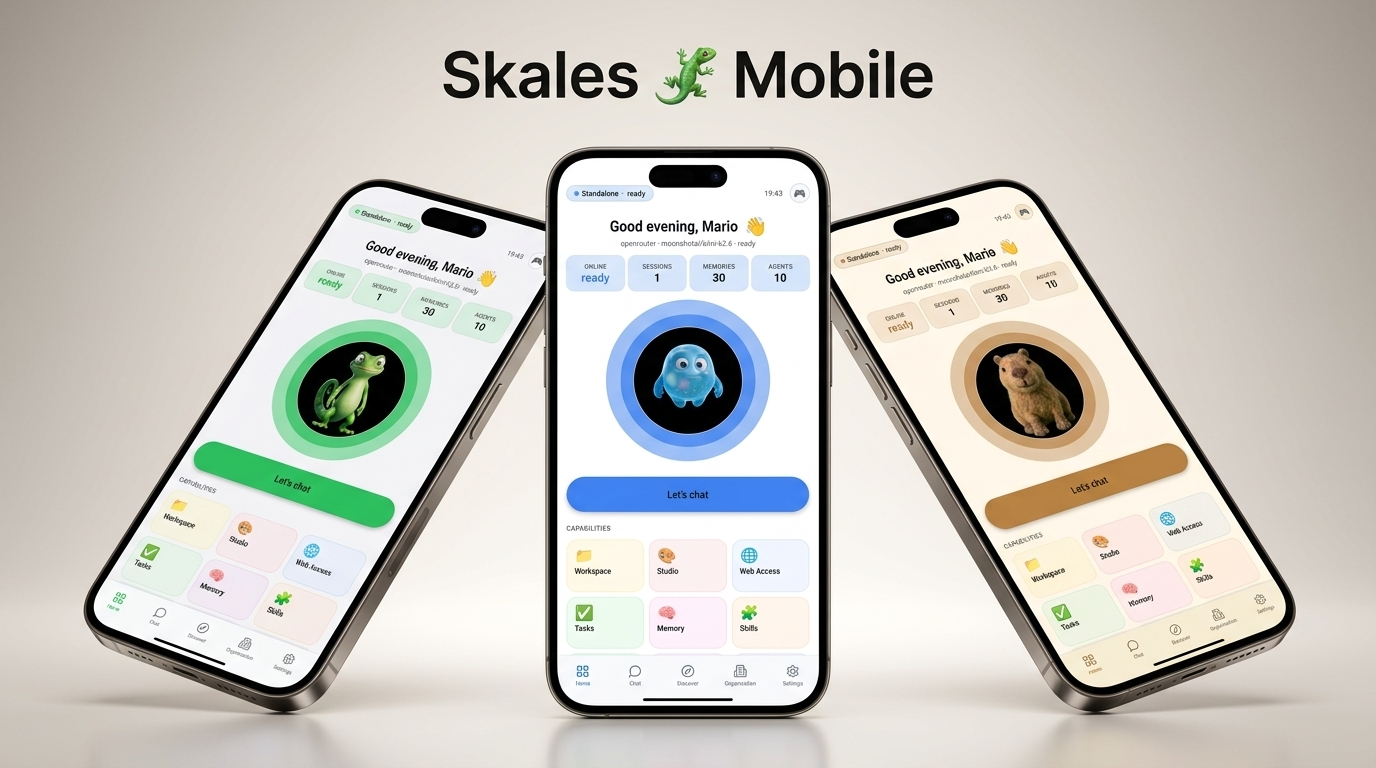
The mobile app pairs with the desktop via QR code using end-to-end encryption. The phone gets access to all computer tools, or can work independently with built-in mobile tools (calendar, smart home, web search).
The browser agent inside Skales parses pages through the accessibility tree, correctly clicks buttons, bypasses cookie banners, and can record repetitive scenarios as playbooks.
Connecting Models
Skales isn't tied to any single provider. The connection scheme is flexible:
- Full offline via Ollama, LM Studio, or the built-in Skales Local engine. Data from your computer doesn't go anywhere.
- Your own API keys (BYOK) for Anthropic, OpenAI, Groq, DeepSeek, Google Gemini, Mistral, and other services. Requests go directly to the providers.
- Built-in Skales IQ test access if you just want to try the app without setting up keys.
The MCP (Model Context Protocol) and SKILL.md skill format are supported, so you can easily connect custom tools from the Claude Code or Cursor ecosystem to the agent.
Where It Comes in Handy
- Routine development: when you need to go through a dozen files, update imports, rewrite tests for a new API, and immediately review diffs before committing.
- Research and reports: you set a task to research a library's documentation, the agent downloads pages on its own, extracts key points, and saves the result in Markdown.
- Admin automation: the project has a WordPress plugin with about fifty tools for managing posts, media files, and WooCommerce products without manually digging through the web panel.
Who Should Try It
If you're tired of manually assembling agent pipelines from scattered Python libraries and want a ready-to-use utility for everyday use, Skales is definitely worth checking out. It'll especially appeal to those who value privacy and prefer running models locally through Ollama.
You can download installation packages for any system from the project's official website or the releases section of the repository.
Related projects