Managing UniFi Networks and Cameras with LLM Agents
If you've ever configured a firewall in UniFi Controller or searched for a specific clip from a camera in UniFi Protect, you know how this goes. You open the web interface, click through menus, hunt for the right VLAN or client MAC address. Automating these tasks with scripts is possible, but Ubiquiti's API is quirky in places and changes from version to version.
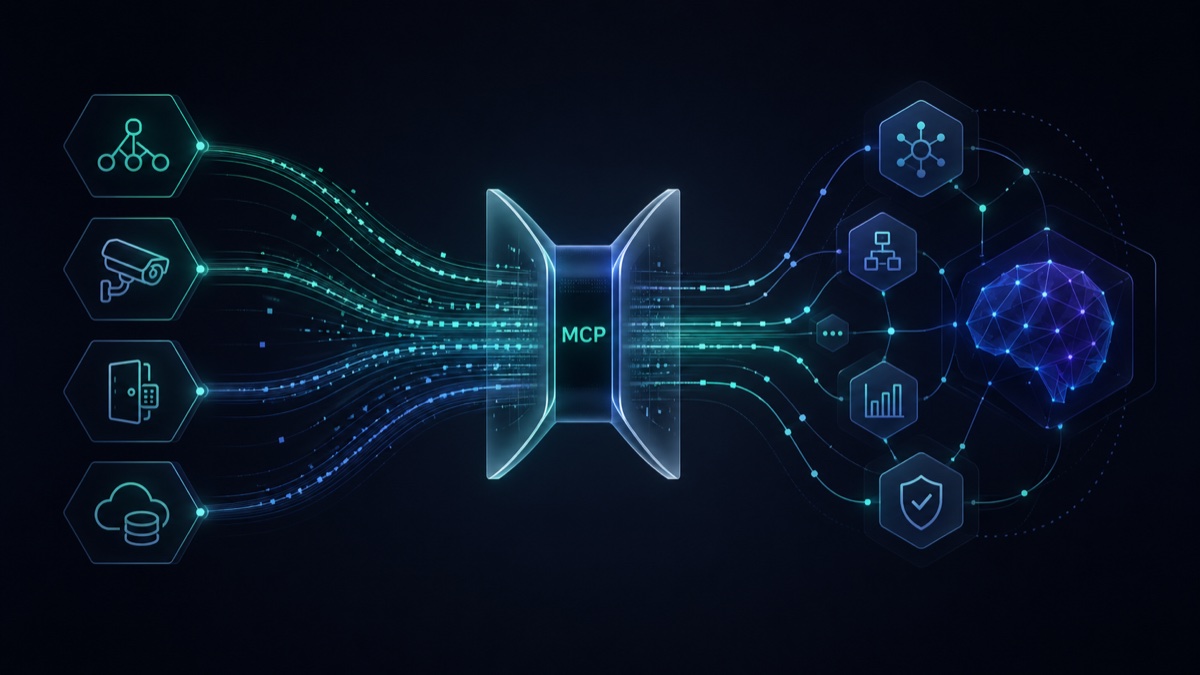
The unifi-mcp project takes a different approach. It's a set of servers using the Model Context Protocol (MCP) that connect AI assistants like Claude Code, Codex, or OpenClaw with UniFi controllers.
What's inside the project
The repository is structured as a Python and TypeScript monorepo. It's divided into three main modules covering Ubiquiti product areas:
- Network — a module for managing network equipment. It has 186 tools for working with VLANs, firewalls, clients, Wi-Fi networks, and devices.
- Protect — a video surveillance tool. Includes 61 functions for searching events, analyzing motion detections, and working with cameras.
- Access — access control management. Contains 36 functions for working with doors, credentials, and access logs.
Additionally, the project includes a separate REST/GraphQL server for clients that don't yet support the MCP protocol, and a Cloud Relay system for connecting a local network with remote agents via Cloudflare Workers.
Security and protection against fatal errors
Giving a language model direct access to your home or office network firewall is a bold move. The unifi-mcp developers built in two safety mechanisms to reduce the risk of breaking something.
The first mechanism is the preview-then-confirm concept. Any configuration change first returns a preview: the AI agent shows the exact JSON or list of rules it plans to send to the controller and waits for your explicit confirmation.
The second element is automatic redaction of sensitive data. By default, all Wi-Fi passwords, VPN keys, SNMP communities, and tokens are stripped from tool responses and replaced with ***REDACTED***. The model won't see secrets in context and can't accidentally "leak" them in logs. However, if you're running a trusted local administration script, you can disable masking via environment variables.
Practical scenarios
Instead of manually searching through the interface, you can write queries to the agent in plain language.
For the network module:
- "Show all clients in the guest VLAN, their signal strength, and traffic volume"
- "Audit firewall rules, find duplicate and conflicting policies"
- "Create a rule that blocks internet access for IoT devices from midnight to 6 AM"
For security systems:
- "Find all car recognition events at the entrance this week"
- "Cross-reference timestamps: who badge-tapped at the front door at 2 AM and which camera recorded motion nearby at that moment"
By the way, for frequent tasks the repository already includes built-in skills for agents. For example, Firewall Auditor runs 16 network security checks and outputs a score on a 100-point scale with remediation recommendations.
How it works technically
The project actively uses features from recent MCP protocol revisions. Since a tool with 186 functions can fill an LLM's context window before the conversation even starts, lazy discovery is implemented here. Initially, the server only passes search meta-tools to the assistant, and specific endpoints are loaded on demand.
Launching servers in a local environment is done with a single command via uvx:
uvx unifi-network-mcp@latest
uvx unifi-protect-mcp@latest
uvx unifi-access-mcp@latest
Configuration is passed through environment variables. You'll need a local administrator account on the UniFi controller to connect. Note: accounts with two-factor authentication or Ubiquiti SSO won't work — you'll need to create a separate local service user for MCP to function.
Example config for Claude Desktop:
{
  "mcpServers": {
    "unifi-network": {
      "command": "uvx",
      "args": ["unifi-network-mcp@latest"],
      "env": {
        "UNIFI_HOST": "192.168.1.1",
        "UNIFI_USERNAME": "mcp-service-account",
        "UNIFI_PASSWORD": "your-safe-password"
      }
    }
  }
}
Is it worth trying
The project looks mature for its class: 588 stars on GitHub, active commits, and Python 3.13+ support. It'll be useful for system administrators, Home Assistant enthusiasts, and anyone building automation on top of Ubiquiti.
If you have one access point at home, there's little point in setting up an MCP server. But for complex infrastructure with firewalls, cameras, and access control, the ability to ask an agent instead of manually searching through dashboards saves a lot of time.
Related projects