How to Force Yourself to Maintain Good Posture on Mac with Dorso
After three hours of debugging a tricky bug, many of us turn into a question mark. The head slides closer to the monitor, shoulders rise to the ears, and the back arches against the chair back. Regular reminders don't work well here: you swipe away a timer notification "straighten your back" without looking, so as not to break focus.
Recently stumbled upon a fun open source project Dorso by developer tldev. The idea is simple to the point of absurdity. The app monitors your posture and smoothly blurs the screen if you start hunching. Reading code through a blur is impossible, so the only way to restore clarity is to straighten up.
How It Works Under the Hood
Unlike bulky Electron utilities, Dorso is written in pure Swift with no extra dependencies. The app weighs about 10 MB and consumes minimal resources.
The program can track body position in two ways.
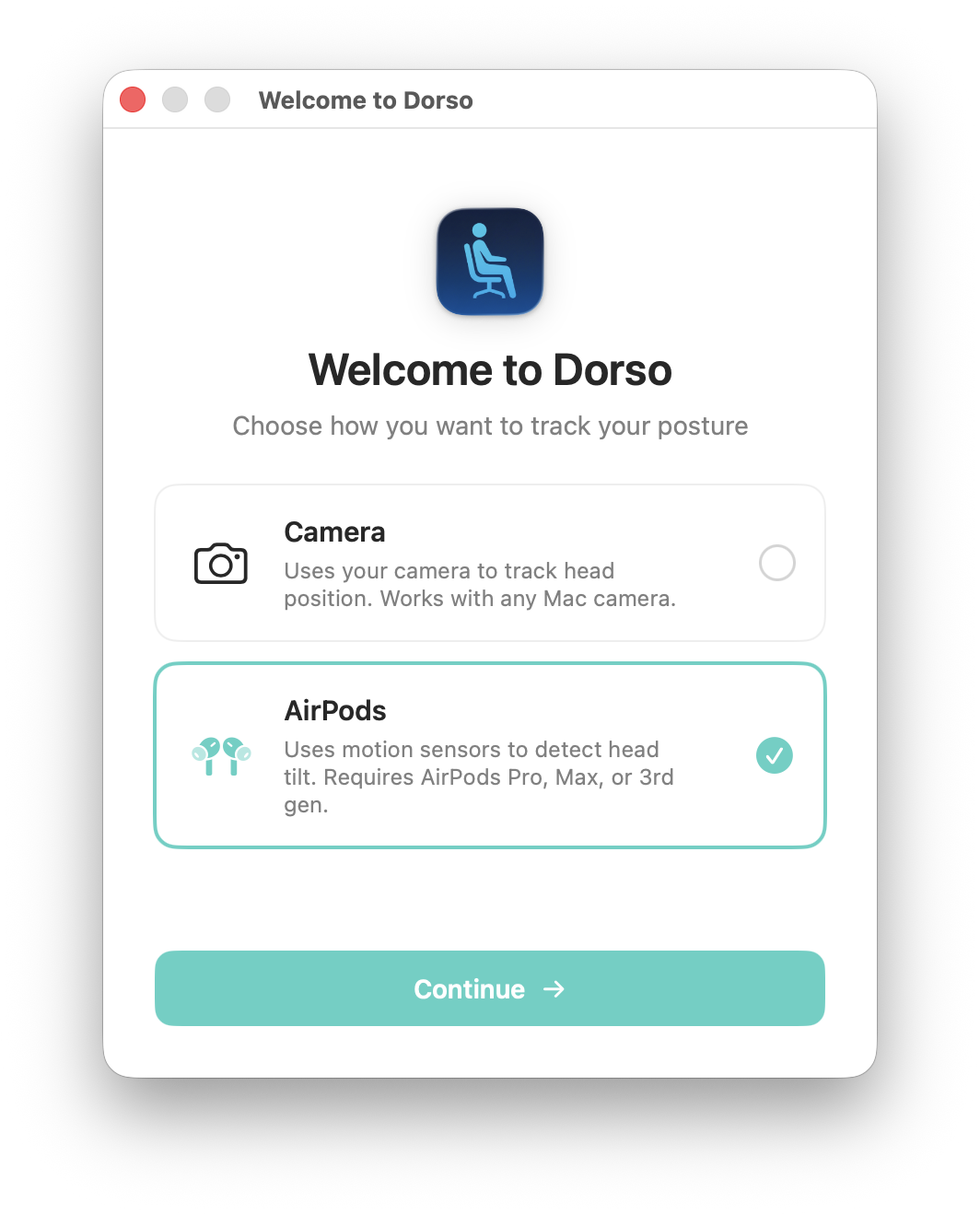
The first option is the classic one — via webcam. Dorso uses Apple's Vision framework to calculate body keypoints (nose and head position) on the fly. If your shoulders aren't in frame, the app switches to face tracking. You calibrate your normal posture once, and then the algorithm compares your current head position against the baseline.
The second option is far more interesting. If you have AirPods (Pro, Max, or regular third-generation), you can skip the camera entirely. The app reads head tilt angle directly from the earbuds' gyroscope and accelerometer via the Motion API in macOS 14. Take off your headphones — monitoring pauses automatically.
What the App Can Do
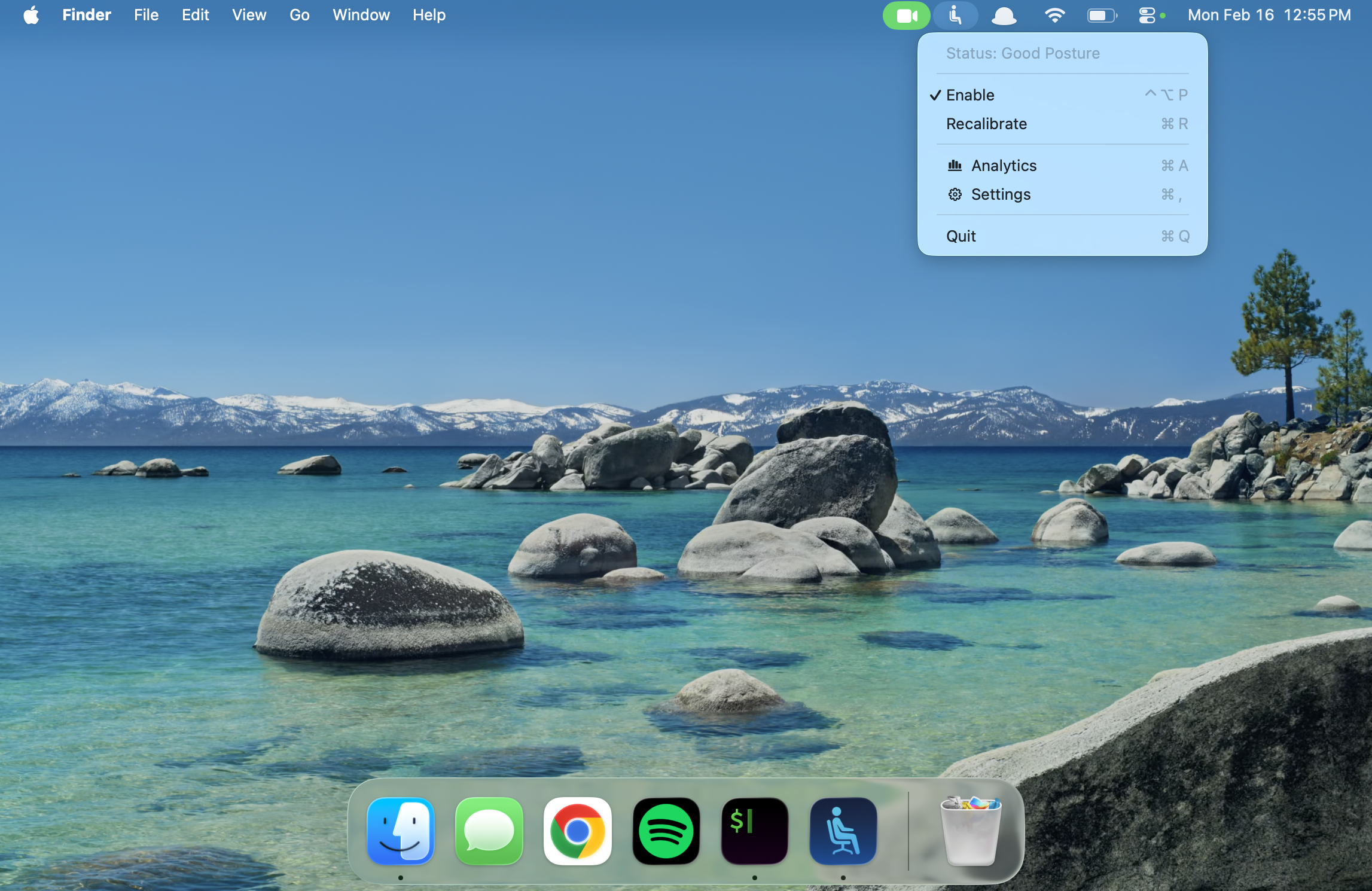
The main feature is progressive blur. The screen doesn't go dark instantly. When you lean forward slightly, the image blurs just enough to notice. Lean further down — the fog thickens. Straighten your back and clarity snaps back to full immediately.
Here are a few handy details from the codebase:
- Multi-monitor support. Blur is applied to all connected displays, not just the built-in laptop screen.
- Complete privacy. No cloud servers, analytics, or accounts. Video stream runs locally in RAM and is erased immediately.
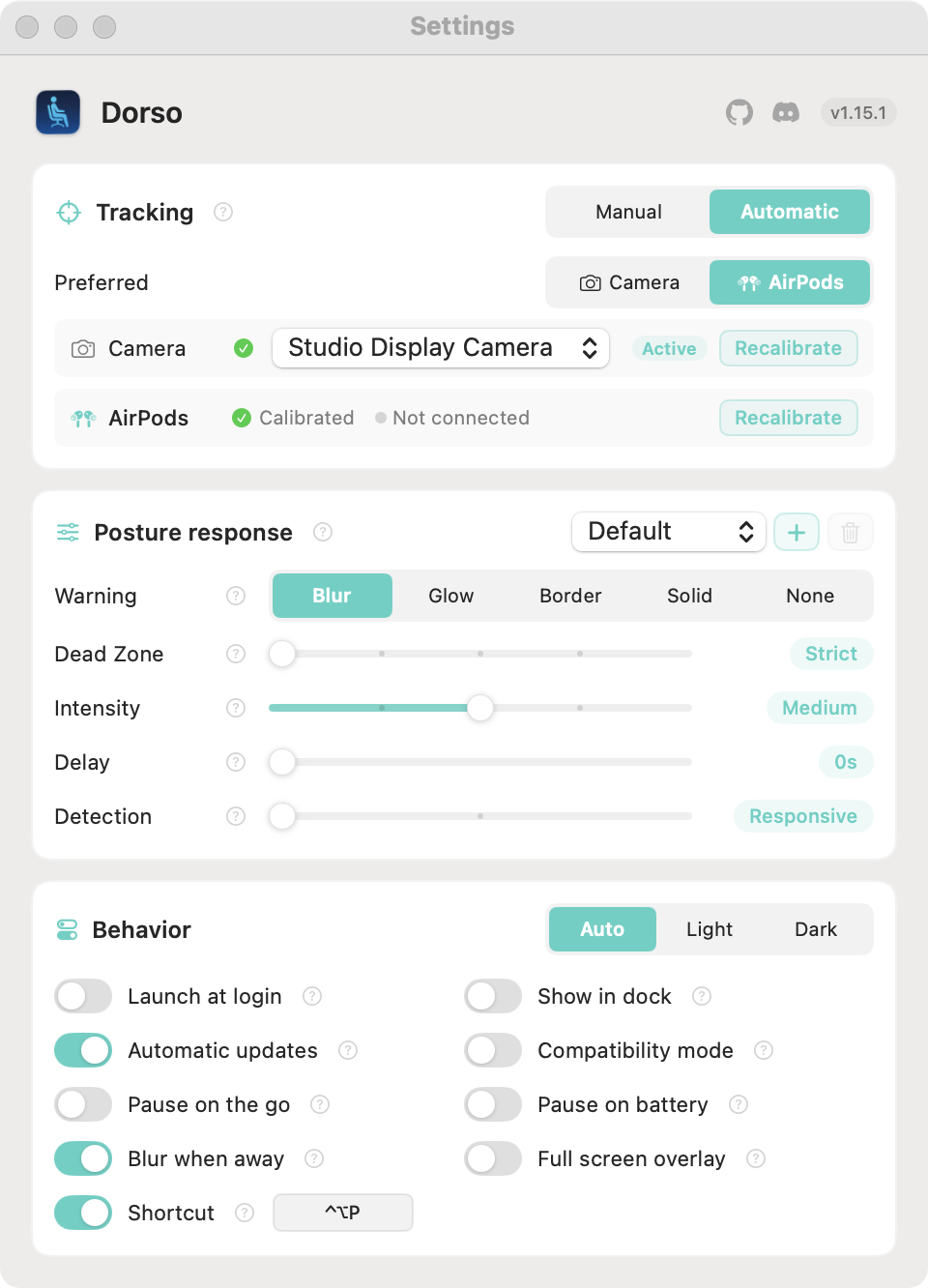
- Flexible dead zone. You can set an acceptable movement tolerance in settings so the screen doesn't blur from every sip of coffee.
- Pause when external monitor disconnects. Convenient if you took your laptop to the couch or are working on the go.
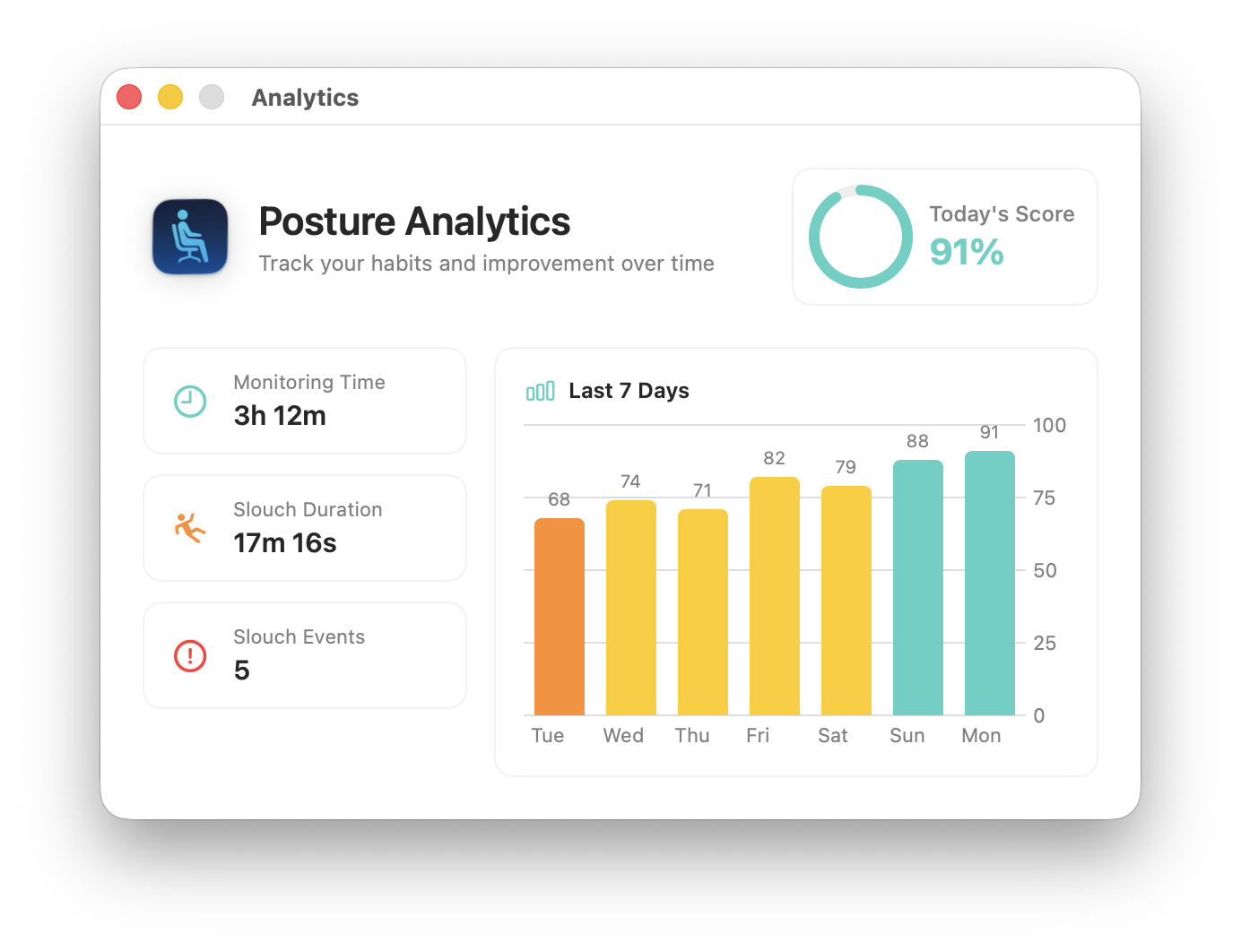
- Dashboard with statistics showing how long you maintained good posture throughout the day.
For rendering the blur, the author uses private CoreGraphics APIs by default. If they malfunction on your system version, there's a "Compatibility Mode" in settings that switches rendering to the standard NSVisualEffectView.
Terminal Control
An interesting architectural detail: Dorso has a simple file-based control interface. The app listens for commands via pipe at /tmp/dorso-command and outputs status to /tmp/dorso-response.
For example, you can manually test the screen blur level:
echo "blur 32" > /tmp/dorso-command
Or force an analysis of your current posture:
echo "capture" > /tmp/dorso-command
This opens up possibilities for automation. You can bind calibration reset to hotkeys in Raycast or link app pause to focus modes.
Installation and Launch
The easiest way to install is via Homebrew:
brew install dorso
Or download a ready-made .dmg from the releases section on GitHub. The build is signed and notarized by Apple, so Gatekeeper won't complain.
If you want to build the binary yourself, you need macOS 13 or newer and Xcode Command Line Tools installed:
git clone https://github.com/tldev/dorso.git
cd dorso
./build.sh
The ready bundle will appear in the build/Dorso.app folder.
Who Will Find It Useful
The project will clearly resonate with those who spend hours coding and feel a stiff neck by evening. The app truly shines when paired with AirPods: the camera is free for calls, the green privacy indicator stays off, and posture remains under control.
Linux users shouldn't be disappointed either. The repository has links to similar open alternatives — projects postured and dorso-linux.
Related projects